
Best Laptop for AI Engineers in 2026: Built for Real ML Workloads
Disclosure: We may earn a commission when you buy through links on this page, at no extra cost to you. As an Amazon Associate I earn from qualifying purchases. Learn more

Most laptops marketed for AI cannot handle the actual daily workload of a working AI engineer. On paper everything looks capable. In practice, sustained GPU training runs, large dataset preprocessing, containerized ML pipelines, and extended inference testing expose weak cooling, limited VRAM, and unstable power delivery quickly. Spending serious money on the wrong hardware means slower iteration, constant workarounds, and a machine that holds you back instead of accelerating your work.
This guide covers what matters specifically for AI engineering work in 2026, from thermal performance under sustained load to CUDA ecosystem compatibility, and identifies the laptop configurations that actually hold up across real-world workloads.



What AI Engineers Actually Need From a Laptop
An AI engineer's laptop faces demands that differ meaningfully from general developer use. The key requirements are GPU performance consistency under sustained load over hours of training, sufficient VRAM to load and experiment with models without constant offloading to system RAM, CUDA compatibility for the full range of PyTorch, TensorFlow, and ML toolchain dependencies, enough system RAM to run containerized development environments, data pipelines, and IDE tools simultaneously, fast NVMe storage for dataset management and model checkpointing, and enough battery life and portability to be genuinely mobile between office, client sites, and remote work environments.
The critical insight here is that GPU performance consistency matters as much as peak specs. A laptop that delivers RTX 5090 performance for two minutes then drops to 60 percent due to thermal throttling is not useful for training runs that need to run for hours at full power. Cooling design is a first-class specification for AI engineering laptops, not an afterthought.
GPU and VRAM: The Primary Decision Axis
For CUDA-based machine learning engineering, the GPU and its VRAM determine your capability ceiling. In 2026, the practical VRAM tiers for AI engineering are:
16GB VRAM (RTX 5070 Ti and similar): Handles 7B to 13B model inference and fine-tuning for smaller architectures. A reasonable balance point for engineers who do most heavy training on cloud infrastructure and use the laptop primarily for prototyping, evaluation, and model application development.
24GB VRAM (RTX 5090 laptop GPU): The maximum available in a portable form factor. Enables genuine local training of smaller models, 30B+ quantized inference, and running larger experiments without constant API dependency. This is the appropriate tier for senior AI engineers whose daily work involves substantial local compute.
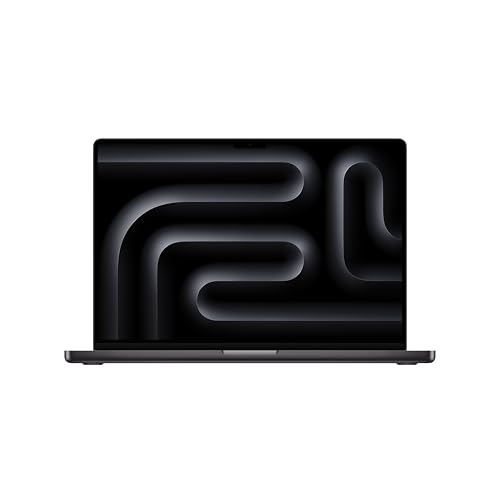
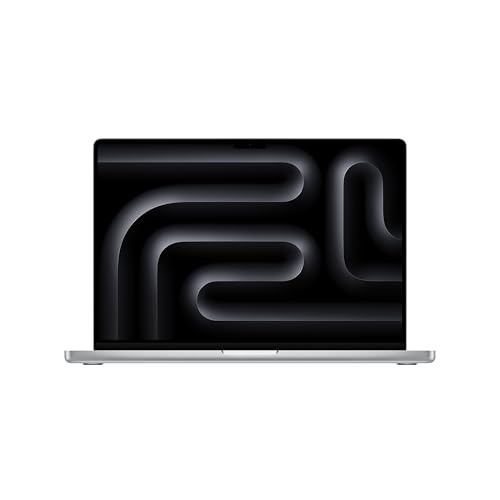
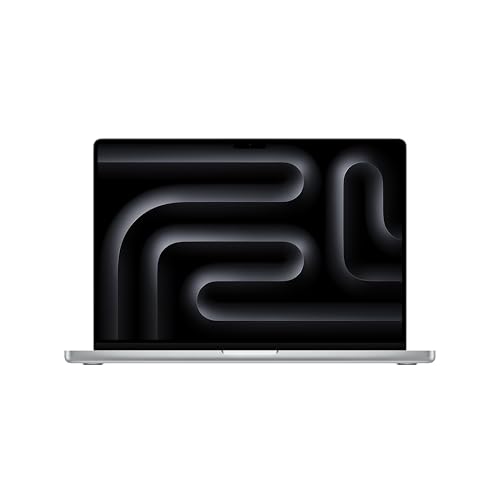
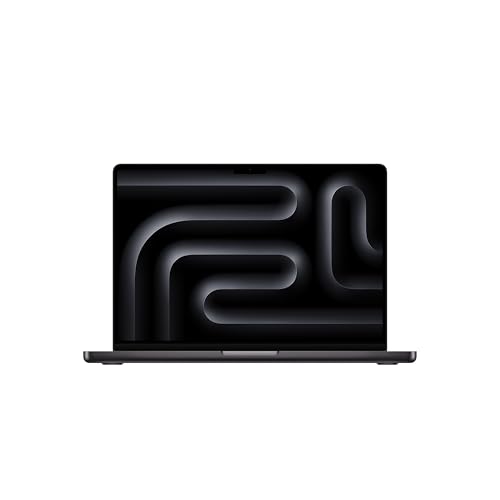
For engineers working primarily on inference, model evaluation, application building, and cloud-connected pipelines, Apple Silicon MacBook Pro models with 36 to 128GB of unified memory offer a compelling alternative that eliminates VRAM constraints for inference workloads. The tradeoff remains CUDA compatibility for training and lower-level framework work.
Top Laptops for AI Engineers in 2026
ASUS ROG Zephyrus G16: Best for Sustained Local Training
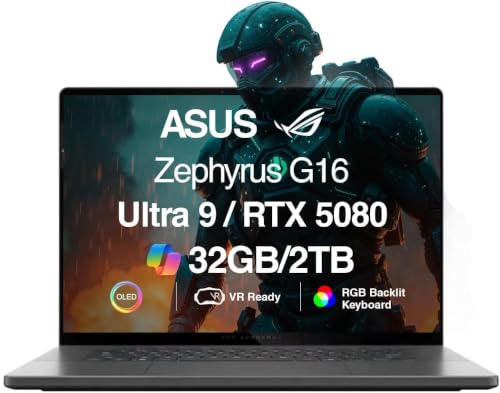
The ASUS ROG Zephyrus G16 with RTX 5080 or RTX 5090 GPU is specifically designed around sustained power delivery, which makes it one of the most capable AI engineer laptops available in 2026. The GPU is allowed to stay fast across long training sessions.
Cooling, VRAM headroom, and power limits are tuned for extended operation rather than short benchmark runs. The 16-inch OLED display with 240Hz refresh rate is also one of the best laptop displays available, reducing eye strain during long development sessions. The trade-off is noise and weight, both consequences of the aggressive thermal system that makes sustained performance possible.
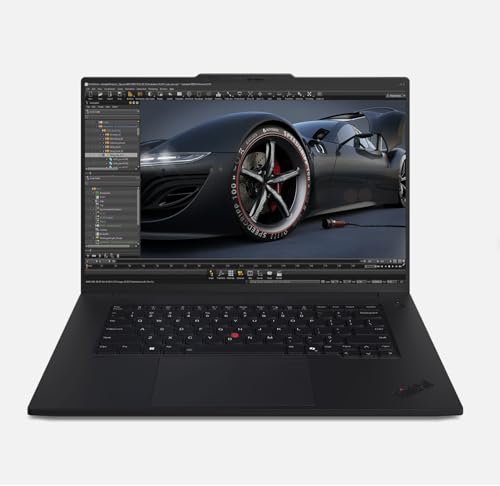
Lenovo ThinkPad P1 Gen 7: Enterprise-Grade AI Engineering
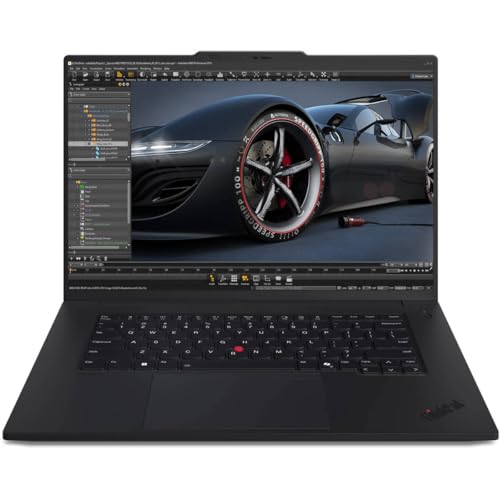
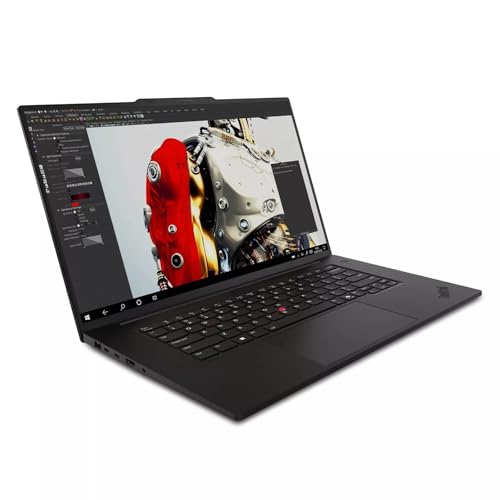
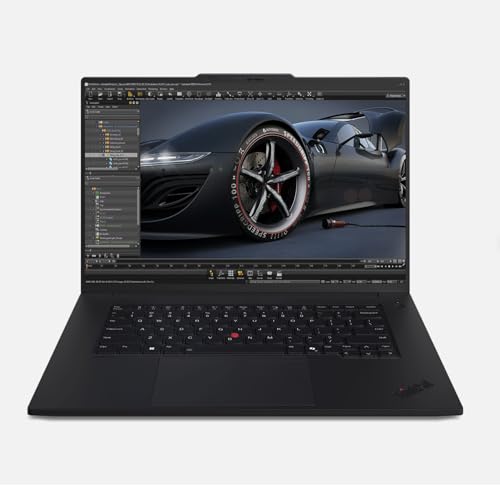
The ThinkPad P1 is a mobile workstation specifically tailored for engineering, data science, and AI workloads. ISV-certified configurations for TensorFlow, PyTorch, and other ML frameworks mean your tools are validated to work correctly on this hardware.
Enterprise-grade build quality, excellent keyboard, and strong expandability options make it the preferred choice for AI engineers working in corporate environments where reliability, support, and long-term maintainability matter. It pairs well with a powerful NVIDIA GPU and up to 128GB of RAM in higher configurations.
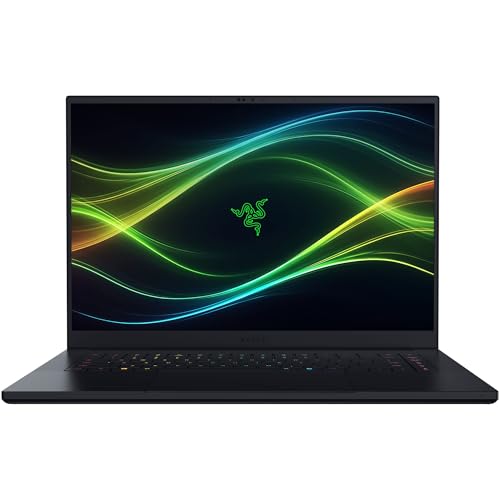
Razer Blade 16: Best Balance of Performance and Build Quality
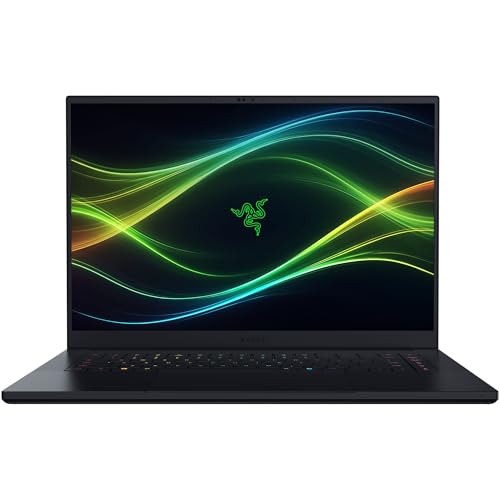
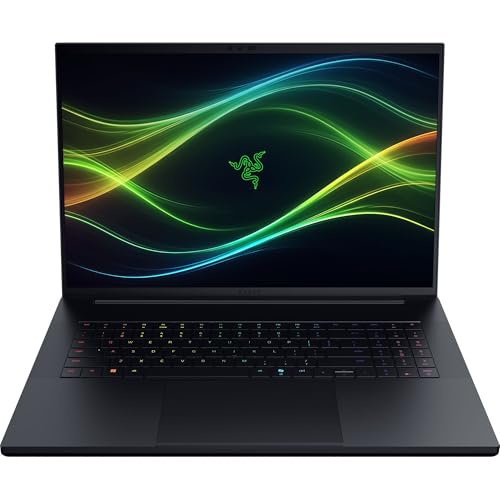
For AI engineers who want maximum GPU performance without sacrificing build quality, the Razer Blade 16 delivers RTX 5080 or RTX 5090 performance in a premium chassis that feels more refined than typical gaming laptops.
The 16-inch OLED display and 240Hz refresh rate make extended coding and visualization sessions comfortable. For most AI developers balancing local experimentation with cloud-based heavy training, the Razer Blade 16 offers a strong combination of CUDA compute, portability, and build quality.
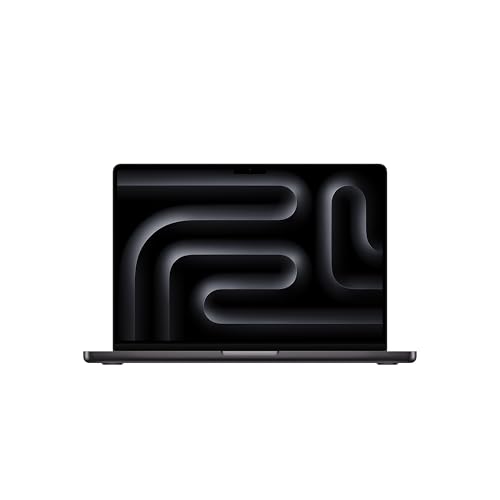
MacBook Pro M5 Max or M5 Ultra: For Inference-Heavy and Cloud-Connected AI Work
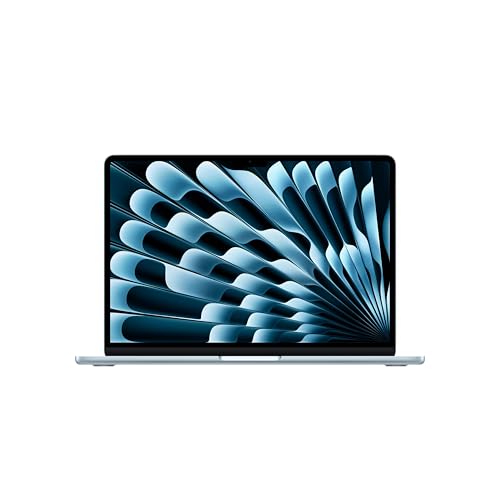
For AI engineers whose workflow is weighted toward model evaluation, application development, cloud-connected training, and inference testing rather than local model training, the MacBook Pro M5 Max with 64 to 128GB of unified memory is a compelling choice. The ability to load very large quantized models entirely into memory without VRAM constraints is genuinely useful for evaluation work.
The battery life, display quality, and silent operation under normal workloads make it the most pleasant daily-use machine in this comparison. The constraint is the CUDA ecosystem: any workflow that depends on CUDA libraries requires an NVIDIA laptop instead.
Key Configuration Decisions for AI Engineering Laptops
When configuring or selecting a laptop for AI engineering work in 2026, the priorities in order are: GPU model and VRAM capacity (match to your most demanding regular local workload), system RAM (32GB minimum, 64GB preferred), NVMe storage speed and capacity (1TB minimum, 2TB preferred for model and dataset storage), thermal design and sustained GPU wattage under load (verify with real-world reviews, not specs), and portability versus performance trade-offs appropriate to how often you work away from a power outlet.
What AI Engineers Should Avoid
Avoid thin ultrabooks with integrated graphics or entry-level discrete GPUs for primary AI engineering use, regardless of how well they handle everyday development tasks. The constraint appears the moment you try to run a meaningful local training job or load a model larger than 7B parameters. Also avoid configurations with only 16GB of system RAM: ML frameworks, containerized environments, and modern IDEs together consume RAM aggressively, and 16GB becomes a daily bottleneck quickly.
The best laptop for AI engineers in 2026 is built around sustained GPU performance, maximum practical VRAM, thermal headroom for extended workloads, and the CUDA compatibility that the ML toolchain demands. Prioritize those factors and the daily workflow follows naturally.


