
Best Gaming Desks in 2026: Size, Stability, and Cable Management That Actually Works
Disclosure: We may earn a commission when you buy through links on this page, at no extra cost to you. As an Amazon Associate I earn from qualifying purchases. Learn more

Not every gaming desk holds up long term. See how surface size, weight capacity, and cable management separate a good gaming desk from a disappointing one.
Not every desk marketed with RGB strips and a sculpted edge belongs on a real list of the best gaming desks. What actually matters is whether the surface fits your monitor arms without wobbling, whether the cables from three peripherals and a headset stand disappear instead of tangling underfoot, and whether the frame stays solid when you lean on it mid-match. This guide skips the aesthetics and focuses on the specs that decide whether a desk holds up to years of real use.
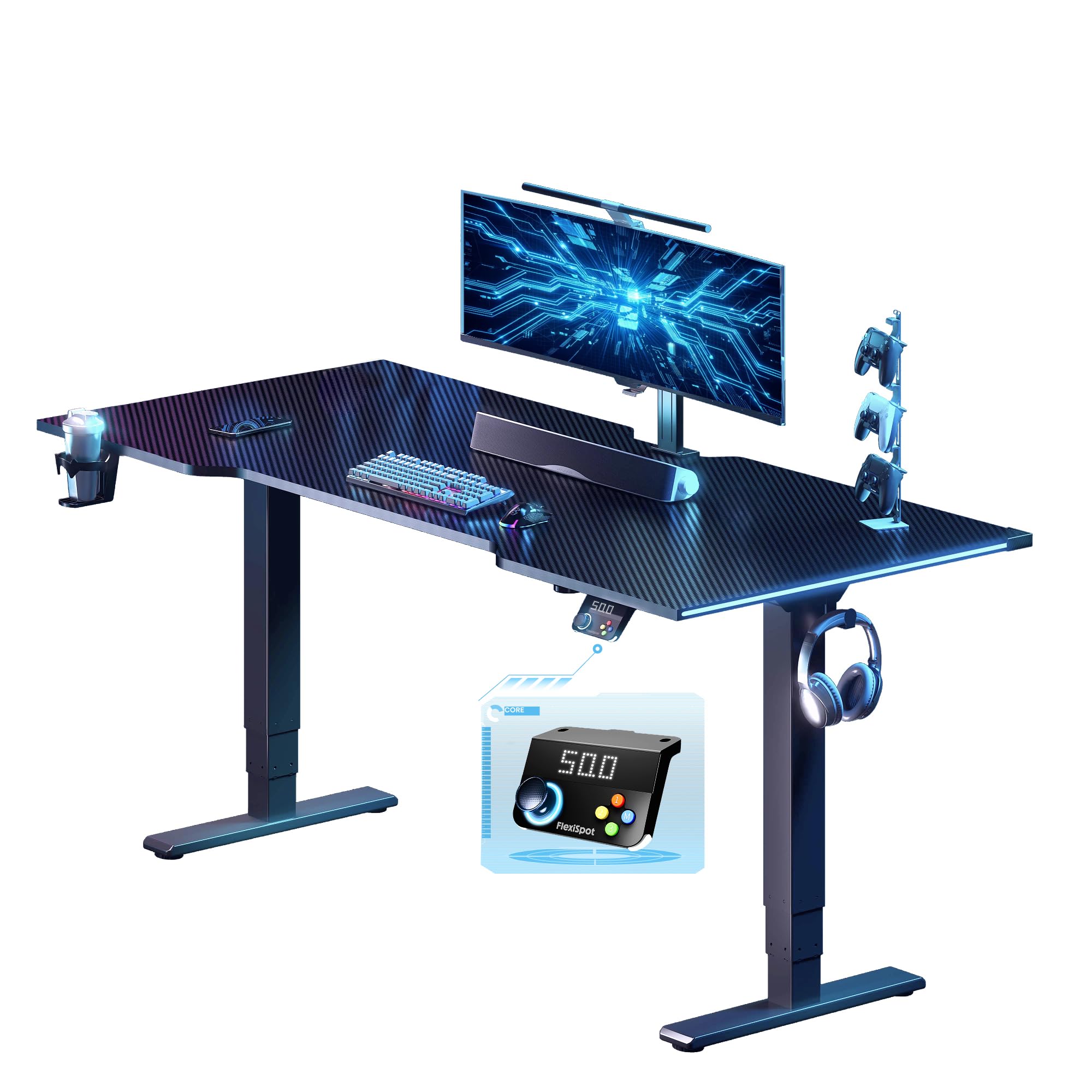
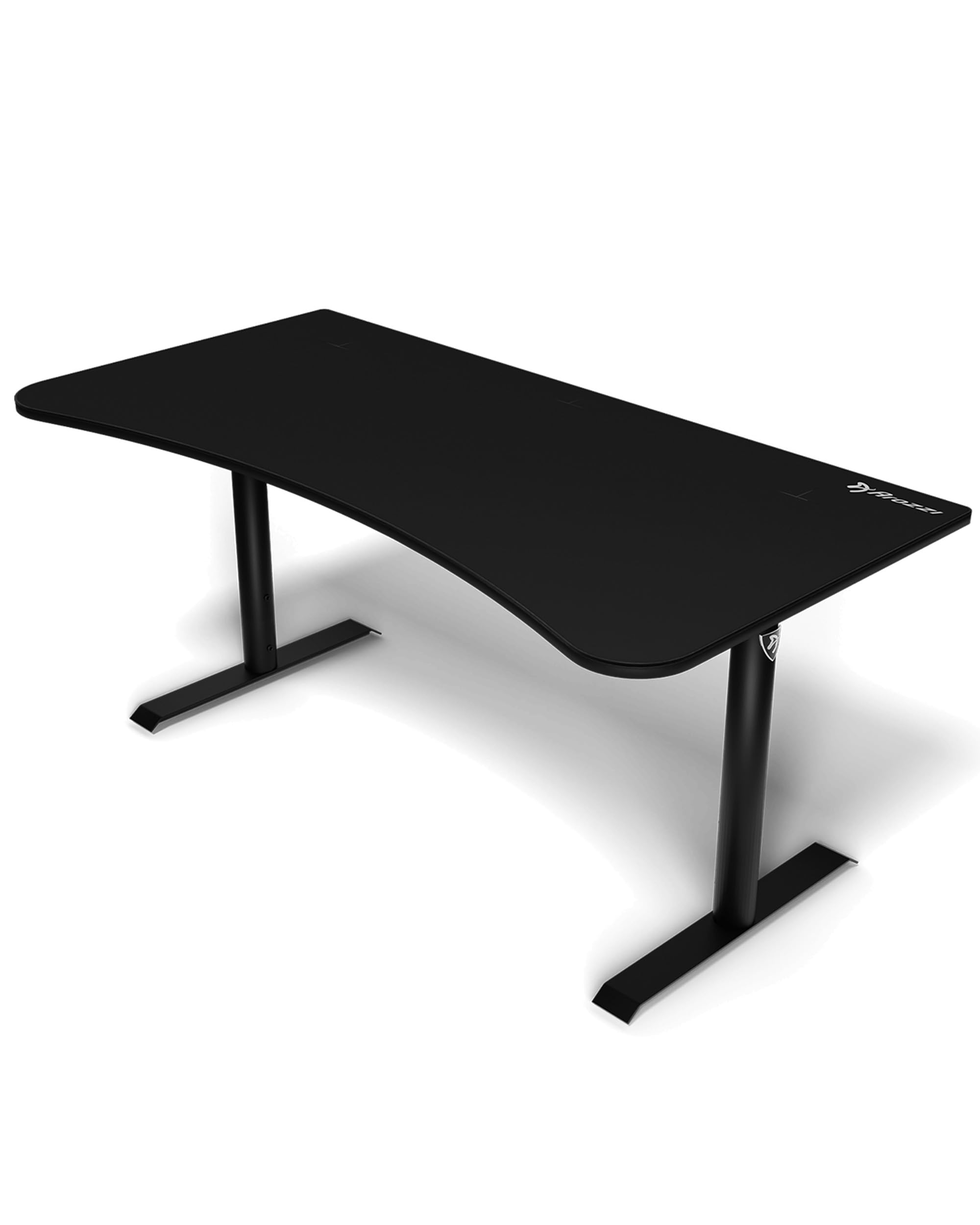


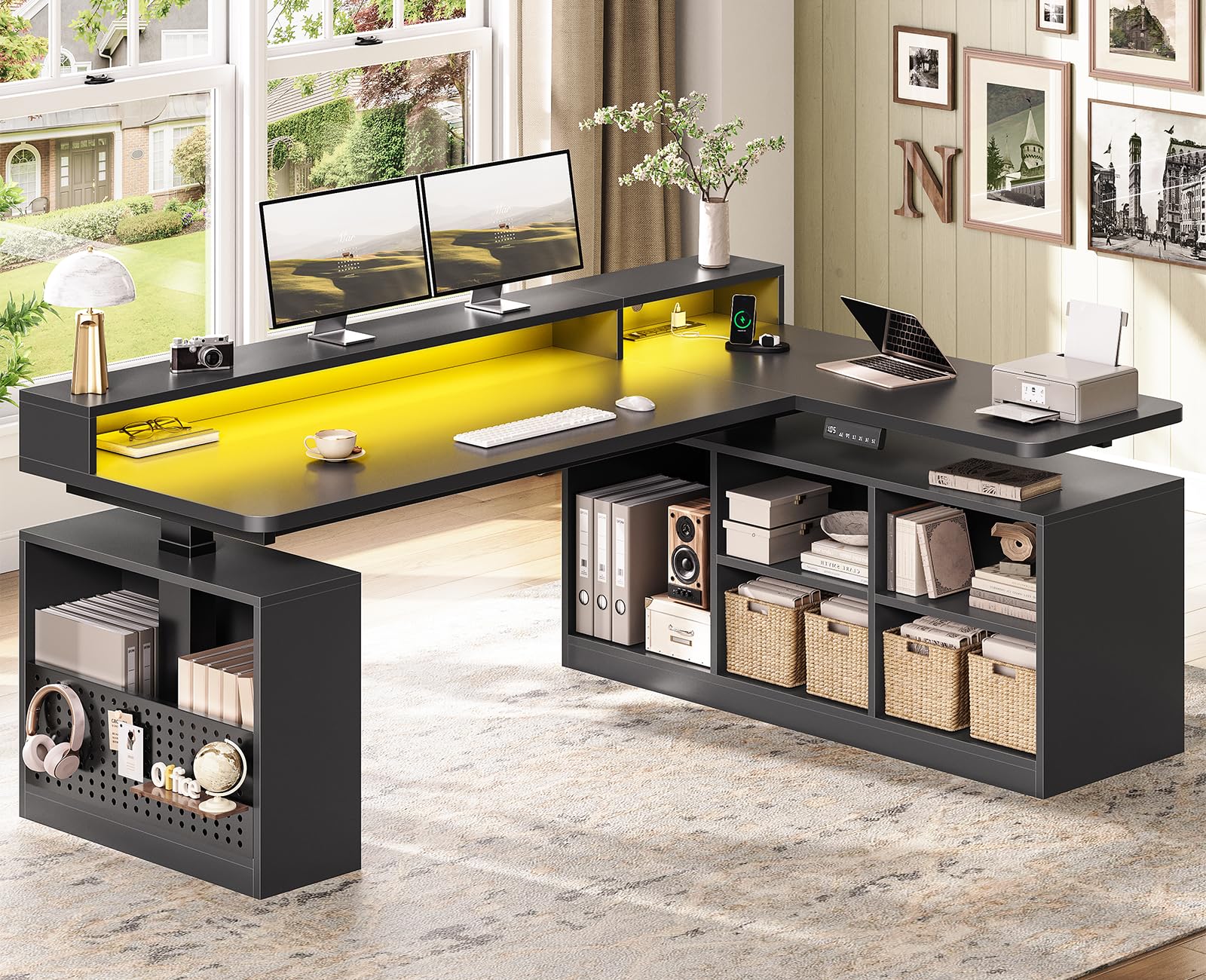
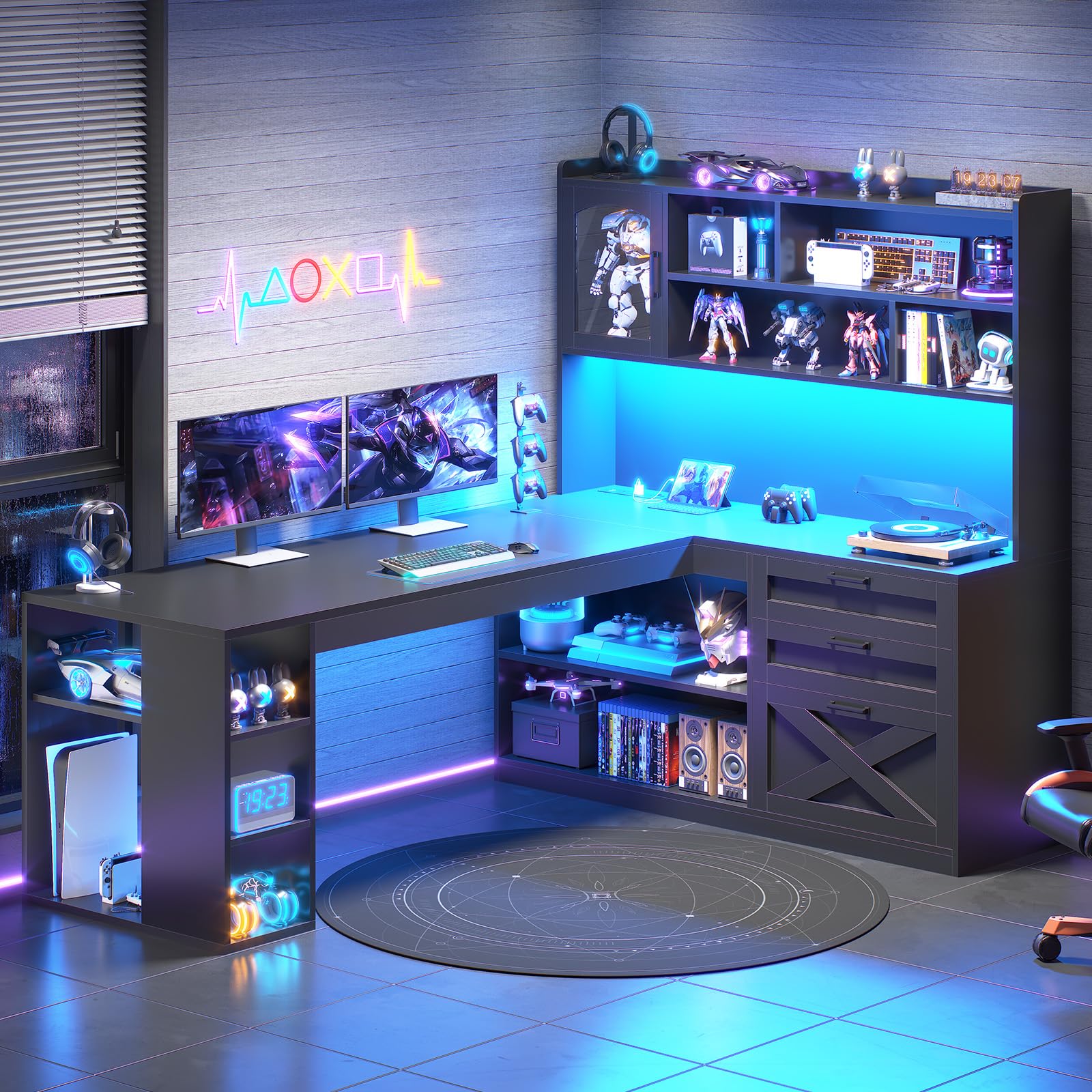


What Actually Makes a Desk "Gaming" Rather Than Just a Desk
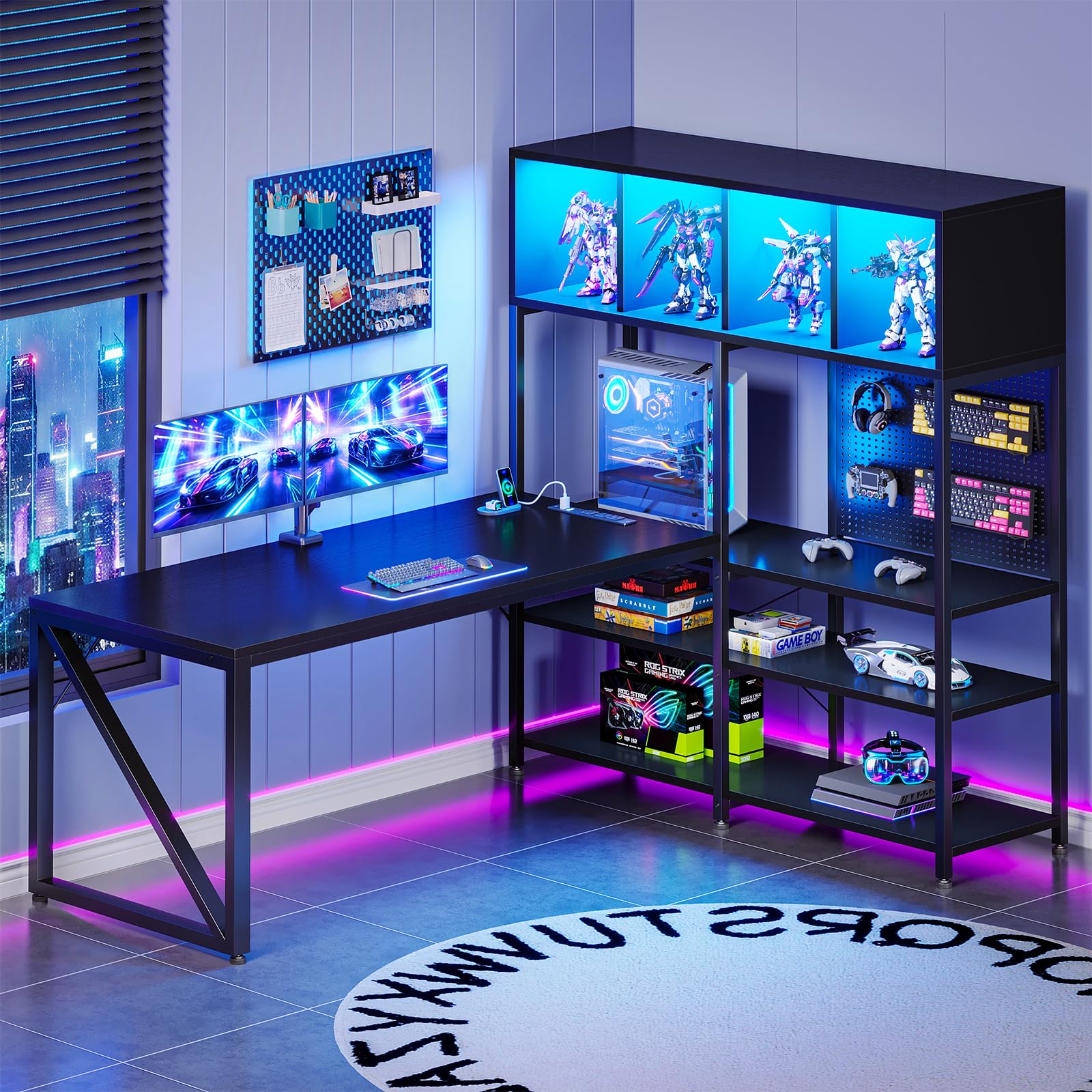
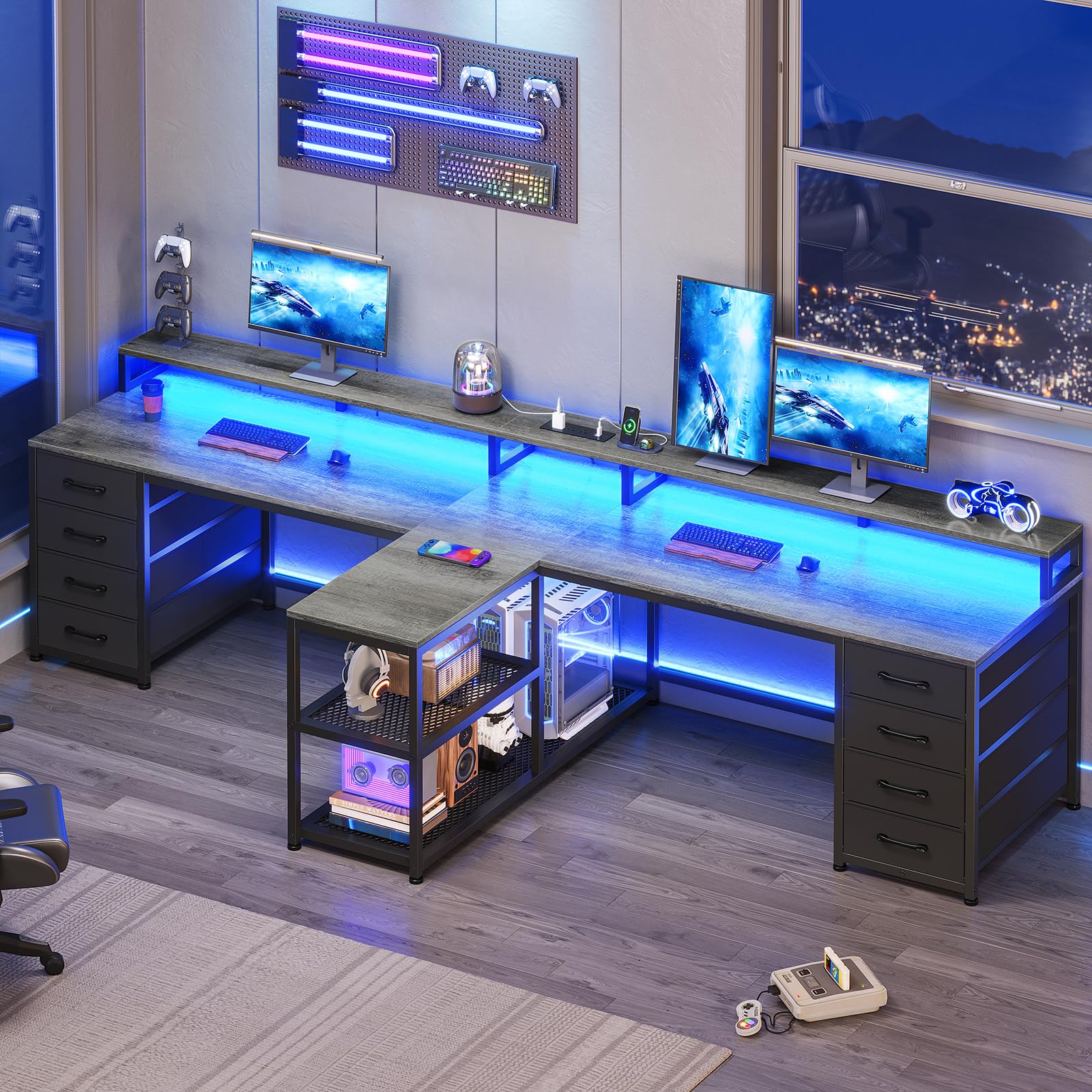
Most desks marketed for gaming differ from a standard office desk in three real ways: a thicker, more rigid work surface to resist flex under a mechanical keyboard and mouse, built-in cable routing designed around multiple peripherals and a PC tower, and a surface depth deep enough to fit a large monitor or multi-monitor arm without pushing your keyboard into your lap. Everything beyond that, like integrated LED lighting or a molded controller stand, is decoration rather than function.
If a desk advertises "gaming" but lacks a stated weight capacity, cable grommets, or a surface material rated for scratch resistance, treat that as a red flag rather than a feature you're simply not using yet.
Surface Size and Shape for Your Setup
A single ultrawide monitor typically needs at least 55 inches of surface width to sit comfortably with a keyboard and mouse in front of it, while a triple-monitor setup usually needs a curved or L-shaped surface to keep every screen within a natural head turn. Depth matters just as much as width: anything under 24 inches deep struggles to fit a full-size keyboard, mouse, and a monitor arm's clamp footprint without crowding your hands.
L-shaped and corner gaming desks add real usable space for a second monitor, a controller charging station, or paperwork, but they need a specific room layout to make sense. Measure your space before committing to a corner shape, since these desks are far more disruptive to reposition than a straight rectangular one.
Weight Capacity and Stability Under a Real Rig
A monitor arm alone can add 15 to 25 pounds of clamped, off-center load to one edge of the desk, and that load shifts every time you swing the arm. Check the desk's rated static weight capacity, and favor frames with cross-bracing or a wider leg stance if you're mounting more than one arm. A desk that feels sturdy empty can flex noticeably once a monitor arm, PC tower, and full peripheral set are loaded onto it.
Metal-frame desks with a steel or reinforced-composite top generally handle sustained load better than particleboard-and-laminate builds, which can develop a permanent sag at heavily loaded points over a few years.
Cable Management That Actually Works
Grommet holes near the back edge let cables drop straight down instead of trailing across the surface, but the real test is whether the desk includes an actual routing channel or under-desk tray, not just a hole. A basket-style cable tray mounted beneath the surface keeps power strips and cable clutter fully out of sight and off the floor, which matters more than it sounds once you have a PC, monitor, speakers, and a controller dock all drawing power near the same corner.
Desks without any cable routing at all are still usable, but expect to add your own third-party tray or clips, which adds cost and installation time you won't need with a desk that ships with routing built in.
Height Adjustment: Fixed vs Sit-Stand
A fixed-height desk is lighter, cheaper, and more rigid at a given price point since the frame doesn't need a motor or telescoping legs. A sit-stand gaming desk costs more and can introduce slight wobble at full extension, but it genuinely helps during long sessions by letting you shift posture without leaving your setup. If you already game for multiple hours at a stretch, the adjustability tends to pay for itself in comfort; if your sessions are shorter, a solid fixed-height frame is the more cost-effective and stable choice.
When comparing sit-stand models, check the weight capacity at full height specifically, since some frames are rated generously at the lowest setting but lose significant capacity once fully extended.
Frequently Asked Questions
How deep should a gaming desk be for dual monitors?
Aim for at least 28 to 30 inches of depth if you're running dual monitors on arms, since the clamps and arm reach need extra clearance beyond what a single-monitor setup requires.
Do I need a curved desk for a triple-monitor setup?
Not strictly, but a curved or angled surface keeps the outer monitors within a comfortable viewing angle, which a flat desk of the same width typically cannot do as well.
Can a standard desk work fine for gaming?
Yes, if it's sturdy enough and deep enough for your peripherals, a standard office desk can work perfectly well, since the "gaming" label mainly adds cable routing and load rating rather than any performance benefit.
Is a glass top a bad idea for a gaming desk?
Glass tops look clean but transmit vibration and noise from typing and mouse clicks more than wood or laminate, and they show scratches and fingerprints more visibly over time.
How much weight can a typical gaming desk hold?
Most mid-range gaming desks are rated between 150 and 300 pounds of static load, though the figure varies significantly by frame material and bracing, so always check the specific model's rating.
Are motorized sit-stand gaming desks worth the extra cost?
They're worth it if you already sit for long uninterrupted sessions and want the option to stand periodically, but if budget is tight, a solid fixed-height desk delivers better rigidity per dollar.
What desk width do I need for a keyboard, mouse, and headset stand?
Plan for at least 45 to 48 inches of width to comfortably fit a full keyboard, mouse with room to swing, and a headset stand without everything feeling cramped.
Making Your Choice
Choosing among the best gaming desks comes down to matching surface size to your actual monitor setup, confirming the frame can handle your real accessory load, and deciding whether sit-stand flexibility is worth the added cost for your session length. A desk that nails cable management and stability will outlast one chosen purely for its lighting, long after the RGB stops feeling novel.
Related reading: best cpu air coolers and best gaming chairs for women.


