
Best Home Office Standing Desks: Reviews and Buying Guide
Disclosure: We may earn a commission when you buy through links on this page, at no extra cost to you. As an Amazon Associate I earn from qualifying purchases. Learn more

A buying guide to electric standing desks for home offices, with three short picks and the specs that decide stability and comfort.
Working from home often means sitting far longer than you would in an office, with no walk to a meeting room or coffee run to break up the day. A standing desk lets you switch between sitting and standing in seconds, which can ease stiffness and keep energy up through long afternoons. This guide to the best home office standing desks explains which features actually matter, from motors and height range to desktop size and stability, and highlights three picks for different budgets.
The short answer: most home workers should choose an electric standing desk with a stable steel frame, memory presets, a height range that fits their body and a desktop of at least 48 by 24 inches; dual motor, three stage frames are worth paying for if you are tall, use heavy monitors or want the steadiest feel at standing height.

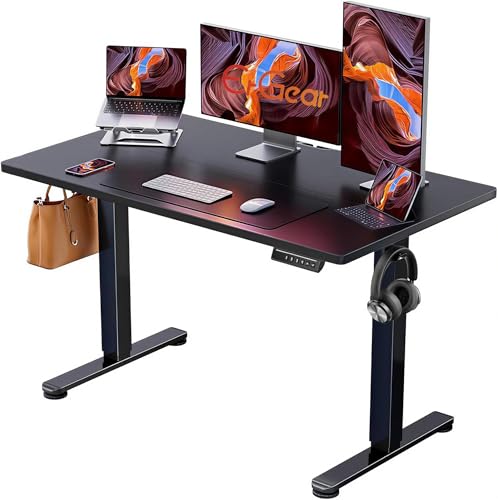

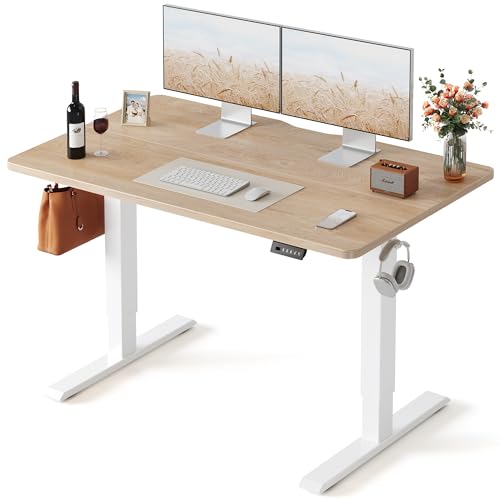
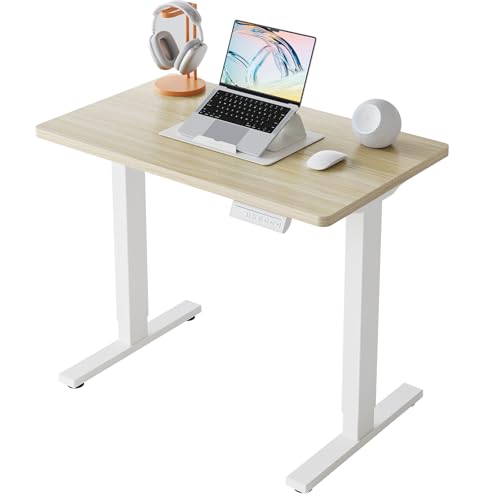
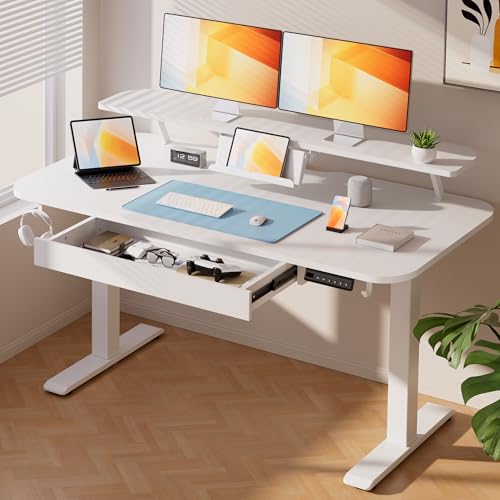
Our Top 3 Picks at a Glance
These three desks come from the product table above and cover the most common needs, from all round value to premium materials.


Best Overall
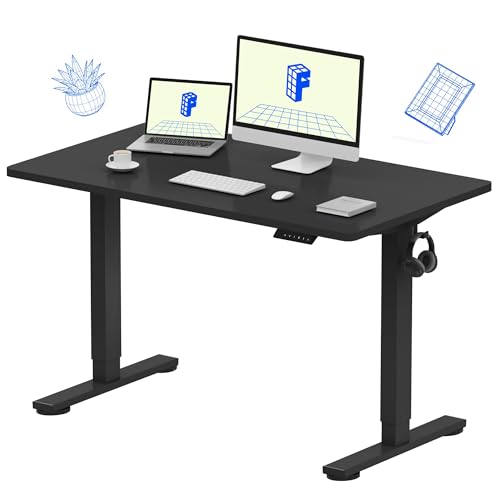
The FLEXISPOT E6, around $290, is the pick for full time remote workers who want a roomy, stable desk without paying premium prices. Its first strength is a dual motor, three stage frame, which raises and lowers smoothly, offers a wide height range for both short and tall users and feels steadier at standing height than single motor desks. Its second strength is a generous 55 by 28 inch one piece desktop that fits two monitors, a laptop and accessories with room to spare. FLEXISPOT lists a 220 pound capacity and memory presets for your favorite heights.
The limitation is size and weight. It ships in two boxes and needs a fairly large room, so compact spaces may be better served by a smaller desk.
Best Value
The ErGear 48 by 24 inch electric standing desk, around $120, suits people who want to try standing at work without a large investment. It offers electric height adjustment with memory presets, so switching between sitting and standing takes one button press instead of a hand crank. The 48 by 24 inch surface fits a laptop with a monitor or a single larger display, which suits most bedroom offices and apartments.
The limitation is that budget single motor frames can wobble slightly at full standing height, especially when typing hard, so heavy dual monitor setups are better on a sturdier frame.
Best Upgrade Pick
The FLEXISPOT E6 MAX with a bamboo desktop, around $420, is for buyers who want premium materials and maximum stability in a home office they use every day. Its dual motor, three stage frame provides a broad height range and steady lifting, while the natural bamboo top looks warmer and resists wear better than typical laminated particleboard. The 55 by 28 inch surface supports multiple monitors and a full keyboard and mouse setup comfortably.
The limitation is price. It costs significantly more than the best value pick, which is only justified if you sit and stand at your desk all day and care about looks and durability.
How to Choose the Best Home Office Standing Desks: Buying Guide
Standing desks look similar online, but small differences in frames, motors and desktops decide how they feel after months of use. Here is how to compare the best home office standing desks for your space and body.
Ergonomics and Adjustability
The most important ergonomic factor is height range. At sitting height, your elbows should rest near 90 degrees with forearms parallel to the floor; at standing height, the same rule applies. Shorter users need a desk that goes down to around 25 inches, while tall users may need a maximum height of 48 inches or more.
Memory presets let you save sitting and standing heights and switch at the touch of a button, which makes it far more likely you will actually alternate positions. Anti collision sensors stop the desk if it hits a chair or windowsill while moving.
Materials and Desktop Surface
Desktops range from laminated particleboard and MDF to solid wood, bamboo and tempered glass. Laminated surfaces are affordable and easy to clean but can chip at the edges. Bamboo and solid wood look warmer, resist dents better and last longer, though they cost more.
One piece desktops are stronger and look cleaner than spliced tops made from two halves. Rounded or contoured edges are more comfortable for your wrists during long typing sessions.
Size, Dimensions, and Weight Capacity
Measure your space before buying. A 48 by 24 inch desktop suits one monitor and a laptop, while 55 by 28 or 60 by 30 inch tops fit dual monitors and more accessories. Leave clearance around the desk for movement and for the chair to roll back.
Weight capacity matters for monitors, monitor arms and desktop computers. Single motor desks typically handle around 150 to 175 pounds, while dual motor frames often support 220 to 265 pounds or more. Keep your setup well below the maximum for smoother operation.
Assembly and Delivery
Most standing desks ship flat in one or two boxes and take around 30 to 90 minutes to assemble. Desks with pre installed wiring and clearly labeled hardware go together faster. Heavier dual motor desks can weigh 70 to 100 pounds, so plan to have a second person help with lifting the desktop onto the frame.
Check that the package includes tools and an instruction video, and inspect the box on arrival for damage before opening.
Build Quality and Frame
Frame design determines stability. Dual motor frames lift each leg independently, giving smoother motion and higher capacity. Three stage legs provide a wider height range than two stage legs, which helps very short and very tall users. Wider feet and thicker steel crossbars reduce side to side wobble at standing height.
Look for steel frames with powder coated finishes, which resist scratches and rust. Quiet motors under about 50 decibels keep calls professional while the desk moves.
Comfort and Accessories
Standing comfort depends as much on accessories as the desk. An anti fatigue mat reduces pressure on your feet and legs during long standing periods. Monitor arms help position screens at eye level, and a cable management tray keeps cords from tangling as the desk moves. Keyboard trays can help shorter users reach ideal typing height.
Types of Home Office Standing Desks
Ergonomic Electric Models
Ergonomic electric desks combine dual motors, wide height ranges, memory presets and sturdy frames. They suit full time remote workers who alternate positions many times a day. Prices usually start around $250 and rise with desktop materials and size.
Budget Models
Budget standing desks around $100 to $200 use single motor frames with simpler controls. They provide electric adjustment at a low price and suit part time users or anyone trying a standing desk for the first time. Stability is lower at maximum height.
Compact and Space Saving Models
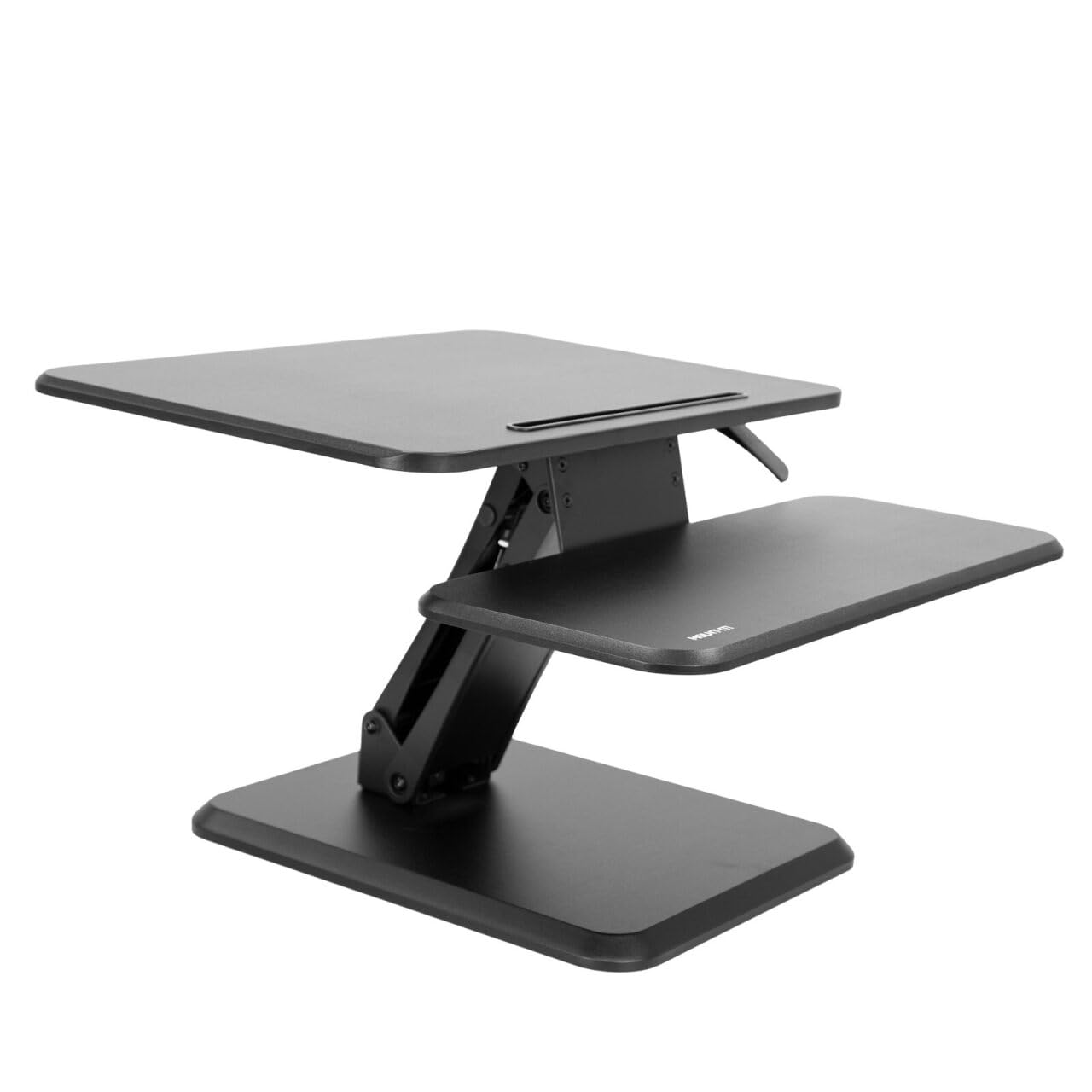
Compact standing desks measure around 32 to 40 inches wide and fit small apartments, bedrooms and corners. Desk converters that sit on top of an existing desk are another space saving option, adding standing capability without replacing furniture. They work best for laptops or a single monitor.
Premium and Executive Models
Premium standing desks feature solid wood or bamboo tops, built in drawers, cable cabinets and heavy duty frames rated for large multi monitor setups. They suit professionals who want a statement piece and maximum durability. Prices typically range from around $400 to $800 or more.
Standing Desk vs Desk Converter: Which Fits Your Home Office?
If you already own a desk you like, a standing desk converter is an alternative to replacing it. Converters sit on top of an existing desk and lift a keyboard and monitor platform using a gas spring or electric mechanism. They cost around $100 to $250, need no assembly beyond unboxing and work well in rented apartments or shared spaces where replacing furniture is not practical.
However, converters raise the whole work surface, which can push monitors too high for tall users and leave less room for papers. They also reduce usable desk space and can feel less stable at full height. A full standing desk moves the entire surface, keeps everything at the same relative height and usually offers a wider height range.
Choose a converter for a single laptop or monitor setup, a temporary arrangement or a tight budget. Choose a full electric standing desk if you work at home full time, use multiple monitors or want the cleanest, most ergonomic setup.
Setup and Care Tips
- Adjust heights so your arms rest at 90 degrees. Set sitting height with feet flat and standing height with elbows level with the desktop, then save both as presets.
- Tighten bolts every few months. Vibration from motors and typing loosens frame bolts over time, which increases wobble.
- Manage cables for movement. Leave enough slack for the full height range and use a cable tray or spine so cords never pull tight.
- Wipe the desktop regularly. Use a soft damp cloth and mild cleaner; avoid harsh chemicals on bamboo or wood finishes.
- Keep wood and bamboo out of direct sunlight. Strong sun can fade and dry natural finishes over time.
- Alternate positions often. Switching every 30 to 60 minutes is better than standing for hours at a time.
Common Mistakes When Buying a Standing Desk
The most common mistake is choosing a desk based only on price without checking the height range. A desk that does not go low or high enough for your body forces you into awkward positions that defeat the purpose. Check the manufacturer's height range against your measured elbow height while sitting and standing.
Another mistake is buying a desktop that is too small. Monitors, laptops, lamps and notebooks add up quickly, and a cramped surface makes the desk frustrating to use. Many buyers also overload single motor desks with heavy monitors and arms, which strains the motor and increases wobble. Finally, remember accessories: an anti fatigue mat and good footwear make standing comfortable, and without them many people stop using the standing feature after a few weeks.
Frequently Asked Questions
How long should a good home office standing desk last?
A good home office standing desk should last around seven to ten years or more. Steel frames and quality motors are durable, and many brands offer warranties of five years or longer on frames and motors. Desktops last longest when made of solid wood or bamboo. Regular bolt tightening and keeping loads within capacity extend lifespan.
Is an expensive home office standing desk worth it?
An expensive standing desk is worth it if you use it all day or need stability for heavy setups. Dual motor frames, wider height ranges and premium desktops make daily use smoother and quieter. Part time users or those trying standing for the first time can save money with a budget electric desk.
How do I choose the right size?
Choose a desktop that fits your equipment with room to spare and a height range that matches your body. A 48 by 24 inch top fits one monitor and a laptop, while 55 by 28 inches or larger suits dual monitors. Measure your room and check minimum and maximum height against your elbow height while sitting and standing.
What features matter most for long hours?
Stability, memory presets and a proper height range matter most for long hours. A stable dual motor frame prevents distracting wobble, presets make switching positions effortless and the right height range keeps your posture neutral. Add an anti fatigue mat and monitor arms for the most comfortable long workdays.
How often should I stand at a standing desk?
Aim to alternate between sitting and standing every 30 to 60 minutes. Standing all day can cause its own fatigue, so the goal is regular movement rather than standing for hours. Many people start with short standing periods and build up gradually.
Final Thoughts
A standing desk is one of the most useful upgrades for a home office. Focus on a height range that fits your body, a stable frame that suits your equipment and a desktop large enough for your setup. Budget buyers can start with a single motor electric desk around $120, full time remote workers will appreciate a dual motor model, and those who want premium materials can step up to bamboo or wood tops.
Compare the best home office standing desks in the product table above to find the right size, frame and price for your workspace.


