Best 24TB External Hard Drive for 2026: Capacity, Power and Backup Plan
Disclosure: We may earn a commission when you buy through links on this page, at no extra cost to you. As an Amazon Associate I earn from qualifying purchases. Learn more

Photo and video archives, full-PC backups and shared family libraries all fit on the best 24tb external hard drive, if you plan the backup around it.
A 24 terabyte drive holds roughly a quarter of a million high resolution photos plus a few hundred hours of 4K footage and still has room left over. That is why the best 24tb external hard drive is usually bought by people with a growing archive: photographers, video editors, home lab owners and anyone consolidating years of old backups onto a single shelf.
This guide explains what actually separates one 24TB unit from another: single drive versus dual-bay enclosures, power and cables, real transfer speed, formatting, and how to avoid putting twenty four terabytes of memories on one point of failure. The table near the top lists the models currently in stock.


What a 24TB External Drive Is Really For
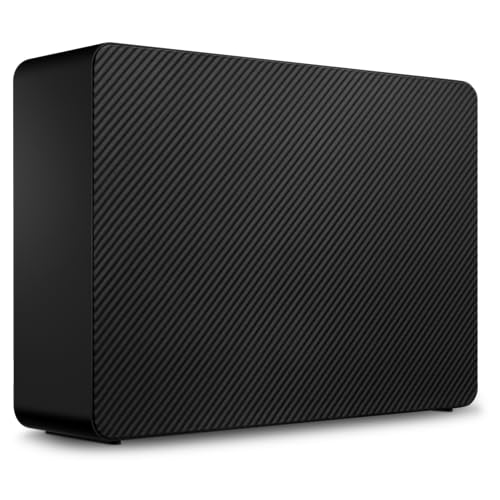
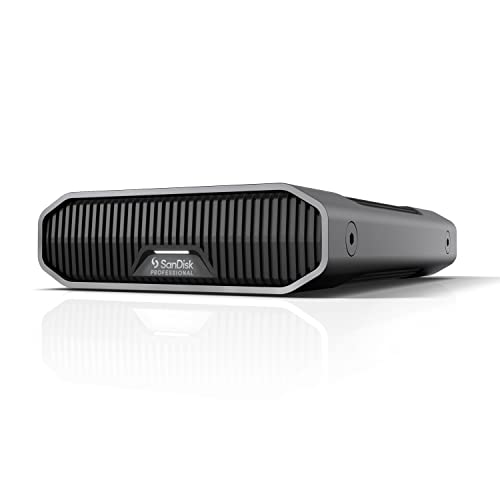
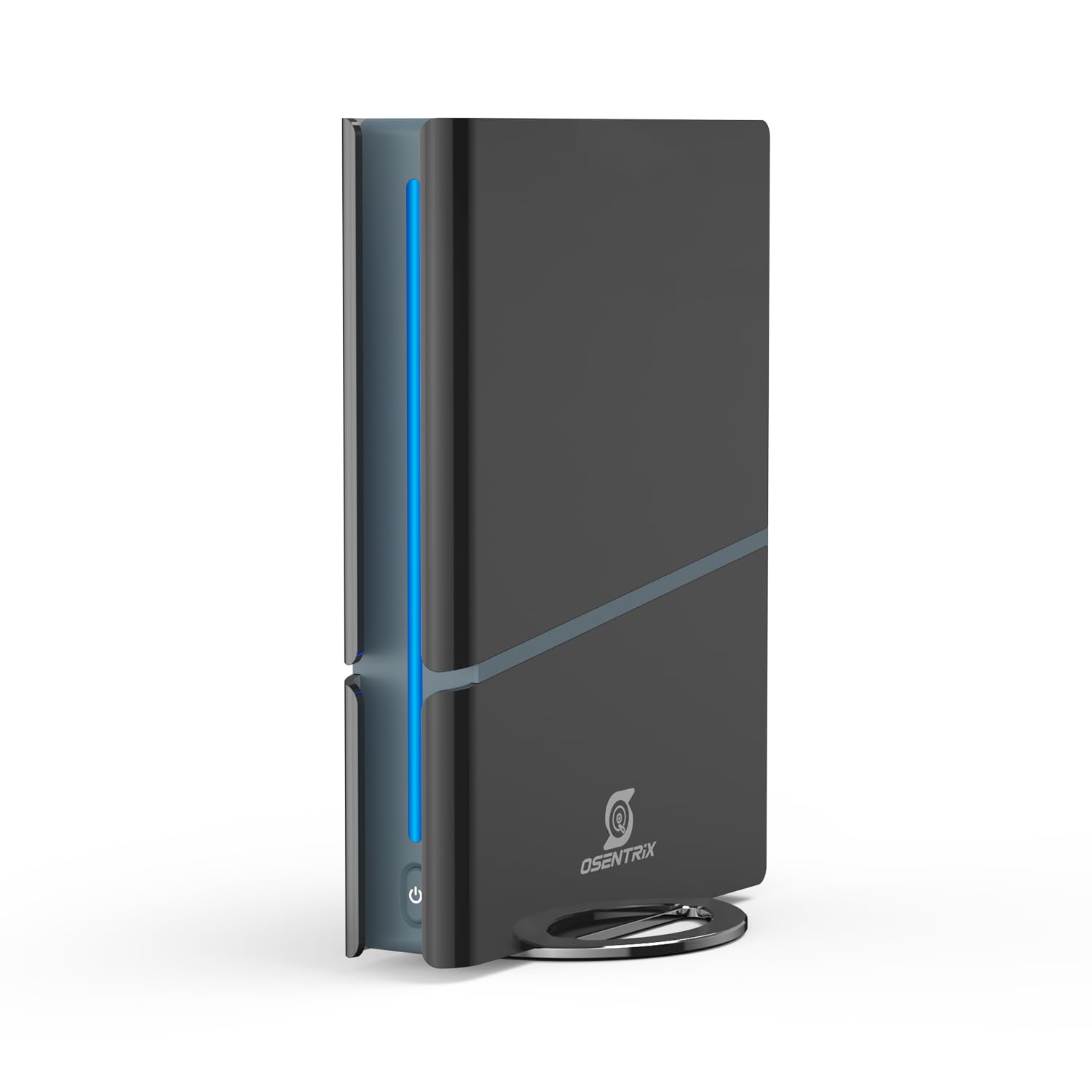
At this capacity almost every unit is a desktop style drive with a 3.5 inch mechanism inside. That means a wall adapter, a larger case and a spinning platter stack that you hear when it seeks. These are archive and backup devices, not something to carry in a laptop bag.
The typical jobs are a Time Machine or File History destination for several computers, a cold copy of a finished video library, a master copy of a RAW photo collection, and a dump target for screen recordings and game captures that would otherwise fill an internal disk.
If your data is smaller than about 8TB today, a lower capacity drive is cheaper per terabyte and easier to replace. The best 24tb external hard drive only makes sense when you already know the data exists, or when you want to stop buying drives every year.
Single Drive or Two-Bay Enclosure
A single drive is the simplest option: one mechanism, one cable, one power brick. A two-bay enclosure holds two drives and often markets a combined capacity such as 24TB. Read that number carefully.
Striped mode (RAID 0) adds the two drives together for speed but loses everything if either one dies. Mirrored mode (RAID 1) keeps two identical copies, which means only half the advertised space is usable.
Mirroring protects against a drive failure, not against deleting a folder or a power surge, so it does not replace a second backup in another place. For a first purchase, most buyers are better served by one big drive plus a second copy elsewhere than by one stripe set they cannot easily recover.
Speed: What to Expect from Spinning Platters
A hard drive is limited by the platter, not by the cable. A fast USB port will not push a spinning drive past a few hundred megabytes per second, and small files copy far slower than large ones. Simple arithmetic shows why capacity matters here: at a steady 250 megabytes per second, filling a 24TB drive takes more than a day of continuous copying.
Plan the first backup for a weekend, keep the computer from sleeping, and use a direct port instead of a hub. If you edit video straight from the drive, expect to need proxies or a faster scratch disk, because a mechanical drive handles multiple 4K streams poorly.
Power, Ports and Noise
Because the drives are large, they draw more than a bus-powered portable can supply. Always use the supplied power adapter and a surge protected outlet. Look at the port on the back: USB-C with a matching USB-A cable is convenient, but check that the cable in the box is a true data cable and keep it short.
These drives spin down when idle, which saves heat and noise, but the first access after a pause takes a few seconds. Place the unit on a hard surface with open air around it. Heat is the quiet enemy of long-running mechanical drives, and a closed cabinet is a poor home for one.
Formatting and Compatibility
Most drives arrive formatted for Windows (NTFS) and need to be reformatted for a Mac or for sharing between both systems. exFAT works on both but has no journaling, so a power cut mid-write can corrupt files. APFS or the Mac extended format suits Mac only backups, and NTFS suits Windows only. Our walkthrough on how to format an external hard drive covers each case step by step.
Drives over two terabytes need a GUID partition table, which every current system supports, and a game console may refuse a drive that large entirely, so check the console's own limit before buying.
Building the Backup Around It
Treat 24TB as one copy, not as the safety net. The usual rule is three copies of anything important, on two different kinds of storage, with one stored off site. In practice that can mean the original on your computer, this drive on your desk, and a second drive that lives at a relative's house or in a cloud service. Photographers will find more advice in our guide to the best external hard drive for photos, and the choice between brands is covered in Seagate versus WD.
Label the drive with its purchase date, run a full read of the disk every few months, and replace it after several years of heavy use rather than waiting for a failure.
Frequently Asked Questions
Is a 24TB hard drive reliable enough for a single backup?
It is reliable enough to be one copy, but mechanical drives fail at random. Anything irreplaceable should exist in at least two places, so pair the large drive with a second copy elsewhere.
Do I need a separate power adapter?
Almost always yes. Large desktop drives need more power than a USB port provides, so the adapter in the box must stay plugged in during use.
Can I use it with a games console or a TV recorder?
It depends on the device. Many consoles and set top boxes limit the size of external storage, so check the maker's documentation before spending on a drive this large.
How long will the first copy take?
Plan on well over a day for a full drive, because spinning platters sustain only a few hundred megabytes per second. Smaller batches over several evenings work just as well.
Should I buy two smaller drives instead?
Two 12TB units cost more per terabyte and take more desk space, but they split the risk and let you keep one copy off site. If you can afford the pair, that setup is safer than a single giant drive and easier to move around.
Does the drive need special software?
No. The bundled backup or password tools are optional, and the built in backup features of Windows and macOS work with any external drive once it is formatted correctly.
Final Thoughts
The best 24tb external hard drive is the one that matches the way your archive grows: a single drive for simple storage, a mirrored enclosure if you want some drive failure protection, and always a second copy somewhere else. Check power, cables and formatting before you start, and let the first copy run undisturbed.
Prices and availability can change, so check the product page before ordering.