
Best 12TB External Hard Drives: Desktop Backup, Media Archive and Game Storage
Disclosure: We may earn a commission when you buy through links on this page, at no extra cost to you. As an Amazon Associate I earn from qualifying purchases. Learn more

Best 12TB external hard drive guide: desktop design, USB speed, backup habits, formatting and warranty before you commit your data.
Twelve terabytes is a serious amount of space: enough for a decade of family photos, a large video archive or full backups of several computers. Drives this size are almost always desktop units that plug into the wall, so they behave differently from the slim portable drives most people know. The best 12TB external hard drive is reliable, easy to connect and backed by a decent warranty.
This guide explains the design, speed and software choices at this capacity, how to use such a drive safely and what to avoid. The product table above lists the models available in this size.


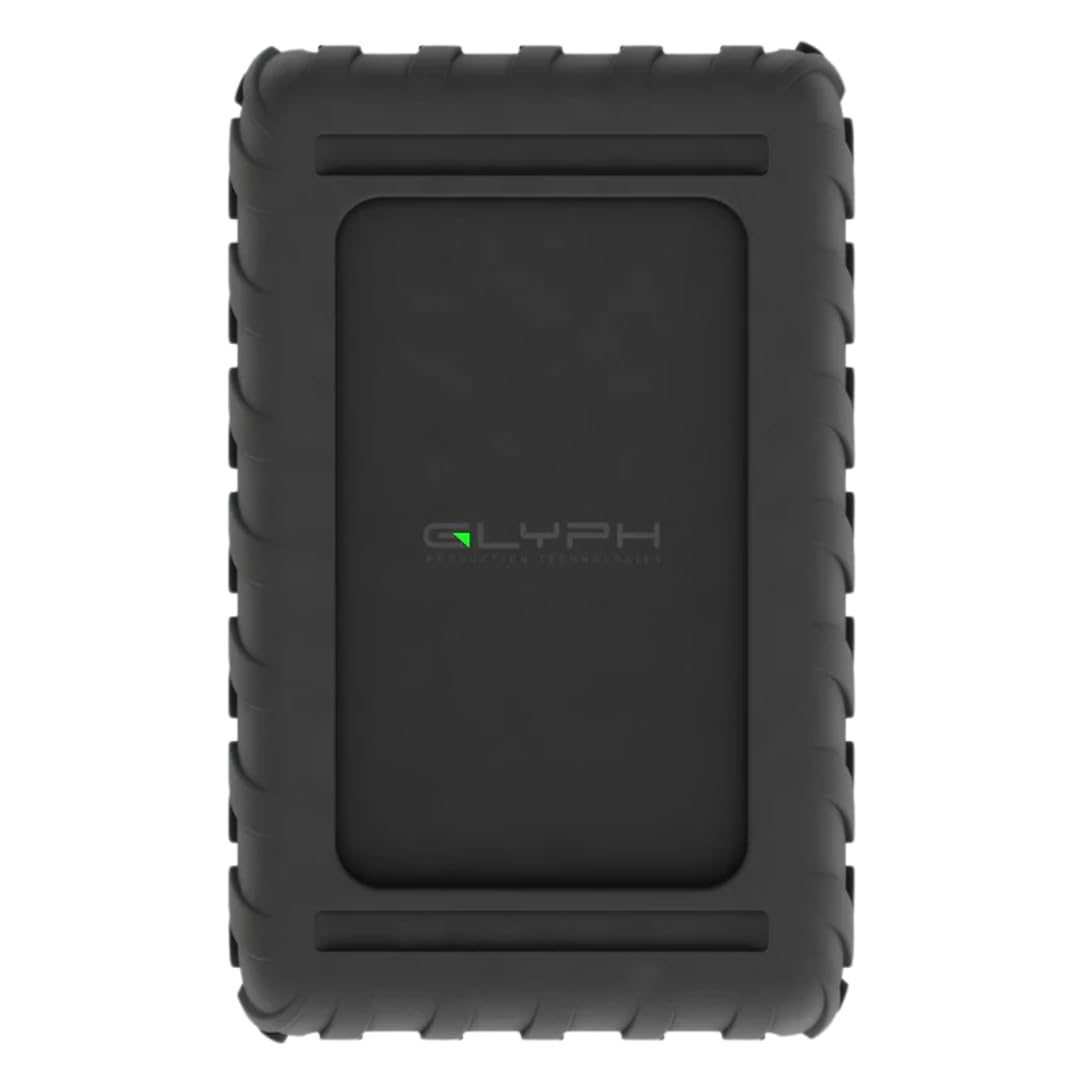


Desktop Drive Design
A 12TB external drive uses a full-size 3.5 inch hard disk, which needs more power than a USB port can supply. That means a power adapter and a larger, heavier case that sits on a desk. In return, you get high capacity at a far lower cost per terabyte than solid-state drives.
Look for a stable base, good ventilation and a power switch or auto power-off. Fan-less designs run quietly but rely on the case to shed heat, so keep air space around the drive.
Connection and Speed
Most drives connect over USB. A faster USB generation reduces transfer time for big backups, but the hard disk inside limits speed no matter how fast the port is. Expect good sequential speeds for large files and slow performance with many tiny files.
Check that the drive includes the cable you need, and whether your computer has the matching port. Some models also offer a hub or extra ports, which can be handy on a busy desk. Thunderbolt models add speed and cost.
Hard Drive Versus SSD
A hard drive gives vast capacity at a modest price, while a solid-state drive is faster and more shock-resistant but costs far more per terabyte. For 12TB, hard drives are the practical choice, particularly for archives and backups that you read rarely.
If you need speed for editing or games, consider a smaller SSD for active work and keep the hard drive for storage. Our overview of the best external hard drives compares types, and the Seagate One Touch review shows how a mainstream drive performs.
Backup Strategy Matters More Than Capacity
A single drive is a single point of failure. A sound approach keeps three copies of important data, on two kinds of storage, with one copy off-site. A 12TB drive can serve as one of those copies, not all of them.
Schedule automatic backups and check that files restore properly now and then. If your data is irreplaceable, add a cloud service or a second drive stored elsewhere.
Formatting and Compatibility
New drives often come formatted for a particular system. Windows and Mac use different file systems, and the exFAT format works on both. Our guide on how to format an external hard drive explains the steps.
Consoles have their own rules. If you plan to use the drive with a console, check the console's maximum supported capacity and format requirements first, using our external hard drive for PS5 guide as a reference.
Reliability, Noise and Heat
Hard drives wear out. Look for a warranty of several years and read buyer feedback about failures. Drives that run hot or are knocked while spinning tend to fail earlier, so place the unit on a firm surface with space around it.
Noise varies. Some drives click or hum, which can be noticeable in a quiet room. Keep the drive away from your pillow-level workspace if you are sensitive to sound.
Security and Software
Some drives include backup software or hardware encryption. Encryption protects your data if the drive is lost, but you must keep the password safe, since recovery may be impossible without it. Check whether the software works on your operating system.
Do not rely on bundled software alone. Built-in tools in your operating system can run backups with no extra downloads.
Choosing the Best 12TB External Hard Drive by Budget
Value drives from major brands give solid reliability and warranties at a fair price. Premium models add faster ports, rugged enclosures and professional features. Unknown brands may be cheaper but come with weaker support.
Consider the cost per terabyte and the warranty together. A slightly pricier drive from a respected maker is usually the safer home for important files.
Setting Up a New Drive
Plug the power adapter in first, connect the data cable to a direct port on the computer rather than a hub and wait for the drive to be recognized. Format it for your system, give it a clear label and run a short backup to confirm everything works.
Keep the original cables and packaging. If the drive disappears from your computer, try a different cable and port before assuming a fault, because loose cables cause most connection problems.
Day-to-Day Care
Always eject the drive from the operating system before powering it off, and avoid moving it while it is spinning. Keep it away from liquids and heat sources, and place it where nobody can knock it over. Check the drive's health tools every few months, and copy data to a new drive once the old one starts reporting errors.
A tidy cable run and a surge protector add cheap insurance against power problems that can corrupt files.
Frequently Asked Questions
Do I need to plug it into the wall?
Yes. Drives this size need external power in addition to the data cable.
Is 12TB too big for backups?
Not if you back up several devices or store a large media library. Check your actual data volume first.
Can I use it with a games console?
Check the console's supported capacity. Some consoles cap supported external storage lower than 12TB.
How long will it last?
Often several years, but all hard drives eventually fail, so keep second copies.
Should I encrypt it?
If it holds sensitive data and may travel, yes, but store the password safely.
Wrapping Up
Choose a desktop drive with a respected warranty, plan your backups and format it for your devices. The best 12TB external hard drive is the one you can trust with data you cannot replace. Use the product table above to compare options and check the return window.
Prices and availability can change, so check the product page before ordering.


