Best 1TB Hard Drives for 2026: Portable and Internal Options Compared
Disclosure: We may earn a commission when you buy through links on this page, at no extra cost to you. As an Amazon Associate I earn from qualifying purchases. Learn more

Best 1tb hard drives explained: portable or internal, sizes, spin speed and compatibility so you can pick one for backups or PC storage.
One terabyte is still the practical size for a spare drive: enough for a full photo library, documents, music and a handful of large video projects, at a price that is easy to justify. This guide to the best 1tb hard drives helps you choose between portable and internal models, laptop and desktop sizes, and the workloads each one was built for.
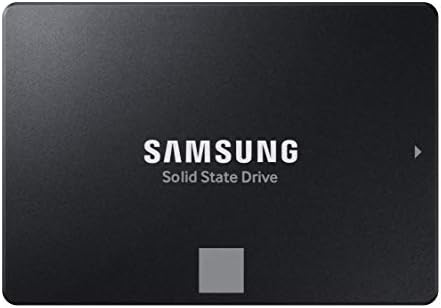
The product table lists hard drives available new, covering slim USB drives for backups, rugged portable models and internal drives for PCs and network storage. The sections below explain the choices that decide which drive is right for you.






Portable or Internal
A portable drive plugs into a USB port and works with a laptop, a desktop or a console without opening anything. It suits backups, moving files between computers and expanding a console library. An internal drive sits inside a PC and connects with a SATA cable and a power lead, which makes it cheaper per gigabyte but needs a free bay and a small installation job.
Decide first where the drive will live, since that narrows the shortlist more than any single feature.
Speed and Spin Rate
Hard drives store data on spinning platters, so speed depends on rotation. Drives that spin at 7200 rpm read and write faster than 5400 rpm drives, though they run a little warmer and louder. For backups and media storage the slower drives are fine, while a desktop that also hosts games or large files benefits from the faster class.
Compared with an SSD, any hard drive is slower and more sensitive to shock, but it costs far less per terabyte and is a good home for bulk files.
Sizes: 2.5 Inch and 3.5 Inch
Portable drives and laptop internals use the compact 2.5 inch size. Desktop internals use the larger 3.5 inch size, which needs a full desktop bay. Check the size before you buy an internal drive, because a 2.5 inch drive in a 3.5 inch bay needs a mounting bracket.
Rugged or Slim Portable Drives
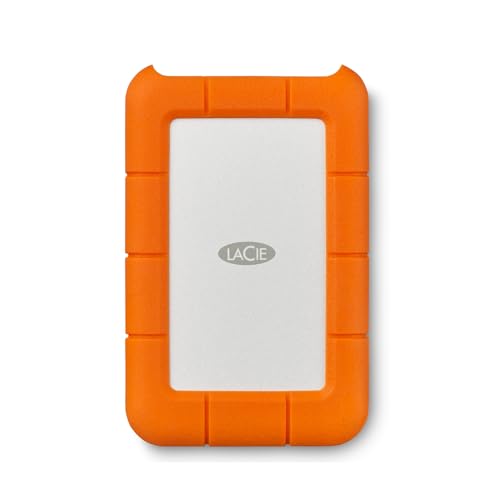
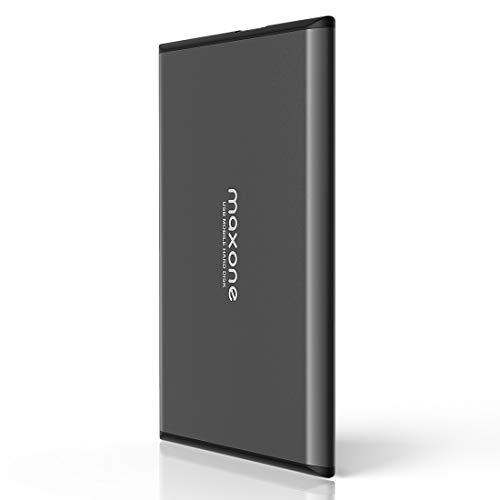
Slim portable drives are light and cheap but offer little protection if dropped. Rugged models add a rubber sleeve and are tuned for travel, outdoor work and kids. If a drive will ride in a bag every day, extra protection costs little compared with losing a backup.
Built for NAS and Surveillance
Some internal drives are designed for network storage boxes or camera recorders that run all day. They are tuned for constant operation and several drives in one enclosure. Do not put one in a normal PC unless the listing says it suits desktop use.
Reliability and Early Warning Signs
A hard drive rarely fails without hints. Clicking or grinding noises, files that take unusually long to open, repeated disconnects and error messages on copy are all reasons to copy your data off at once. Many operating systems can read a drive health report, and the maker may offer a free tool that does the same. Checking health a couple of times a year costs minutes and can save a lot of lost work.
Cost Per Terabyte and When to Step Up
A one terabyte drive often costs only a little less than two terabytes, so compare the price of the next size before you decide. If your files are already near the limit, the larger drive gives better value and spares you a second purchase soon. For a drive you only use for a small set of documents, one terabyte leaves plenty of space and keeps the cost down. See also our guide to the best hard drives for a wider comparison.
Compatibility With Consoles and Mac
Portable drives usually work with Windows out of the box, while Mac users may need to reformat. Consoles each support specific connections and file systems, so check your console guide before buying. Reformatting erases the drive, so do it first.
Backup Software and Encryption
Some makers include backup tools and password protection. They are helpful for scheduled backups but optional, since you can copy files by hand or use the backup tool built into your operating system.
What to Check in the Listing
- Capacity stated clearly as one terabyte, not a bundle with extras.
- Interface and cable: USB 3 for portables, SATA 6 Gb/s for internals.
- Condition new and a warranty period you can read.
- Rotation speed and size for internal drives.
Setup and Care Tips
- Eject portable drives safely before unplugging.
- Keep spinning drives still while they are working, since a knock can cause damage.
- Do not store the only copy of important files on one drive.
- Keep drives away from heat, moisture and strong magnets.
- Fill a new drive only after confirming it appears at the right capacity.
Frequently Asked Questions
Is a 1TB hard drive enough?
For documents, photos and music, yes. For 4K video or a large game library you may want more room or an SSD for the active files.
Hard drive or SSD for backups?
A hard drive is the cheaper choice for large backups, while an SSD is faster and tougher but costs more per terabyte.
How long does a hard drive last?
Many run for several years, but any drive can fail, so keep a second copy of anything important.
Can I use a portable drive with a console?
Often yes, but the console decides which connections and formats it accepts.
Can I put a 2.5 inch drive in a desktop?
Yes with a mounting bracket, but a 3.5 inch drive is the natural fit for a desktop bay.
Do I need to format a new drive?
Most portable drives are ready to use on Windows. Mac users or console owners may need to reformat the drive first, which erases it, so do that before copying any files across.
How do I choose the best 1tb hard drives?
Decide where the drive will live first: a portable USB model for backups and travel, or an internal drive for a PC.
Final Verdict
The best 1tb hard drives are the ones that fit where you will use them: a slim portable for everyday backups, a rugged one for travel, or an internal drive for a PC or NAS. Compare the options in the product table, confirm size and interface, and add a second copy of anything you cannot replace. Prices and availability change, so check the product page before ordering.