
Best 240mm CPU Coolers in 2026: Liquid Cooling That Fits Most Cases
Disclosure: We may earn a commission when you buy through links on this page, at no extra cost to you. As an Amazon Associate I earn from qualifying purchases. Learn more

The best 240mm CPU cooler gives strong, quiet cooling in a standard case. Compare radiator fit, sockets, pump design, lighting and screens.
A 240mm all-in-one liquid cooler is the middle child of CPU cooling: bigger than a 120mm unit, smaller than a 360mm one, and a fit for most mid-tower cases. The best 240mm CPU cooler keeps a modern processor cool under load, stays quiet at idle and fits your case and socket without surprises.
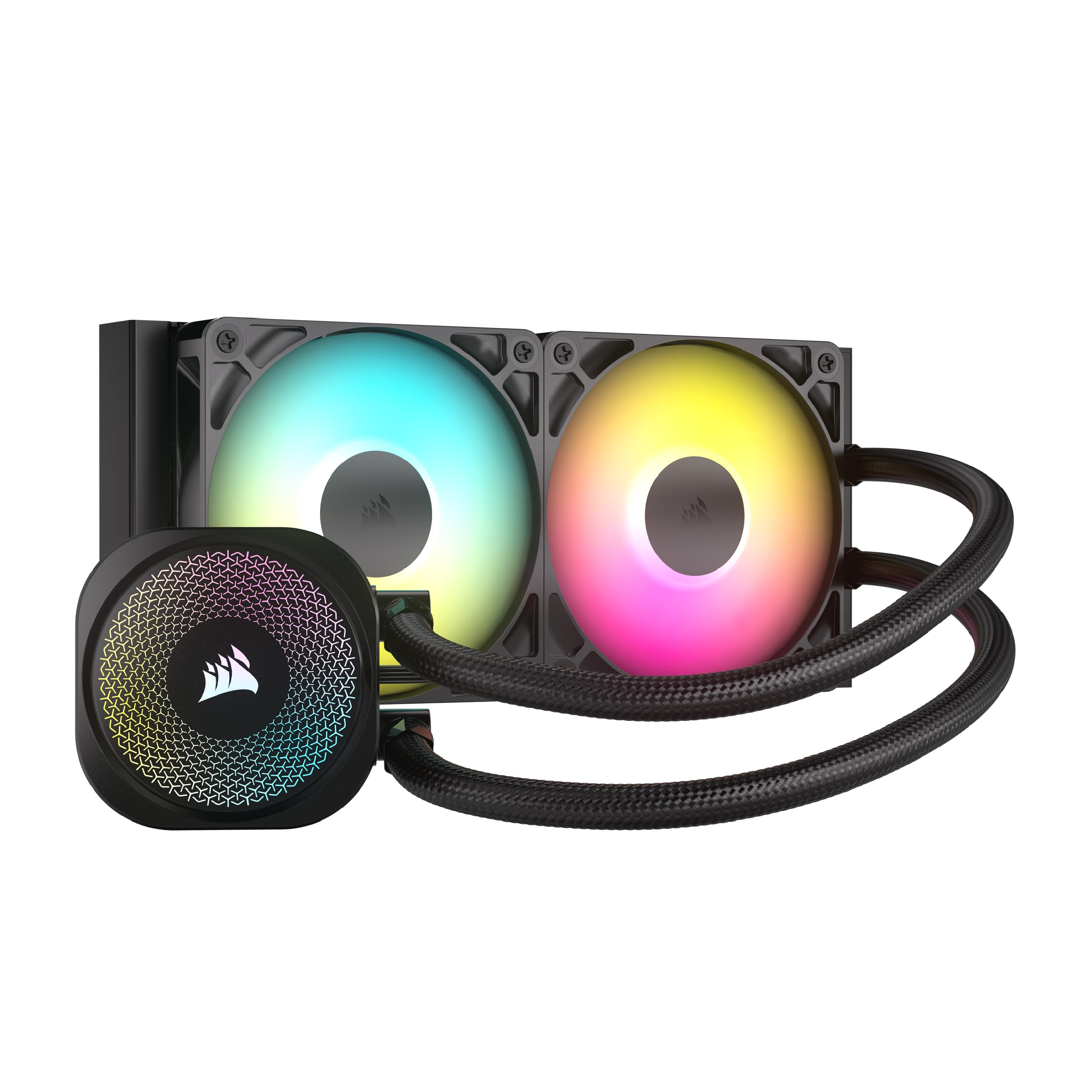
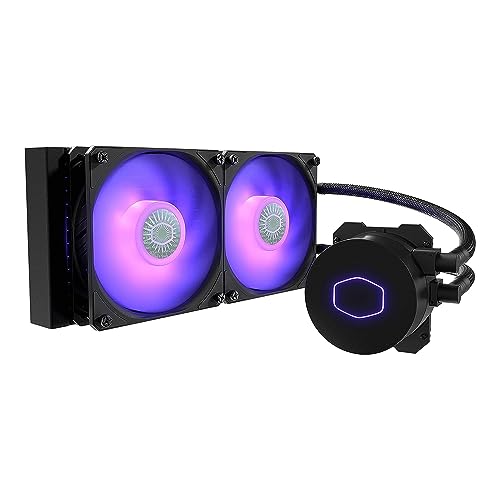
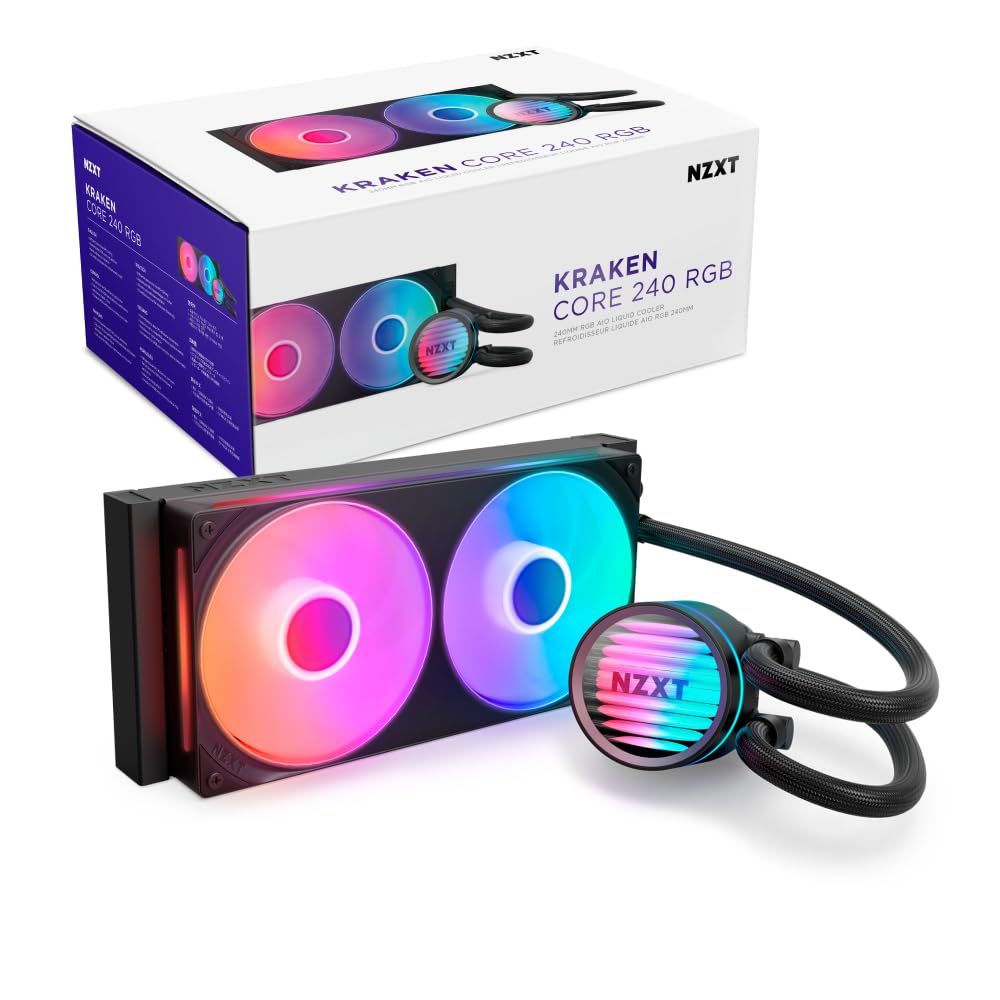
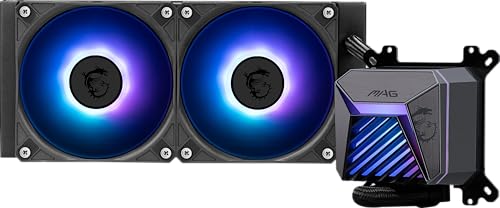
The product table lists current 240mm AIO coolers across price levels, from simple budget models to premium units with an LCD screen on the pump. The sections below explain how to choose between them and what to check before ordering.



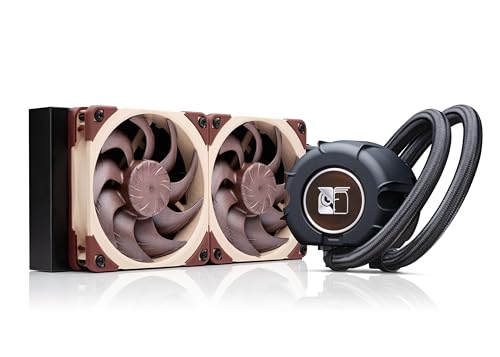


Check Your Case First
A 240mm radiator is two 120mm fans wide, and the case must support it at the front or the top. Read the case's specifications for radiator support, and remember that thickness matters: the radiator plus fans need clearance. A top-mounted radiator may collide with tall memory modules or the motherboard heatsinks, and a front mount may clash with a long graphics card in a small case.
Measure the free space. If you are unsure, check the manual or the maker's compatibility list. A cooler that does not fit is a return and a delay. For a broader overview of liquid cooling, see our best liquid CPU cooler guide.
Socket Support
Look for your CPU socket in the listing. Current AMD AM5 and AM4 and Intel LGA 1700 and 1851 are commonly listed, and some models mention readiness for the newest Intel socket. Most coolers include brackets for several sockets, but a new platform sometimes needs an extra kit from the maker. Check the mounting hardware list so you are not waiting on a part.
Performance, Fans and Noise
Cooling performance depends on the radiator, the pump and the fans. Fans with a wide RPM range and a good bearing run quiet at idle and ramp up under load. PWM control lets your motherboard adjust speeds, and you can set a gentle curve. Pump speed matters too, and many models let you change it.
Noise comes from the pump hum as well as the fans. A small difference between models appears here. Premium units often run quieter at the same temperatures. A budget unit can still be fine if you set a sensible fan curve and keep the case airflow balanced.
Pump Head Design: Plain, ARGB or LCD
The pump head sits on the CPU. Plain models keep the cost low. ARGB heads add lighting that syncs with your other components, and mirror-style heads add a spectacle. The most expensive models include an LCD screen that shows temperatures, GIFs or system stats.
These extras do not improve cooling, so choose them for looks. If you want a quiet, simple build, a plain model with good fans is the best value. If you enjoy a showpiece, check that the software works on your operating system and does not demand heavy background use.
Reliability and Warranty
AIO coolers have a pump and a sealed loop. Reputable models last for years, and warranties of three to six years are common. Our guide on how long AIO coolers last explains the ageing process and the signs of a failing pump. Look for a clear warranty and a seller who handles returns well.
Leaks are rare but possible. Mount the radiator with the tubes lower than the pump if you can, and avoid air pockets that make the pump noisy. Follow the manual for the orientation.
Air Cooler Alternatives
A big air cooler can match a 240mm AIO in many builds, with no pump to fail. If you prefer simplicity and low cost, read our comparison of the Peerless Assassin vs Phantom Spirit. A 240mm AIO is better when you want a clean look, a lighter load on the motherboard or better cooling in a cramped layout.
Installation Tips
Install the radiator and fans in the case first, mount the pump on the CPU with fresh thermal paste, and connect the pump to the CPU fan header or a dedicated pump header. Route tubes so they do not kink, and set the fan curve in the BIOS. Run a short load check and watch the temperatures. If you see odd noises, check for trapped air and tubing contact with fans.
Choosing Between Models in the Table
Group the coolers by purpose. The budget group, priced low, gives you solid cooling and simple ARGB or plain fans. The middle group adds better fans, a quieter pump and a longer warranty. The premium group adds LCD screens, high-end fans or exotic designs such as a pump with a very quiet motor. For most builders, the middle group offers the best balance, since cooling performance differs less across groups than the noise and the build quality do.
When you compare the best 240mm CPU cooler options, look at the fan bearings, the pump speed range and the cable length. A short pump cable can force an awkward routing, and fans with a wide speed range give you more control. Check the thermal paste included, and whether the cooler ships with all the brackets you need for your socket.
Case Airflow Matters Too
A radiator pulls heat out of the CPU, but the case still has to move that heat out. Use the radiator as an intake or exhaust depending on your layout: a top exhaust is common, as it lets hot air leave the case, and a front intake feeds cool air straight to the radiator and the graphics card. Keep the fans balanced, and clean dust filters every few months. Good airflow can lower temperatures as much as a better cooler.
FAQs
Is a 240mm AIO enough for a high-end CPU?
For most CPUs, yes. Very hot chips may benefit from a larger radiator.
Do I need ARGB?
No. It is cosmetic.
Will it fit my case?
Check radiator support and clearance for memory and the graphics card.
How often should I replace it?
When it fails or gets noisy. Many last several years.
Final Thoughts
The best 240mm CPU cooler fits your case and socket, runs quietly and carries a solid warranty. Check radiator support, decide whether you want lighting or a screen and compare the models in the product table.
Prices and availability can change, so check the product page before ordering.


