
Best 2.5 Inch SSD for 2026: SATA Upgrade Guide for Laptops and PCs
Disclosure: We may earn a commission when you buy through links on this page, at no extra cost to you. As an Amazon Associate I earn from qualifying purchases. Learn more
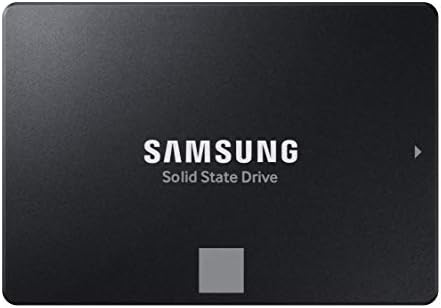
Best 2.5 inch ssd explained: SATA speed, capacity, thickness limits and install steps for an easy laptop or desktop upgrade.
The 2.5 inch SSD is the format that rescued a generation of laptops and desktops: it fits the same bay as an old hard drive, uses the common SATA connection and makes a computer feel new at a modest price. This guide to the best 2.5 inch ssd drives explains who still needs them, how to pick a capacity and what to check before you open your machine.
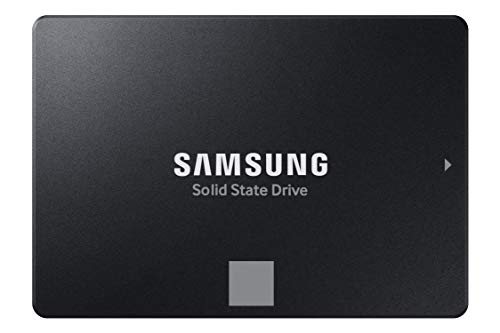
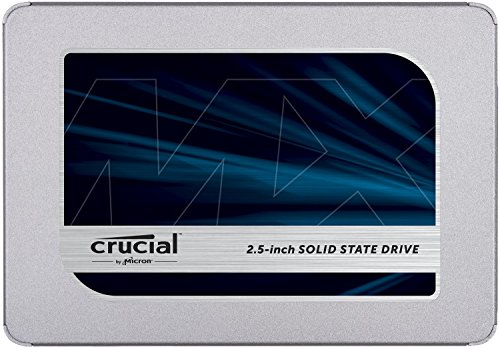
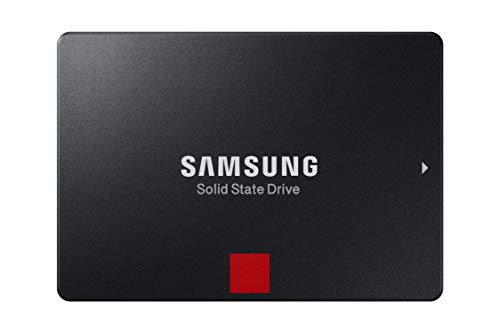
The product table lists 2.5 inch SSDs that are available new, in several sizes from small boot drives to multi terabyte storage models. The sections below help you choose a drive that suits your computer and budget.




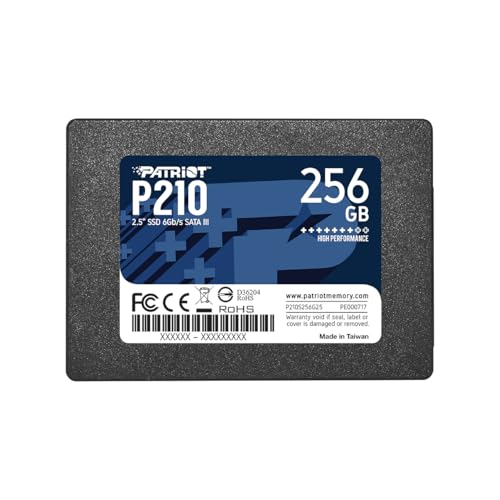

Who Should Buy a 2.5 Inch SSD
If your computer has a 2.5 inch bay and a SATA port, this is the simplest upgrade you can make. It suits older laptops, small desktops, network boxes and some game consoles that accept 2.5 inch drives.
If your motherboard or laptop has an M.2 slot, a stick style NVMe drive is faster, but SATA drives remain a good fit for many machines and are easier to install and swap.
How Fast Is SATA
SATA III tops out around 550 megabytes per second, which is the cap for every drive in this category. Differences between models appear in sustained writes, cache size and small file speed, not in the headline read figure. For everyday use, you will feel the jump from a hard drive immediately, while the difference between two good SATA drives is small.
Choosing a Capacity
Size is the big price lever. A small drive is enough for the operating system and a few programs, and a mid size drive holds a game library and work files. Large drives suit photo and video libraries or replace a hard drive entirely.
Listings in this category range from a few hundred gigabytes up to several terabytes, so decide how much data you really have and add room, since an SSD slows down when it is almost full.
Thickness and Fit
Most laptops accept a 7 millimetre thick drive, while a few older models take 9.5 millimetre drives and need a spacer. Look at the thickness of the drive you are replacing and check the listing before ordering. Desktop bays are larger and often need a mounting bracket for a 2.5 inch drive.
Drive Type: TLC, QLC and Cache
SSDs store bits in cells and the type affects endurance and sustained speed. TLC drives are the common mainstream choice. QLC drives pack more data per cell, which lowers cost for large drives but can slow during long writes and offers lower endurance. For a boot drive or heavy work, choose TLC. For archives and game libraries, QLC drives are often fine.
Using One in a Console or a NAS
Some consoles accept a 2.5 inch SATA drive as storage or an internal upgrade, but check the maker guide for supported sizes. In network storage boxes, SSDs help as a cache, though models built for heavy use cost more.
Upgrading From a Hard Drive: What Changes
Swapping a spinning drive for an SSD changes startup from a minute or more to seconds, makes programs open instantly and removes the clicking and vibration. Laptops also gain a little battery life and shock resistance, since there are no moving parts. The improvement is bigger for a computer that has been slowing down for years than for one that was already fast, so an old machine with a hard drive is the ideal candidate.
If your computer is very old, check that it has a SATA III port. SATA II ports still work but cap the drive at a lower speed.
Cost Per Gigabyte and When to Spend More
Small drives cost less in total but more per gigabyte, while larger drives cost more upfront and less per gigabyte. If you plan to keep the machine for several years, a roomier drive is usually the better buy. Spend more on a drive with a longer warranty and consistent sustained speed when it will be your main system drive. See also our guide on ssd vs hdd and how long ssds last.
Cloning and Installing
- Back up your files before you start.
- Connect the new drive through a SATA to USB adapter and run the maker cloning tool.
- Power off, remove the old drive, fit the new drive and tighten the screws.
- Boot, check that the system sees the full capacity and then format the old drive for storage.
Warranty, Brand and Safety
A longer warranty and clear support are good signs of a reliable drive. Beware of listings with unusual sizes at very low prices, which can be fake capacity drives. Check the drive in your operating system and use a capacity checking tool if the numbers look odd.
Frequently Asked Questions
Will a 2.5 inch SSD fit my laptop?
If your laptop has a 2.5 inch SATA bay, yes. Check the thickness limit and the interface in the guide.
Is a 2.5 inch SSD slower than NVMe?
Yes, SATA is capped lower than NVMe, but for normal use it is much faster than a hard drive.
Do I need to reinstall Windows?
No. You can clone your old drive onto the new one, or install fresh if you prefer a clean start.
Do I need special cables?
A SATA to USB adapter is handy for cloning, but it is not required if you install a fresh copy of your operating system. Desktop installs need a SATA data cable and a power lead, which are usually already in the case.
Is a bigger SSD faster?
Not always, but larger drives often hold their speed better because they have more cells to spread writes.
Can I use it as an external drive?
Yes, with a SATA to USB adapter or an enclosure.
How do I choose the best 2.5 inch ssd?
Check the bay thickness and the SATA port in your computer, then choose capacity and warranty.
Final Verdict
The best 2.5 inch ssd is one that fits your bay, suits your use and has the capacity you need. Compare the options in the product table, check the thickness limit for laptops and keep a backup before you clone or install. Prices and availability change, so check the product page before ordering.


