Microsoft Surface Pro 11 13" Copilot+ PC, AI Tablet, 2880x1920 120Hz LCD Touchscreen, 10-Core Qualcomm Snapdragon X Plus, 16GB RAM, 512GB SSD, WiFi Only, Win 11 Pro, Black
Disclosure: We may earn a commission when you buy through links on this page, at no extra cost to you. As an Amazon Associate I earn from qualifying purchases. Learn more
Highlights
- The Future of AI PCs: Seamlessly handle everyday tasks with Microsoft Copilot while exploring endless AI capabilities — from advanced image creation and editing to enhanced video calls with auto eye-gaze correction, and real-time translation and transcription
- Built for AI: The Snapdragon X Plus powers the next generation of AI PCs with the fastest Qualcomm NPU and 45 TOPS of performance. Unleash creativity, boost productivity, and enjoy seamless multitasking, all with optimized power efficiency. With Snapdragon X Plus, your workflows are smarter, faster, and more intuitive
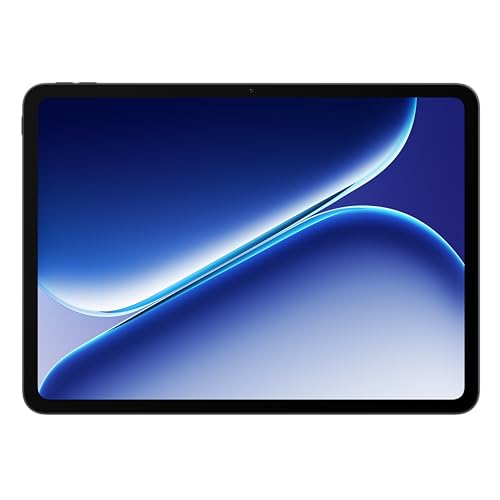
- Immersive Visuals: The 13" PixelSense Flow display offers stunning clarity with 2880 x 1920 resolution and a near edge-to-edge design. With a 1200:1 contrast ratio and up to 120Hz dynamic refresh rate, enjoy vibrant colors and ultra-smooth, responsive touch for an elevated viewing and work experience
- Ultimate Data Protection: The Surface Pro 11 for Business is a Secured-core PC, enhancing Windows 11 Pro security with facial recognition and robust password protection
- Connectivity: Stay powered on the go, transfer data quickly, or build the perfect desktop setup with dual USB-C 4 ports, supporting up to three 4K monitors at 60Hz
Why You'll Love It
- Accelerates everyday tasks and AI capabilities using the 10-core Qualcomm Snapdragon X Plus processor
- Delivers 45 TOPS of performance with the fastest Qualcomm NPU for optimized power efficiency
- Presents stunning visuals on a 13-inch PixelSense Flow display with a 1200:1 contrast ratio
- Provides ultra-smooth touch response and vibrant colors through a dynamic 120Hz refresh rate
- Enhances security with Windows 11 Pro, facial recognition, and Secured-core PC data protection
- Connects to multiple displays and transfers data rapidly using dual USB-C 4 ports
Pros
- +Fast Qualcomm NPU performance
- +120Hz dynamic refresh rate
- +Windows 11 Pro security
- +Dual USB-C 4 ports
Cons
- -WiFi only connectivity
- -Limited to listed ports
Detailed Review
A versatile Windows 11 Pro tablet built around the Qualcomm Snapdragon X Plus processor, the Microsoft Surface Pro 11 13 inch Copilot PC brings advanced intelligence and fast everyday multitasking to mobile workflows. This device suits professionals and creators who need a portable touchscreen computer equipped for modern processing demands, efficient power management, and strong security measures without relying on a bulky laptop chassis.
At the center of its capability is the 10-core processor paired with a dedicated NPU delivering 45 TOPS of performance. This architecture runs Microsoft Copilot to handle advanced image creation, image editing, and real-time translation or transcription. Video calls also benefit from auto eye-gaze correction, helping maintain natural engagement during virtual meetings while maintaining optimized power efficiency for longer tasks.
Visuals play a major role in the user experience, driven by a 13-inch PixelSense Flow display with a resolution of 2880 by 1920 pixels and a near edge-to-edge design. The screen supports a dynamic refresh rate of up to 120Hz alongside a 1200:1 contrast ratio, ensuring that colors remain vibrant and touch inputs stay exceptionally smooth and responsive whether sketching, reading, or navigating applications.
Security and connectivity are handled through robust business-grade features. As a Secured-core PC running Windows 11 Pro, it incorporates facial recognition and reliable password protection to guard sensitive data. For hardware integration, dual USB-C 4 ports enable rapid data transfer, power delivery on the go, and the capability to build a desktop setup supporting up to three 4K monitors running at 60Hz.
Trade-offs for this form factor include the reliance on wireless networking since the hardware is configured for WiFi only use, meaning cellular data options are absent. Users needing a traditional laptop keyboard or legacy ports like standard USB-A will also need to accommodate the slim tablet design and its port selection.
Verdict: This artificial intelligence tablet works best for mobile users and professionals who want a high resolution 120Hz display, robust facial recognition security, and modern processing power in a portable format. Buyers requiring built-in cellular connectivity or legacy peripheral ports should explore alternative configurations.
Who Should Buy It
A great fit if you:
- Need a portable touchscreen tablet powered by a fast Qualcomm NPU for daily multitasking and image editing tasks.
- Require a high resolution 120Hz display with vibrant colors and smooth touch response for creative work or media viewing.
- Value advanced business security features including facial recognition and Secured-core PC data protection on Windows 11 Pro.
- Plan to connect external displays using dual USB-C 4 ports to build a multi-monitor desktop arrangement.
Consider something else if you:
- Need cellular data connectivity for internet access away from wireless networks, as this model is WiFi only.
- Require legacy USB-A ports or built-in connectors without needing separate adapters or docks.
- Prefer a traditional laptop with a fixed attached keyboard rather than a detachable tablet form factor.
Before You Buy
Confirm on the listing:
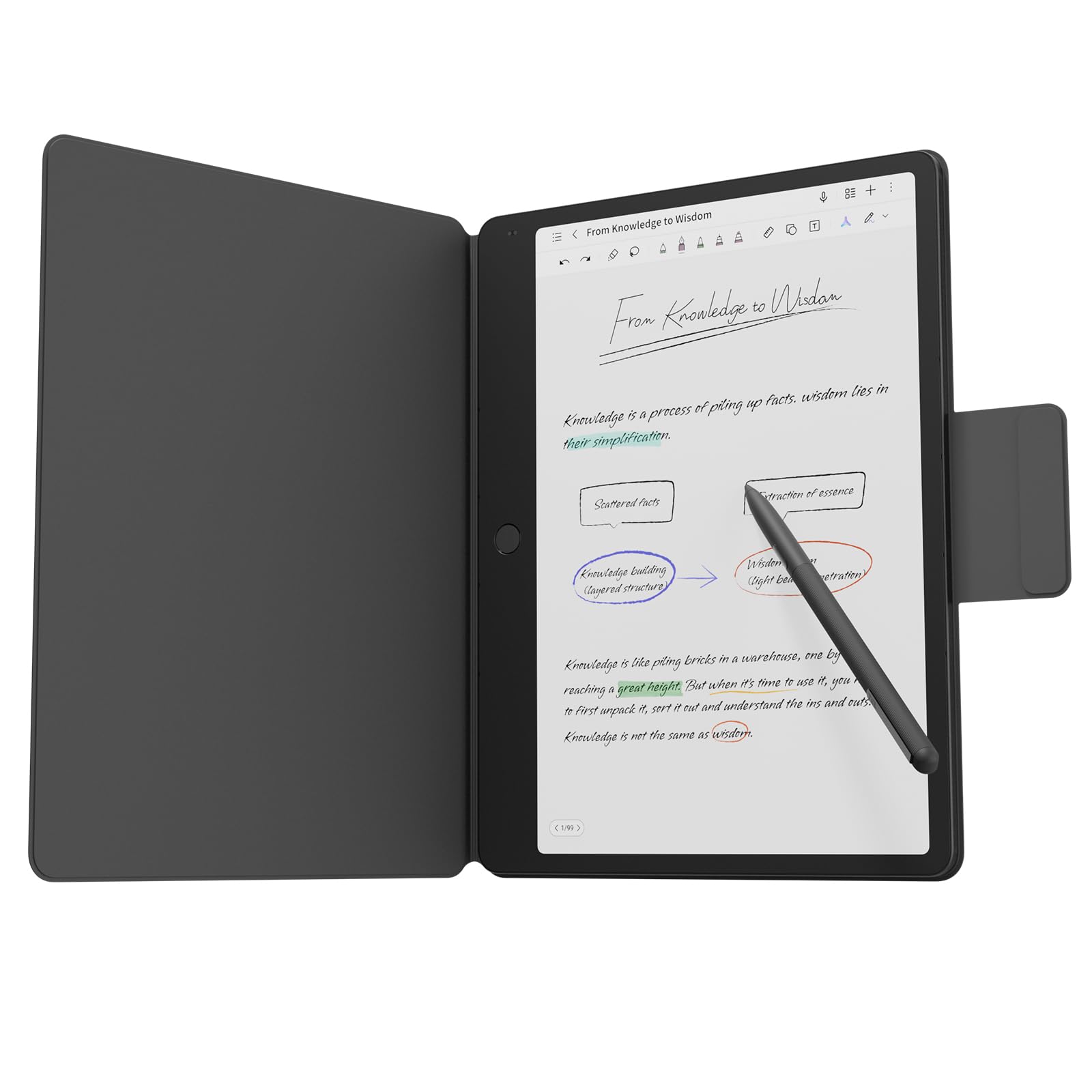
- Check whether a keyboard accessory or stylus is included in the specific retail package or sold separately.
- Verify that the 512GB solid state drive and 16GB of RAM match your storage and multitasking requirements.
- Confirm that your existing peripherals and monitors are compatible with the dual USB-C 4 port connection options.
How to compare your options: When evaluating this tablet against other mobile computing devices, focus primarily on processor capability, screen refresh rate, and port availability. Ensure that the specified RAM and storage capacities align with your software demands and daily file storage needs before making a purchase decision.
Getting the Most From It
Configure your Windows 11 Pro security settings during initial setup, making sure to register your facial recognition data for quick and secure sign-in protection.
Take advantage of the dual USB-C 4 ports by connecting compatible hubs or docking hardware if you plan to attach multiple 4K monitors and external data drives simultaneously.
Utilize the dynamic 120Hz refresh rate and responsive touch capabilities by keeping the PixelSense Flow display clean from smudges using a soft cloth as recommended for sensitive electronics.
Explore Microsoft Copilot features for real-time translation, transcription, and image editing tasks to streamline your everyday workflows and enhance productivity.
FAQ
What operating system does this tablet use?
It runs Windows 11 Pro, offering robust security features including facial recognition and Secured-core PC data protection.
Can I connect external monitors to this device?
Yes, the dual USB-C 4 ports support building a desktop setup with up to three 4K monitors running at 60Hz.
Does this model include cellular connectivity?
No, this version is WiFi only and does not feature cellular data capabilities.
What kind of display does it feature?
It features a 13-inch PixelSense Flow display with a resolution of 2880 by 1920 pixels, a 1200:1 contrast ratio, and a dynamic refresh rate of up to 120Hz.
What comes in the box with this product?
The listing does not state whether accessories like keyboards or styluses are included, so check the package details on the retail page before purchasing.
Product Details
| ASIN | B0DLBT8PMN |