Sony
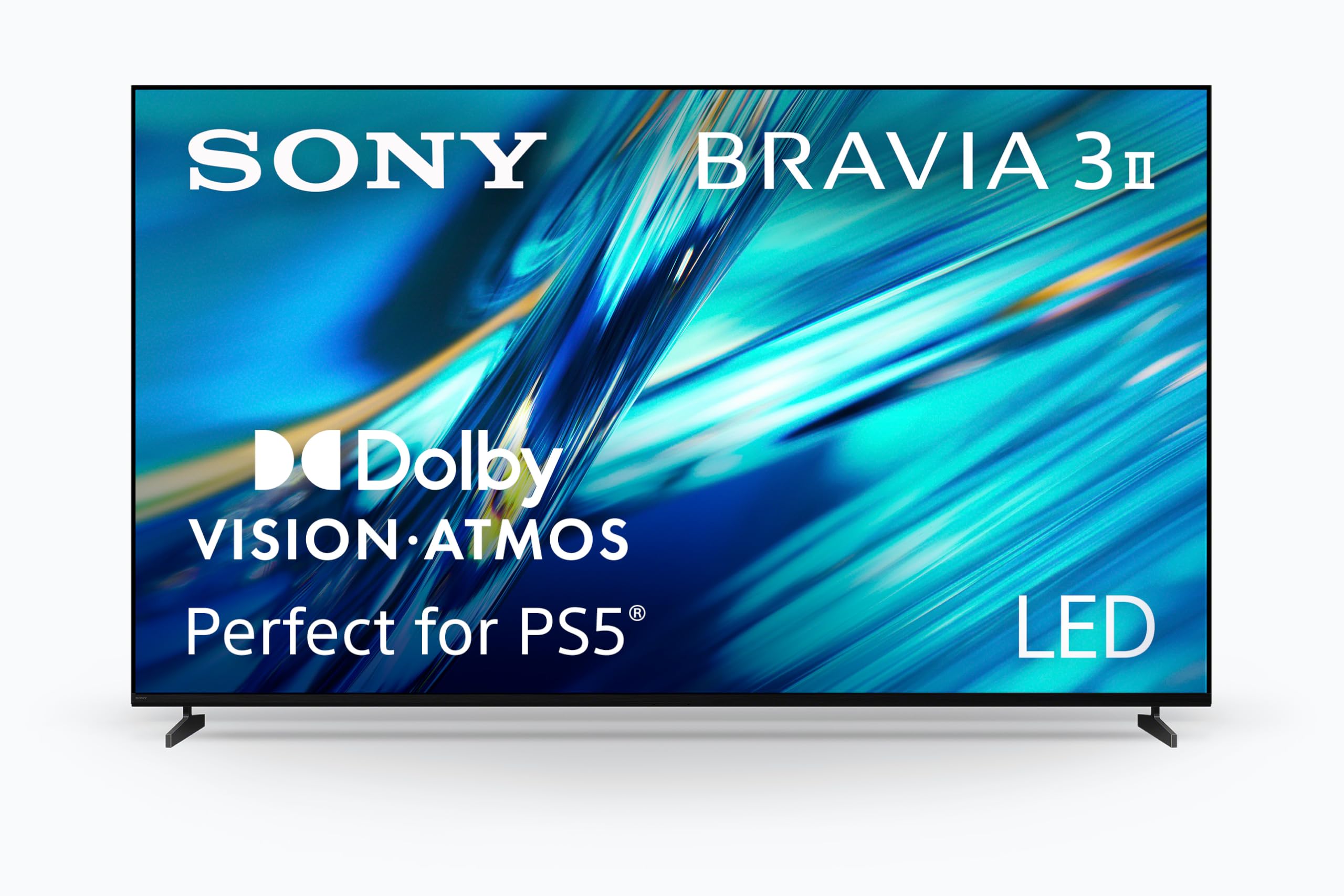
Sony 65 Inch BRAVIA 8 II QD OLED 4K HDR Smart Google TV (K-65XR80M2) | Sony’s brightest OLED with max color, XR Processor with AI Technology, Ultra Slim Design, 4K movie credits included
Disclosure: We may earn a commission when you buy through links on this page, at no extra cost to you. As an Amazon Associate I earn from qualifying purchases. Learn more
Highlights
- HANDPICKED BY AMAZON: They did the research so you don’t have to.
- PURE BLACK AND OUR HIGHEST OLED BRIGHTNESS: Over 8 million self-lit pixels are precisely controlled to produce pure black with our highest OLED brightness.
- BILLIONS OF REAL-WORLD COLORS: See billions of accurate real-world colors with a Quantum Dot panel and XR Triluminos Max.
- POWERFUL TV PROCESSING WITH AI: XR Processor with AI technology intelligently enhances every scene in real-time boosting color, contrast, and clarity.
- EVERYTHING YOU STREAM. ALL IN ONE SCREEN: Get access to all your favorite streaming apps in one place with Google TV. With Google Assistant, simply use your voice to search and ask questions.
- EFFORTLESSLY STREAM TO YOUR TV: Easily stream to your TV with support for Apple AirPlay 2 and Google Cast.
- MOVIES INCLUDED: Get movies included and access to the largest IMAX Enhanced collection with the SONY PICTURES CORE app.
- STUDIO CALIBRATED PICTURE: See picture quality just as the creator’s intended with studio calibrated picture modes specially designed for Netflix, Prime Video, and SONY PICTURES CORE.
- MORE IMMERSIVE MOVIE EXPERIENCE: Get a truly cinematic viewing experience with support for Dolby Vision and Atmos, IMAX Enhanced, and DTS:X.
- CRYSTAL CLEAR PICTURE POWERED BY AI: Upscale all your HD and digital content and bring back lost detail with XR Clear Image and AI technology.
Why You'll Love It
- Self lit OLED pixels deliver deep black areas alongside Sony's highest OLED brightness
- Quantum Dot color technology displays a broad range of accurate, lifelike colors
- AI powered XR processing adjusts color, contrast, and clarity across individual scenes
- Google TV brings streaming apps together with voice search through Google Assistant
- AirPlay 2 and Google Cast make it easy to stream compatible content to the screen
- Dolby Vision, Dolby Atmos, IMAX Enhanced, and DTS:X support a more cinematic viewing experience
Pros
- +OLED picture with controlled black levels
- +Quantum Dot color technology
- +AI enhanced image processing and upscaling
- +Google TV with voice search
- +Multiple cinematic picture and sound formats
Cons
- -Premium OLED positioning may not suit every budget
- -Picture benefits depend partly on the content being watched
- -A single 65 inch screen size may not suit every room
Detailed Review
The Sony BRAVIA 8 II is a 65 inch OLED TV designed for viewers who want detailed 4K entertainment, rich colors, and a more cinematic way to watch movies at home. Its combination of self lit OLED pixels, Quantum Dot color technology, and AI powered picture processing makes image quality the central reason to consider it. Google TV adds a convenient way to bring streaming apps together, while support for several movie focused picture and sound formats gives film fans additional reasons to take a closer look.
The display combines more than 8 million self lit pixels with Sony's highest OLED brightness, according to the product description. Because the pixels are individually controlled, the screen is designed to produce pure black alongside bright picture elements. The Quantum Dot panel and XR Triluminos Max work on color reproduction, with the stated aim of showing billions of accurate, real world colors. These features make the TV particularly appealing to shoppers who pay close attention to dark scenes, colorful cinematography, and the overall presentation of movies and shows.
Picture processing is another important part of the package. The XR Processor uses AI technology to adjust color, contrast, and clarity in real time, while XR Clear Image upscales HD and digital content to bring back detail. That combination gives the TV more than a focus on native 4K material alone. Buyers who watch a mixture of content may appreciate having image processing designed to improve the appearance of sources with different levels of detail. Studio calibrated picture modes for Netflix, Prime Video, and SONY PICTURES CORE also provide viewing options developed with those services in mind.
Google TV brings streaming apps together on one screen, and Google Assistant allows voice based searching and questions. Apple AirPlay 2 and Google Cast offer additional ways to send compatible content to the television. For movie nights, Dolby Vision and Dolby Atmos join IMAX Enhanced and DTS:X support, while the SONY PICTURES CORE app provides included movies and access to an IMAX Enhanced collection. The ultra slim design also gives the set a more restrained visual profile than a design focused on bulk.
The main trade off is that this is a feature rich OLED television aimed at shoppers who place real value on picture presentation and entertainment options. Its single 65 inch format will not be the right fit for every viewing area, and buyers primarily interested in basic television viewing may not need all its processing and cinematic features. The experience also depends on choosing suitable content and picture settings for personal preferences.
Verdict: This 65 inch OLED TV is a strong candidate for movie fans and streaming households who want controlled blacks, Quantum Dot color, AI image processing, and broad cinematic format support. Consider another type of television if your priority is a simpler, less feature focused purchase or if a 65 inch screen does not suit your space.
Who Should Buy It
A great fit if you:
- Watch movies regularly and want a screen designed around deep blacks, strong brightness, and detailed color reproduction.
- Stream shows from several services and prefer bringing your viewing apps together through a single television interface.
- Enjoy a mix of 4K, HD, and digital content and value image processing designed to improve picture detail.
- Want a television with support for cinematic picture and audio formats, including Dolby Vision, Dolby Atmos, IMAX Enhanced, and DTS:X.
Consider something else if you:
- Mostly watch basic television and would prefer a simpler model without an emphasis on advanced picture processing and movie features.
- Need a screen size other than 65 inches, in which case a television in a more suitable size would make a better starting point.
Before You Buy
Confirm on the listing:
- Measure the space where you plan to place the television and confirm that the 65 inch screen suits your room and furniture.
- Check the complete package contents, including what is supplied with the television and what you may need for your intended setup.
- Confirm that your existing devices and preferred streaming services work with the connections, casting options, and apps you plan to use.
- Review the available setup guidance and care instructions, along with any requirements for your chosen placement.
How to compare your options: Start with screen size, picture technology, and the kinds of content you watch most. The BRAVIA 8 II combines self lit OLED pixels, Quantum Dot color, and AI processing, making its picture capabilities a central part of the buying decision. Then compare streaming access, casting compatibility, and supported movie formats against your existing entertainment setup. If you care about calibrated viewing modes or upscaling HD content, include those features in your comparison rather than judging televisions by screen size alone. Finally, consider whether you will regularly use the additional capabilities enough to justify choosing this feature focused model.
Getting the Most From It
Begin by reviewing the setup instructions and arranging the television in a viewing area that suits its 65 inch screen. If you are choosing between possible locations, consider how the screen will fit alongside your existing furniture and entertainment equipment before settling on a position.
Explore the picture settings rather than assuming one mode will suit every program. The available studio calibrated modes are designed for Netflix, Prime Video, and SONY PICTURES CORE, so consider those options when watching content from the corresponding services. You can also evaluate how the picture looks with your usual mix of movies, shows, HD material, and digital content.
Set up Google TV around the streaming apps you use most, and explore Google Assistant if voice search would make finding programs easier. If you regularly send content from compatible Apple devices or use Google Cast, check those options as part of your initial setup so they fit naturally into your viewing routine.
For movie viewing, look for content that supports the picture and audio formats you want to use, including Dolby Vision, Dolby Atmos, IMAX Enhanced, and DTS:X. Keep the television's care guidance available and follow its recommended cleaning and maintenance instructions. A little attention to settings, content choices, and everyday care can help you make better use of the features you are paying for.
FAQ
Is the Sony BRAVIA 8 II a 4K smart TV?
Yes, it is a 4K HDR smart television with Google TV. Its feature set also includes AI powered picture processing and HD content upscaling.
Does this TV support Apple AirPlay and Google Cast?
Yes, the television supports Apple AirPlay 2 and Google Cast. These features let you stream compatible content to the screen from supported devices.
What picture and sound formats does it support?
It supports Dolby Vision, Dolby Atmos, IMAX Enhanced, and DTS:X. These formats add to its focus on a cinematic viewing experience, although the content you choose also matters.
Does the television include movies?
Yes, the product description states that movies are included through the SONY PICTURES CORE offering. It also advertises access to an IMAX Enhanced collection. Check the current listing for the exact included movie offer and any conditions.
What comes in the box, and how should I set it up?
The description identifies the television and its smart features but does not detail every package item or setup requirement. Confirm the included accessories and read the supplied setup and care instructions before deciding how to position and configure the TV.
Product Details
| Brand | Sony |
| ASIN | B0DYK7Y2YB |