
Ajazz AKP153 Review for 2026: Budget Stream Controller
Disclosure: We may earn a commission when you buy through links on this page, at no extra cost to you. As an Amazon Associate I earn from qualifying purchases. Learn more

Ajazz AKP153 review covering software, key feel and how this budget stream controller compares with Elgato Stream Deck models.
The Ajazz AKP153 is a wired stream controller, a small keypad with programmable keys that triggers scenes, shortcuts and macros, and this ajazz akp153 review explains what it does, who it suits and how it compares with the Elgato Stream Deck family. It is a budget alternative for streamers, video editors and office users who want one touch access to repeated tasks.
The AKP153 is sold as a Stream Studio Controller with a USB-C wired connection, at around $60 on Amazon. Because it carries a lower price than the best known controllers, the questions that matter are software quality, key quality and how it works with your apps.


Ajazz AKP153 Review: What It Is
A stream controller is a pad of programmable keys, often with small screens under each key, that you assign to actions. You press a key to switch an OBS scene, mute a microphone, launch a program, paste a block of text or run a macro. The AKP153 follows that idea and connects to a PC by USB-C cable.
Ajazz is better known for keyboards, including the AK820 and AK980 lines, and the AKP153 brings the same value-first approach to a controller. Expect solid basics at a price well below the premium alternatives, and check the software carefully before you commit.
Software and App Support
The controller is only as useful as its software. Look for support for the programs you use: OBS, streaming platforms, chat tools, media players, and Windows shortcuts. Budget controllers usually include their own configuration app, with drag and drop actions and icon editing, and some can also import profiles designed for other controllers.
Before buying, check the listing and the manufacturer's page for supported operating systems. Mac support, Linux support and plugin ecosystems differ widely between controllers, and a gap here is the usual reason people return a budget model.
Key Feel and Build
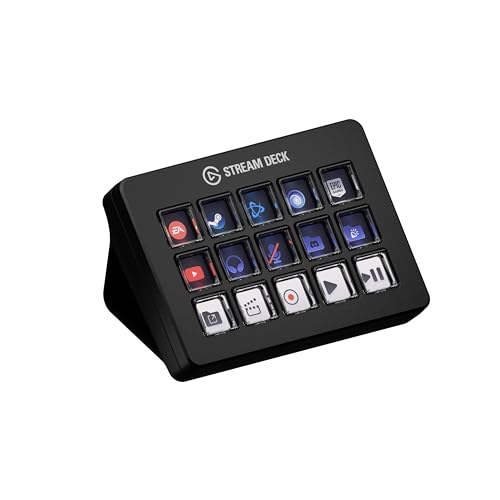
Stream controllers use either soft rubber-dome style keys or tactile switches. Elgato's Scissor Keys model, for example, lists tactile, responsive macro keys, while the MK.2 lists 15 macro keys with customizable icons. For the AKP153, judge how the keys feel, how bright the icons are, and whether the keypad stays steady on a desk with its stand.
A heavy base and non-slip feet matter more than most buyers expect. A controller that slides away when you press a key is more annoying than any software problem.
How It Compares With Elgato Stream Deck
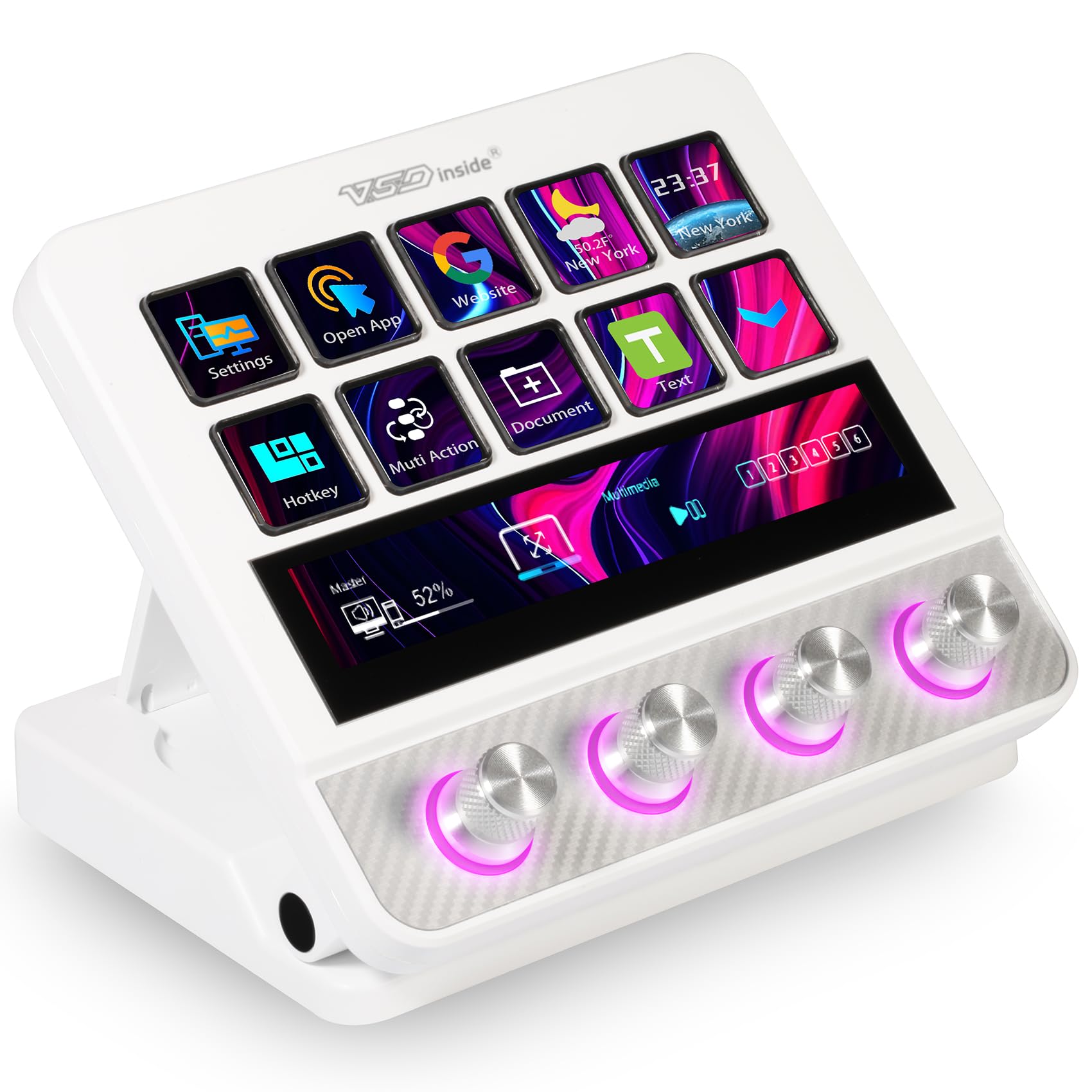
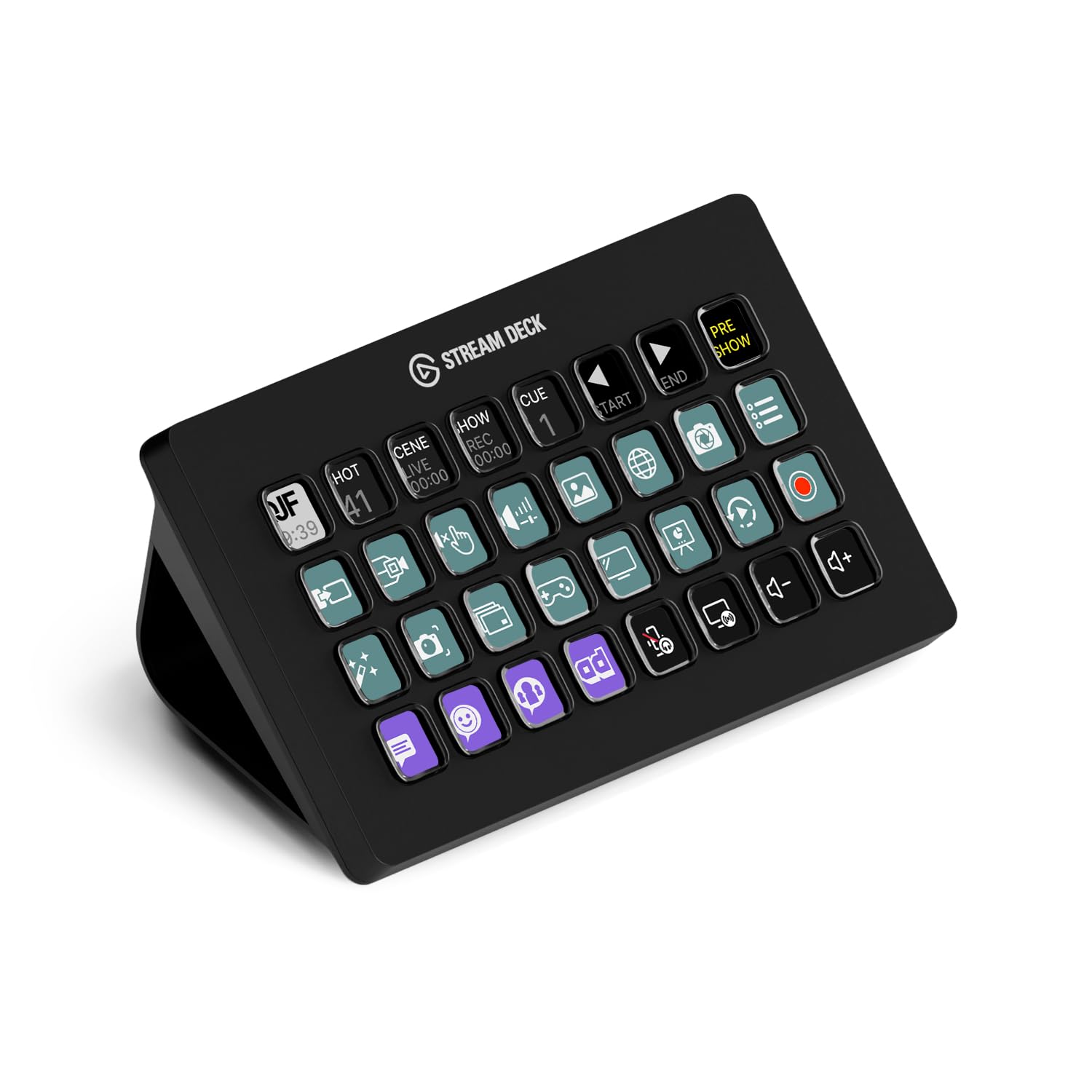
The Elgato Stream Deck family is the reference. The MK.2 lists 15 macro keys at around $120, the Stream Deck XL lists 32 keys at around $225, the Stream Deck + adds dials and a touch strip at around $180, and the larger Stream Deck + XL lists 36 customizable keys and six multifunction dials at around $350. The AKP153 costs about half of the MK.2, and a VSD N4 Pro lists around $120 with a touch strip and dials.
What you pay for with Elgato is the software ecosystem: a large plugin library, wide platform support and years of updates. If you plan to use many plugins, the premium model is worth considering. Our Elgato Stream Deck review and Stream Deck Neo review go deeper, and the best stream deck guide compares more models.
Who Should Buy the Ajazz AKP153
Choose the AKP153 if you stream or edit on a PC, want a handful of quick shortcuts, and want to spend as little as possible. It is a good first controller for a new streamer, and a nice productivity tool for people who run repeated commands in editing software, spreadsheets or design apps.
Skip it if you want the biggest plugin library, a dial or touch strip, or Mac and Linux support guarantees. In those cases an Elgato model or another established brand is the safer purchase.
Setup Tips for Any Stream Controller
- Start with six to eight actions you use every day, such as scene switches, mute and a recording toggle.
- Use folders or pages to hold less common actions so the front page stays clean.
- Give each key a clear icon and a label, so you can find it without thinking.
- Back up your profile to a file, since you will spend time building it.
Everyday Uses Beyond Streaming
A controller helps outside streaming too. Video editors map cut, ripple delete and export commands. Office workers map email templates, meeting links and window layouts. Developers map build, check and deploy commands. Podcasters map mute, record and sound effects. The more repetitive your workday, the more a programmable keypad saves in small seconds that add up.
Price and Value Notes
At around $60, the AKP153 costs about half of an Elgato Stream Deck MK.2 and less than the VSD M18 macro pad, which lists around $55 with customizable LCD keys. Price alone does not decide value. A controller you stop using after a week is wasted money, so think about which actions you will really assign before choosing the size and the brand.
If you only need three or four shortcuts, even a spare row on your keyboard may do the job. If you already juggle ten or more actions, a dedicated pad pays for itself in time saved.
FAQ
Is the Ajazz AKP153 good for streaming?
It is a capable, low cost controller for scene switching and shortcuts. Check software support for your streaming tools before you buy.
Does it work with OBS?
Most stream controllers can trigger OBS actions through hotkeys or plugins. Confirm the method the AKP153 software uses for the OBS version you run.
Does it work on Mac?
Operating system support varies by controller. Read the listing and the maker's page for the current software versions.
Is it a good Stream Deck alternative?
Yes, for basic use at a lower price. Elgato offers a bigger software ecosystem at a higher price.
Final Verdict
This ajazz akp153 review ends with a simple answer: it is a sensible budget controller for basic streaming and shortcut tasks, but not a replacement for a full Stream Deck ecosystem. Check the software support for your system, compare the Elgato models and buy the AKP153 if price is your main concern.


