
Apple Studio Display Review for 2026: Screen, Camera and Stand Options
Disclosure: We may earn a commission when you buy through links on this page, at no extra cost to you. As an Amazon Associate I earn from qualifying purchases. Learn more

An apple studio display review on picture quality, camera, speakers, Thunderbolt ports and which stand and glass to choose.
This apple studio display review looks at the display as a desk centerpiece: the sharp 27 inch 5K screen, the built-in camera and speakers, the ports and the stand and glass choices that change the price. It is a premium product, so the question is whether the extras are worth paying for.
The product table right after this intro lists the available Studio Display configurations, so you can compare stands and glass options by price before reading on.

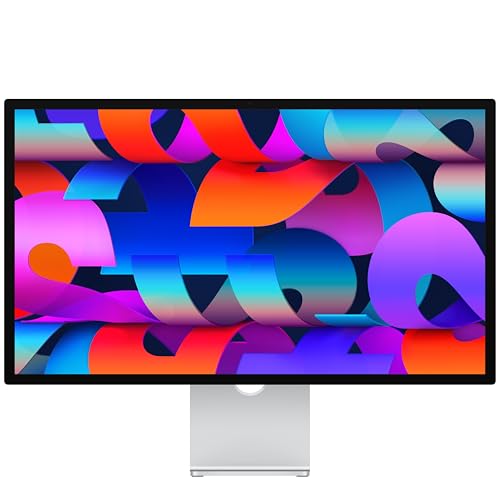
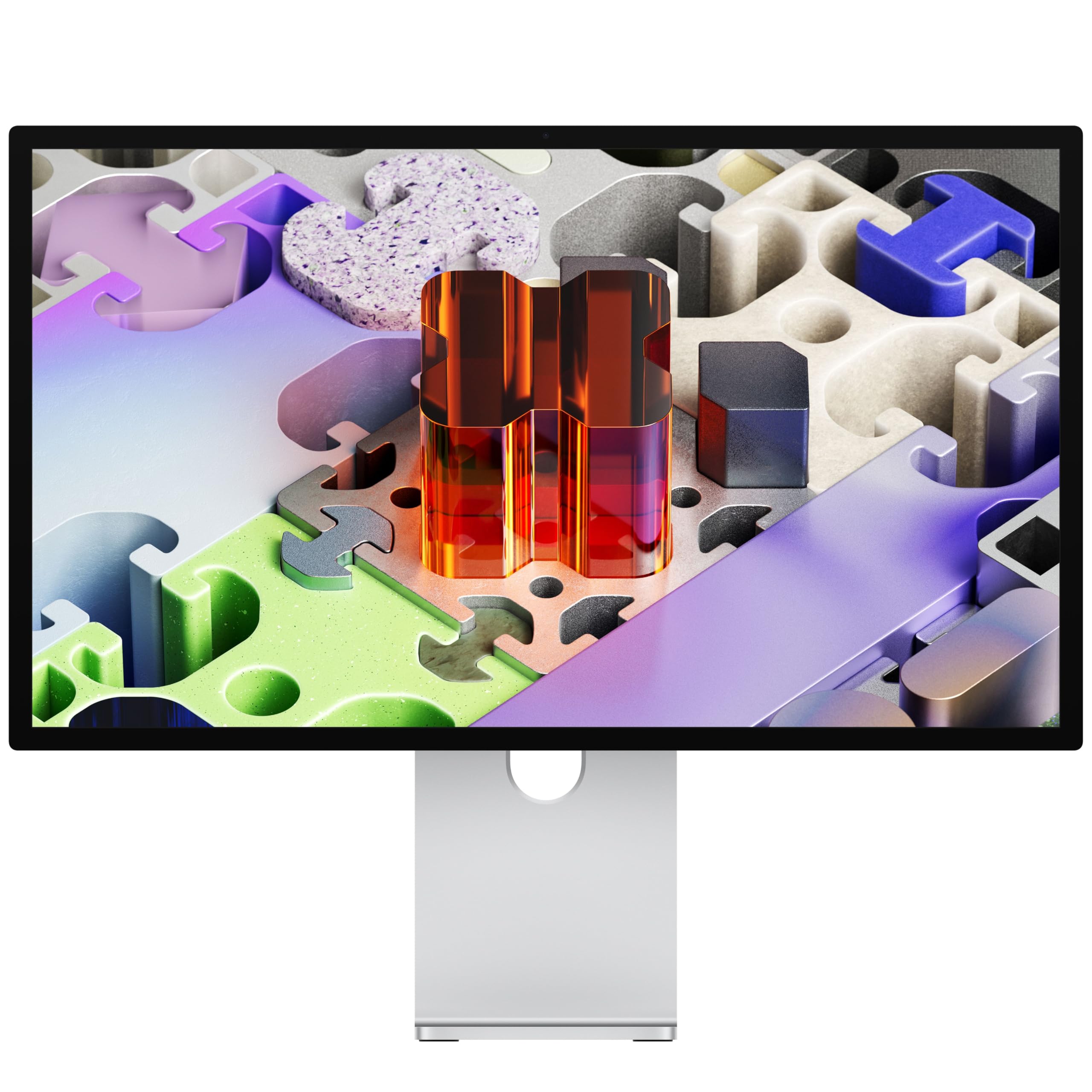
Screen and Picture Quality
The panel is a 27 inch 5K Retina display with a very high pixel count, which makes text and images look finely detailed. The listing mentions 600 nits of brightness and wide P3 color, so photos and video look vibrant, and a standard anti-reflective coating cuts glare. For writing, coding, photo editing and design, it is one of the nicest screens you can put on a desk.
It is not built for gaming. The refresh rate is the standard desktop rate, so fast action looks no smoother than on any office monitor. If you play competitive games, a high refresh gaming monitor is a better choice.
Camera, Microphones and Speakers
The built-in camera is a 12MP Center Stage model that keeps you in frame during calls, and a Desk View mode shows your workspace. Three microphones pick up your voice clearly, and the six speakers with Spatial Audio give far better sound than a typical monitor speaker.
These extras are what make the price easier to justify, since a separate camera, microphone and speaker set would add to the bill. If you already own those, you are paying for features you will not use.
Ports and Connection
There are two Thunderbolt 5 ports that charge a Mac laptop, daisy-chain up to four displays and carry fast data, plus two USB-C ports for accessories. One Thunderbolt cable from a MacBook gives video, charging and a hub for peripherals, which is the cleanest setup for a laptop desk.
Windows and Other Computers
The display works with other computers that offer a compatible connection, but features such as camera tracking, brightness control and Spatial Audio are tuned for Apple hardware. Expect to lose some of the extras on a PC.
Glass and Stand Choices
The standard glass has an anti-reflective coating. The nano-texture glass scatters light further and is a good choice for bright rooms, though it costs more and needs gentle cleaning with the supplied cloth. For the stand, you can pick a tilt-adjustable stand, a tilt and height-adjustable stand, or a VESA mount adapter for an arm.
Which Stand Makes Sense
If your desk and chair are at standard height, the tilt stand is fine. If you share the desk or have back or neck discomfort, the height-adjustable stand is worth the extra cost. If you want a monitor arm, the VESA adapter gives the most freedom and the best desk space.
Strengths and Weaknesses
- Strong: a very sharp screen, a good camera, clear speakers, charging over one cable.
- Strong: tidy design that fits a Mac desk setup.
- Weak: premium pricing, especially with upgraded glass or a height-adjustable stand.
- Weak: a standard refresh rate and a brightness level below pro reference monitors.
If you want a brighter reference style display, our apple studio display vs apple pro display xdr comparison explains how the two differ. Alternatives with similar sharpness and lower prices are covered in the apple studio display alternative guide.
Using It Day to Day
Plug in one cable and the Mac wakes, charges and shows your desktop. The display remembers its settings, so moving between a laptop and a desktop Mac is simple. Brightness follows the keyboard keys on a Mac, and the speakers and camera appear as ordinary devices in the sound and video settings.
On a long workday the matte look of the standard coating and the high pixel density reduce eye strain compared with a lower resolution screen, because text edges look smooth. Many users raise the scaling so text is larger while staying crisp, and this is where a 5K panel pays off.
Video Calls
The camera crops and follows you as you move, which works well for presentations from a standing desk or a small home office. Some people find the automatic framing distracting and turn it off in the video settings. Image quality in dim rooms is good for a built-in webcam but is still no replacement for a good lamp.
Sound
The speakers give a wider and fuller sound than a typical monitor, and they are good enough for calls, podcasts and casual music. Serious music listeners will still prefer headphones or a speaker pair, but you can skip desktop speakers entirely if your needs are modest.
Cleaning
Clean the screen with the supplied cloth or a soft, dry microfiber cloth. For the nano-texture glass, avoid pressing hard and never use alcohol or glass cleaner, since it can leave marks that are hard to remove. Keep the display unplugged while you wipe it.
How It Compares With Cheaper Monitors
A 4K monitor made for Mac costs far less and looks nearly as good at a normal distance. What you give up is the extra sharpness, the camera, the speakers and the tidy single cable setup. If you value those, the Apple display earns its price. If not, a plain 4K monitor with a separate webcam is the smarter purchase.
Who Should Buy It
It suits Mac laptop owners who want a single cable desk, remote workers who spend hours on video calls, and creative users who care about sharp text and color. It is a poor match for gamers, budget shoppers and anyone who already has a camera and speakers they like.
FAQs
Does the Studio Display include a stand?
Yes, a tilt-adjustable stand comes with the standard model, and other stand options change the price.
Is nano-texture glass worth it?
It helps if the room has strong windows or lights. In a controlled room, standard glass looks just as good and is easier to clean.
Can it charge my MacBook?
Yes. The Thunderbolt port that connects the laptop also delivers charging power.
Will it work with a Windows PC?
It will show a picture, but camera features and some audio options depend on Apple devices.
Final Verdict
Our apple studio display review concludes that it is the best all-in-one display for Mac users who value sharpness and a clean desk, and an expensive choice for everyone else. Compare stand and glass options in the table, and check the product page for current pricing before you buy.


