
Apple Studio Display vs Apple Studio Display XDR: Which Fits You?
Disclosure: We may earn a commission when you buy through links on this page, at no extra cost to you. As an Amazon Associate I earn from qualifying purchases. Learn more

Apple Studio Display vs Apple Studio Display XDR explained for creators: price gap, stands, glass, ports and who needs each.
The Apple Studio Display vs Apple Studio Display XDR choice is the one Mac owners now face when they want an Apple monitor. It replaces the old matchup with the Pro Display XDR, which is no longer sold new, and the XDR name now sits on the upper Studio Display model. Both are 27-class displays for Mac and both cost real money, so it pays to know what the extra spend buys.
The product table above lists both displays first, then 5K and 4K monitors from other brands that suit a Mac at lower prices.
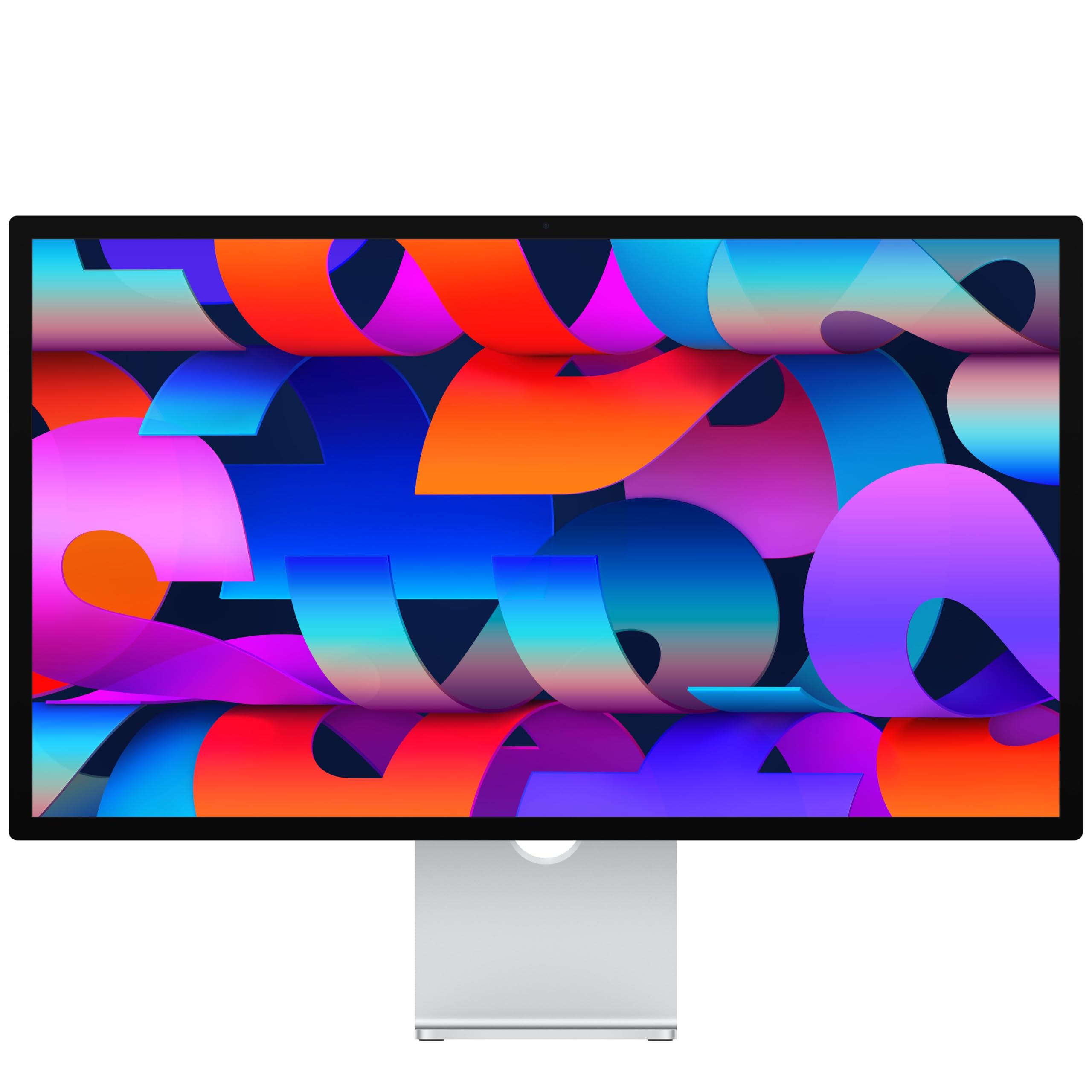
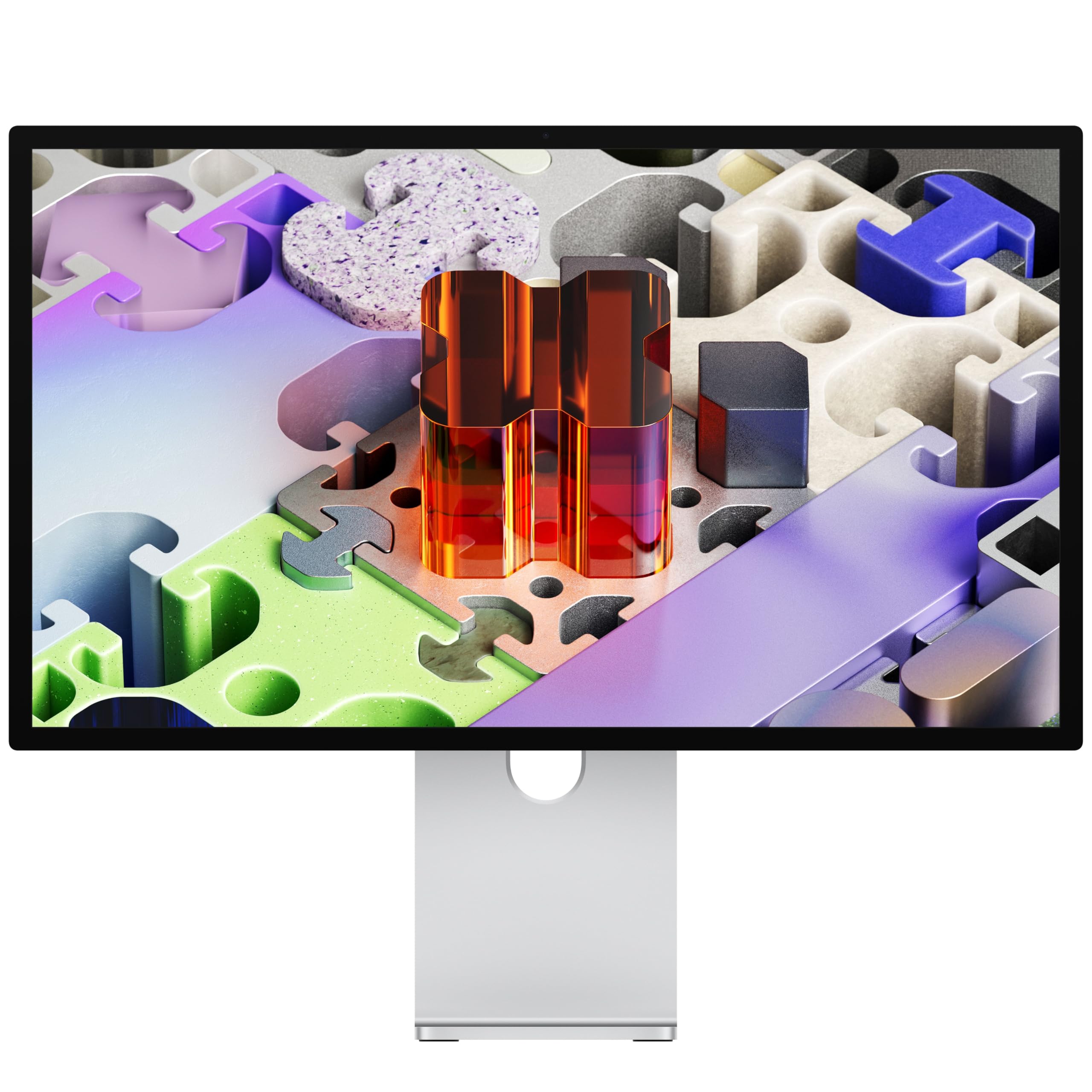

The Two Displays at a Glance
The Apple Studio Display listing in the table is the standard model with standard glass and a tilt-adjustable stand, and it sits around the 1,500 dollar mark. The Apple Studio Display XDR listing, with standard glass and a tilt- and height-adjustable stand, costs roughly twice as much. That price gap is the first thing to weigh, and it is the reason to read the details below.
What the Studio Display Offers
The Studio Display listing describes a 27-inch 5K Retina display with 14.7 million pixels, 600 nits of brightness, support for a billion colors and P3 wide color. Apple adds a 12MP Center Stage camera with Desk View, a three-microphone array and a six-speaker system with Spatial Audio, which makes it a one-box solution for calls, music and editing.
It has two Thunderbolt 5 ports for fast accessories and daisy-chaining up to four displays, plus two USB-C ports for peripherals, and it can fast-charge a Mac laptop. An anti-reflective coating is standard, and a nano-texture glass option reduces glare in bright rooms.
What the XDR Version Adds
The XDR listing names the same family with a tilt- and height-adjustable stand and a nano-texture glass option, and it sits in a much higher price bracket. The XDR name points to Apple's high-end display tier aimed at professional color and brightness work, so read the full product page for the exact panel and brightness details before you decide.
- Studio Display: the standard choice for photo, design, coding and office work.
- Studio Display XDR: the premium tier for demanding color and HDR work.
Stands and Glass
The standard Studio Display ships with a tilt-only stand, and a height-adjustable stand or a VESA mount adapter costs extra. The XDR listing shown here includes a tilt- and height-adjustable stand. If you need height adjustment, add that to the Studio Display price when you compare. Nano-texture glass is a paid option on both and is worth it in a room with strong window light, though it needs careful cleaning.
Camera, Audio and Ports
For video calls, the Center Stage camera and speakers on the Studio Display are among the best built into a monitor. If you take many calls, that built-in hardware saves money on a webcam and speakers. Thunderbolt 5 gives faster connections for external drives and docks, and one cable can charge and connect a MacBook.
Who Should Buy the Studio Display
Most Mac users should start here. It suits designers, photographers who edit for the web, developers, writers and anyone who wants a sharp, matching display for a Mac mini, a Mac Studio or a MacBook. The picture is bright and sharp, the built-in extras are good, and the price, while high, is much lower than the XDR model.
Who Should Buy the Studio Display XDR
The XDR model is for working professionals whose income depends on high-end color and HDR output, such as video colorists, high-end photographers and studios that deliver HDR content. If you cannot name a job that needs the extra capability, the standard Studio Display is the better buy, and the money saved can go toward a faster Mac.
Apple Studio Display vs Apple Studio Display XDR: Alternatives
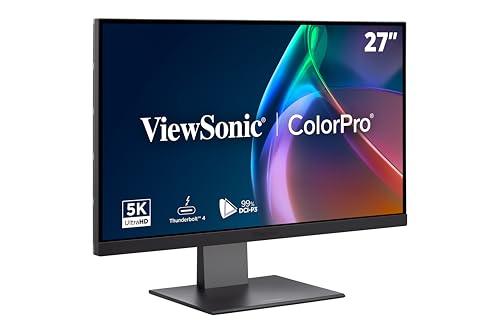
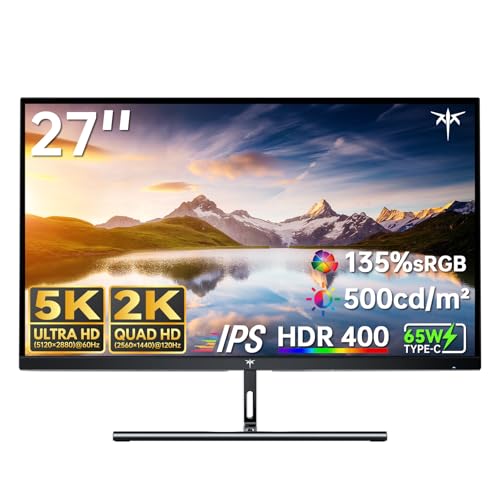
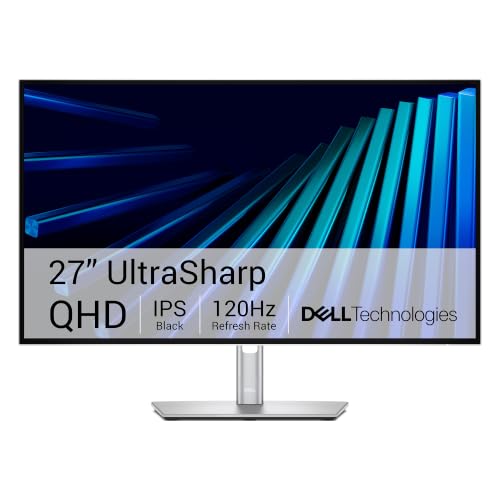
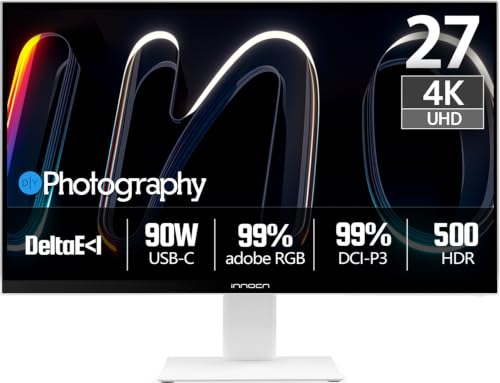
You do not have to buy Apple. The table lists 5K and 4K monitors from KTC, ViewSonic, ASUS, Dell, BenQ and INNOCN that work with a Mac at lower prices, and some have Thunderbolt or USB-C charging. They lack the Apple speakers, camera and finish, but they cover color work and 5K sharpness for much less. Read our Apple Studio Display review for a deeper look at the standard model.
What to Check Before You Buy
- Which Mac you own and its Thunderbolt or USB-C ports.
- Whether you need the height-adjustable stand or a VESA mount.
- If your room needs nano-texture glass.
- Whether you need the XDR tier or the standard model would do.
Pairing a Display With Your Mac
A Mac mini, a Mac Studio or a MacBook all connect to the Studio Display with one Thunderbolt or USB-C cable. A laptop is charged over the same cable, which keeps the desk tidy and lets you move from the desk to the couch by unplugging one wire.
If you use two displays, plan the ports. Thunderbolt 5 supports daisy-chaining, which reduces cable runs. Older Macs and some base chips have lower display limits, so check Apple's page for your model before you buy a second screen.
Consider desk depth and light as well. A 27-inch screen needs about an arm's length of space, and nano-texture glass helps when sunlight hits the screen. Use the built-in microphones and speakers for calls and keep a headset handy for noisy rooms.
FAQs
Is the Pro Display XDR still sold?
Not new here. Only accessories for it remain listed, so this guide compares the Studio Display with the Studio Display XDR.
Does the Studio Display have a camera?
Yes, a 12MP Center Stage camera with Desk View.
Can I adjust the height?
Not on the standard stand. You need the height-adjustable stand or a VESA mount adapter, and the XDR listing here includes the height-adjustable stand.
Does it work with Windows?
It connects over USB-C or Thunderbolt, but it is designed for Mac, so check the support page for features.
Final Verdict
For the Apple Studio Display vs Apple Studio Display XDR decision, the standard model fits most Mac users, while the XDR is for those who need its professional tier. Compare the table monitors if you want a lower price, and confirm stand and glass choices before you order.
Because Apple options and prices change by configuration, read the listing carefully before you buy.


