
Apple vs Lenovo Laptop for 2026: MacBook or ThinkPad?
Disclosure: We may earn a commission when you buy through links on this page, at no extra cost to you. As an Amazon Associate I earn from qualifying purchases. Learn more
Apple vs lenovo laptop compared on keyboards, battery, gaming, durability and price from ThinkPad to MacBook.
Lenovo and Apple make some of the best-loved laptops on the market, and they do it in very different ways. The apple vs lenovo laptop comparison is really a choice between the clean, consistent MacBook experience and the keyboard-first, choice-rich world of ThinkPad, IdeaPad, Legion and LOQ machines.
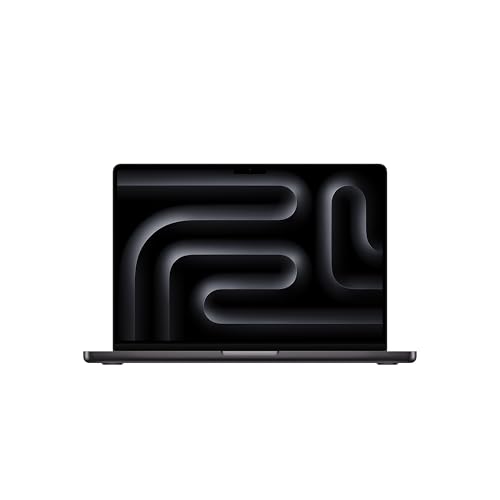
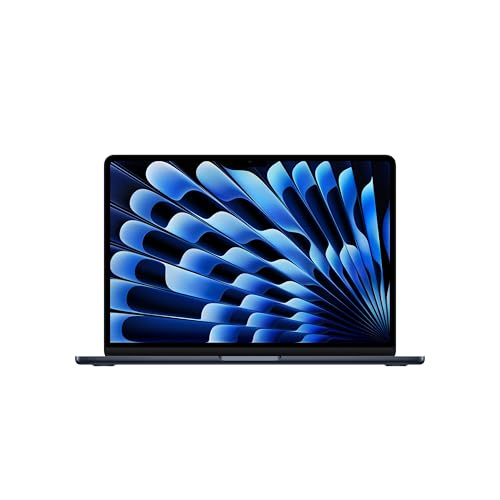
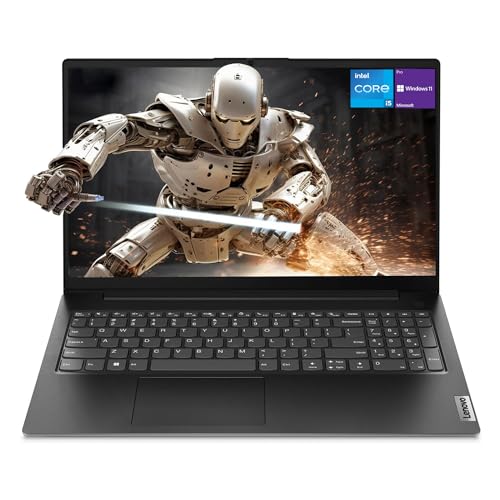
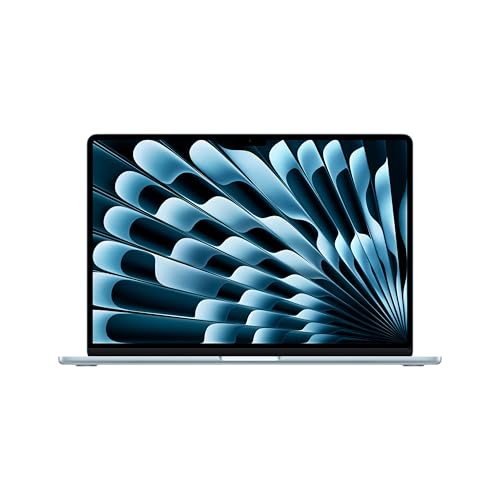
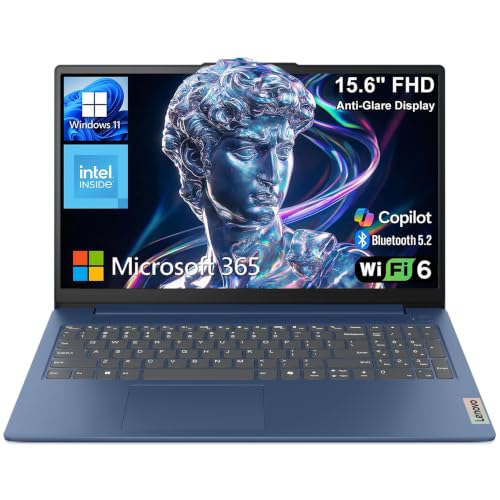
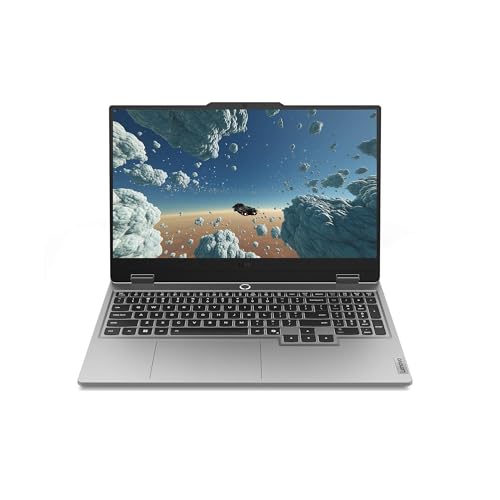
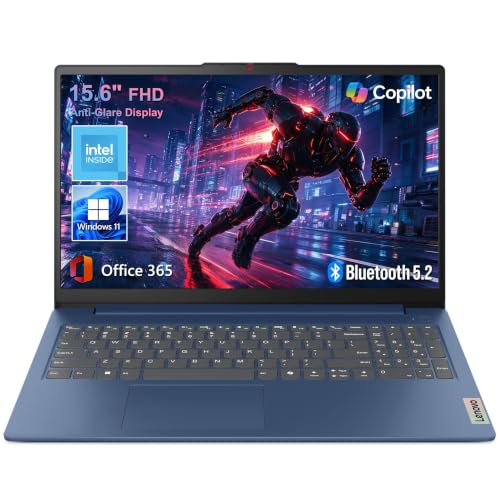
The product table right after this intro lists MacBooks alongside everyday, business and gaming Lenovo laptops, so you can compare price and category before you read the details.


What Makes Each Brand Distinct
Apple builds its laptops around its own chips and macOS, with a handful of models. Lenovo sells a very wide Windows range: ThinkPad for professionals, IdeaPad and V-series for home and school, Yoga for convertibles and Legion and LOQ for gaming.
Where Lenovo Shines
Keyboards
ThinkPad keyboards have a reputation for deep, comfortable keys and the red pointing stick in the middle. If you type for hours, a ThinkPad is a serious rival to the MacBook keyboard, and some writers prefer it.
Durability
Business laptops are built to survive travel, with sturdy hinges and a reinforced chassis. A ThinkPad is a good pick for people who work on the road and want a laptop that keeps going.
Range and Price
Lenovo sells laptops at nearly every price, including low cost 15 inch models for school and office use and gaming laptops that cost less than comparable machines from other makers.
Gaming
Lenovo's Legion and LOQ laptops include dedicated graphics cards for PC games. If you want to play modern titles, a Lenovo gaming laptop will outperform a MacBook in game compatibility.
Where Apple Shines
Efficiency
MacBooks run cool and last a long time on battery. They also hold their performance when unplugged, which many Windows laptops do not.
Screen, Trackpad and Speakers
The MacBook's screen, trackpad and speakers beat those of most laptops at a similar price. Even cheap Lenovo models usually cannot match them.
Software for Creators
Apple's video, music and photo tools are tuned for the hardware, and many creators prefer macOS. Lenovo laptops run the same cross-platform programs but lack Apple's own apps.
Software and Compatibility
Windows offers the largest software library, and Lenovo laptops are designed for it, including driver updates through its own tool. macOS is more limited for games and specialist engineering tools but runs a large set of modern apps. Confirm your key programs before you decide.
Learning Curve
If you already use Windows, a Lenovo is familiar from the first minute. Switching to macOS takes a few days of adjustment, but most people find it simple.
Which Should You Buy?
- Heavy typing and business travel: Lenovo ThinkPad.
- Battery life and creative work: MacBook.
- PC gaming on a budget: Lenovo LOQ or Legion.
- Cheap school laptop: Lenovo V-series or IdeaPad.
Browse the best laptop picks for more options, or read our apple vs hp laptop guide for another comparison.
Using Each Laptop for a Typical Workday
On a ThinkPad you open the lid, sign in with the fingerprint reader or camera and start typing on one of the best keyboards in the business. Meetings run through Windows tools, and the machine is happiest plugged into a dock with two monitors on a desk. At the end of the day you toss it in a bag without worrying about scuffs.
On a MacBook you open the lid and it is awake already, the battery is still high from yesterday, and the trackpad lets you glide through documents and windows. It handles a day of browsing, writing and calls without needing a charger, and it stays quiet even when you edit a few photos.
Multitasking and Docking
Both brands support docks for a clean desk setup. Lenovo sells its own docks that work across many models, and MacBooks use standard Thunderbolt docks. If you plan to connect two external monitors, check the laptop's display support, because the lowest MacBook tier supports fewer external screens than higher tiers.
Webcam, Microphone and Calls
MacBooks have good cameras and microphones, which help during video calls. ThinkPads offer privacy shutters and decent microphones, and some models have a sharper camera. If calls are a big part of your day, compare the listing details.
Cost Over the Life of the Laptop
A ThinkPad business model can cost as much as a MacBook, and its value is in the build, the keyboard and the long support life. A budget IdeaPad costs much less but gives up screen quality and sometimes battery life. A MacBook usually has the best resale value, which lowers the effective cost if you sell it later.
If you are on a tight budget, pick the Lenovo with the most memory and a solid state drive you can afford. It will feel faster than a cheaper model with less of either, and you will keep it longer.
How to Choose a Lenovo Model
Start with the line, then the specs. ThinkPad is for work, IdeaPad and V-series for value, Yoga for flexible designs and Legion and LOQ for games. Inside each line, check the processor, memory, storage, screen and weight. Beware of very low prices with little memory or storage, which can make a laptop feel slow within a year.
Ports and Connectivity
Lenovo laptops often include HDMI and USB-A as well as USB-C, so you can plug in a projector or a drive without an adapter. A MacBook has fewer ports, though Thunderbolt connections give a lot of flexibility with a hub.
FAQs
Is a ThinkPad better than a MacBook?
For keyboard feel and durability, many people think so. For battery life and screen, the MacBook leads.
Which is better for gaming?
Lenovo's gaming laptops, because they run Windows games and include dedicated graphics.
Can I upgrade a Lenovo laptop?
Many models allow memory and storage upgrades. MacBooks do not.
Which is better for school?
Both work. A MacBook lasts longer, while a Lenovo costs less.
Final Verdict
The apple vs lenovo laptop decision depends on how you work. MacBooks lead on battery, screen and consistency, while Lenovo leads on keyboard feel, range and gaming. Compare the table, match the specs to your work, and check the product page for current pricing.


