
Arctic P14 Review for 2026: Quiet 140mm Case Fans
Disclosure: We may earn a commission when you buy through links on this page, at no extra cost to you. As an Amazon Associate I earn from qualifying purchases. Learn more

An arctic p14 review on 140mm airflow, noise, PST sharing, Pro features and fit checks.
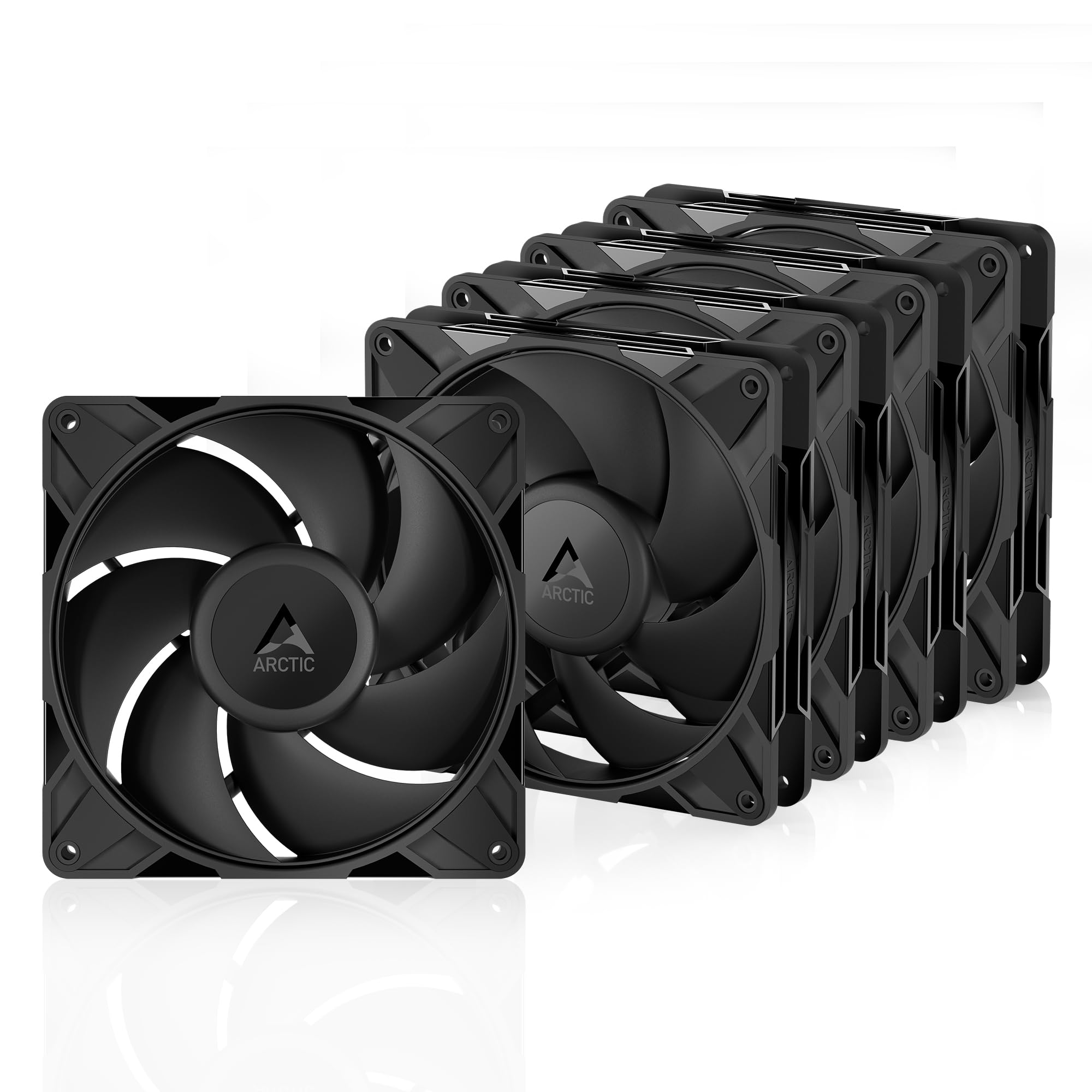
The P14 line is Arctic's 140 mm case fan family, and it is a common pick for builders who want more air at lower noise than a smaller fan can give. This arctic p14 review explains how the fan works, which version to choose and where a 140 mm fan fits best in a case.
The product table right after this intro lists P14 variants, from the classic model to the Pro versions, so you can compare price per fan before you read on.




Why a 140 mm Fan
A larger fan moves more air at the same speed, which means it can spin slower and quieter for the same airflow. That is the main reason people choose 140 mm over 120 mm where the case allows it. The trade-off is fit: only cases with 140 mm mounts take them, and some radiators and coolers are designed only around 120 mm.
Models in the P14 Family
P14 PWM PST
The classic version has pressure-optimised blades, PWM speed control and PST, which lets several fans share one header and follow a single speed signal. It is a popular choice for a quiet airflow set up in a multi-pack.
P14 Pro
The Pro model is the premium update. The listing describes a 140 mm PWM fan with a wide speed range, a fluid dynamic bearing, a Y-cable splitter in the multi-pack and a zero RPM mode below a low PWM signal. It is the best choice for quiet builds that want strong performance when it is needed.
A-RGB and Reverse Versions
A-RGB versions add addressable lighting and come in black or white. Reverse versions flip the airflow so the fan can be mounted on the opposite side of a radiator or panel. Check the airflow direction on the listing before you buy.
Performance and Noise
The P14 line is tuned for high static pressure, which helps when the fan has to push air through a dust filter, a mesh panel or a radiator. In everyday use at low speed, the fan is quiet. At a high speed it becomes audible, as any fan does, so keep the curve gentle.
Fan Curves
Let the fans idle slowly or stop when the system is cool, and ramp them smoothly as the temperature rises. A steady, low curve is more comfortable than a fast one that keeps changing. Most motherboards let you set this in the BIOS.
Where to Use It
- Front intake in cases that accept 140 mm fans.
- Top or rear exhaust for steady airflow.
- Radiator fans on a 280 mm or 420 mm all in one cooler.
- Replacement for noisy stock fans in a prebuilt case.
Mixing 120 mm and 140 mm fans in the same case is fine, as long as you set each speed appropriately.
Compatibility Checks
Look at the mount points in your case: many cases show 120 and 140 mm positions by marking the screw slots. A 140 mm fan also needs enough clearance from other parts, such as top radiators, motherboard heatsinks and memory. For radiators, check that the radiator size is a 280 or 420 type, since those use 140 mm fans.
Installation Walkthrough
Switch the PC off and unplug it. Hold the fan against the mount with the airflow arrows pointing the way you want the air to move, and thread the screws through the corners without overtightening. Plug the connector into a fan header, or into the splitter when you use a multi-pack, and tie the cable back with a strap.
Check the fan spins freely before you close the case, and look for a cable touching a blade. After the first boot, watch the temperatures for a few minutes and adjust the curve in the BIOS if the fans seem too loud or too slow.
Intake Versus Exhaust
Front and bottom fans usually bring cool air in, and rear and top fans push warm air out. Keep the total intake close to the total exhaust, with slightly more intake if you want less dust. A mesh panel with a filter in front keeps dust out and pairs well with a high static pressure fan.
Reducing Vibration
Thin metal panels can ring with a fan's vibration. Rubber pads or soft mounts between the fan and the case reduce that sound, and they are inexpensive. A fan with a precise bearing and balanced blades gives you a head start.
Dust and Filters
A fan that works against a dust filter or a tight mesh benefits from high static pressure, but it also collects dust on the blades over time. Clean the filter every few months and wipe the blades with a soft brush. A clean fan stays quieter, because dust unbalances the rotor and adds a faint hum.
Cost per Fan
Multi-packs lower the price per fan by a wide margin. A five pack of the classic model is the best value for filling a whole case, while Pro and A-RGB versions cost more per fan for better control and looks. Decide how many fans you need, and avoid buying a pack that leaves you with extras you will never use.
Who Should Buy It
It suits quiet-minded builders, people with a larger case and anyone who wants a good radiator fan in a large size. If your case only fits 120 mm fans, look at our arctic p12 pro review instead. See the best case fans page for more choices.
FAQs
Is a 140 mm fan quieter than a 120 mm?
At the same airflow, usually yes, because it can spin slower.
What does PST mean?
PST lets several fans share one header and follow a common speed signal.
Can I use it on a radiator?
Yes, on 280 or 420 mm radiators that support 140 mm fans.
Does it stop at idle?
The Pro version supports a zero RPM mode below a low PWM signal.
Final Verdict
Our arctic p14 review finds a family of quiet, strong and affordable 140 mm fans that suits large cases and radiators. Compare the variants in the table, and check the product page for current pricing.


