Asus ROG Ally X Review for 2026: Bigger Battery Handheld
Disclosure: We may earn a commission when you buy through links on this page, at no extra cost to you. As an Amazon Associate I earn from qualifying purchases. Learn more

This asus rog ally x review covers the larger battery, extra memory and revised grips, with power mode tips and a look at newer ROG Xbox Ally models.
The first Ally proved a Windows handheld could work, and this asus rog ally x review explains how ASUS fixed the biggest complaints in the sequel. The Ally X keeps the 7 inch 120 Hz Windows format but adds a larger battery, more memory and a body shaped for longer play sessions. It also arrived with a premium price that places it between mainstream handhelds and the high end.
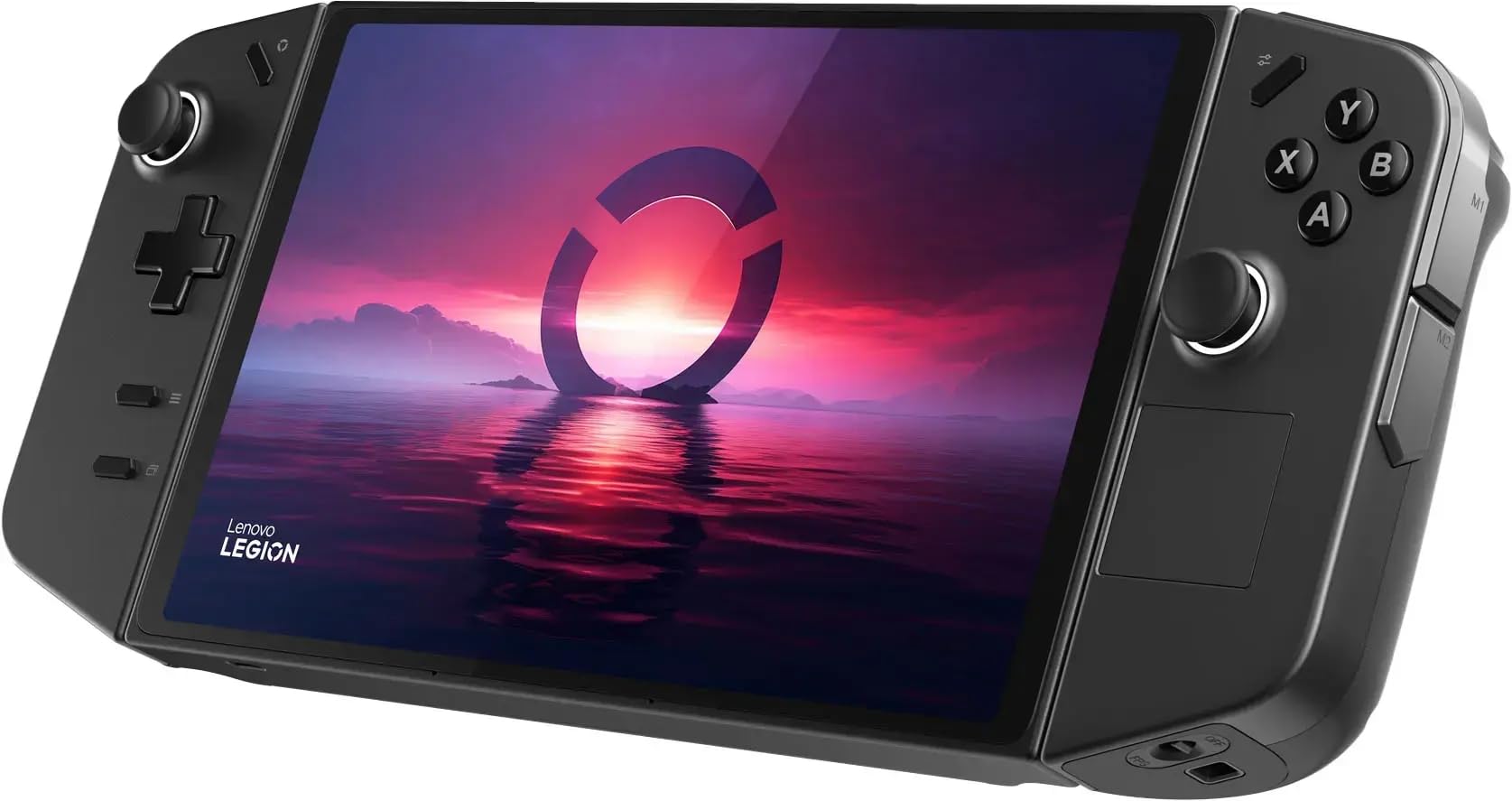
The product table lists handhelds on sale now, including the newer ROG Xbox Ally, so you can see where the Ally X family sits on price.
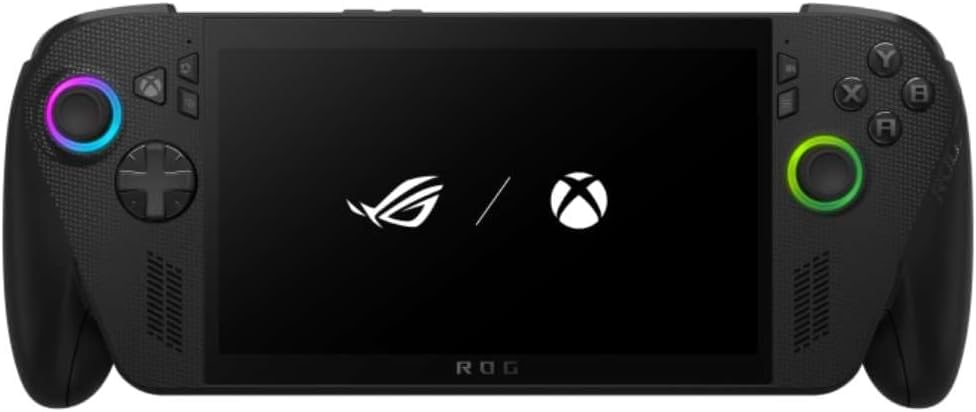

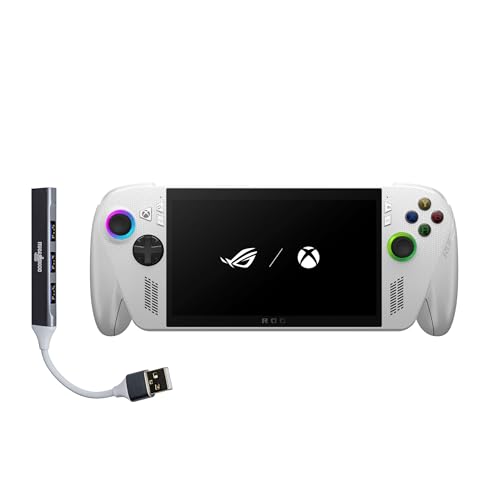

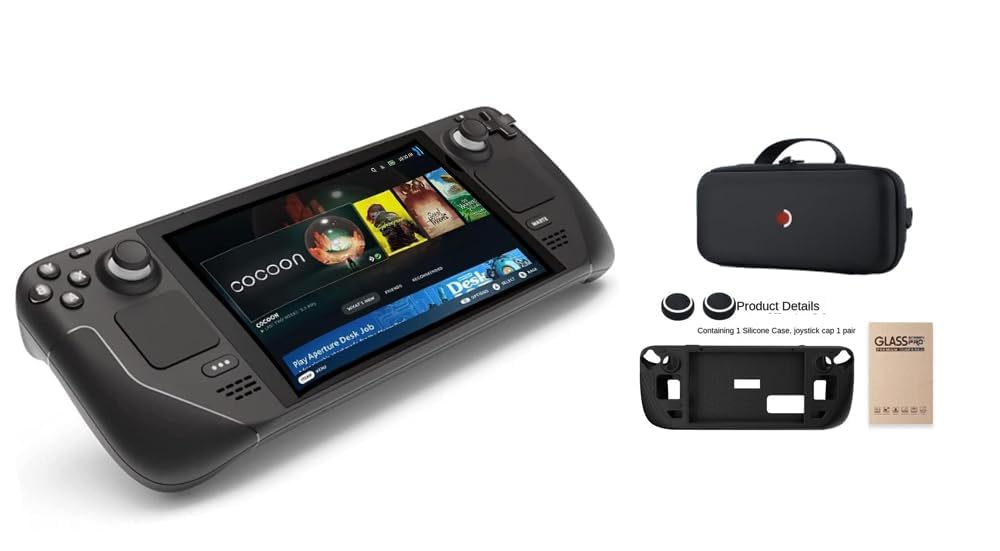


Asus Rog Ally X Review: What Changed
ASUS aimed the X at the three things players grumbled about most: battery life, memory and comfort. The battery is much larger than the original's, which is the single biggest change for anyone who plays away from an outlet. More memory helps modern games that use large textures, and the revised grips make long sessions less tiring.
The screen and processor family stay close to the original in spirit, so the experience feels familiar. If you liked the first Ally, the X feels like the same device with its rough edges sanded off.
Battery Life and Power Modes
A bigger battery buys freedom more than raw speed. In a low power mode, lighter games can last for hours, while demanding titles still drain the battery quickly at full power. Using a frame cap and a moderate power profile gives the best balance between smoothness and runtime.
Charging is easiest with a USB C power brick, and some chargers support fast charging. A power bank is a handy backup for travel, but check that it supports the wattage the handheld needs.
Cooling and noise
A handheld PC uses a small fan, and at high power modes the fan is audible. Keep the vents clear and avoid blocking them with your fingers or a thick case. A well fitted case with ventilation cutouts keeps both you and the device comfortable.
Comfort, Controls and Screen
The revised body has fuller grips and better weight balance, which matters after an hour of play. Sticks and triggers feel like a console controller, and back buttons let you map extra actions. The 7 inch touchscreen handles both games and Windows menus.
Brightness and visibility are fine indoors and in a car or plane. In direct sun, any handheld screen struggles, so use shade or a hood if you plan to play outside.
Software and Windows Tips
The handheld runs Windows with a launcher app that gathers your game libraries in one place. Setting it up takes some time, because you install each store and sign in. After that you can launch games from a single list with the controller.
Keep Windows updates under control and keep drivers current, since new releases can fix performance. Create a restore point before large updates so you can roll back a problem.
Who Gets the Most From the Ally X
Commuters and travelers gain the most from the larger battery, because the gaps between charging stops get longer. Players with big libraries on several stores appreciate the open Windows approach. Anyone who enjoys adjusting settings to squeeze out extra frames will find plenty to play with.
People who simply want to pick up a device and play in seconds may prefer a more console like handheld. The Ally X asks for a little setup and a little maintenance, and it rewards owners who accept that.
Memory, Storage and Game Choices
Extra memory lets the system and the game share resources more comfortably, which smooths out stutters in heavier titles. Storage fills quickly, so choose a few current games and rotate the rest. A fast microSD card handles older titles and indie games without trouble.
Indie games, older classics and cloud streaming run well on this class of hardware, while the newest blockbusters may need lowered settings. Treat the handheld as a flexible second machine rather than a replacement for a gaming desktop.
Is It Still the Right Buy?
The newest ROG Xbox Ally models offer a refreshed processor and an Xbox style interface, so compare prices before committing. The Ally X remains attractive when you find it at a good price, especially for buyers who want the original Windows experience. Read our ASUS ROG Xbox Ally X review and the Steam Deck OLED vs ASUS ROG Ally X comparison for more context.
If you need an even simpler setup, a SteamOS handheld is the easiest choice. The ASUS ROG Ally X alternative guide compares other directions.
What Still Needs Patience
Windows on a handheld is still Windows, so expect an occasional driver hiccup or an update that resets a setting. Keeping a short list of fixes handy saves frustration when it happens. The reward is a device that plays almost any PC game ever made.
Accessories to Consider
Cases with grips, screen protectors and docking stands are the common buys. A fast microSD card adds storage for older games, and a USB C hub gives you ports for a controller and a monitor. Choose accessories listed for the Ally X specifically, since the body is different from the first Ally.
Frequently Asked Questions
Is the ROG Ally X better than the Ally?
Yes for most players, thanks to the larger battery, more memory and better ergonomics.
Does it run Windows?
Yes, it runs Windows and installs games from any PC store.
How long does the battery last?
It depends on the game and power mode. Light games last far longer than demanding ones.
Can I connect it to a TV?
Yes, with a USB C dock or cable that supports video output.
Which accessories fit?
Choose cases and screen protectors made for the Ally X, as the shape differs from the original.
Final Verdict
This asus rog ally x review ends with a solid recommendation: the Ally X fixes the main weaknesses of the original and remains a strong Windows handheld. Compare the newer models in the product table and buy whichever offers the best price for the hardware you want. A good case and a charger complete the setup.
Prices and availability can change, so check the product page before ordering.