
Asus ROG Strix Scar 16 Review for 2026: Flagship Gaming Laptop
Disclosure: We may earn a commission when you buy through links on this page, at no extra cost to you. As an Amazon Associate I earn from qualifying purchases. Learn more

This asus rog strix scar 16 review covers the flagship laptop's 240 Hz display, RTX 5080 graphics, cooling, price and cheaper alternatives.
At the top of the Strix family sits a laptop built for esports players and enthusiasts, and this asus rog strix scar 16 review explains who that really is. The Scar 16 is a 16 inch gaming laptop with a 240 Hz ROG Nebula HDR display, an Intel Core Ultra 9 275HX processor and an RTX 5080 laptop graphics chip in the configurations listed. Prices run from about $3,300 to $4,400, which makes it a luxury purchase.
The product table lists Scar 16 configurations beside rival flagship laptops, so you can compare price and power.

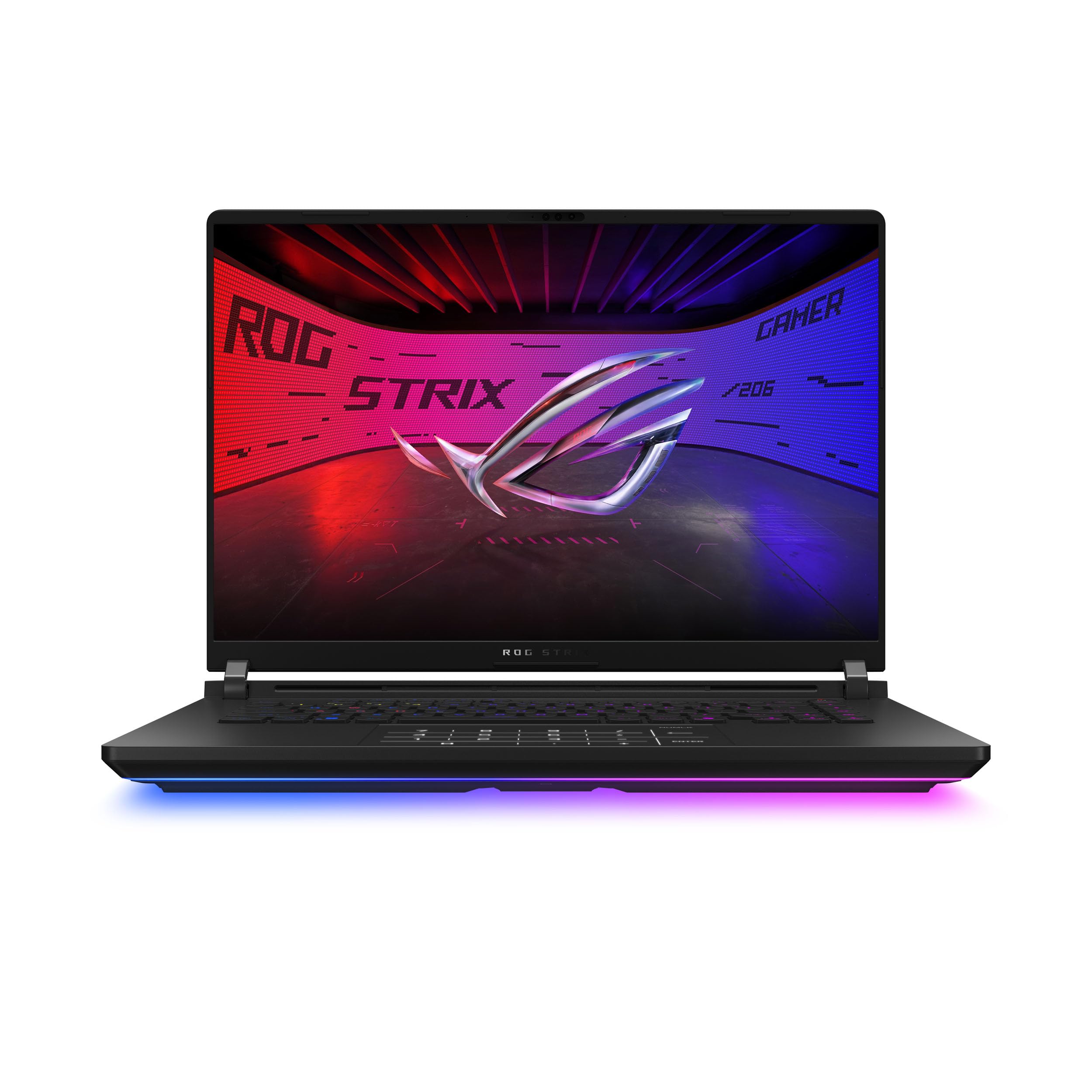

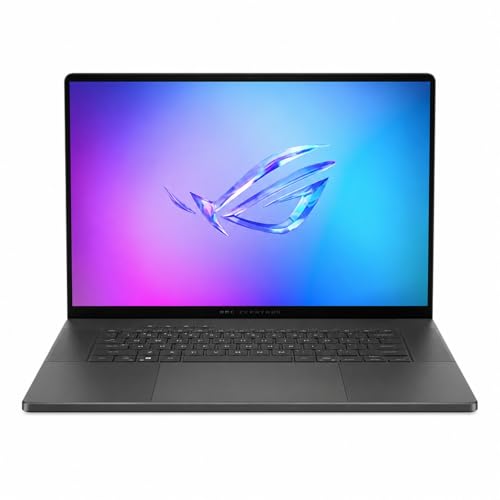


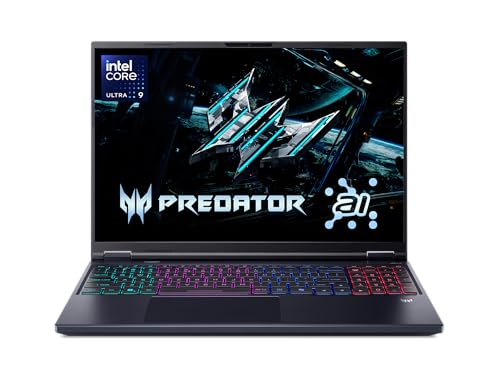
Asus Rog Strix Scar 16 Review: Hardware Overview
The listing for the $3,300 version shows a 16 inch 16:10 ROG Nebula HDR panel at 2.5K and 240 Hz with a 3 ms response, a Core Ultra 9 275HX processor, an NVIDIA GeForce RTX 5080 laptop chip, 32 GB of DDR5 memory and a 2 TB PCIe Gen 4 drive. Wi-Fi 7 and Windows 11 Pro are included. Other configurations raise the price and the specification further.
That list is flagship territory. The processor is among the strongest laptop chips, and the graphics chip handles demanding games at high resolution with ray tracing. The result is performance close to a desktop.
Display Quality
The Nebula HDR display combines a fast refresh rate with a sharp 2.5K resolution and HDR support. The 3 ms response time suits competitive games, and the 16:10 shape gives extra vertical room. Brightness and color make single player games and video look rich.
A 240 Hz screen rewards high frame rates, which the RTX 5080 can deliver in many games at 2.5K. For esports titles, you can push far beyond that rate at lower settings.
HDR and color
HDR works best in dark rooms with content that supports it. In bright rooms the effect fades. Check the settings in Windows and the games you play, because poor HDR settings can look washed out.
Cooling, Noise and Sustained Power
Flagship hardware makes a lot of heat. Scar laptops use larger cooling systems than mainstream models to hold performance for long sessions. Expect loud fans in performance mode, and use a headset in shared spaces.
Switch to a quieter profile for light tasks. Many players use performance mode only for demanding games, and a balanced mode for browsing, video and office work. That keeps noise down and extends battery life.
Portability and Battery
A 16 inch flagship is not a thin laptop. It weighs a lot, and the power brick is large. Carry it in a padded bag, and plan to plug in for games.
Battery life is fine for office work but short in games. If you need a laptop you can carry all day, a smaller and lighter model fits better.
Who Actually Needs Flagship Hardware
Competitive players who want maximum frame rates, streamers who game and encode video on one machine, and creators who render 3D scenes on the go benefit most. For them, the fast processor and graphics shorten waits and keep games smooth while other tasks run. A laptop this strong can replace a desktop for people who travel.
Players who stick to a few esports titles or older games get little from flagship hardware. Those games run well on far cheaper machines, and the saved money buys a better monitor, headset or chair.
Setting It Up for Long Life
Install the latest graphics drivers and the ROG control software, then set separate profiles for gaming and everyday use. Keep the vents clear and use the laptop on a hard surface. Clean the dust from the fans once or twice a year to keep temperatures stable.
Use the charger that came with the laptop, since flagship systems need high wattage. Avoid leaving it plugged in at full charge for weeks if the software offers a battery care mode, and enable that mode to protect the battery.
External monitors and docking
A flagship laptop pairs well with an external monitor and a keyboard at a desk. That setup lets the laptop breathe and gives you a larger screen. Check the ports in the listing to confirm how many displays you can connect.
Is the Scar 16 Worth the Price?
At $3,300 and above, the Scar 16 costs much more than mainstream gaming laptops. You pay for the fastest graphics, a premium display and a refined chassis. If you need top performance in a laptop and money is no obstacle, it delivers.
For most players, a cheaper model with a mid range graphics chip plays the same games at slightly lower settings. The Strix G16 is the logical step down, and our ASUS ROG Strix G16 review covers it. See also the Scar 16 versus Strix G16 comparison.
Alternatives
Other flagship 16 inch laptops come from many makers and use similar processors and graphics. The table lists several with OLED screens and large cooling systems. For a wider look, the best gaming laptop guide and the ASUS ROG Zephyrus G14 review give more context.
Warranty and Buying Tips
A laptop at this price deserves a careful look at the seller and the warranty. Compare the return window and who handles repairs. Photos of the exact configuration and clear specifications in the title are signs of a reliable listing.
Frequently Asked Questions
Is the ROG Strix Scar 16 good for esports?
Yes, the 240 Hz screen with a 3 ms response and strong hardware suit competitive play.
How much memory does it have?
The listed configuration has 32 GB of DDR5 memory and a 2 TB drive.
Does it have WiFi 7?
Yes, the listing shows WiFi 7.
Is it portable?
It is a full size flagship, so it is heavier than mainstream laptops.
Is it worth the money?
Only if you need top performance. Cheaper laptops play the same games at similar settings.
Final Verdict
This asus rog strix scar 16 review concludes that the Scar 16 is a top tier gaming laptop with a price to match. Buy it if you want the strongest hardware and a fast, sharp screen. Compare configurations and rivals in the product table, and consider a cheaper model if you do not need the extra power.
Prices and availability can change, so check the product page before ordering.


