ASUS ZenScreen MB16NCG Review for 2026: 155Hz 16:10 Portable Monitor
Disclosure: We may earn a commission when you buy through links on this page, at no extra cost to you. As an Amazon Associate I earn from qualifying purchases. Learn more

An asus zenscreen mb16ncg review for travelers and gamers: what 155Hz and 16:10 add, connection tips and other portable monitors to compare.
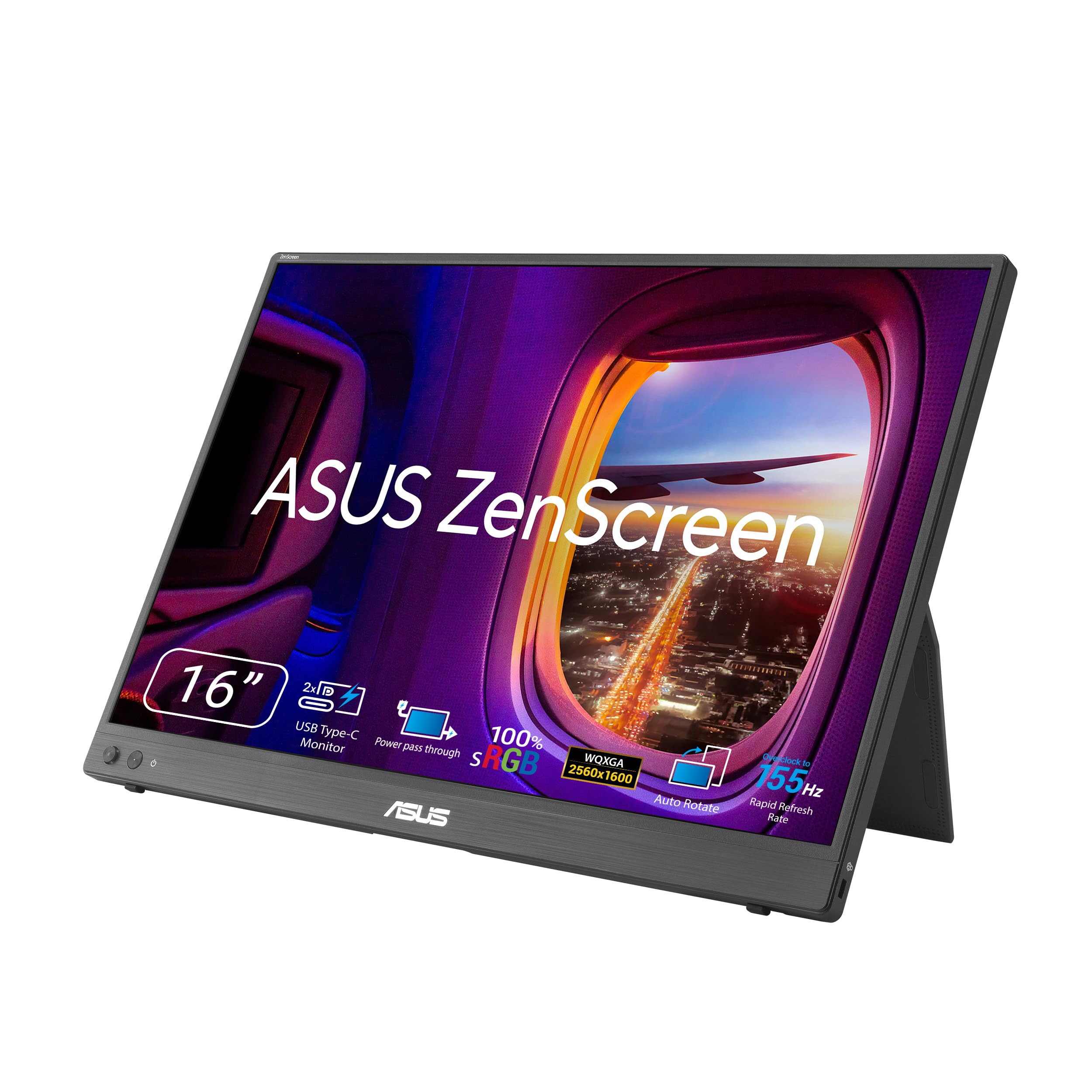
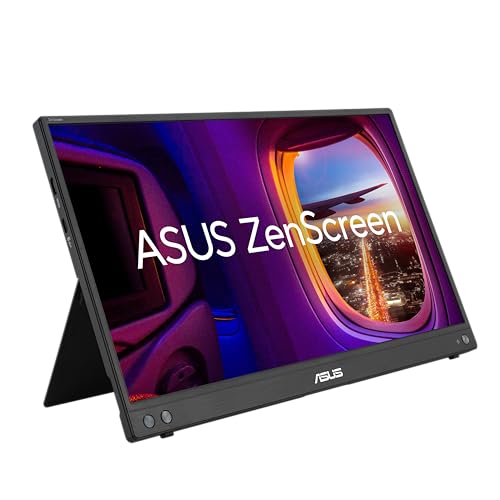
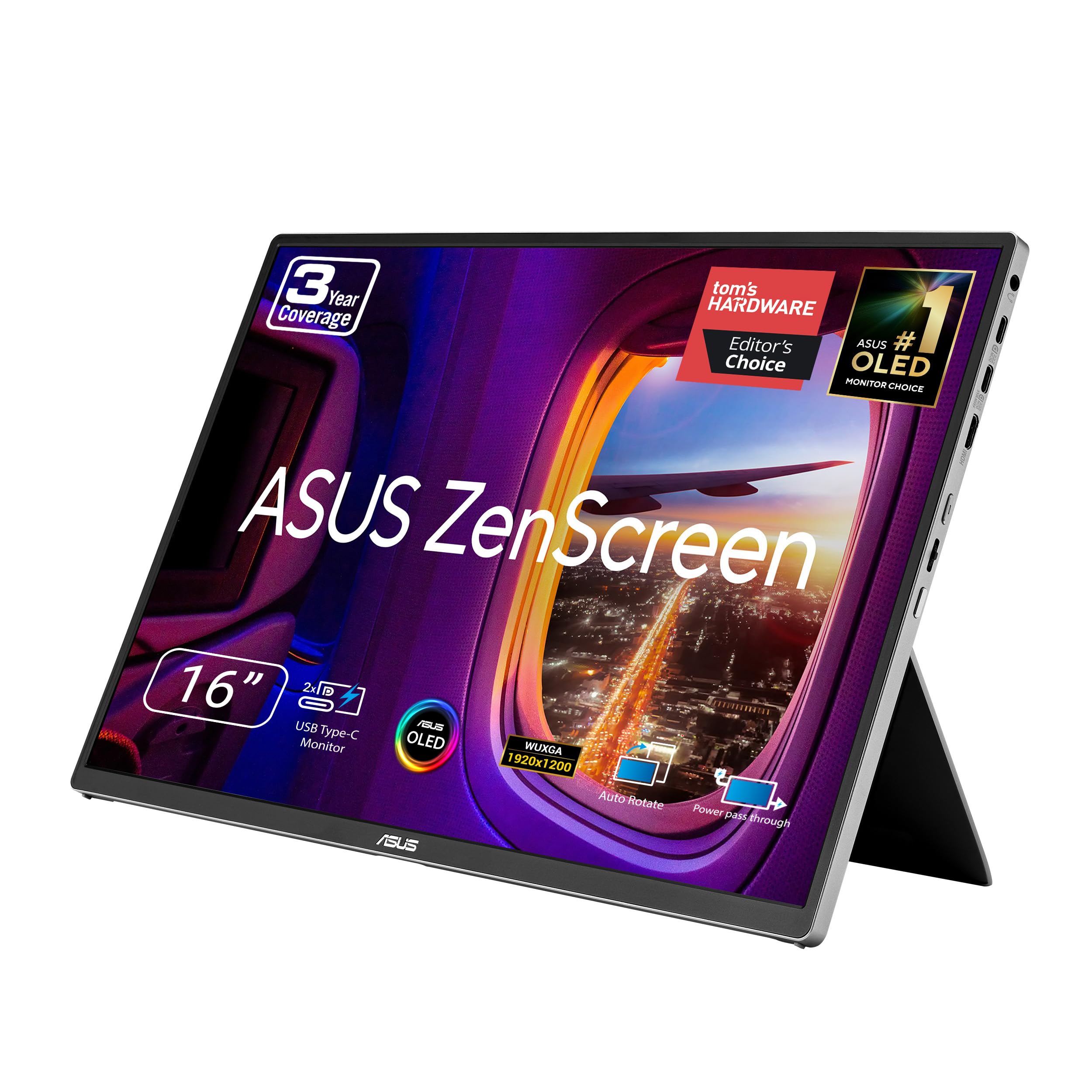
Travelers and remote workers who want a second screen in their bag have long looked at ASUS ZenScreen models. This asus zenscreen mb16ncg review covers the newer ZenScreen MB16NCG, the current 16 inch class portable monitor that takes the place of the older MB16AHG, and explains what has changed and who should buy it.
The listing in the product table describes a 15.6 inch portable monitor with a 155Hz refresh rate, a 16:10 aspect ratio and a USB-C connection. Those three points are the heart of this guide.


ASUS ZenScreen MB16NCG Review: What Changed
The older MB16AHG belonged to the ZenScreen line of 15.6 inch, 16:9 portable monitors. The MB16NCG moves to a 16:10 screen with a much higher refresh rate. The extra height gives more room for documents, code and web pages, while 155Hz makes cursor movement and scrolling feel smoother than on a standard 60Hz portable screen.
It also leans more toward gaming and creative use than the plain office oriented ZenScreen models, since a high refresh rate matters most when you play games on a laptop or a console.
Why 16:10 Helps
On a 16:9 screen, a document shows fewer lines at a time. A 16:10 panel adds vertical space, which makes a difference in spreadsheets, writing apps and code editors. When it sits next to a laptop with a 16:10 display, the two screens also line up better, so windows move from one to the other without awkward size changes.
What 155Hz Gives You
Most portable monitors run at 60Hz. A 155Hz screen shows more frames per second when the source can deliver them, so fast motion looks clearer and scrolling feels smoother. Check that your laptop or console can send a high refresh rate over USB-C or HDMI, because some devices cap the output.
If you only run office apps, you will notice the smoothness, but it will not change your work.
Connection and Power
The listing states USB-C. Confirm that your laptop's USB-C port supports video output (DisplayPort over USB-C), because a data only port will not drive a display. If it does, one cable carries power and video. If not, look for a model with a mini HDMI input and a separate power cable. Power use also matters: a portable monitor draws from your laptop battery, so a high refresh rate screen shortens battery life a little.
Who Should Buy the MB16NCG
- Gamers who want a high refresh rate screen for a laptop or a handheld.
- Developers and writers who value the extra vertical space of 16:10.
- Frequent travelers who need a light second screen for hotels and cafes.
- Students who want a screen that doubles as a console display in a dorm.
If you only want a basic second screen for email and meetings, the cheaper ZenScreen models in the table are enough.
Other ZenScreen Models in the Table
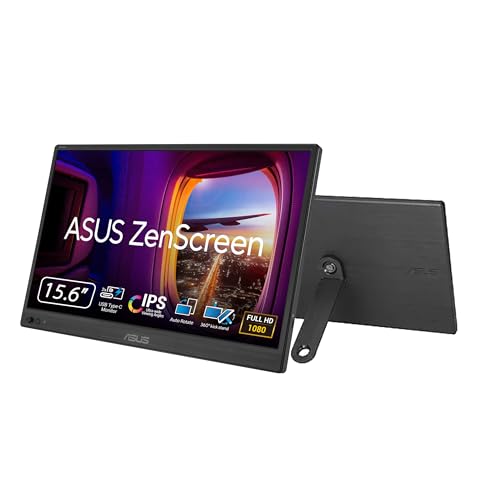
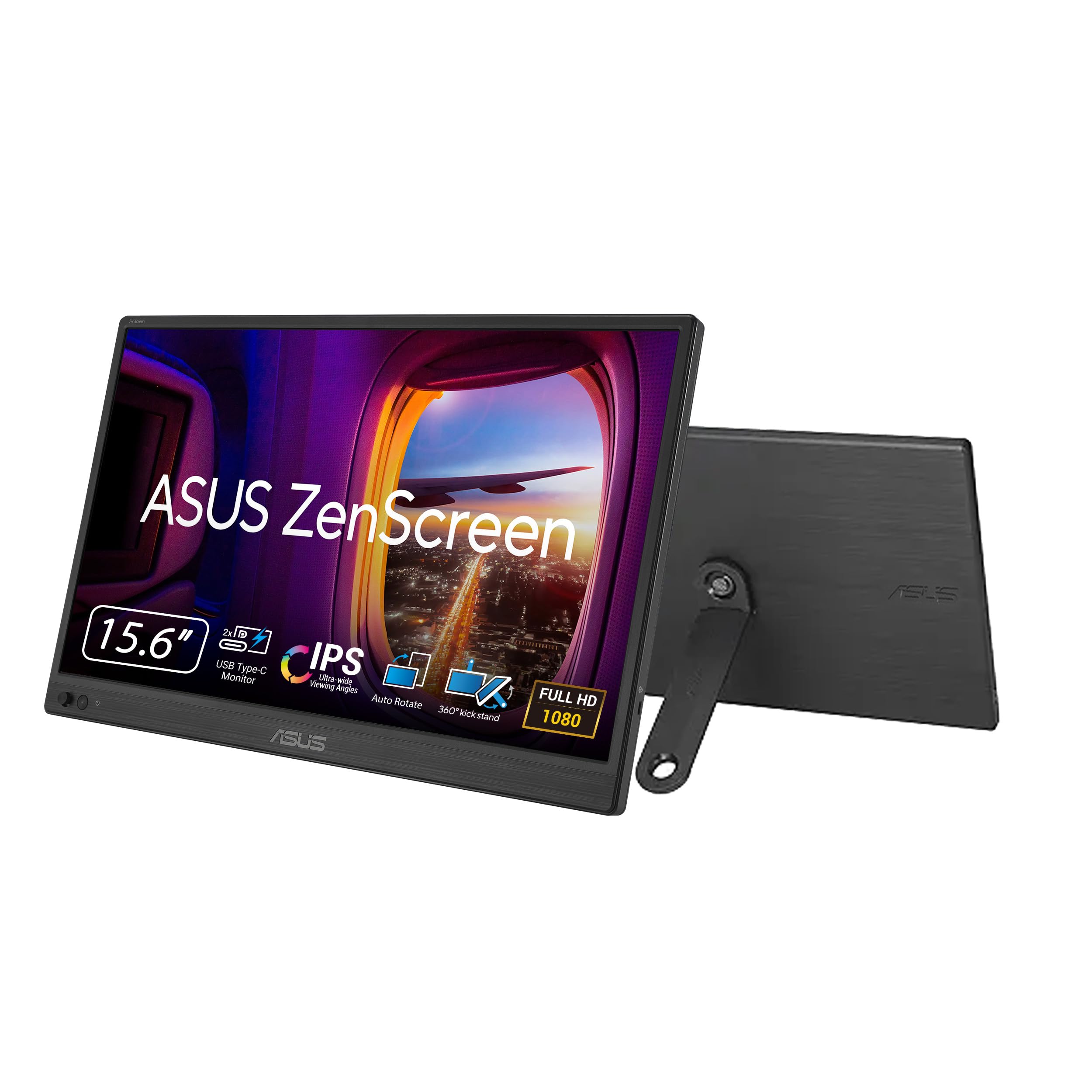
- ZenScreen MB169CK: a 15.6 inch 1080p model with dual USB-C ports, a 360 degree kickstand and an anti-glare IPS panel.
- ZenScreen MB169CK-P: a related model with extra protection features.
- ZenScreen MB16AHV: 1080p with a kickstand, mini HDMI, a protective sleeve and 15W power delivery.
- ZenScreen MQ16FC: a 16:10 OLED model with fewer buyer ratings so far.
Each one is a smaller step, so decide on refresh rate, panel type and ports before price.
Alternatives From Other Brands
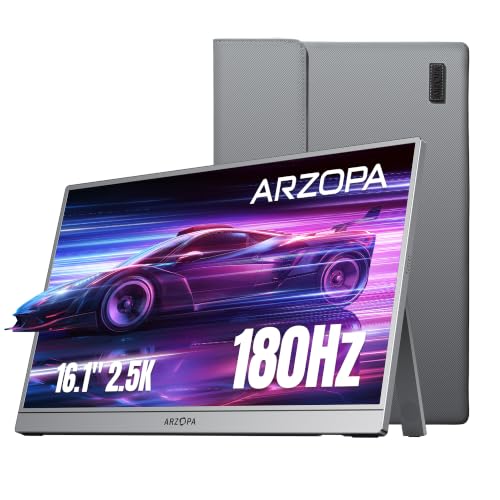
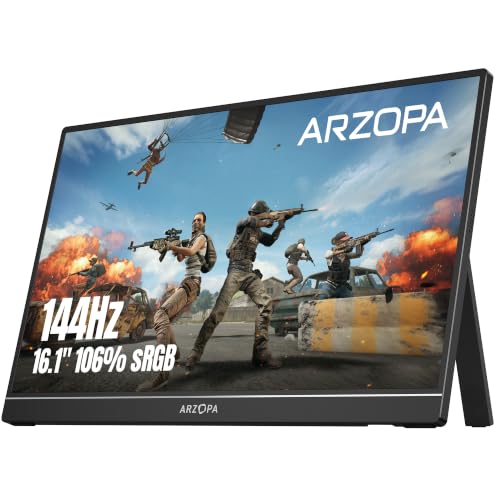
ARZOPA sells the 16.1 inch Z3FC with a 2.5K QHD panel at 180Hz and the Z1FC with a 144Hz 1080p panel, both aimed at gaming. The cocopar 15.6 inch model lists two USB-C ports, HDMI and a built in speaker at a modest price. AOC sells a 16 inch model with a smart cover at a low price. For a broader comparison, see the best portable monitor guide, the ARZOPA A1 review and the ARZOPA Z1FC review.
Gaming and Console Use
A portable monitor can turn a handheld PC or a console into a travel setup. Connect it over USB-C or HDMI, and check that the source device can output the high refresh rate you want. Keep the screen at eye level on a stand or on its own kickstand to avoid neck strain, and remember that the speakers in thin monitors are small, so bring headphones for games and movies. If you plan to use it with a phone, confirm that the phone's USB-C port supports video output first.
Using It Every Day
Place the screen next to the laptop at the same height, and match brightness so both look consistent. In the display settings, drag the screen to match its physical position. For video calls, keep the meeting on the laptop and your notes on the portable screen. When you pack, use the sleeve or cover and avoid pressing on the panel.
Buying Tips
- Check that your laptop supports video over USB-C before ordering.
- Pick the refresh rate you actually need; do not pay for 155Hz if you only work in documents.
- Buy a high quality USB-C cable with video support, as cheap cables often carry only power.
- Compare the return policy, since display quality is easier to judge in person.
Frequently Asked Questions
Is the MB16NCG a replacement for the MB16AHG?
It is the current model in the same 15.6 inch ZenScreen class, with a faster 155Hz refresh rate and a 16:10 shape.
Will it work with my laptop?
It needs a USB-C port with video output or a compatible video input. Check the laptop's manual.
Is 155Hz useful outside games?
It makes scrolling and cursor movement smoother, which many people like, but office work does not need it.
Does it work with consoles and phones?
Many portable monitors work with consoles and phones over USB-C or HDMI. Check the product page for the supported connections.
Is a 16:10 screen better than 16:9?
For work, yes, because you see more vertical content. For movies, 16:9 fills the screen better.
Final Verdict
The asus zenscreen mb16ncg review conclusion is that this is a strong portable screen for people who want smooth motion and extra vertical space from a brand known for travel monitors. If you only need a simple second display, a cheaper ZenScreen or another brand will do. Compare the choices in the product table and confirm your laptop's USB-C video support. Prices and availability change, so check the product page before you order.