
AW2725DF vs 271QPX: Which Is Better in 2026?
Disclosure: We may earn a commission when you buy through links on this page, at no extra cost to you. As an Amazon Associate I earn from qualifying purchases. Learn more

AW2725DF vs 271QPX: how the Alienware 360Hz and MSI 240Hz QD-OLED monitors differ in speed, ports, warranty and price.
The aw2725df vs 271qpx comparison pits two 27 inch QD-OLED gaming monitors against each other: the Alienware AW2725DF and the MSI MAG 271QPX. Both use the same quantum dot OLED idea at 1440p, and the real question is whether the AW2725DF's faster refresh rate and warranty are worth paying for over the MSI's lower price.
Below you will find how they differ on refresh rate, price, burn-in care, ports and stand, and who should pick each. The product table lists both monitors and other 27 inch QD-OLED options that are in stock.


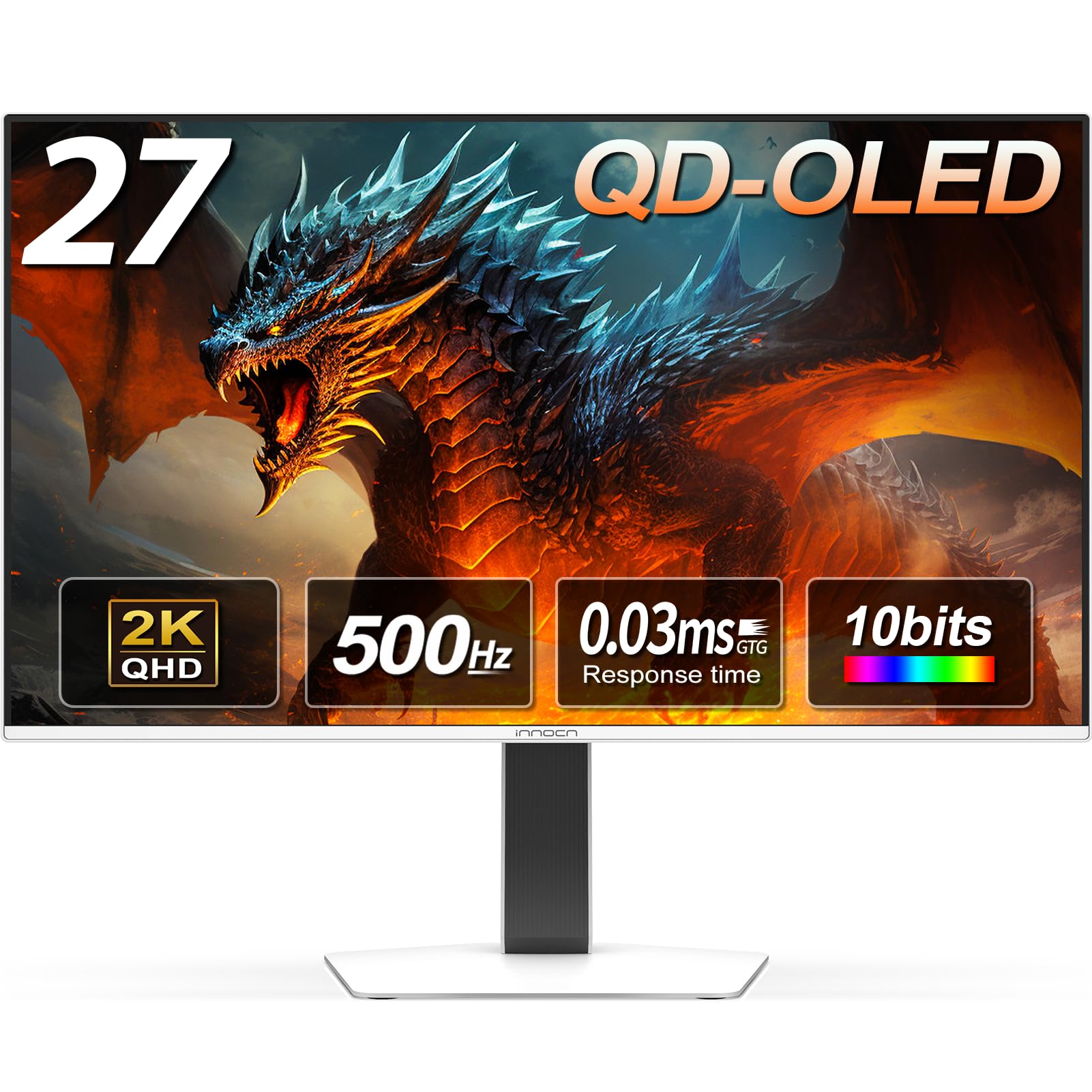
AW2725DF vs 271QPX at a Glance
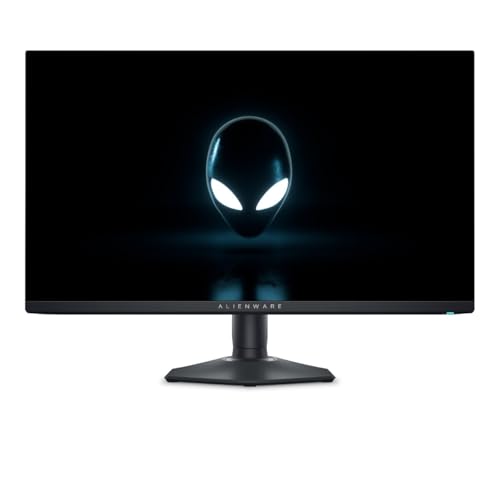
The Alienware AW2725DF is a 27 inch QHD QD-OLED monitor at 360Hz, with a 0.03 ms response time, AMD FreeSync Premium Pro, DisplayHDR True Black 400, 99.3 percent DCI-P3 and a three-year warranty according to its listing.
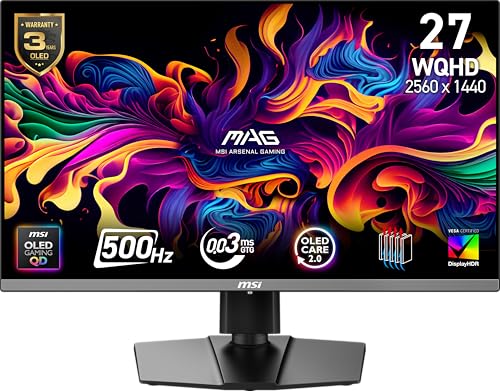
The MSI MAG 271QPX QD-OLED E2 is also a 27 inch QHD QD-OLED monitor, with a 240Hz refresh rate, a 0.03 ms response time, True Black HDR 400, an OLED Care 2.0 system and a tilt and height adjustable stand, according to its listing.
Refresh Rate: 360Hz vs 240Hz
The Alienware goes to 360Hz, the MSI to 240Hz. In practice both are extremely smooth, and the difference matters mainly to competitive players who run very high frame rates. To use 360Hz you need a graphics card that can push those frames in the games you play, otherwise you are paying for headroom you cannot reach.
If you play mostly single-player or moderately fast games, 240Hz is already plenty.
Picture Quality
Both monitors use QD-OLED panels, which give deep blacks, wide color and excellent contrast. The listings for both quote True Black HDR 400, which works well in dark rooms. Neither monitor is as bright in HDR as top-tier mini-LED screens, but the contrast makes games look rich.
The Alienware lists 99.3 percent DCI-P3 coverage. The MSI uses the same panel technology, so colors look similar, with differences mainly in tuning and the picture presets.
Burn-In Care and Warranty
OLED monitors can retain static images over long periods, so both makers include protection features. MSI's OLED Care 2.0 adds routines meant to reduce screen aging, and Alienware includes similar panel care features with its three-year warranty, which is a strong point if you worry about longevity. Check the warranty terms for burn-in coverage on each listing.
Good habits help either monitor: use a dark theme, hide static taskbars where possible and let the screen run its refresh routine when it asks.
Ports and Connectivity
The Alienware listing mentions USB-C, two DisplayPort connections, HDMI and four USB ports, which suits a desk with several devices. The MSI lists HDMI and DisplayPort and is simpler. If you want a monitor that also works as a USB hub, the Alienware is better equipped.
Stand and Design
The MSI has a tilt and height adjustable stand. The Alienware uses a more dramatic design with a stand that is also adjustable, and both can be wall mounted with a VESA mount. Check the listing for the exact stand range if you use a tall desk.
Price and Value
The MSI MAG 271QPX is usually cheaper, often by around a hundred dollars, while the Alienware sits at a higher price. Whether that gap is worthwhile depends on whether you use the extra refresh rate and the longer warranty. If you do not, the MSI offers nearly the same experience for less.
Which Should You Choose
- Choose the AW2725DF for a 360Hz competitive setup, a longer warranty and more ports.
- Choose the MSI 271QPX for the best value in 27 inch QD-OLED at 240Hz.
- Choose either if you want deep contrast and excellent motion clarity.
For other monitors, see the best gaming monitor guide, the alienware aw3225qf review, the aoc q27g3xmn review and the samsung odyssey g5 review.
Getting the Best From a QD-OLED Monitor
Whichever monitor you pick, a few settings make a visible difference. Turn on the monitor's HDR mode only for games and videos that support it, and leave the desktop in standard mode so that bright white documents do not wear on the panel. Use the game mode or the response-time setting recommended in the manual, enable adaptive sync on your graphics card and cap the frame rate slightly below the maximum refresh rate for the smoothest result.
Place the monitor away from direct sunlight and bright window glare. QD-OLED panels have a glossy finish that shows reflections in a bright room, and the screens look best with controlled lighting. A bias light behind the monitor makes dark scenes comfortable to watch.
Matching the Monitor to Your Graphics Card
Resolution and refresh rate need a graphics card that can keep up. At 1440p, a mid-range modern card reaches high frame rates in most esports games but can fall short of 240Hz or 360Hz in demanding single-player titles. If you play both kinds of games, think about the average frame rates you actually get, then pick the monitor whose refresh rate sits just above that number, since extra headroom costs money you may never use.
Also check the connection. DisplayPort carries the full refresh rate at 1440p, and HDMI may limit it depending on the version, so use the DisplayPort cable for the highest refresh rate.
FAQ
Is the AW2725DF worth more than the 271QPX?
It is worth it if you will use 360Hz, want a three-year warranty and need more ports. Otherwise the MSI is the better value.
Do both have the same panel technology?
Both are QD-OLED panels at 27 inch QHD, so the picture style is similar.
Which is better for competitive gaming?
The AW2725DF, because of its higher refresh rate, if your graphics card can reach those frame rates.
Do these monitors burn in?
OLED screens can retain images with heavy static content. Both include protection features, and normal gaming use is fine.
Final Verdict
The aw2725df vs 271qpx choice is a trade between price and speed: pick the Alienware for 360Hz, ports and warranty, or the MSI for the best price at 240Hz. Compare both in the product table with the other 27 inch QD-OLED options before you decide.
Prices and availability can change, so check the product page before ordering.


