
BenQ ScreenBar Pro Review for 2026: Wide Light With a Motion Sensor
Disclosure: We may earn a commission when you buy through links on this page, at no extra cost to you. As an Amazon Associate I earn from qualifying purchases. Learn more

A benq screenbar pro review covering ultrawide light, anti glare optics, the motion sensor, monitor fit, and alternatives to compare.
The ScreenBar Pro is BenQ's mid to upper monitor light bar, with ultrawide lighting and a motion sensor. This benq screenbar pro review explains how it lights the desk, how the sensor works, and who gets the most from it.
You will find notes on brightness, glare, fit, power, and alternatives. The product table near the top lists the Pro in silver and black beside other bars so you can compare prices.


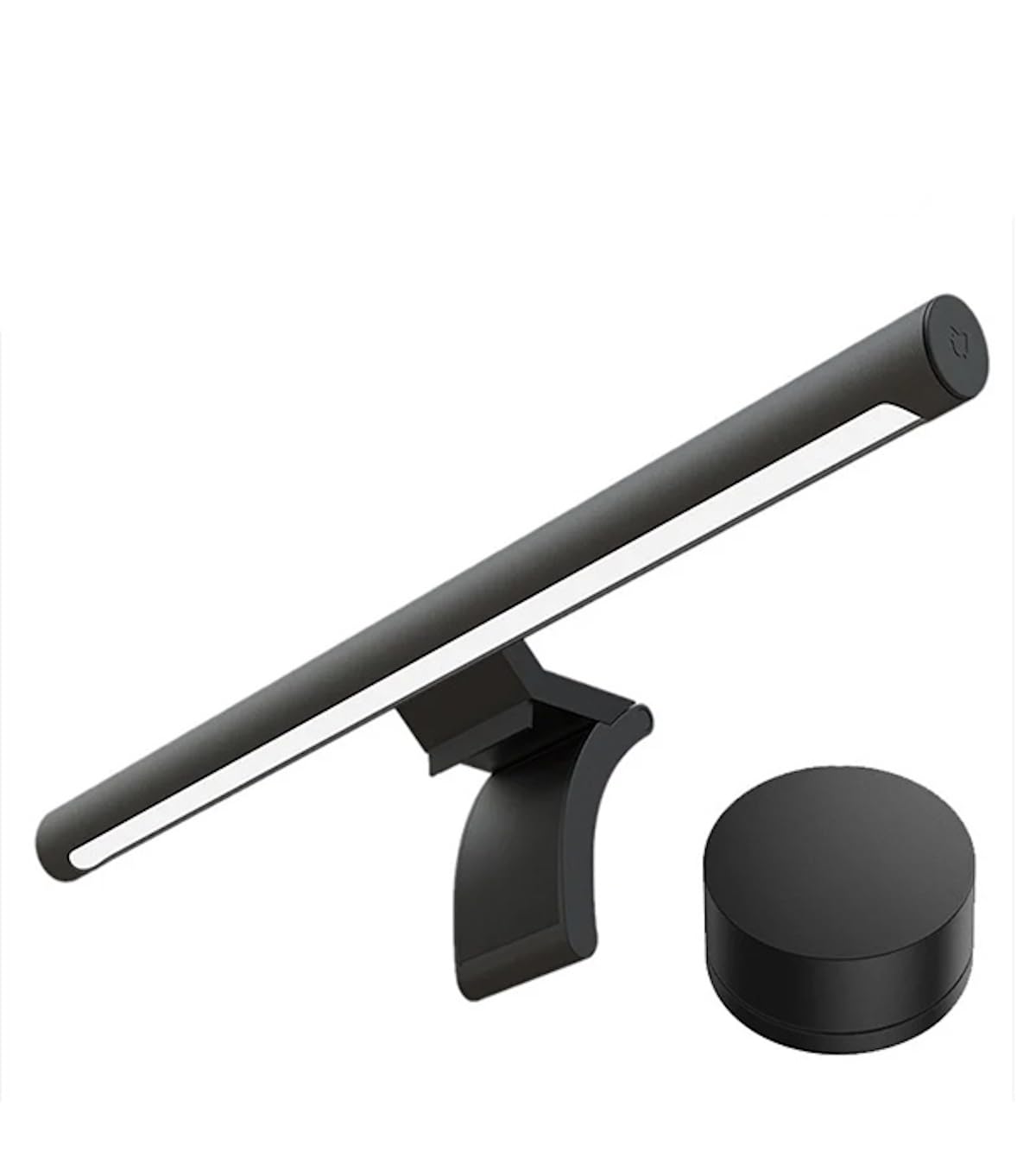
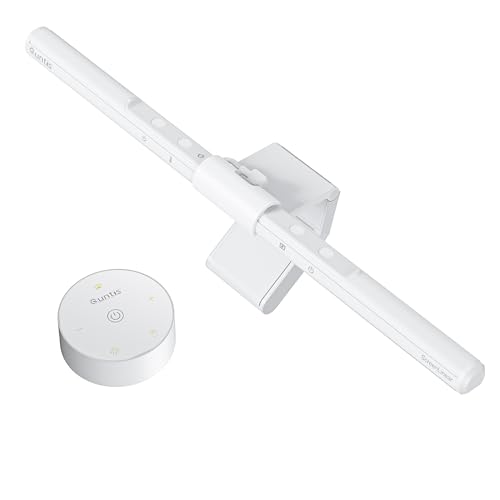
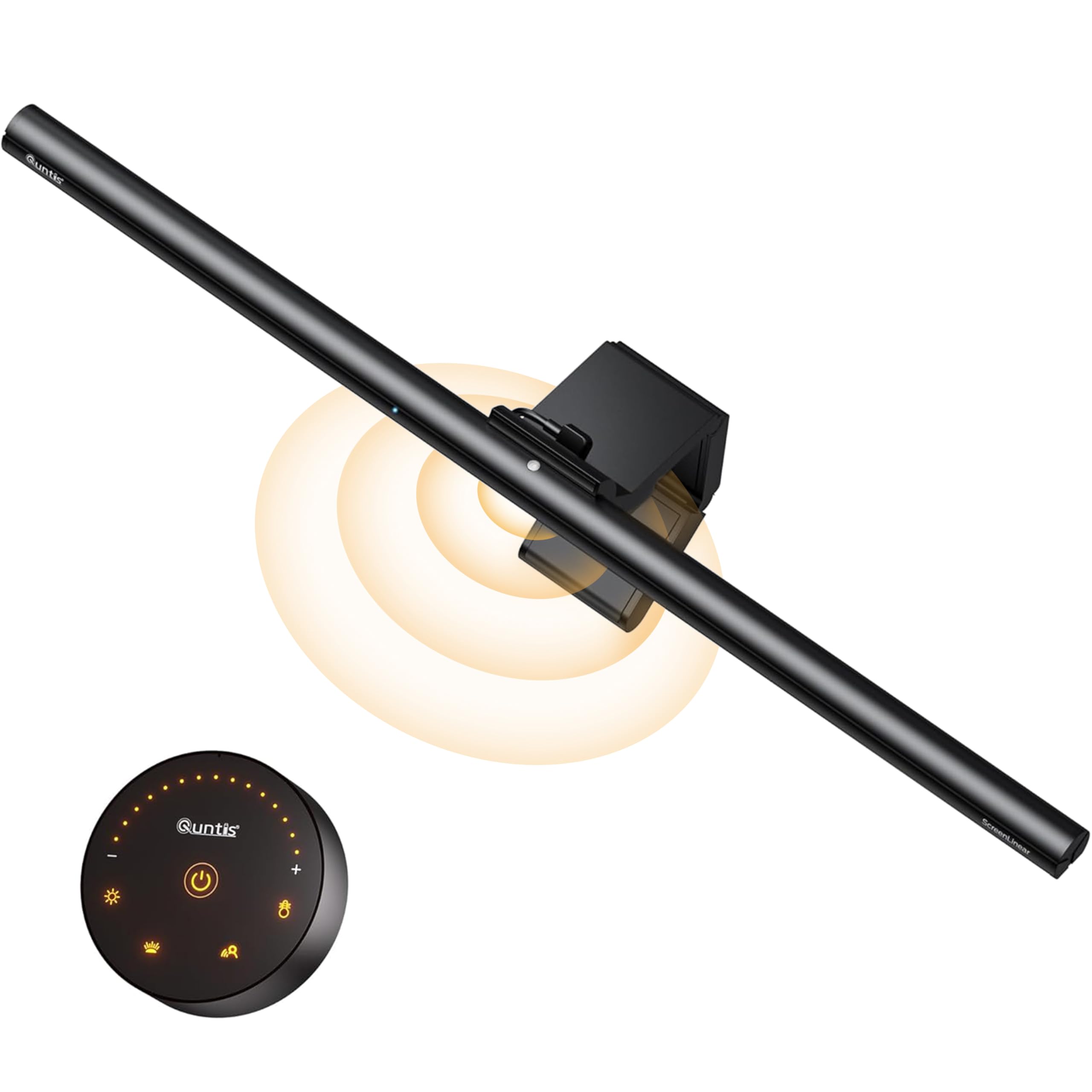

BenQ ScreenBar Pro Review: Brightness and Spread
The listing quotes over 1000 lux of central brightness and 500 lux across an area of 33 by 20 inches, which BenQ says outperforms most desk lamps. That wide spread covers a keyboard, notebooks, and a wide desk without a dark corner.
Brightness numbers are only useful when the light is comfortable. The Pro offers adjustable brightness and color temperature, so you can lower the output for evening work and raise it during the day.
Asym Light and Glare Control
BenQ uses asymmetrical optics, called ASYM-Light, to aim the light down at the desk and avoid the screen. That reduces reflections on the monitor and avoids direct glare in your eyes, which is the main reason to choose a bar over a standard lamp.
The result is a calmer desk. The effect is easiest to notice with a glossy screen or in a room with other lights on.
Motion Sensor and Auto Features
An ultrasonic motion sensor detects movement within roughly 24 inches, so the bar lights up as you sit down and turns off after five minutes of absence. That saves energy and avoids forgetting the lamp on.
If you prefer manual control, you can adjust the settings and switch the sensor off. Some people find auto off annoying when they sit very still, so try it for a week.
Fit and Compatibility
The Pro fits monitors from 0.17 to 2.56 inches thick and curves from 1000R to 1800R. The clamp is designed for monitors with unusual back shapes or a non flat top bezel, and the bar does not block a webcam.
Measure your monitor before ordering and check the top edge. Heavy or very thick monitors may need a different bar.
Power and Setup
The bar connects by USB-C or an included adapter, which gives flexible power options. Setup takes a couple of minutes: clamp it on, connect the cable, and adjust the settings. Tuck the cable behind the monitor for a clean desk.
Use a stable power source. A weak USB hub may cause flicker.
Who Should Buy the ScreenBar Pro
- People with wide desks who want an even pool of light.
- Remote workers with glossy monitors.
- Anyone who likes the auto on and off sensor.
It is less suited to people who want a backlight or a wireless dial, which the Halo 2 offers, or who just want the cheapest bar. See our BenQ ScreenBar Halo 2 review, the Xiaomi Mi Computer Monitor Light Bar review, and the best monitor light bar guide.
Using the Pro Day to Day
In the morning, a cooler color keeps you alert. In the evening, a warmer color eases the transition from work to rest. Lower the brightness when you watch videos so the light does not compete with the screen.
If you share the desk, adjust the bar to your own height. A bar that is aimed well also avoids shining into a neighbor's eyes.
Care and Warranty
Dust the light panel with a dry cloth and avoid liquid cleaners. Check the clamp now and then and keep the cable from bending sharply. Keep the receipt and check the warranty term, since a bar that fails early should be replaced.
Real Desk Examples
On a wide desk with a laptop, a notebook, and a keyboard, the Pro's wide light pattern lifts the whole area without hard edges. On a shared desk, the focused downward light avoids spilling onto a neighbor's screen. For late night reading, a warm setting and low brightness keep the room cozy without a lamp base taking up space.
The bar also helps video calls. Lighting your desk from above keeps your face softly lit if you sit near the screen, and avoids the glare a normal lamp can cause on your glasses.
Choosing a Color and Bundle
The Pro comes in silver and black. Pick the finish that matches your monitor and desk, and check the box contents for the power cable and the adapter. Third party bundles may add accessories you do not need, so compare the bare bar prices first.
Comparing With the Rest of the Family
The Halo 2 adds a backlight and a wireless dial and costs more. The original ScreenBar is simpler and cheaper. The Pro sits in the middle with its ultrawide pattern and motion sensor, and many people find it the best balance of price and features. If you hesitate between the Pro and the Halo 2, see our direct comparison in the BenQ ScreenBar Halo vs Pro article.
Mistakes to Avoid
Do not mount the bar on a monitor with a webcam in the way without checking clearance. Do not run the bar at full brightness all day, since a comfortable level is usually lower than the maximum. And do not forget to clean the light panel, because dust cuts the output over time.
Questions to Ask Before You Order
How wide is your desk, and how much light do you need? Do you want the motion sensor, or would you rather control the light by hand? Is your monitor flat or curved, and how thick is the top edge? The answers tell you whether the Pro is the right bar or whether a cheaper or pricier model fits better.
FAQs
Is the Pro bright enough for a large desk?
The listing quotes 500 lux across a 33 by 20 inch area, which suits wide desks.
How does the motion sensor work?
It detects movement and turns on the light, then shuts off after five minutes of absence.
Will it fit a curved monitor?
Yes, the listing says it supports curves from 1000R to 1800R.
Can I use it with a laptop?
It needs a USB-C or adapter power source, which most laptops can provide with a spare port.
For a wide, glare free light with smart sensors, this benq screenbar pro review finds a strong mid range bar, and the table above lets you compare other models. Prices and availability can change, so check the product page before ordering.


