
BenQ Zowie XL2566X+ Review for 2026: A 400Hz Esports Monitor
Disclosure: We may earn a commission when you buy through links on this page, at no extra cost to you. As an Amazon Associate I earn from qualifying purchases. Learn more

A benq zowie xl2566x+ review for esports players: 400Hz Fast TN panel, DyAc 2 clarity, tools, and other fast gaming monitors.
The Zowie XL2566X+ is a 24.1 inch esports monitor built around a very high refresh rate and motion clarity. This benq zowie xl2566x+ review explains the Fast TN panel, DyAc 2 blur reduction, the esports features, and who benefits from a 400Hz screen.
You will find notes on motion clarity, color, ergonomics, settings, and alternatives. The product table near the top lists related Zowie and gaming monitors for a price comparison.
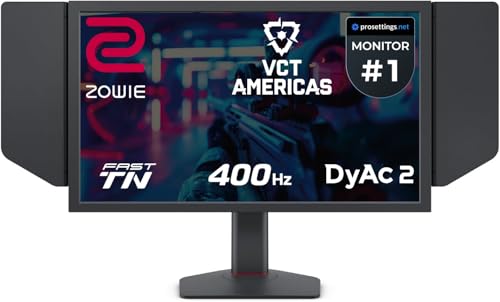
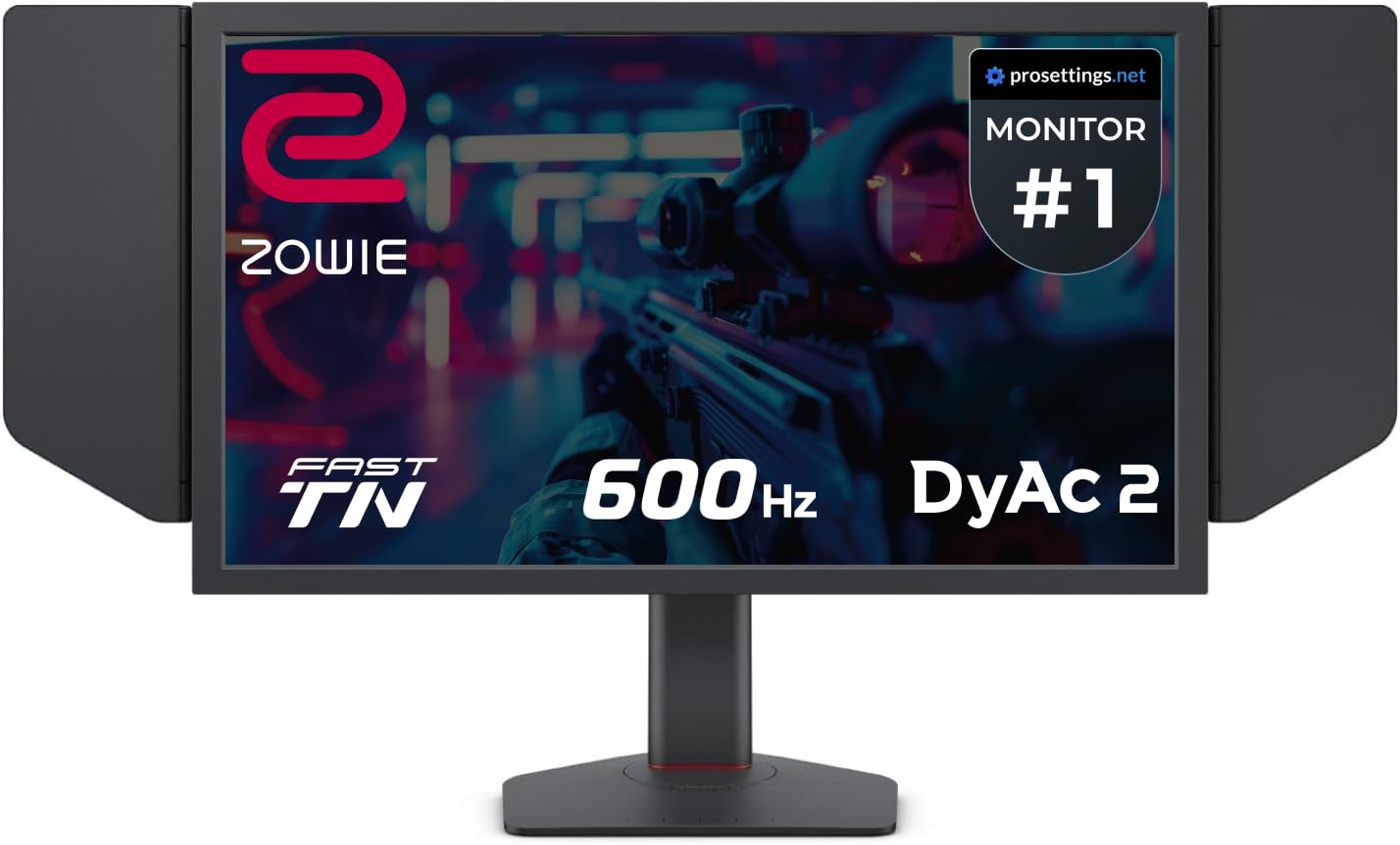
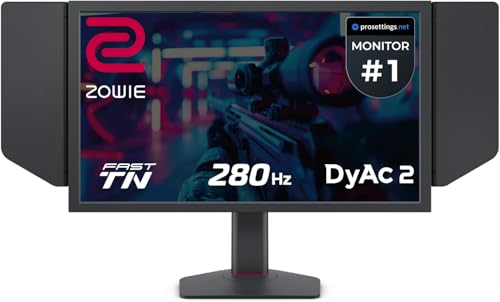


BenQ Zowie XL2566X+ Review: The 400Hz Panel
The listing describes a 24.1 inch Fast TN gaming monitor with a native full HD resolution and a 400Hz refresh rate. A higher refresh rate shows more frames per second, which makes motion smoother and aim tracking easier when your computer can drive it.
To use 400Hz you need a powerful graphics card and a game that reaches high frame rates. Competitive shooters and arena games are the best fit, since they run at very high frame rates on modest settings.
DyAc 2 and Motion Clarity
DyAc 2 is a blur reduction technology that uses a dual backlight to sharpen moving images. The listing says it offers soft light output to help the eyes adapt, which addresses a common complaint about strobing.
The Fast TN panel is chosen for clarity and quick response, and the listing says the latest design reduces overshoot. Try the blur reduction on and off to see which you prefer, since some players like it and others do not.
Color and Image Settings
TN panels have narrower viewing angles and weaker color than IPS, but BenQ has improved the color of this model, according to the listing. Features such as Black eQualizer brighten dark areas, and Color Vibrance lets you boost colors to spot enemies.
These tools help in competitive play but can look unnatural in movies. Save settings in profiles, and use the XL Setting to Share feature to move your configuration to another monitor, such as at a tournament.
Esports Features and Ergonomics
The S Switch is a puck style controller that makes it easy to change settings, and a shielding hood blocks distractions at the sides. The stand adjusts for height and tilt, and the monitor suits a desk setup with a mouse and a keyboard.
Set the monitor at eye level and at arm's length. Many players like a slight tilt to keep the whole screen in view without moving the head.
Who Should Buy It
- Competitive players who run high frame rates.
- Players who want a proven esports screen with practical features.
- Anyone who values motion clarity over color.
It is less suited to casual gamers or people who watch a lot of video, since a TN panel is not as rich as IPS or OLED. See our best gaming monitor guide, the AOC Q27G3XMN review, and the Samsung Odyssey G5 review for alternatives.
System Requirements and Setup
Use a DisplayPort cable for the highest refresh rate, and set the refresh rate in the operating system and in the game. A graphics card that cannot produce the frames wastes the potential, so choose settings that favor frame rate over visual detail.
Update the graphics driver, and set a frame limit slightly below the refresh rate to keep the experience smooth. Keep the mouse polling rate high to match.
Care and Warranty
Clean the screen with a microfiber cloth, and avoid pressure on the panel. Keep the stand stable and adjust it gently. Check the warranty and the dead pixel policy before ordering, since gaming monitors vary.
Keep the box until you are sure it suits your setup, since returns are simpler with the original packaging.
Settings That Matter in Competitive Games
Start with the in game settings. Lower shadows and effects to boost frame rate, and set the field of view and sensitivity to your comfort. In the monitor menu, try Black eQualizer on a low setting so dark corners show more detail without washing out the image.
Use Color Vibrance in small steps. Too much saturation makes the image tiring, and subtle changes are enough to separate enemies from backgrounds. Save the best profile and name it for each game.
Why Refresh Rate Is Not Everything
A higher refresh rate helps only when your system reaches it. Going from 144Hz to 240Hz is easier to notice than from 240Hz to 400Hz, so decide whether the extra cost is justified for your play style. Input delay, mouse quality, and network latency all matter as much as the display.
If your system averages well below 240 frames per second, a cheaper 240Hz monitor may feel almost the same. Check your typical frame rate before paying for the top speed.
Warranty and Value Questions
Look at the warranty term and the policy on dead pixels. Esports monitors are often resold, so the model holds value well. Keep the box and accessories for resale, and register the product if the maker offers it.
Questions to Ask Before You Order
Does your graphics card reach very high frame rates in your games? Do you own a DisplayPort cable, and does your mouse and keyboard keep up? Would a cheaper 240Hz model feel nearly the same for the games you play? Honest answers save you money and make sure the monitor is a real upgrade for your setup.
Comparing With Other Esports Monitors
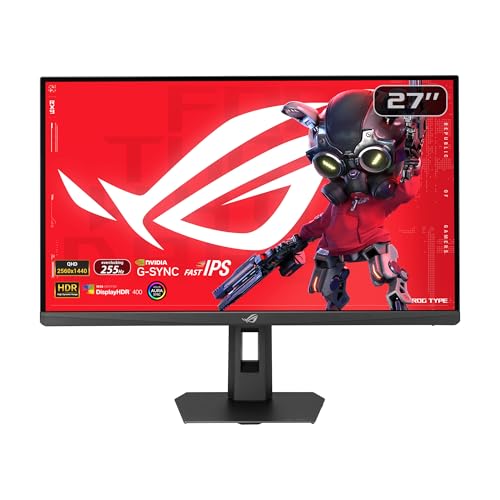
Zowie sells several models, from a 280Hz screen to a 600Hz model. Other brands offer fast IPS and OLED options with better color, but they often give up some motion clarity or cost more. If clarity and a proven esports feature set are your priorities, stay in the Zowie range, and compare prices across the table above.
FAQs
Do I need a 400Hz monitor?
Only if you play fast shooters and your computer reaches very high frame rates.
Is TN a bad panel?
It has narrower viewing angles but offers speed and clarity, which suits esports.
What is DyAc 2?
It is a blur reduction technology that uses a dual backlight to sharpen motion.
Can I use it for work?
Yes, though the small TN panel is not ideal for color work.
For a pure esports setup, this benq zowie xl2566x+ review finds a monitor built for speed, and the table above helps you compare alternatives. Prices and availability can change, so check the product page before ordering.


