Best 1080p TVs: Small Screens, Smart Platforms (2026)
Disclosure: We may earn a commission when you buy through links on this page, at no extra cost to you. As an Amazon Associate I earn from qualifying purchases. Learn more

Bedrooms, kitchens and dorms: how to choose the best 1080p tvs by screen size, smart platform, ports and picture settings without paying for 4K.
For a bedroom, kitchen, dorm or guest room, a 1080p TV is still a smart choice: the picture is sharp at 32 to 43 inches and prices are low. The best 1080p tvs pair Full HD resolution with a good smart platform, enough ports and sensible build quality, and you pick them by room size rather than by chasing 4K.
This guide explains when 1080p is enough, how to compare smart platforms and what to check on small and mid-size screens. The product table lists models from 32 to 43 inches with built-in streaming systems.
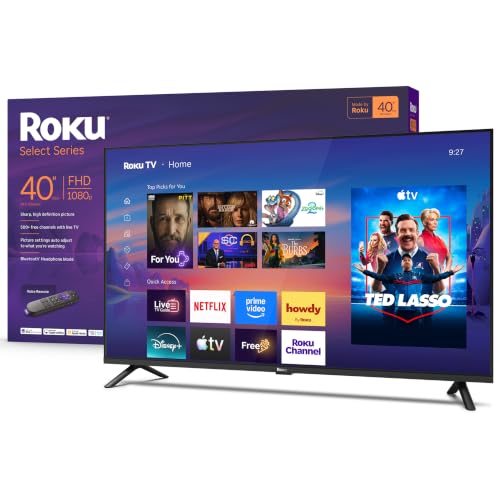
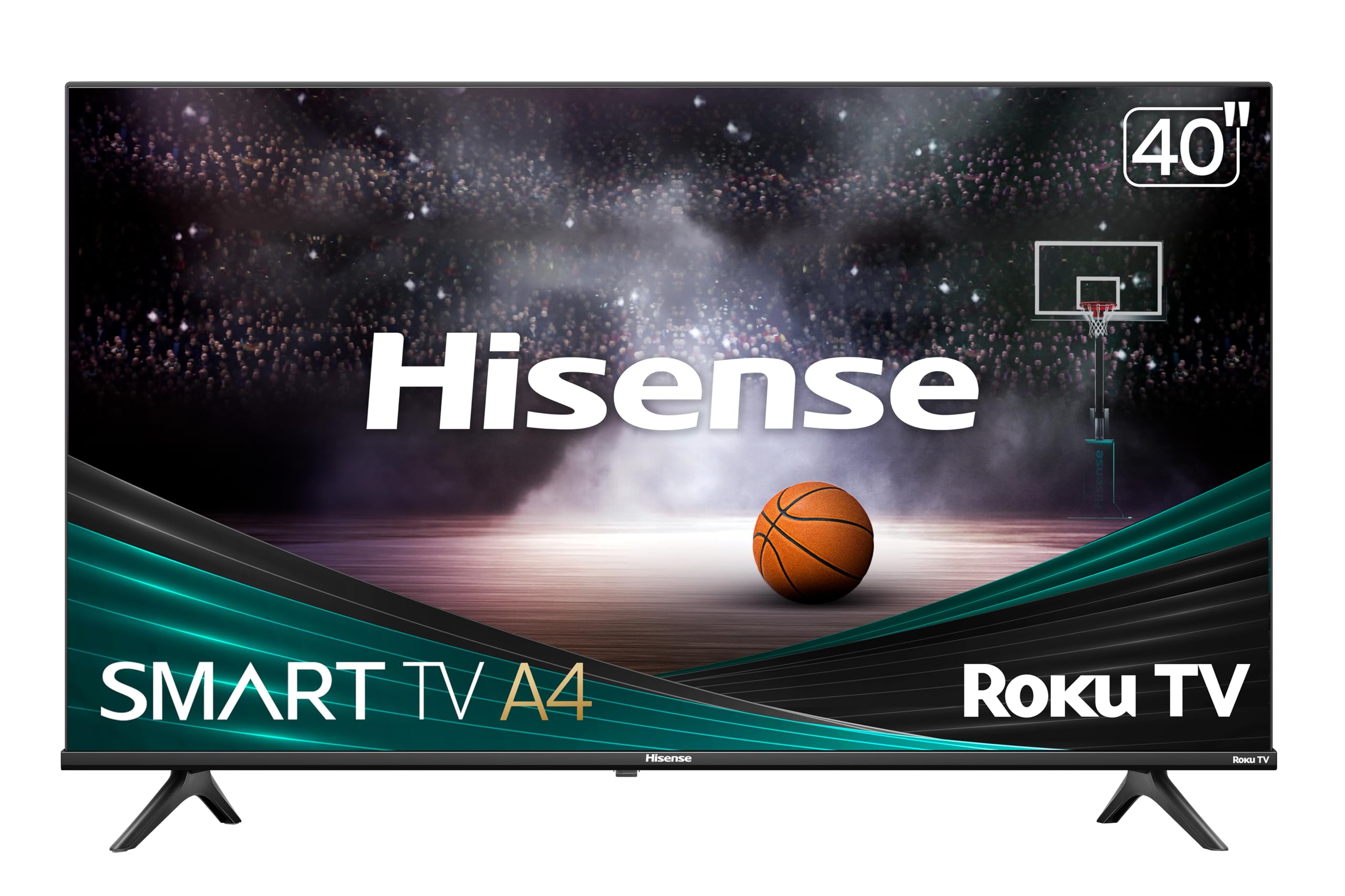

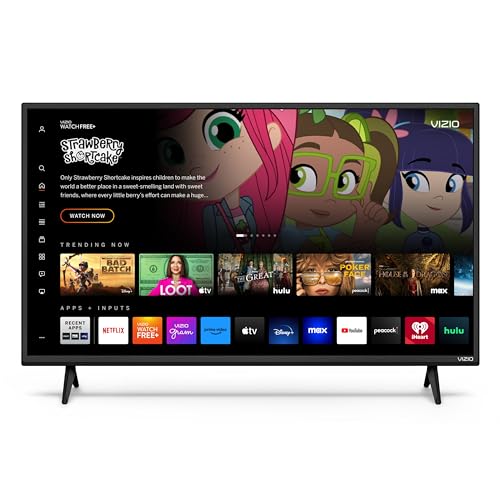


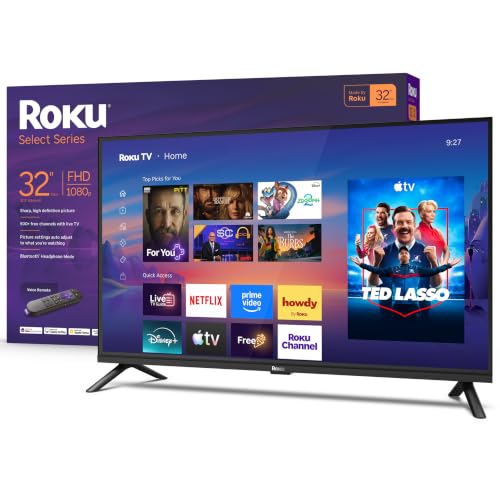


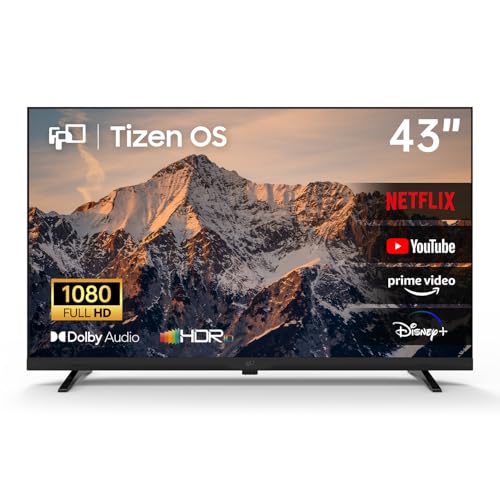
When 1080p Is Enough
On a screen below about 43 inches, 4K adds little visible detail from normal viewing distances, and most streaming content looks fine at 1080p. A 1080p TV costs less, and it often has simpler hardware that is easy to use. For a large living room TV, 4K is the better choice, but for secondary rooms, 1080p wins on value.
Size and Distance
- 32 inches: bedrooms, kitchens, dorms and desks.
- 40 inches: small bedrooms and apartments.
- 43 inches: small living rooms and guest rooms.
Measure the space and your seating distance. A TV that is too big for a small room causes eye strain, and too small a picture wastes the room.
Smart Platforms
Common systems include Roku, Fire TV, Google TV, Tizen and Vizio's own platform. Each includes major streaming apps, but the menus, remote and search differ. Pick the one you find easy and check that your favorite apps are available. Some platforms update often, and some budget TVs lag.
Panel Types and Picture
Most 1080p TVs use LED LCD panels. VA panels have strong contrast and IPS panels have wide viewing angles. For a bedroom where you watch from the side, wide viewing angles matter. A QLED label means a quantum dot layer for better color, which appears on some 1080p models. Check buyer comments on brightness and backlight uniformity.
Gaming and Refresh Rate
Basic 1080p TVs run at 60Hz, which suits console games at 60 frames per second. A game mode reduces delay. If you want variable refresh rate or 120Hz, you will usually need a higher-end set or a monitor instead.
Ports and Connections
Look for at least two HDMI ports, a USB port, an optical or headphone output and Wi-Fi. ARC on an HDMI port lets you connect a soundbar. If you plan to use an antenna, check that the TV has a tuner. Wall-mount holes follow the VESA standard, so check the pattern if you plan to mount.
Sound
Thin TVs have small speakers. A basic soundbar improves dialogue and movies. For a kitchen or bedroom, the built-in speakers may be fine for casual viewing.
Choosing Among the Best 1080p TVs
Pick the size first, then the platform and the ports. Prices range from about $130 for 32 inch models to around $350 for 43 inch models, with sales common. Compare the warranty and check return terms. Name-brand sets generally have better support and software updates than unknown brands.
For related reading, see best smart tvs and best soundbars tv.
Setup and Calibration
Connect the TV to power and Wi-Fi and run the setup. Choose the movie or cinema picture mode, and lower the backlight if the room is dark. Disable motion smoothing if the picture looks artificial. Use a quality HDMI cable for each device.
Mounting, Stands and Room Placement
Small TVs often ship with feet that sit wide apart, so measure the furniture before you order. A wall mount frees space, and VESA hole patterns on small TVs are standard but vary, so check the pattern. In a bedroom, mount the TV where you can see it without craning your neck, and leave room for the cables and the streaming stick.
Bedroom, Kitchen or Dorm?
In a kitchen, a small TV on a counter or a bracket needs a good viewing angle and easy cleaning. In a dorm, weight and simple controls matter most, and a streaming platform with a clean home screen helps. In a bedroom, a sleep timer and a low-brightness night mode are handy. For a game room, look for a game mode and enough HDMI ports for a console and a streamer.
Antenna and Cable Users
If you watch local channels, check that the TV has an ATSC tuner and use an indoor antenna to find free channels. If you use cable, an HDMI cable box connects to any of the ports. Smart TVs also stream the same channels through apps, which may replace the antenna entirely.
Warranty and Support
A TV is a long-term purchase, so check the warranty length and the maker's reputation for support. Keep the receipt and the box for the return period. If the TV arrives with a dead pixel or a panel flaw, return it quickly, because flaws are easier to resolve early.
Picture Settings for Small Screens
Factory settings are usually too bright and too blue. Switch to a movie or cinema mode, reduce sharpness and turn off motion smoothing for films. In a bedroom, lower the backlight at night and use a warm color setting to ease eye strain. On a small TV, a few minutes in the picture menu makes more difference than a higher price.
Streaming Sticks and Hidden Costs
Smart TVs include apps, but some platforms show ads on the home screen. If you prefer a clean experience, plug in a streaming stick and use that as your home screen. Check that the HDMI ports can power the stick or have a spare USB port nearby. A basic stick often costs less than the difference between two TV models.
Frequently Asked Questions
Is 1080p enough for a TV?
For rooms with small screens, yes. For large screens, 4K looks better.
Do all TVs have streaming apps?
Smart TVs do. Check the platform and app list in the listing.
Can I use a 1080p TV as a monitor?
You can, but a monitor has a sharper picture at close range.
How long do TVs last?
Many last for years. Warranty and software updates matter more than a single spec.
Final Thoughts
Choose a size that fits the room and a platform you like. The best 1080p tvs provide a sharp picture and smooth streaming for secondary rooms without paying for pixels you will not notice. Prices and availability can change, so check the product page before ordering.