
Best 11x17 Printers: Tabloid-Size Printing at Home and in the Office for 2026
Disclosure: We may earn a commission when you buy through links on this page, at no extra cost to you. As an Amazon Associate I earn from qualifying purchases. Learn more

Tabloid paper doubles the page size. Compare the best 11x17 printers by technology, tray design, running costs and the scanning and copying you need.
Eleven by seventeen inches is double the area of a letter sheet. It is the size for spreadsheets that do not shrink to unreadable type, architectural and CAD drawings, posters, menus, newsletters and school projects. This guide to the best 11x17 printers explains the technology choices, the features that matter at this size and the costs to expect.
The table above lists inkjet printers that handle tabloid paper and two A3 laser multifunction machines from a business line. Read the sections below to decide which kind fits your volume and budget.
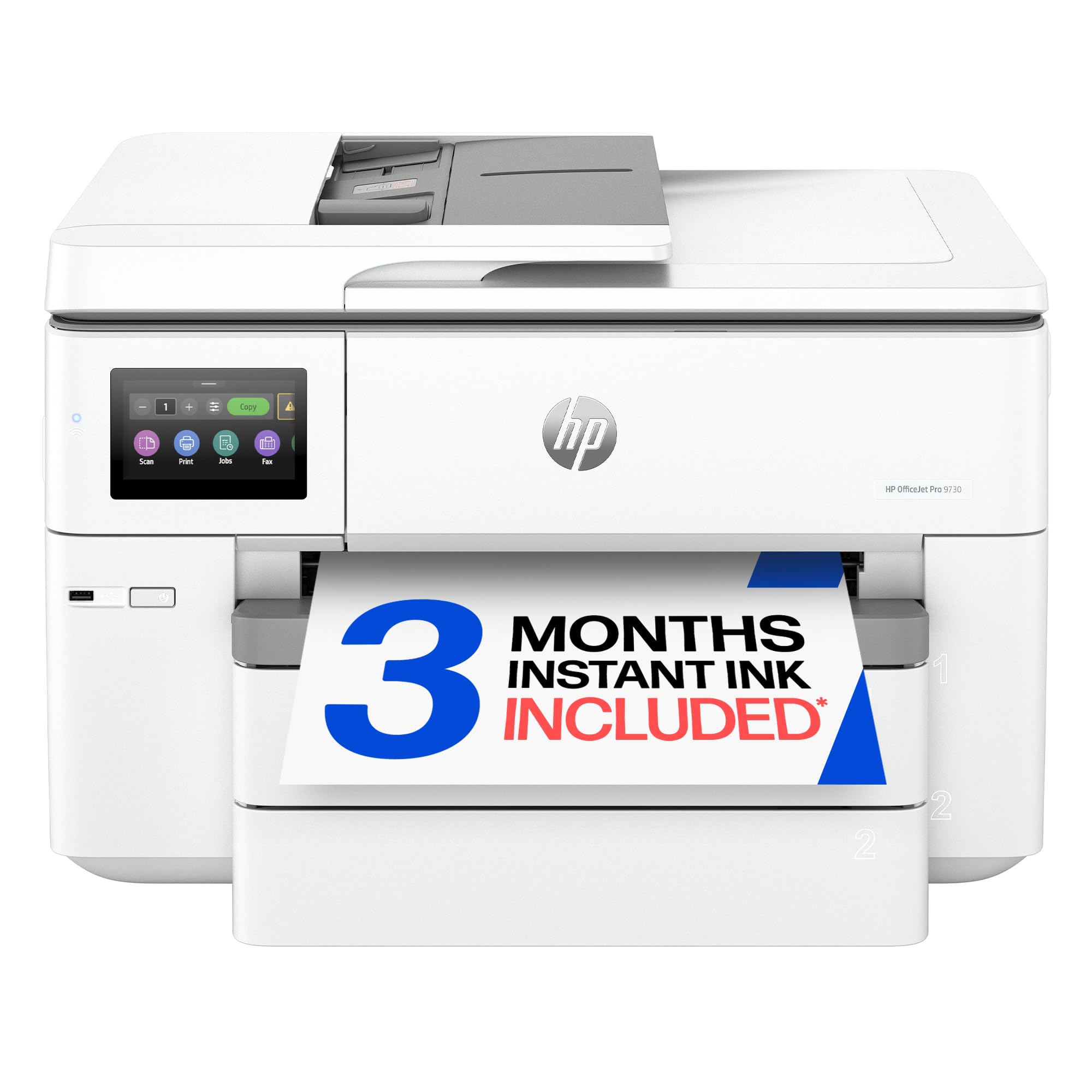
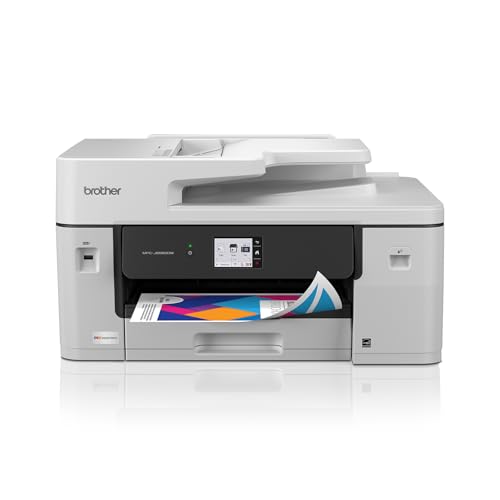


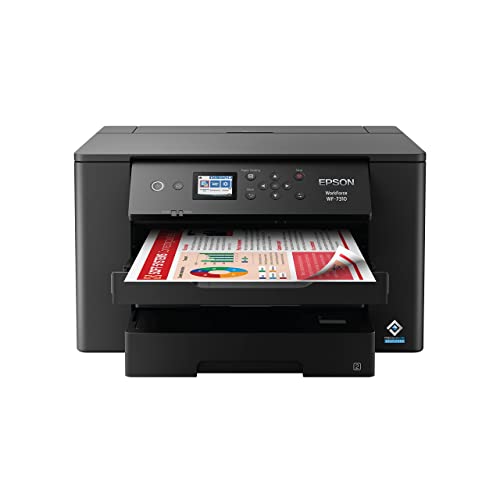

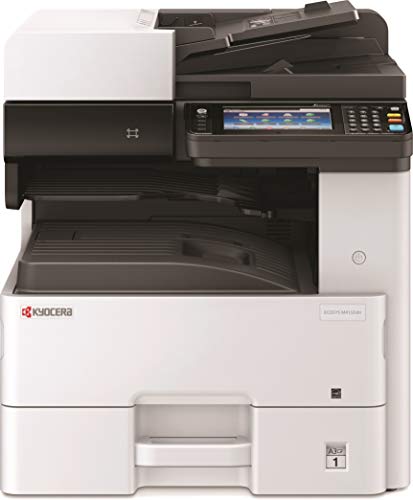
Two Ways to Print Tabloid
Wide-format inkjets are the usual choice for homes, studios and small offices. They print in color, handle photo paper and cost much less to buy than a laser machine. Running costs depend on whether the printer uses cartridges or refillable tanks.
A3 laser or LED machines come from the business world. They print fast, produce sharp text and handle large volumes, and they are sold as multifunction copiers with a scanner and finishing options. They cost much more up front and are best for offices that print many pages every day.
How to Choose the Best 11x17 Printers
Printing Only or All-in-One
A print-only machine is simpler. An all-in-one adds scanning and copying, which matters if you need to copy large documents. Check the largest size the scanner and the automatic feeder can handle, because many all-in-ones print tabloid but scan only letter or legal sheets.
Paper Trays and Feeding
Look at how tabloid paper loads. Some machines have a dedicated tray for large sheets, while others use a rear feed or a bypass slot that takes a few sheets at a time. If you print many large pages, a tray that holds a stack saves effort.
Running Costs
Tabloid pages use more ink than letter pages. Tank printers lower the cost per page and suit people who print often. Cartridge printers are cheaper to buy and work for occasional printing. Check the price and yield of replacement ink before you decide.
Quality for Photos and Graphics
Posters and photos benefit from extra ink colors and pigment inks. If you print artwork or portfolios, look at models aimed at photography. For documents and spreadsheets, an office-class machine is enough.
Duplex and Speed
Two-sided printing saves paper, but not every printer duplexes tabloid sheets. Check whether duplex applies at the large size. Print speeds are quoted at letter size, so expect slower tabloid output.
Connectivity and Software
Wireless printing, mobile apps and network sharing make a printer easier to use in a household. Check the supported systems, and for larger offices consider network security features and user authentication.
Size and Placement
Tabloid printers are bulky. Measure your desk or shelf, including the space needed for the output tray and the rear paper path. Some machines need extra space behind them.
Choosing by Use
- Home projects and school posters: an inkjet all-in-one with a tabloid tray.
- Artists and photographers: a photo-oriented wide-format printer with pigment inks.
- Small office with spreadsheets and plans: an inkjet with high-capacity ink or a tank design.
- Busy workgroups: an A3 laser multifunction machine with a service plan.
Paper and Media
Use paper rated for your printer and for the job. Plain tabloid paper works for drafts and spreadsheets. Matte or glossy photo paper at tabloid size suits posters.
Store paper flat in its wrapper so it does not curl. Check the printer's maximum paper weight before you buy thick media.
Maintenance Tips
Print something every week or two to keep inkjet nozzles from drying. Use the printer's cleaning cycle sparingly, since it uses ink. Keep the paper path free of dust. For laser machines, plan for toner and drum replacements and follow the maker's service intervals.
Buying Versus Using a Print Shop
If you need tabloid pages a few times a year, a print shop may cost less than owning a printer, since one set of cartridges can cost more than several copy jobs. If you print weekly, a printer pays back its cost within a year or two and gives you control over timing and privacy. For architects, teachers, small business owners and hobbyists who handle large sheets often, owning the machine is convenient.
A Pre-Order Checklist
Confirm that the listing states tabloid or 11x17 support in the printing section. Check the largest paper size the scanner glass and the feeder take. Find the price of replacement ink or toner and how many pages it prints.
Measure your desk. Look at the warranty and the support options, and check whether supplies are sold by the maker at a fair price. Finally, review recent feedback for Wi-Fi reliability and paper jams, because large sheets expose weak paper paths.
Dealing With Large Originals
If you plan to copy or scan tabloid drawings, check the glass and feeder size before you buy, since a machine that prints tabloid but scans only letter will force you to scan in sections. For architectural plans and large spreadsheets, a flatbed that matches the paper size is much easier to use. If you only print tabloid from files, scanning size matters less, and you can save money with a print-focused model.
11x17 Printers: Your Questions Answered
Is 11x17 the same as tabloid?
Yes. Tabloid and ledger refer to the same sheet size, which is eleven by seventeen inches.
Can any printer print 11x17?
No. You need a printer that lists tabloid or wide-format support, with a tray or a feed that can hold the size.
Do these printers scan 11x17?
Some do, and some only scan smaller sizes. Check the scanner and feeder specifications.
Are A3 printers the same as 11x17?
A3 is a European size that is slightly different, but A3 printers generally print 11x17 sheets as well.
Final Thoughts
Match the technology to your volume: an inkjet for occasional and creative work, and an A3 laser machine for busy offices. The best 11x17 printers are the ones whose trays, running costs and scanning size fit your actual jobs. Compare the models in the table above and check the ink or toner price before you order.


