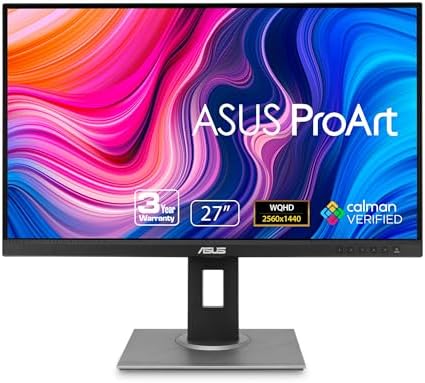
Best 120Hz Monitors: From Office Screens to 4K and Ultrawide Gaming
Disclosure: We may earn a commission when you buy through links on this page, at no extra cost to you. As an Amazon Associate I earn from qualifying purchases. Learn more

Best 120Hz monitors compared by size, resolution, panel type and ports, with advice on the graphics power needed to use the speed.
A monitor that refreshes 120 times a second makes everything on screen feel more responsive, from mouse movement to window dragging. It sits comfortably between the standard 60Hz office panel and the extreme esports models, which makes it a practical target for both work and play. The best 120hz monitors fit your desk, your graphics card and your budget at once.
This guide compares sizes, resolutions and panel types, explains what your computer needs to drive the screen and points out the ports and features worth paying for. The product table above covers office, gaming and ultrawide options.

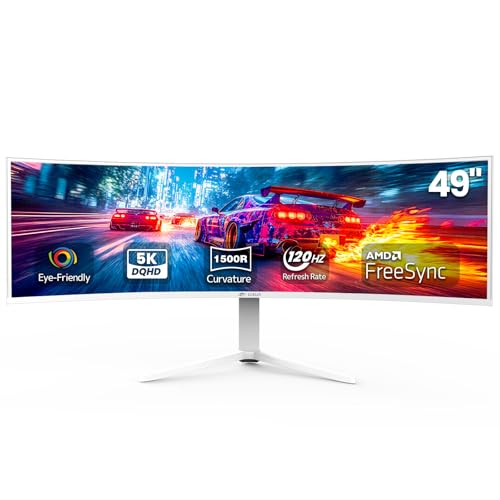

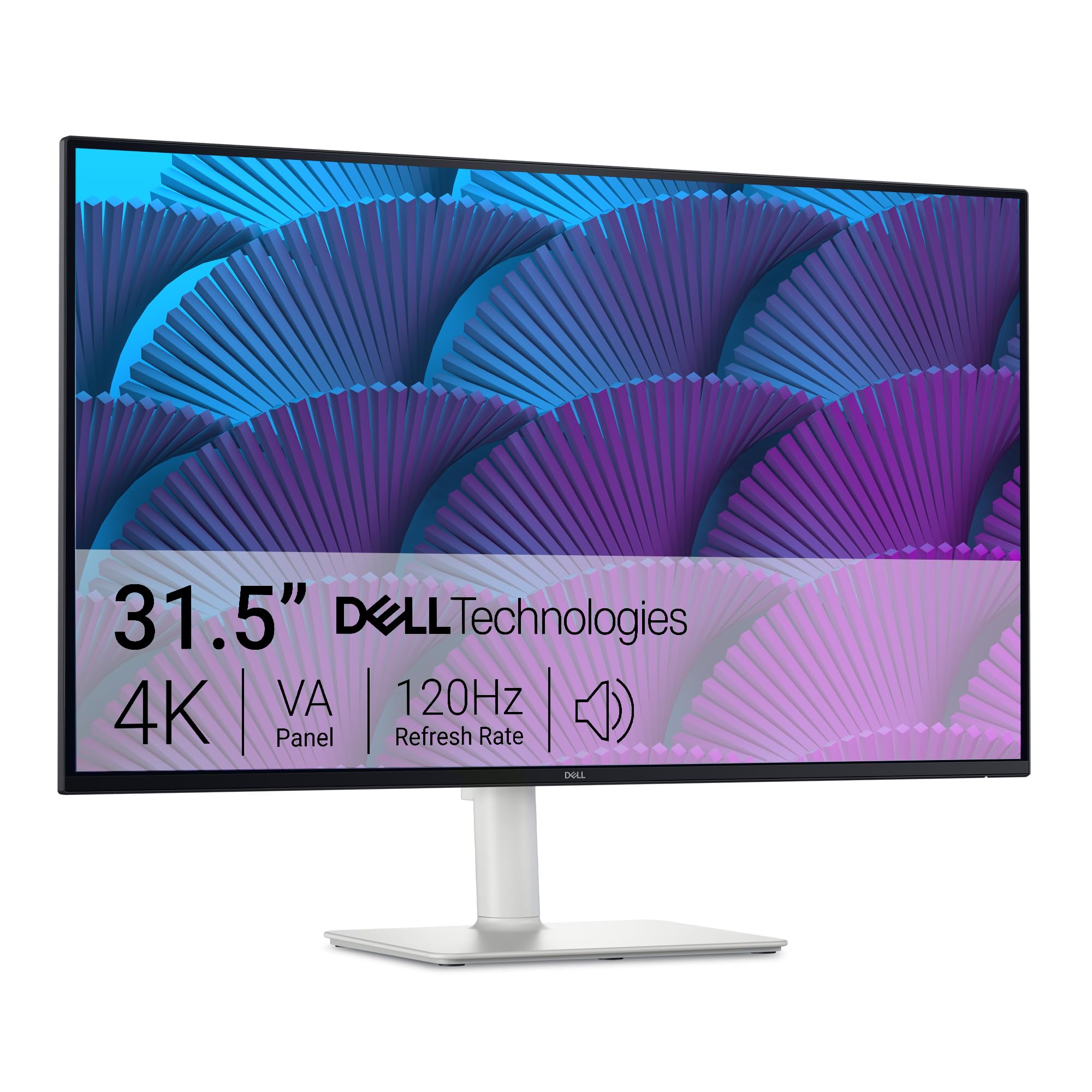


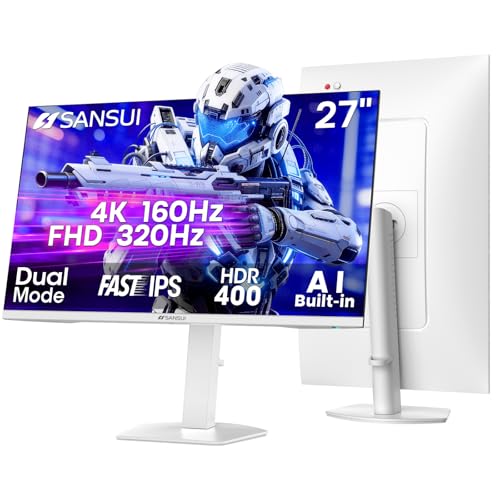
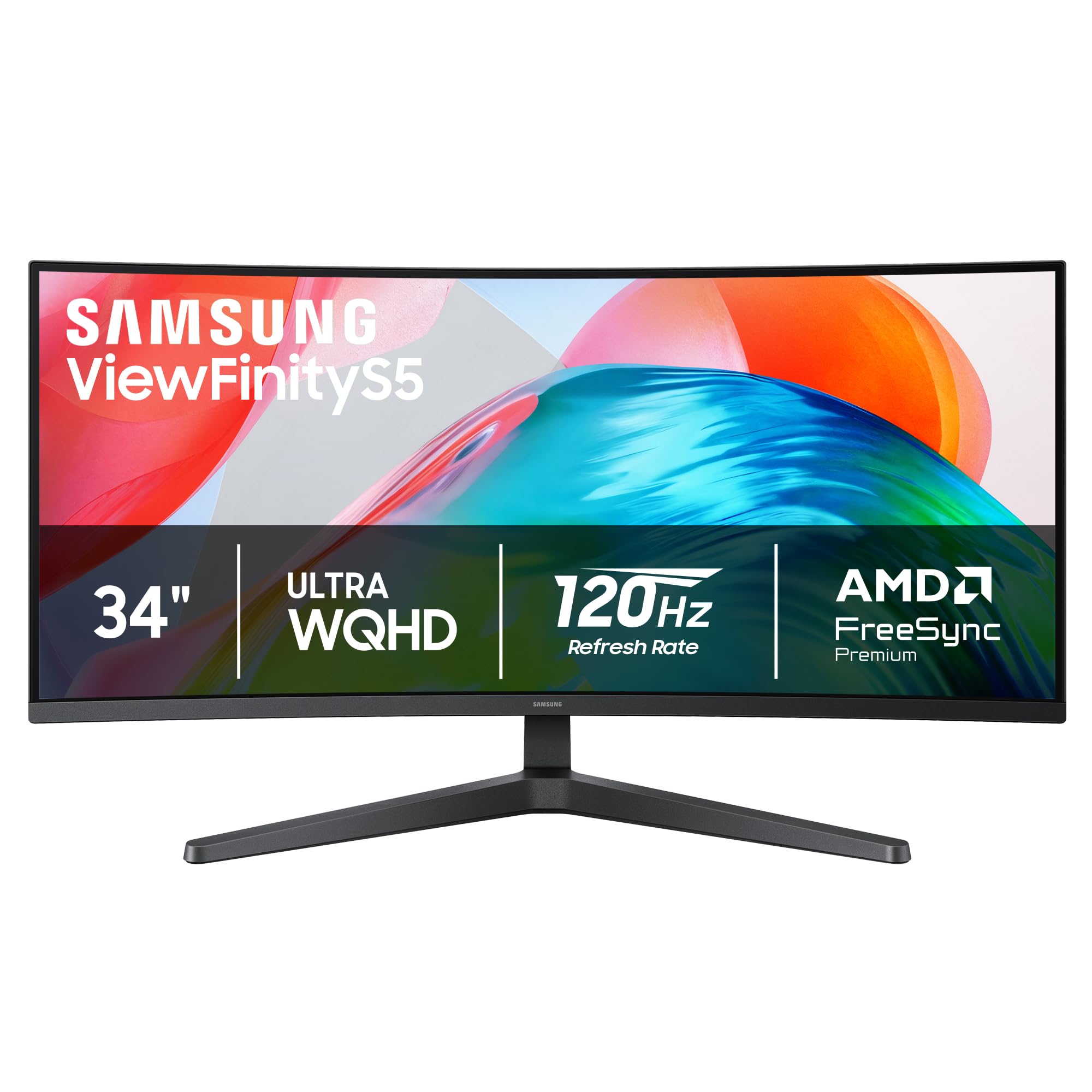
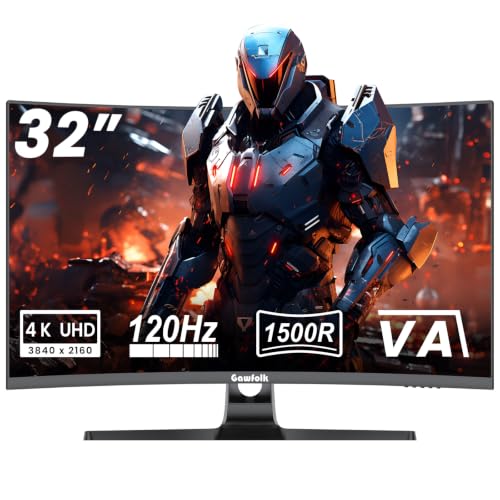
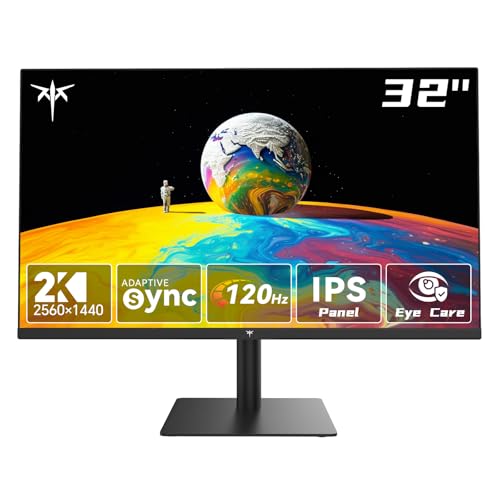


Why the Best 120Hz Monitors Are a Sweet Spot
Moving from 60Hz to 120Hz is a large, visible step. Motion looks clearer in games and video, scrolling through long pages is smoother and the pointer feels attached to your hand. Moving beyond that to very high refresh rates gives smaller gains and demands far more from your graphics hardware.
For many people, 120Hz delivers most of the feel at a price and hardware cost that make sense. It is also supported by consoles and many laptops, so a monitor with this rate stays useful if you change setups. If you mainly game, see our gaming monitors at 120Hz guide, which focuses on play.
Choosing Size and Resolution
Resolution determines how sharp text and images look at a given size. A 24 inch monitor suits full HD, a 27 inch screen looks better at 1440p or 4K and a 32 inch screen benefits from 4K. Ultrawide screens give extra horizontal space, which is great for editing timelines, spreadsheets and driving games.
Higher resolution raises the demand on your graphics card. A 4K screen at 120 frames per second is a heavy load for games, though desktop work is easy. Check our guide on the best 4K 120Hz monitors if you want the sharpest picture.
Panel Types and Picture Quality
IPS panels offer wide viewing angles and accurate color, which suits photo work and shared screens. VA panels give stronger contrast, which looks good in dark rooms and movies. OLED panels add near-perfect black and fast response at a higher price.
Look at brightness, color coverage and HDR claims, but treat HDR labels with caution on entry-level monitors. If you want a broader look at quality, see our guide to quality monitors.
Connections: HDMI, DisplayPort and USB-C
A monitor can have 120Hz on paper and fail to deliver it over the wrong cable. For PCs, DisplayPort is the safest way to reach the full refresh rate, and newer HDMI ports work too. A USB-C port that carries video and power can turn a laptop into a one-cable setup.
Check the number and type of ports against your devices, and consider a built-in USB hub if you connect many peripherals. If you plan to connect a console, read about 120Hz monitors for PS5.
What Your Computer Needs
To see 120 frames per second in games, your graphics card must deliver that many. Older cards will still show smooth desktop motion but fall short in demanding titles. Set the refresh rate in your operating system's display settings, because the monitor often defaults to 60Hz until you change it.
Check that your cable supports the rate at your resolution, and update graphics drivers. Variable refresh rate support helps when frame rates vary.
Ergonomics and Desk Fit
A good stand adjusts height, tilt and ideally pivot, which makes long sessions more comfortable. If the stand is basic, a monitor arm is a worthwhile upgrade. Make sure the monitor has a standard mounting pattern for arms.
Consider the desk depth: a large monitor needs distance to be comfortable. Curved ultrawide screens suit deep desks but can overwhelm shallow ones.
Budget Tiers
At entry level, 120Hz full HD monitors are inexpensive and great for general use and light gaming. Mid-range models add 1440p or 4K, better color and useful features. Premium models offer ultrawide shapes, OLED panels and sophisticated stands.
Decide which feature matters most, then spend there. Do not pay for extremely high refresh rates or HDR labels you will not use.
Choosing the Best 120Hz Monitors for Work and Creative Use
Office users benefit from a taller panel, sharp text and a flicker-free backlight. Look for a matte surface, adjustable stand and a USB-C connection if you work from a laptop. A 27 inch 1440p monitor gives a roomy workspace without scaling headaches.
Creative users should check color coverage, panel type and calibration options. A fast panel helps smooth timeline scrubbing and pen input, but accurate color matters more for photo and video work. If you split time between work and play, a good all-rounder with solid color and fast response is the practical choice.
Setup Tips After Unboxing
Plug in the monitor with the cable in the box, then open display settings and select the highest refresh rate. Switch on variable refresh rate if your graphics card supports it, and set the picture mode that suits your room. Many monitors ship with oversaturated default settings, so try a standard or custom mode.
Check for stuck pixels and uneven backlight within the first days, so you can return a faulty unit while the window is open. Keep the original packaging until you are satisfied.
Frequently Asked Questions
Is 120Hz noticeable for office work?
Yes, in scrolling and cursor movement, though the benefit is greater for gaming and video.
Do I need a powerful graphics card?
For desktop work, no. For games at high frame rates, a capable graphics card helps.
Which cable should I use?
DisplayPort is the safest for PCs, and HDMI also works if the version is new enough.
Is a curved monitor better?
It can feel more immersive on large screens, but flat panels are better for shared viewing and design work.
Does 120Hz help eye strain?
Some people find smoother motion more comfortable, but screen position, brightness and breaks matter more.
Wrapping Up
Pick a size and resolution that fit your desk, confirm the ports and make sure your computer can drive the screen. The best 120hz monitors make everyday work smoother and games more responsive without demanding extreme hardware. Use the product table above to compare options and check the return policy.
Prices and availability can change, so check the product page before ordering.