Best 120Hz Monitors for PS5: HDMI 2.1, 4K and Console Settings Explained
Disclosure: We may earn a commission when you buy through links on this page, at no extra cost to you. As an Amazon Associate I earn from qualifying purchases. Learn more

Best 120Hz monitors for PS5 explained: HDMI 2.1 ports, 4K versus 1080p, VRR, HDR and console settings that unlock smooth 120Hz play.
Plenty of monitors advertise 120Hz or more, but a PlayStation 5 only unlocks that speed when the monitor, the cable and the console settings all agree. Picking the best 120hz monitors for ps5 is mostly about the HDMI port and the resolution you can feed it, not the biggest refresh number on the box.
This guide explains the ports to look for, how resolution and refresh rate trade off, which extras help console play and which console settings to change. The product table above lists monitors that suit the PS5 at several prices.


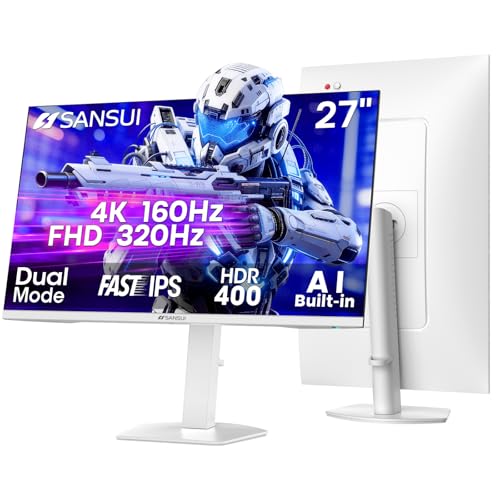
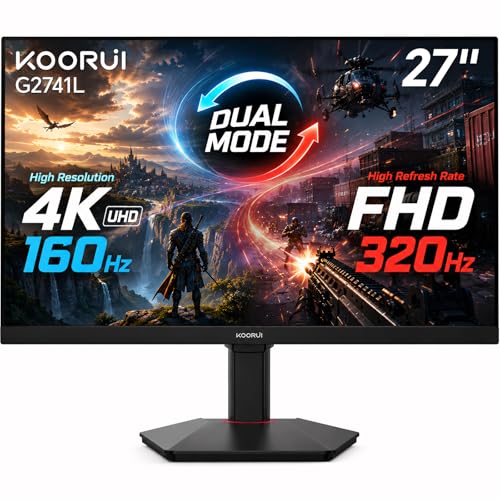
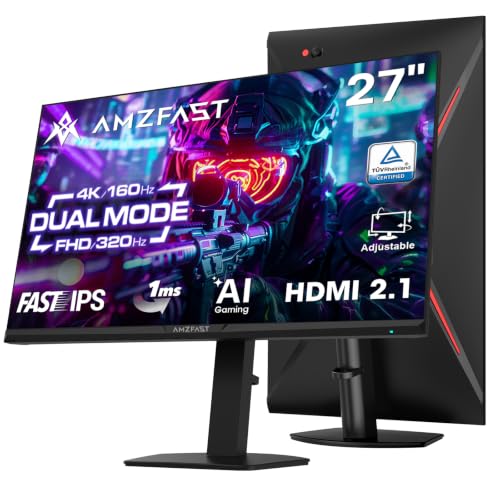
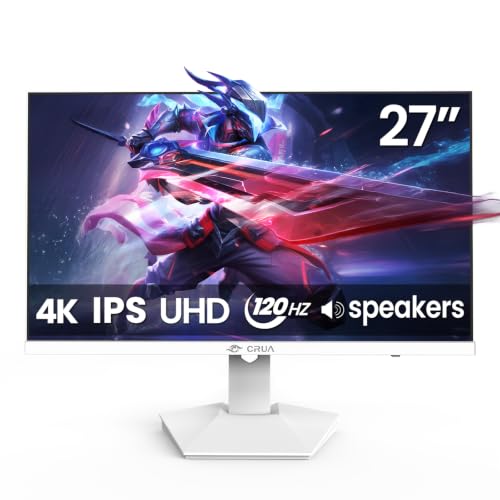


The HDMI Port Is the Real Gatekeeper
The PS5 outputs video over HDMI only, and 4K at 120Hz needs an HDMI 2.1 connection on the monitor. Monitors with older HDMI ports may still run 4K at a lower rate or 1080p at 120Hz, which can be fine, but they will not deliver the full 4K 120Hz experience. DisplayPort is useless for a console.
Read the listing carefully for HDMI 2.1, and check whether it applies to every HDMI port or just one. Use the cable that ships with the console, or a certified ultra high speed cable, since a weak cable limits what passes through.
Resolution Versus Refresh Rate
Games on the console either favor sharper pictures or faster frame rates. A 4K 120Hz panel gives you the best of both but costs more, and not every game reaches 120 frames per second. A 1080p or 1440p monitor can be cheaper and still deliver smooth 120Hz in supported titles.
Think about what you play. Competitive shooters benefit from frame rate, while story games benefit from resolution and HDR. If your budget is limited, a fast 1440p or 1080p monitor often feels better than a slower 4K one. Our guide to the best 4K monitors for PS5 goes deeper into that choice.
Variable Refresh Rate and Response Time
Variable refresh rate lets the monitor match whatever frame rate the console delivers, which removes tearing and reduces stutter. Check that the monitor supports it over HDMI and that the console setting is switched on.
Response time and input lag matter for fast games. Look for a monitor that lists a low response time and a game mode that reduces processing. Reviews that mention input lag are more useful than marketing numbers.
Screen Size, Shape and Panel Type
For desk use, 27 inches is a sweet spot for 4K or 1440p, while 32 inches suits sofa or deep desk setups. Curved screens add immersion but take more space, and you can compare them in our curved monitors for PS5 guide.
IPS panels give accurate color and wide viewing angles. VA panels add contrast but can smear in dark scenes. OLED panels give stunning contrast and speed, with a premium price. Pick based on room lighting and viewing angle.
HDR, Sound and Extras
HDR on monitors varies widely. A basic HDR label does not guarantee a noticeable improvement, so look for high peak brightness and local dimming if HDR matters to you. Built-in speakers are convenient but modest, and a headset connected to the controller sounds better.
Useful extras include a height-adjustable stand, USB hub, a headphone jack and a wall-mount option. Consider whether you need a second input for a PC or laptop as well.
Choosing the Best 120Hz Monitors for PS5 by Budget
At lower budgets, look for 1080p or 1440p panels with true 120Hz over HDMI and low input lag. In the middle range you find 4K panels with HDMI 2.1 and variable refresh rate. At the top, OLED monitors give the fastest response and the deepest contrast.
Spend on the HDMI 2.1 port before spending on extra features. A monitor that cannot accept the console's best signal wastes the console's capability.
Console Settings to Change
On the console, open the display settings and confirm that 120Hz output and variable refresh rate are enabled. Turn on the performance mode in games that offer a choice between resolution and frame rate. Check the video output information screen to see what the console detects.
If the picture looks wrong, try another HDMI port on the monitor, update the monitor's firmware if possible and use the cable that came with the console. Our general guide to the 120Hz monitors covers PC use as well.
Desk Setup and Comfort
Sit about an arm's length from a desk monitor and set the top edge near eye level, so you are not craning your neck during long sessions. If the stand cannot adjust, a monitor arm or a stack of books fixes it cheaply. Leave room for a controller cable or wireless dongle and keep the console in a ventilated spot, not boxed inside a cabinet.
Glare ruins a good panel, so position the monitor away from direct window light. A matte coating helps, and a bias light behind the screen reduces eye strain in dark rooms.
Mistakes to Avoid
Buyers often assume that any 120Hz label means the console can use it, then discover the HDMI port is an older version. Others buy a PC-focused monitor with only DisplayPort and one HDMI port that is limited. Some forget that the PS5 does not support every PC feature, such as adaptive sync over DisplayPort.
Check the listing for the console name, buyer comments from PS5 owners and the exact HDMI version before you order.
Frequently Asked Questions
Can a PS5 run 120Hz on any monitor?
Only on monitors that accept 120Hz over HDMI. For 4K at 120Hz you need an HDMI 2.1 port.
Is 1440p supported on PS5?
Yes, the console can output at that resolution, and it is a good middle ground between sharpness and frame rate.
Do I need a special cable?
Use the cable in the box or a certified ultra high speed cable. Older cables can limit the signal.
Is OLED worth it for console gaming?
For contrast and speed, yes. It costs more, so weigh that against the games you play and room lighting.
Do all games run at 120 frames per second?
No. Only supported games do, and some reduce resolution to reach it, so check in-game options.
Wrapping Up
Start with the HDMI port, choose a resolution your budget supports and confirm console settings after setup. The best 120hz monitors for ps5 combine a proper HDMI 2.1 input with low lag and a panel that suits your room. Use the product table above to shortlist, then check the return window.
Prices and availability can change, so check the product page before ordering.