Best 144Hz Portable Monitor in 2026: Buying Guide
Disclosure: We may earn a commission when you buy through links on this page, at no extra cost to you. As an Amazon Associate I earn from qualifying purchases. Learn more

What to check before choosing the best 144hz portable monitor: connections, power, size and brightness for gaming on the go.
A portable monitor with a 144Hz refresh rate brings smooth motion to a laptop, a handheld PC or a console on the go. The best 144hz portable monitor is thin, light and powered over USB-C, yet fast enough to make games and scrolling feel fluid in places where a full desktop screen cannot go.
They are a niche product with several quirks, from how they are powered to how they connect to different devices. This guide explains the points that matter so you can read the product table above and avoid common surprises.

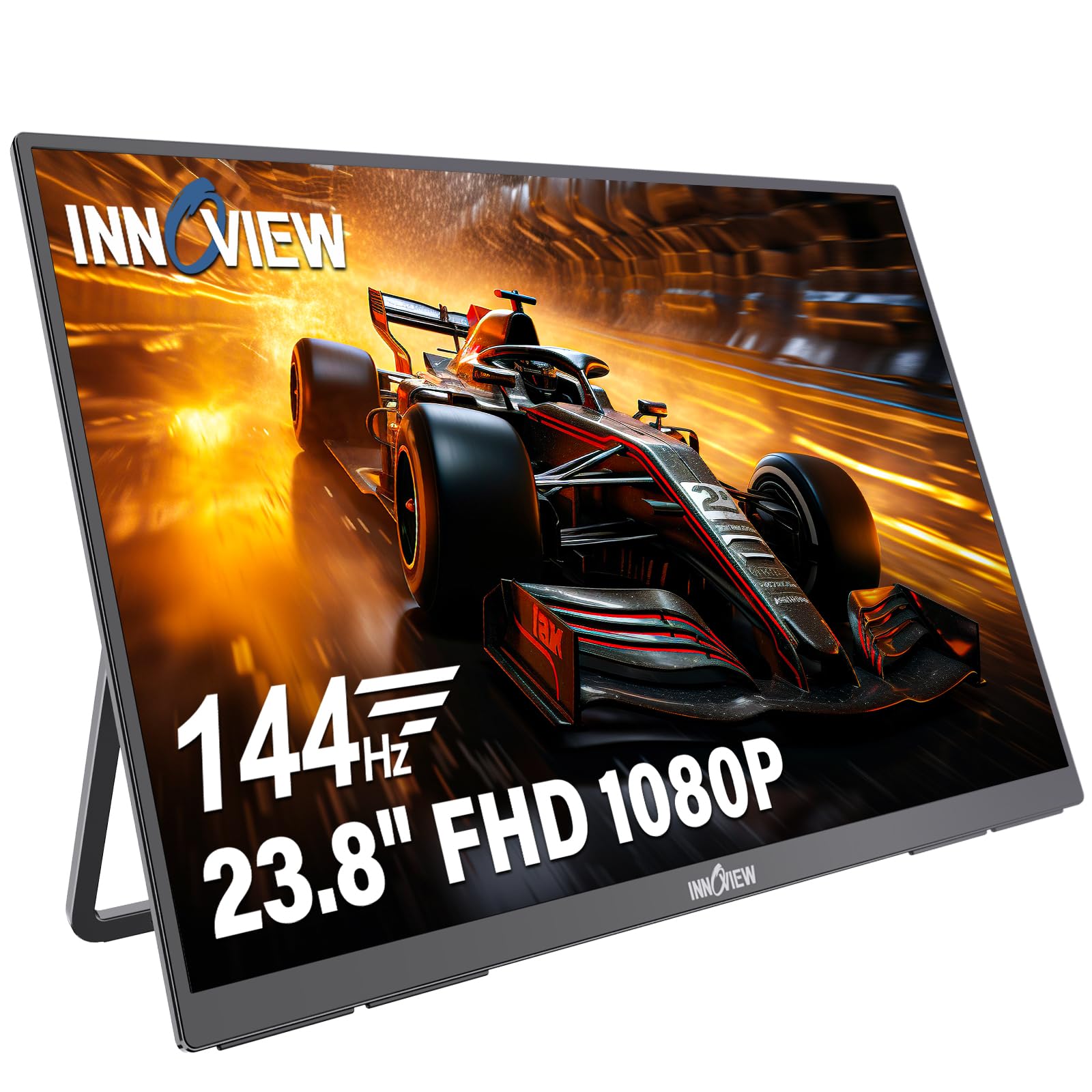
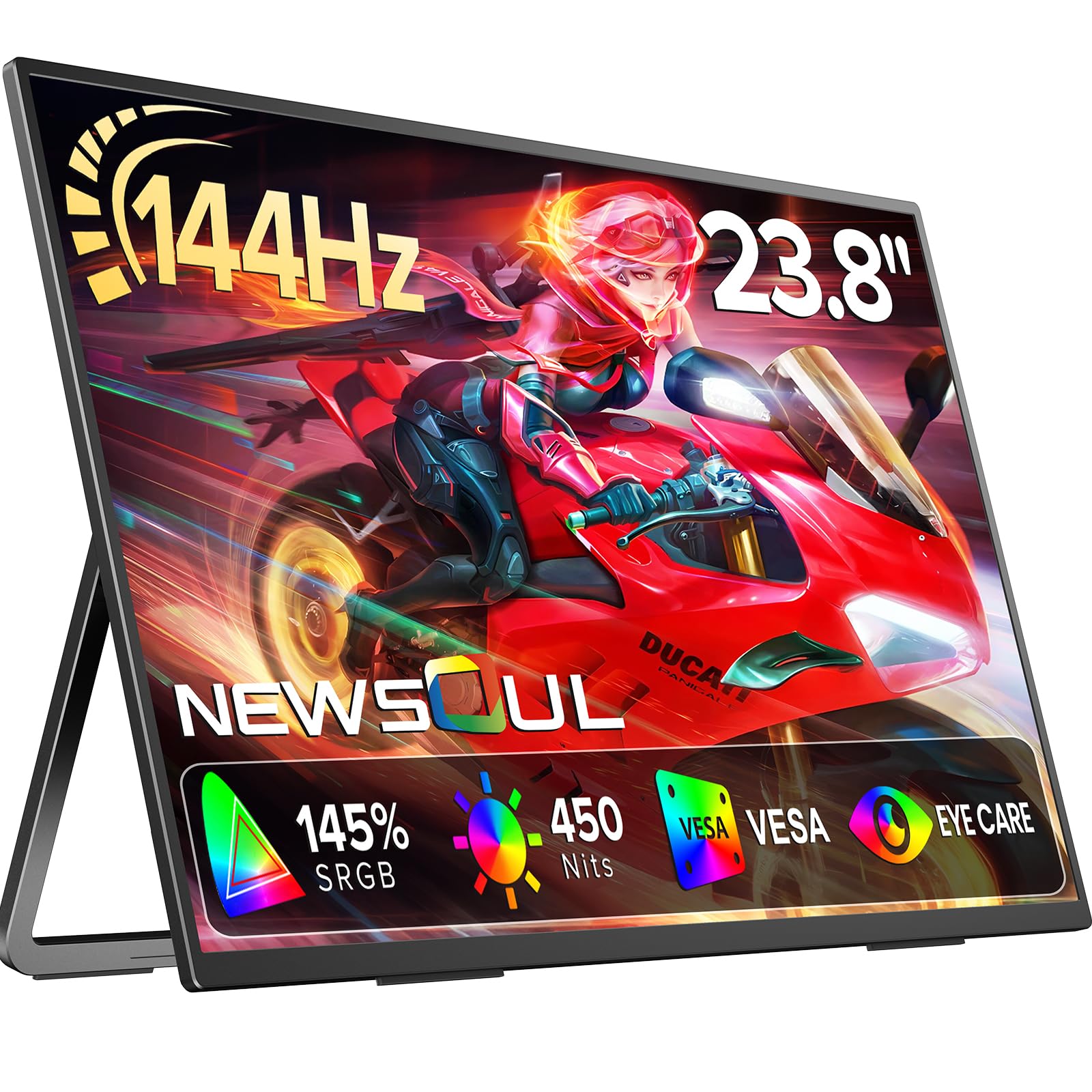
Who Actually Needs a 144Hz Portable Screen
Gamers who travel, people who use a handheld gaming PC at a desk, and laptop users who want a second screen with a smooth refresh all benefit. Competitive players also like a compact second display for a console in a small apartment or dorm.
If you only need a portable monitor for documents and email, a 60Hz model is cheaper and lighter on battery. Choose 144Hz only if you will use the speed.
Connection and Power: USB-C and HDMI
Most portable monitors connect through USB-C with video support and are powered by the same cable, which makes them tidy to carry. Not every laptop or phone port supports video output, so check that your device's USB-C port carries video, or use the mini HDMI input with a separate power cable.
Running a bright 144Hz screen draws more power than a standard one, which can drain a laptop battery quickly. Plug in the monitor's own power port where possible if your device struggles.
Screen Size and Resolution
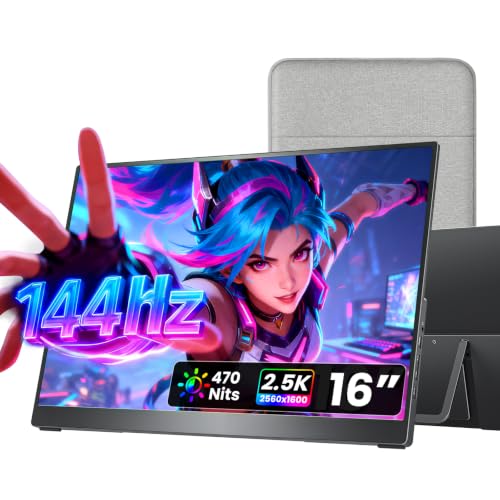
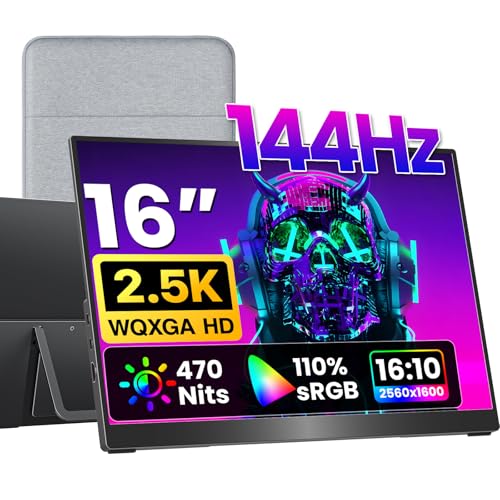
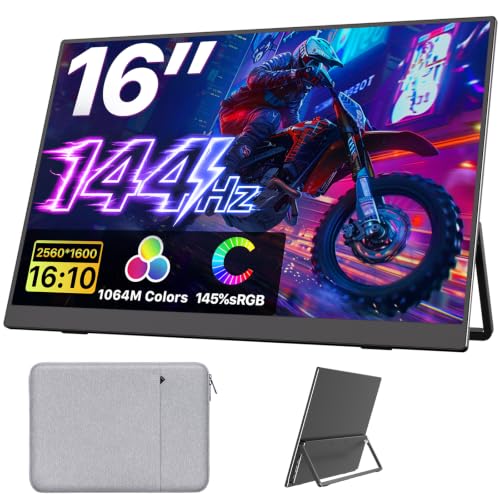
Sizes range from 15 inch models to large 24 inch ones. A 15 to 16 inch screen is the easiest to carry and fits in most bags. Larger screens act more like portable desktop monitors and are less practical to carry daily.
Resolution varies from Full HD to QHD and 4K. Higher resolutions look sharper but demand more from the connected device and usually cost more. For gaming on a handheld or laptop, Full HD or QHD at 144Hz is a sensible balance.
Panel Quality and Brightness
IPS panels dominate and give good colors and viewing angles. Brightness matters more for portable use, because you may work near windows or outdoors. A brighter panel is easier to read, but also draws more power. Check buyer comments on real-world brightness rather than relying only on the listing.
Glossy screens look vivid but reflect light, while matte ones are easier to use in bright rooms.
Stands, Cases and Carrying
Many portable monitors include a folding cover that doubles as a stand. These are convenient but can be wobbly, and some do not allow much angle adjustment. A separate stand or a tripod thread offers better stability.
Weight matters if you carry it every day. Models near 1 kilogram are easy to take along, while larger panels can feel heavy in a bag.
Using It With Consoles and Handhelds
Most portable monitors work with consoles through HDMI, and some include speakers and a headphone jack. For a handheld gaming PC, a USB-C cable with video support is the simplest connection, and many will run at 144Hz if the device supports it.
Check the monitor's refresh rate support on each connection, since the top rate may only be available on one port.
Built-In Speakers and Extras
- Speakers are usually basic, so use headphones for games.
- A headphone jack avoids the need for adapters.
- Touch screens add convenience for some tasks but raise cost.
- A built-in battery is rare but handy when no power source is nearby.
Choose extras based on how you will use the screen, not on how long the feature list is.
Comparing Sizes: 15 Inch to 24 Inch
The 15 to 16 inch group is the true portable class. These screens slide into a laptop bag, run from a single cable and fit on a train tray or a small cafe table. Models around 18 inches are a compromise: roomy enough for a second work screen yet still thin enough to pack.
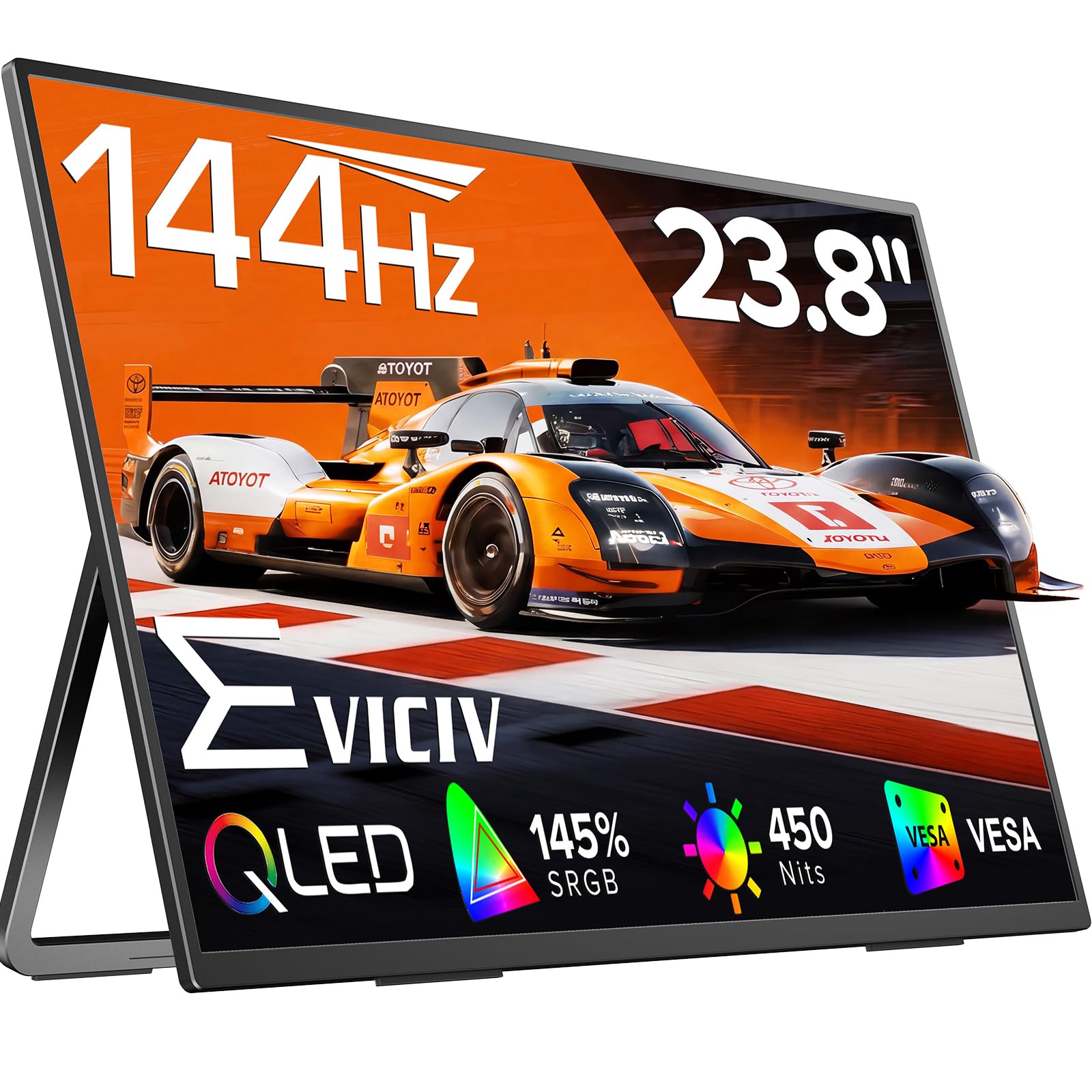
Screens of 23 to 24 inches behave more like a lightweight desktop monitor with a folding stand. They suit people who move between two desks or share a screen between a gaming console and a laptop, but they are awkward as everyday carry. Choose the size according to how often you really move the screen, not how often you imagine you will.
Common Problems and Quick Fixes
If the screen stays black after connecting, the USB-C port on your device may not carry video. Try the HDMI input with a separate power cable, or a different port on the device. If the picture flickers, swap to the cable that came with the monitor, since thin or long cables often cannot carry enough bandwidth for a high refresh rate.
If the refresh rate options do not include 144Hz, check the display settings for the portable screen specifically and confirm that the connection supports it. Some ports limit the rate, and a firmware update from the maker can help in a few cases.
Getting the Most From a Portable Second Screen
Place the portable screen at the same height as the laptop display and slightly to one side. Use the operating system's display settings to arrange the screens so the mouse moves naturally between them. Lower the brightness when you work near a power outlet, since it extends battery life if the monitor has its own battery or is drawing from a laptop.
For gaming on the go, enable adaptive sync if both devices support it, and use headphones instead of the thin built-in speakers.
Related reading: best portable monitor and how to set up a portable monitor.
Frequently Asked Questions
Will it work with my laptop?
If the laptop's USB-C port supports video output, yes. Otherwise use the HDMI input with a separate power source.
Does it drain the battery?
A bright screen draws power from the connected device. A separate power supply solves the problem.
Can I use it with a console?
Yes, through HDMI. Check the listing for power requirements.
Is 144Hz noticeable on a small screen?
Yes, especially in games and when scrolling.
Final Thoughts on the Best 144hz Portable Monitor
The best 144hz portable monitor is light, bright and fast, with a simple USB-C connection and a stand that actually holds. Check your device's video support, choose a size you can carry and use the table above to compare current prices. Prices and availability can change, so check the product page before ordering.