
Best 27 Inch Curved Monitors for 2026: Work, Movies and Everyday Comfort
Disclosure: We may earn a commission when you buy through links on this page, at no extra cost to you. As an Amazon Associate I earn from qualifying purchases. Learn more
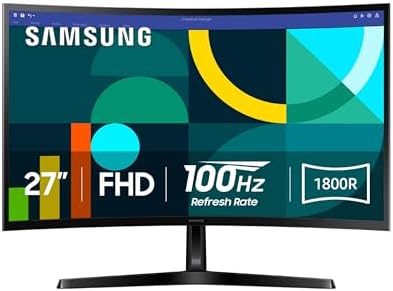
Comfort over long sessions is the case for the best 27 inch curved monitors: a gentle bend keeps edges in focus for reading, spreadsheets and movies.
Not everyone who wants a curved screen plays games. If you spend hours in spreadsheets, documents or streaming video, a gentle bend can make the edges of a 27 inch panel easier to read because they sit a little closer to your eyes. The best 27 inch curved monitors for this kind of use put comfort first, with sensible resolution, flicker free light and good glare control.
This guide looks at curved screens as everyday monitors. It covers how much curve helps office work, which resolution suits text, what to check for glare and viewing angle, and where a curved panel can get in your way.



What the Curve Does for Reading and Work
A flat 27 inch screen has corners that sit farther from your eyes than the center, so you refocus a little every time you glance at the edge. A curved screen evens out that distance. The effect is subtle, but over a long day some people find it reduces eye strain and makes full screen windows feel more natural.
The curve also changes how a screen looks in a room. It draws attention to the center and can feel more like a small cinema. If you watch films or series on the same screen you work on, the difference is pleasant. For plain office use, the benefit is small, so treat it as a comfort feature rather than a necessity.
Choosing Curvature and Resolution
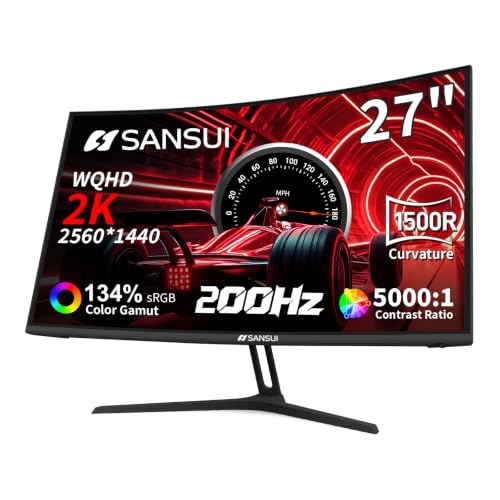
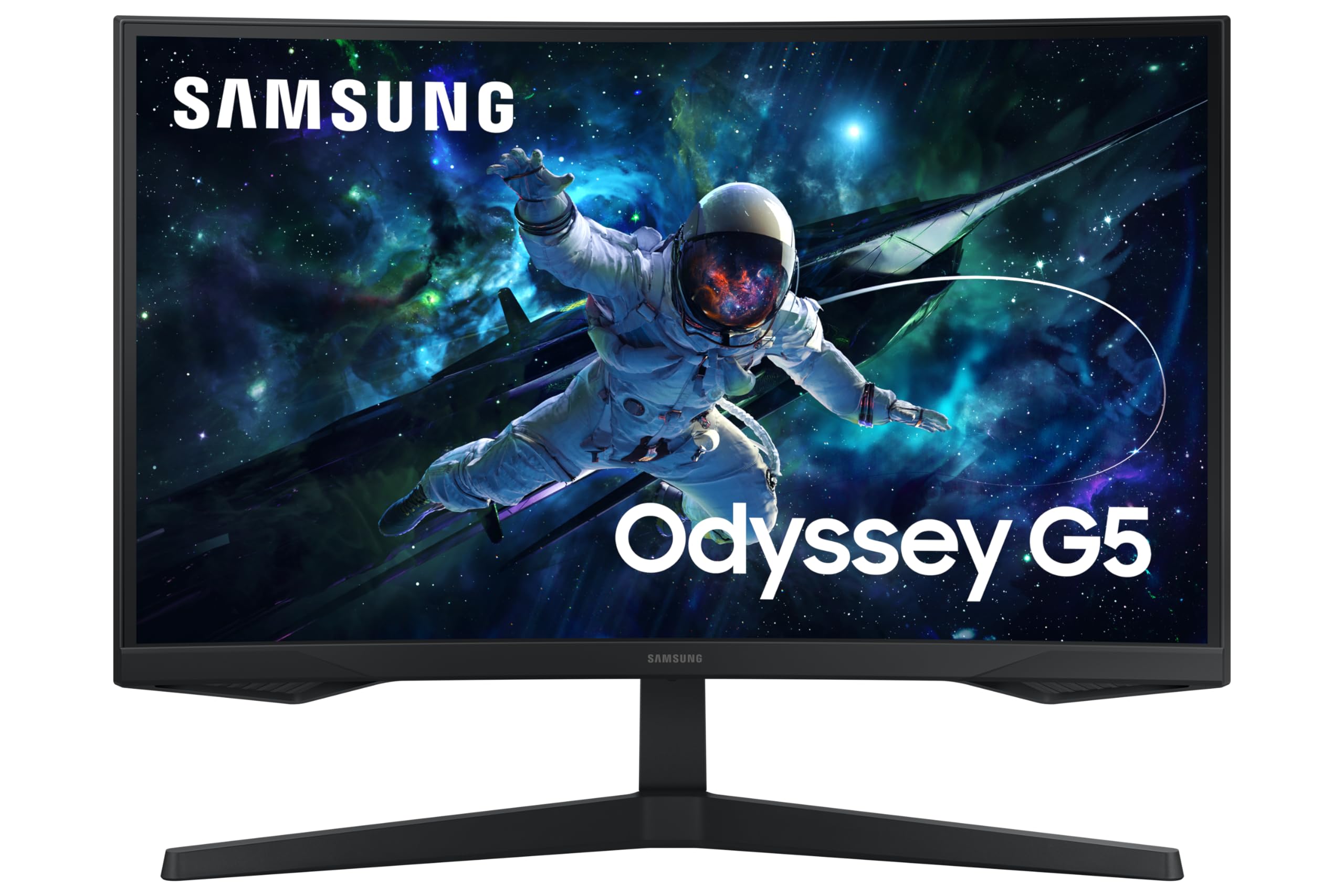
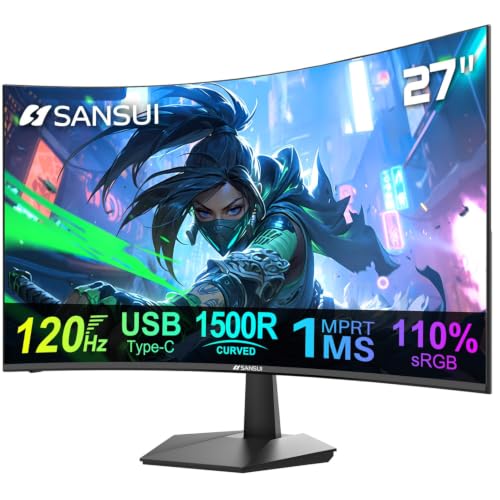
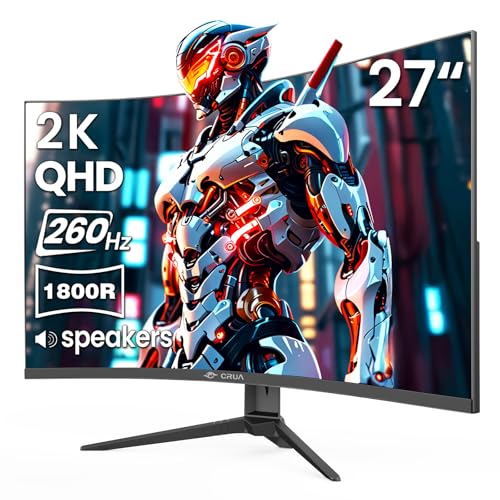
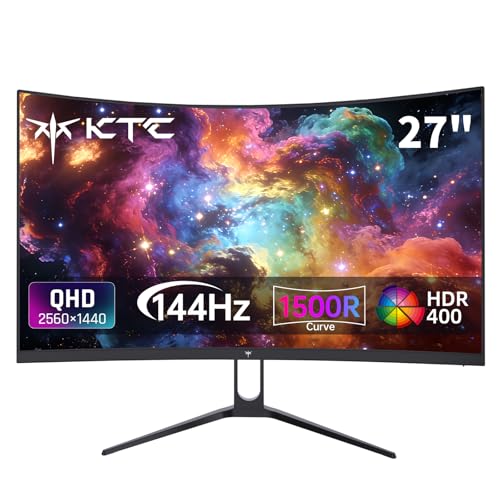
Most 27 inch curved monitors use 1500R or 1800R curvature, which is mild and easy to get used to. A tighter curve suits close viewing but can make straight lines in documents look odd. For general work choose the gentler curve.
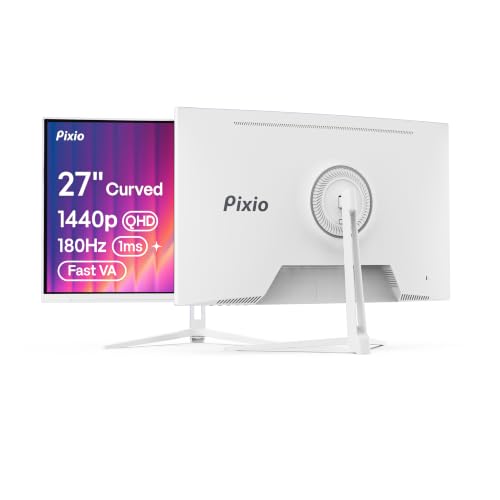
Resolution matters more for text. At 1080p on 27 inches, text is readable but pixels are visible up close. A 1440p panel is clearer and the better pick for spreadsheets and reading. Our guide to 27 inch curved gaming monitors covers faster models, and the page on 27 inch gaming monitors shows flat alternatives.
Glare, Coatings and Room Light
Curved panels collect reflections from more directions than flat panels. A matte coating helps in a bright room, and positioning the screen so that windows are to the side keeps glare down. If your room has an overhead light, tilt the screen slightly to avoid direct reflections.
Look at the backlight too. A flicker free design and a low blue light mode are useful if you read at night. Adjust the brightness so that a white page matches the room rather than glowing.
Panel Type and Viewing Angle
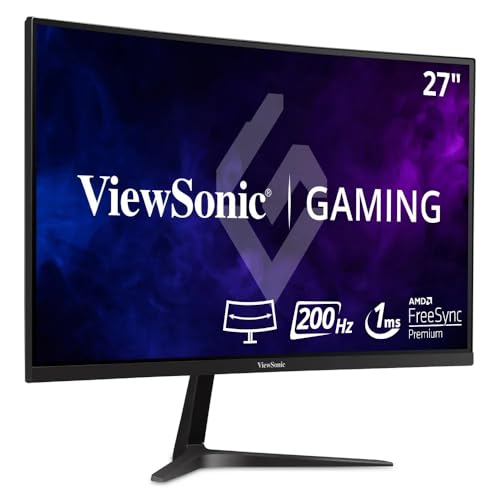
Most curved monitors use VA panels, which have strong contrast and deep blacks. That suits movies and dark themes in applications. Viewing angles are narrower than on IPS, so the picture looks best when you sit in front of the screen. IPS curved panels hold color better off-axis, which helps if you share the screen across the desk.
If color accuracy matters for photo work, a curved panel is rarely the first choice, since the geometry and the panel type make precise work harder. For those jobs, see our guide to 34 inch curved monitors for wider screens, or a flat professional panel.
Ports and Practical Features
Check for HDMI and DisplayPort at a minimum. USB-C is helpful for laptops. Built in speakers are common on budget curved screens and fine for background audio. A stand with height adjustment is not always included, so look at the specifications, and check whether the panel has a VESA mount for an arm.
Two curved screens side by side can look awkward on a desk, since the edges do not meet neatly. If you want a dual screen setup, angle them in a shallow V and use an arm to adjust.
Setting Up for Movies and Long Sessions
For films, sit a little farther back than you would for a game, about an arm and a half from the glass. Dim the room lights, lower the brightness and choose a cinema or standard picture mode. VA panels show their strength here, because dark scenes keep detail instead of looking washed out.
For long working sessions, set the screen so that your eyes look slightly downward, and keep the lamp behind or beside you rather than in front. Use a night mode in the evening to warm the picture, and take short breaks to look at something distant.
Mistakes to Avoid
- Buying a curved screen for precision design work and then fighting with straight lines.
- Putting the monitor in front of a bright window and living with constant reflections.
- Choosing a 1080p panel when you read a lot of small text.
- Forgetting that a tight curve narrows the comfortable viewing zone for people sitting beside you.
- Assuming every curved screen has a height adjustable stand.
Frequently Asked Questions
Are curved monitors good for office work?
Yes, especially for long sessions. The curve keeps edges at a more even distance from your eyes, though the benefit is modest.
Is a curve bad for photo editing?
It can make straight lines look slightly off and many curved panels do not offer wide color coverage, so flat panels are generally better for precise work.
Which curvature is best at 27 inches?
1500R or 1800R suits most people. They give a soft wrap without distortion.
Do curved screens cause more glare?
They can catch reflections from more angles, so a matte finish and careful placement help.
Can I mount a curved monitor on an arm?
Yes, if it has a VESA pattern on the back. Check the weight limit of the arm and leave room behind the screen, since the curve pushes the edges back toward the wall.
Is a curved screen worth it just for movies?
It adds a pleasant sense of depth on a single screen, but it is a taste issue. If you mostly stream on a TV and use the monitor for work, a flat panel is fine.
Final Thoughts
The best 27 inch curved monitors suit people who want comfort and a more immersive picture for work and movies. Choose a mild curve, 1440p if you can, a matte coating and a stand you can adjust. If you need exact color or straight lines, consider a flat panel instead.
Prices and availability can change, so check the product page before ordering.


