
Best 27 Inch Curved Gaming Monitor for 2026: Immersion, Curvature and Panel Types
Disclosure: We may earn a commission when you buy through links on this page, at no extra cost to you. As an Amazon Associate I earn from qualifying purchases. Learn more

A gentle curve draws you into the game, and the best 27 inch curved gaming monitor pairs that wrap with a fast VA or IPS panel your graphics card can drive.
Curved gaming monitors split opinion. Fans say the gentle bend pulls the edges of the screen toward your eyes and makes games feel larger and more immersive. Critics say it distorts straight lines and is harder to mount.
At 27 inches the curve is mild, and for most gamers it feels natural quickly. The best 27 inch curved gaming monitor adds a fast panel, a suitable resolution and a sensible curvature rating.
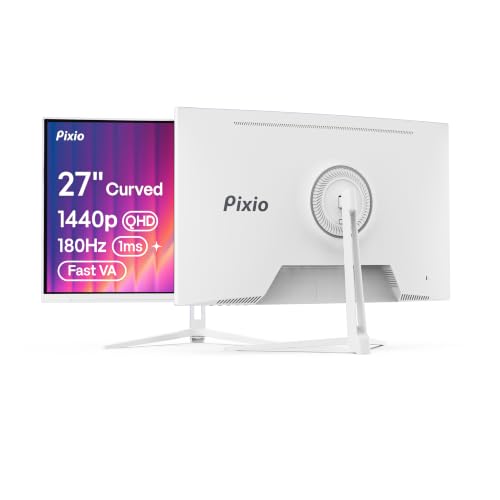

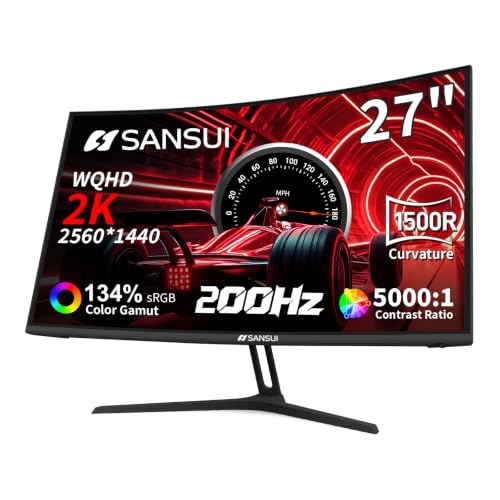
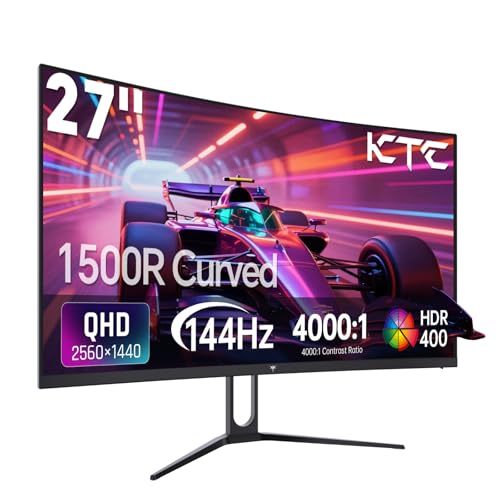

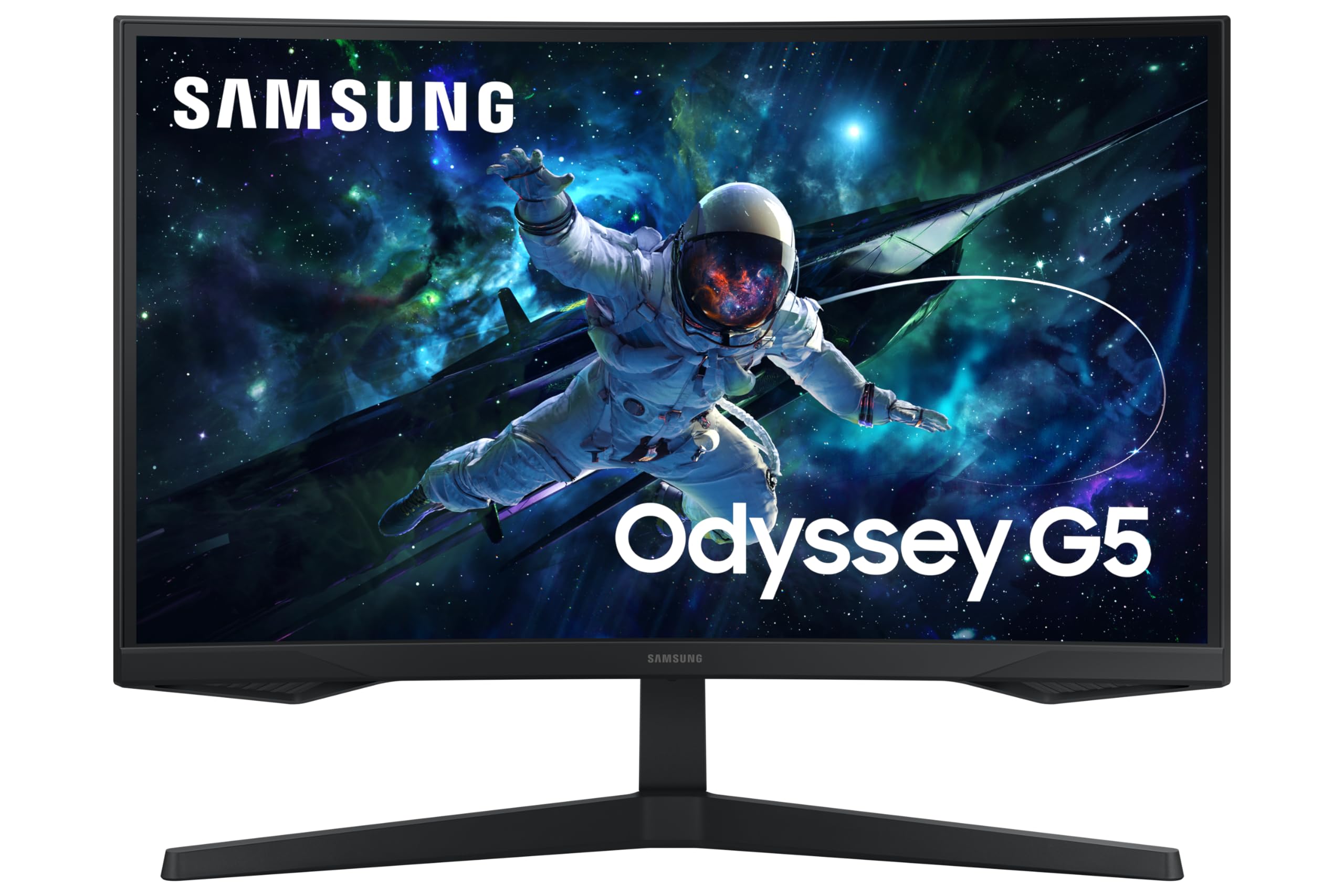

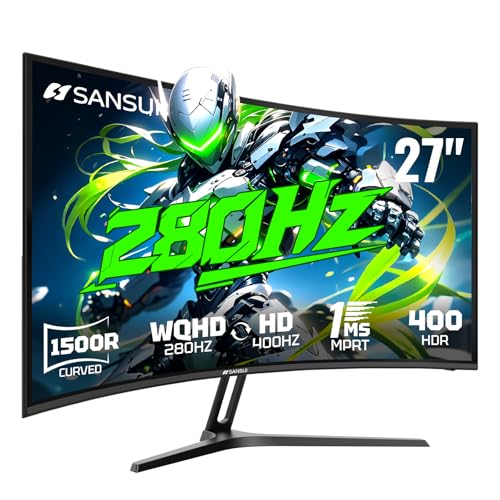

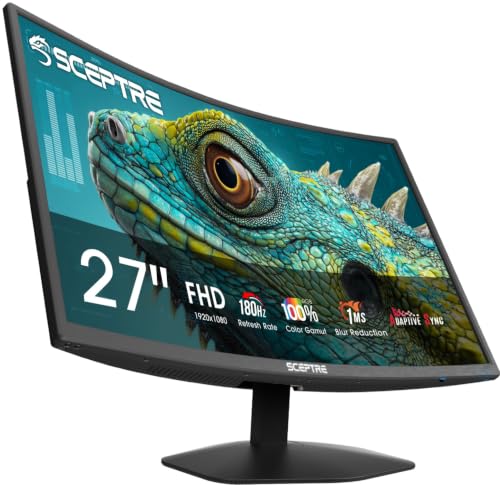
This guide explains how curvature is measured, what panel types usually appear on curved screens, how to match refresh rate to your graphics card, and when a flat panel is a better choice.
Understanding Curvature Ratings
Curvature is written as a number followed by R, such as 1000R, 1500R or 1800R. The number is the radius of the circle in millimeters that the screen would form if it kept curving. A smaller number means a tighter curve. 1000R is aggressive and matches the curve of the human eye closely, while 1800R is gentle.
At 27 inches a 1500R or 1800R curve suits most players, and a 1000R curve is dramatic but feels natural if you sit close. Sit about an arm's length from the screen and center your head. If you sit to the side, the curve helps less than you expect.
Why Many Curved Screens Use VA Panels
VA panels dominate the curved segment because the technology bends easily and offers deep blacks and high native contrast. That helps in dark games and horror titles, where shadows keep their detail. Some VA panels show a faint smear behind dark objects in fast scenes, so look at how the model handles it if you play competitive shooters.
IPS curved panels are available too. They offer wider viewing angles and snappier pixel response, and they suit players who want accuracy over depth. If you play fast games in a bright room, IPS is a safe choice. If you play atmospheric games in a dim room, VA gives more punch.
Resolution and Refresh Rate
The 27 inch size works well at 1080p for fast shooters on a modest graphics card, and at 1440p when you want sharper detail. At 1080p the pixels are visible on a 27 inch screen, but the very high frame rates available can matter more to you. At 1440p you get a cleaner image, and a mid-range card can still reach 144 hertz or more in most games.
Choose a refresh rate your card can hold. A 144 or 165 hertz panel suits most players. The very high 240 and 280 hertz models make sense only if you regularly reach those frame rates. For broader context, see the 1440p gaming monitor guide and the gaming monitors 27 inch list.
Setup and Ergonomics
Place the monitor directly in front of you. A curved screen looks best when your eyes are roughly at the center of the curve. Use height adjustment so the top of the screen is at eye level, and set the refresh rate to the maximum in your display settings. Turn on variable refresh rate in the monitor menu and the graphics driver.
Curved panels can be mounted on arms, but check the VESA pattern and weight limit, and note that a wall mount puts the curve closer to the wall. For general information on gaming screens, see the PC monitors for gaming guide.
Drawbacks to Consider
Curved screens reflect light from the side differently and can show glare from a window if it is not placed well. Straight lines in design programs can look slightly bent, so graphic designers often prefer flat panels. Side by side dual screens on a desk look awkward with two curved panels unless you angle them carefully.
Sharing the screen with people sitting beside you is also less comfortable, since the picture looks different from off-center seats. If you game alone at a desk, these points matter less.
Games That Benefit Most
Racing and flight games gain the most from a curve because your view of the road or horizon wraps around you. First person shooters feel more immersive, though the benefit is mostly emotional and not a competitive edge. Open world adventures show off the extra depth in landscapes and skies, and horror titles gain from the deep blacks of VA panels.
Fast competitive titles such as arena shooters work well too, as long as you keep the refresh rate high and the response setting tuned. Strategy games with a lot of menus are fine, though the edges can feel a little stretched until you get used to the curve.
Mistakes to Avoid
- Choosing a very tight curve and then sitting too far away to enjoy it.
- Picking a very high refresh rate when your graphics card delivers half of it.
- Ignoring the VA smear in dark scenes if you play fast competitive games.
- Mounting two curved screens in a straight line instead of angling them toward your seat.
- Skipping the response time setting and living with ghosting you could have fixed in the menu.
Frequently Asked Questions
Is a curved monitor better for gaming?
For immersion, many people say yes, especially on a wide screen. For competitive play, a flat screen works just as well, so it is a matter of taste.
What curvature should I choose at 27 inches?
1500R or 1800R suits most players. 1000R is more dramatic and favors close viewing.
Are curved monitors bad for work?
They are fine for general work. Designers who need straight lines may prefer flat screens.
Do curved monitors cost more?
Often they cost slightly more than flat equivalents, but many budget curved models are affordably priced.
Final Thoughts
The best 27 inch curved gaming monitor gives a mild wrap with a refresh rate your hardware can reach. Choose 1500R or 1800R, pick VA for contrast or IPS for speed, and set up the screen directly in front of you. If you share your screen often or do precise design work, a flat panel may fit better.
Prices and availability can change, so check the product page before ordering.


