
Best 25 Inch Gaming Monitor for 2026: Esports Speed Without the Bulk
Disclosure: We may earn a commission when you buy through links on this page, at no extra cost to you. As an Amazon Associate I earn from qualifying purchases. Learn more

A compact screen keeps the whole match in view, which is why competitive players choose the best 25 inch gaming monitor and run it at very high refresh rates.
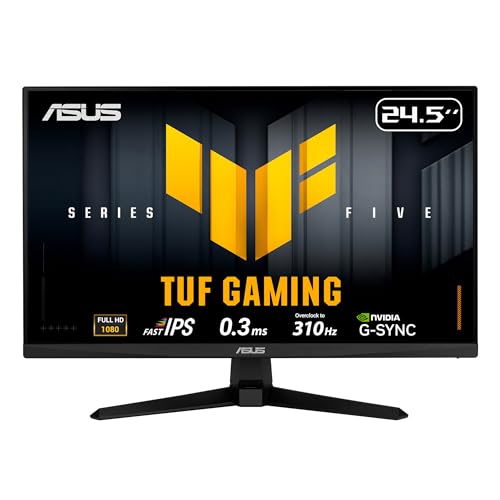
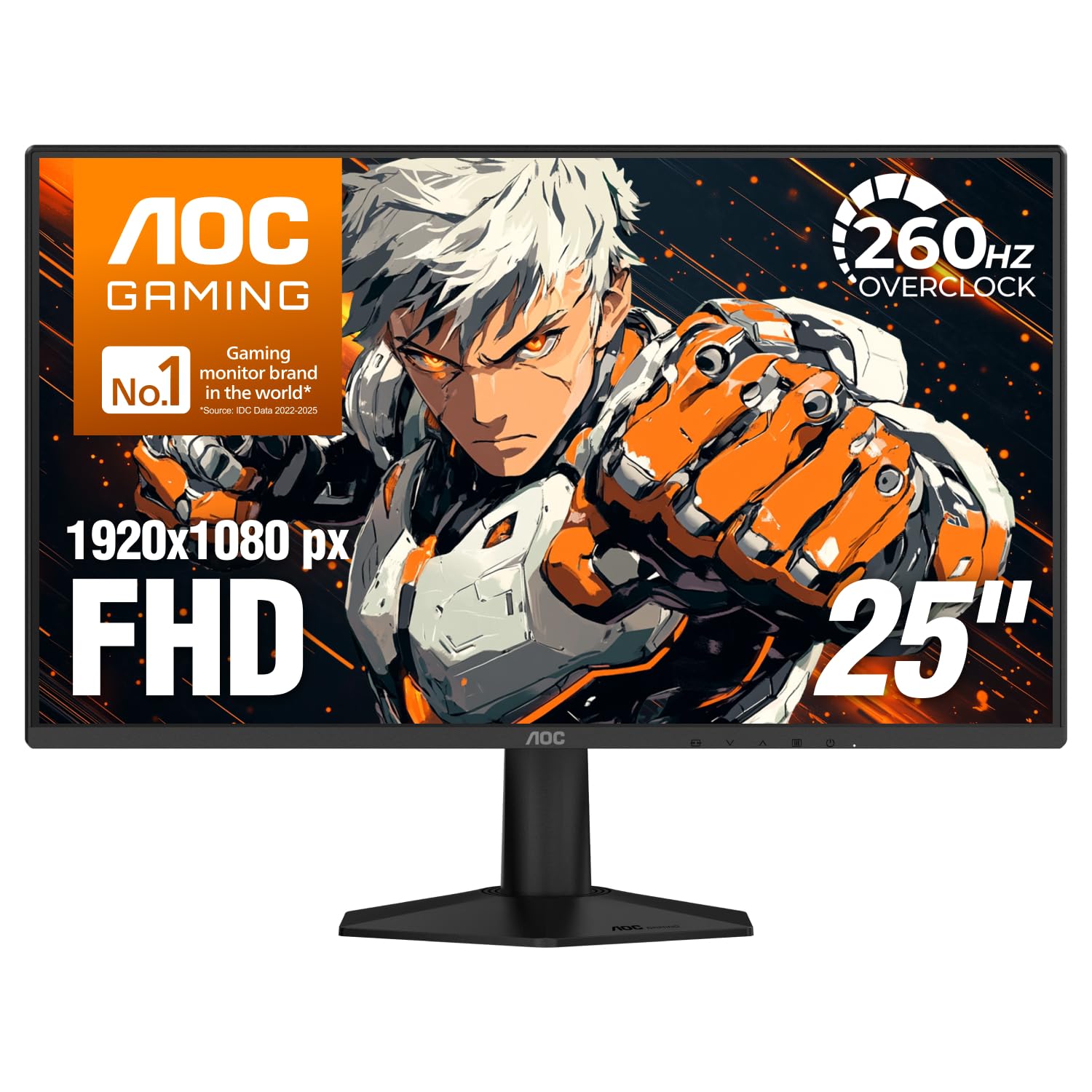
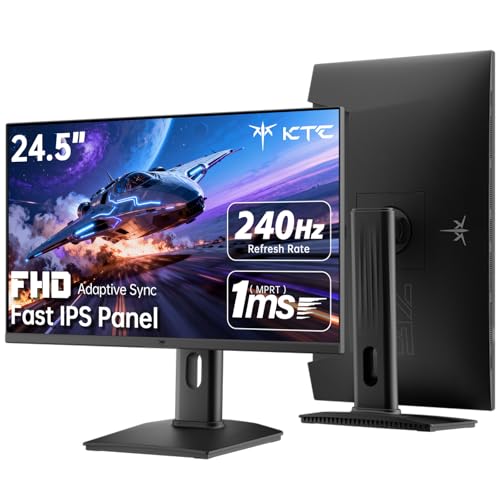
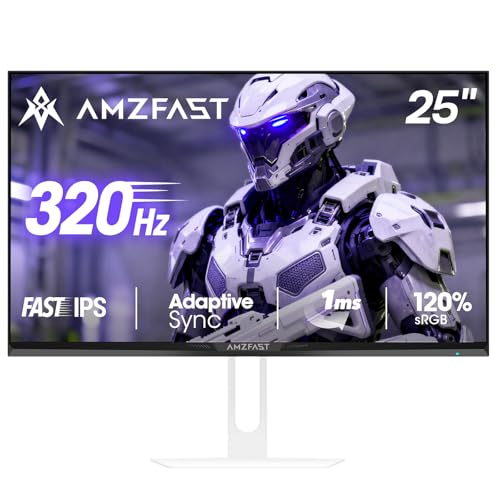
Esports players settled on this size for a reason. A screen of about 24.5 to 25 inches lets you see the whole picture, including the minimap and the health bar, without moving your eyes across a wide panel. The best 25 inch gaming monitor pairs that compact view with a very high refresh rate and a resolution your graphics card can actually feed.
This guide covers the choices that matter at this size: whether 1080p or 1440p is the right resolution, how to read refresh rate and response time claims, which panel type suits your games, and what the ports on the back must support. The table near the top shows the screens that are in stock today.



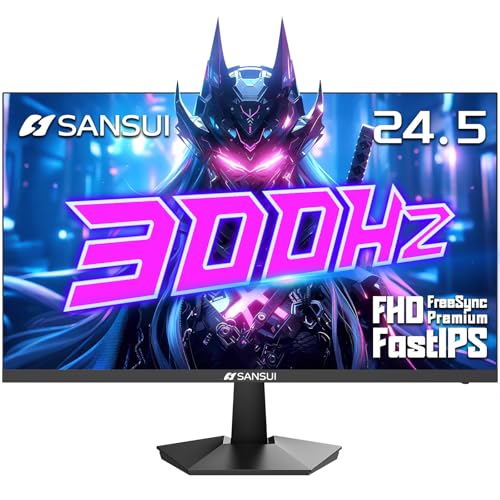
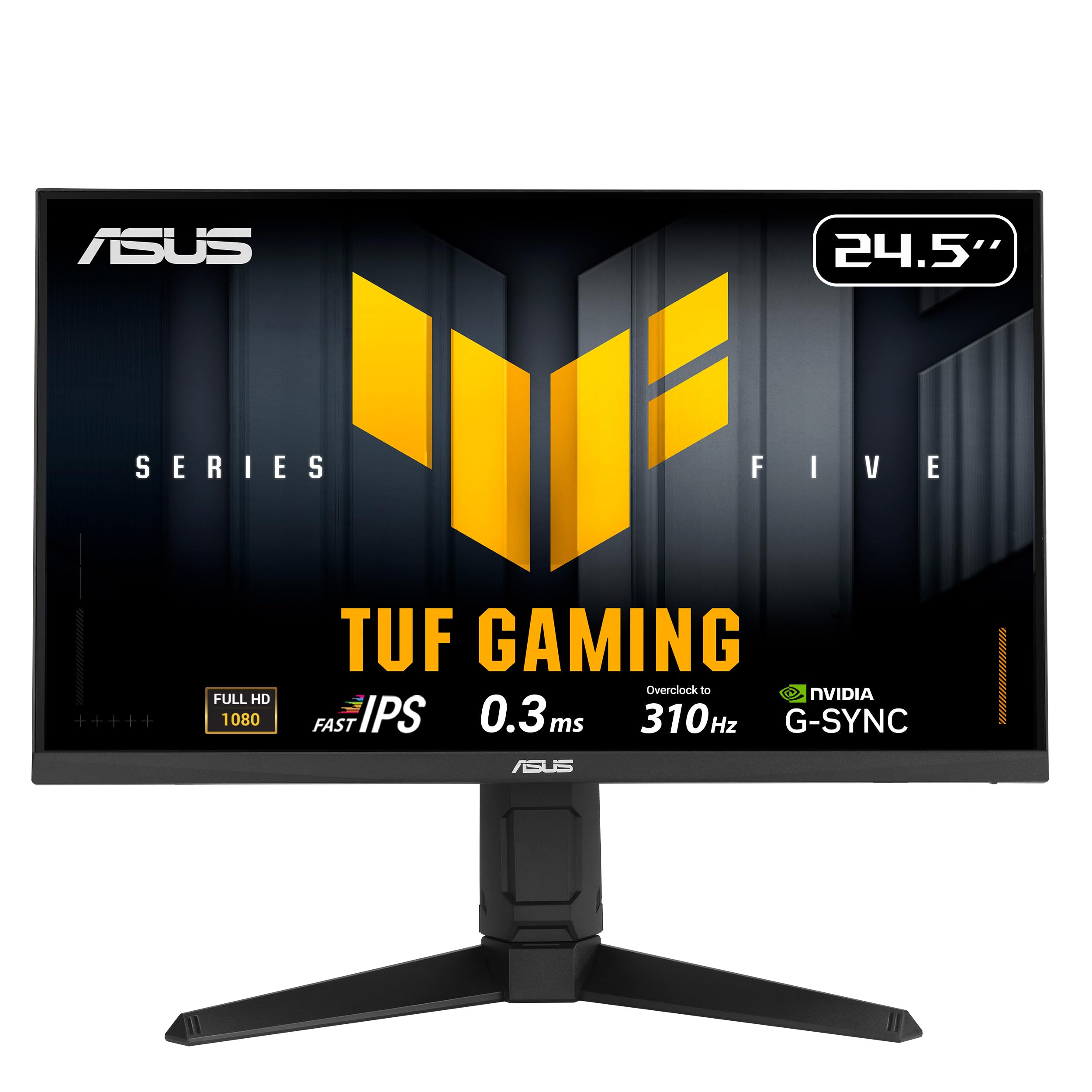
Why 25 Inches Became the Competitive Standard
At 25 inches, a 1080p panel works out to roughly 88 pixels per inch, a good deal sharper than the same resolution stretched across a 27 inch screen. Text and fine detail look cleaner, and the whole panel sits comfortably inside your central vision on a normal desk.
Shooters and battle royale players benefit most, since fast target tracking is easier when the image does not require head movement. Strategy and open world players who want to immerse themselves in a big landscape may prefer something larger, and our overview of the best gaming monitor picks covers those sizes.
1080p or 1440p at This Size
Most 25 inch panels are 1080p, and that suits competitive play: a mid-range graphics card can hold very high frame rates, which is what a 240 hertz or faster screen needs to be worthwhile. A 24.5 inch 1440p model gives a crisper picture and is a good choice if you also edit photos, read long documents or play slower games.
The price of sharpness is frame rate. If your graphics card cannot reach the screen's refresh rate at 1440p in your favorite title, you will see little benefit from the extra pixels. Match the resolution to the games you play most.
Reading Refresh Rate and Response Time Claims
Refresh rate is easy: it is how many times per second the screen updates. A 144 hertz screen is a large step up from 60, a jump to 240 is still visible in fast games, and anything beyond that mostly serves players with very high frame rates and expert reaction times.
Response time numbers need more caution. The very low figure on the box is usually measured in a best case mode, often as moving picture response time. Real behavior depends on the overdrive setting: too low leaves trails behind moving objects, too high creates bright halos. Try the middle overdrive setting first and adjust only if you notice ghosting.
Panel Type: Fast IPS or VA
Fast IPS panels dominate this size because they combine quick pixel changes with wide viewing angles and good color. VA panels offer deeper blacks and higher native contrast, which helps in dark games, but some show smearing in dark scenes at high refresh rates. If you play in a dim room and love atmospheric titles, VA may suit you. If you mainly play fast shooters in a bright room, choose IPS.
Ports, Sync and Setup
For the highest refresh rates, plan on a DisplayPort connection. Many screens cap HDMI at a lower refresh rate than DisplayPort, so read the connection table in the listing. Variable refresh rate (FreeSync, or G-SYNC Compatible on Nvidia cards) removes tearing when your frame rate drifts, and it should be switched on in both the monitor menu and the graphics driver.
After setup, follow our step by step page on how to change your refresh rate, because a new screen often defaults to 60 hertz until you pick the faster mode in the display settings. Players with a second screen on the desk may also like our guide to setting up dual monitors.
Stand, Mounting and Desk Space
A compact screen is easy to place, but check the stand. Height adjustment matters more than tilt, because the top of the screen should sit at or slightly below eye level. A VESA mount on the back lets you fit an arm and reclaim desk space for a mouse pad, which competitive players often want to be as large as possible.
If money is tight, our page on the best budget gaming monitor explains where to economize without hurting the experience.
Matching the Screen to Your Graphics Card
Before you pay for a very fast screen, check what your graphics card delivers in the games you play. Open the in-game frame counter during a normal session. If you average 120 frames per second, a 144 hertz screen will show you almost all of it, and spending more on 360 hertz would be wasted money. If you reach 250 frames per second or more in competitive titles, a 240 or 300 hertz panel starts to pay off.
Remember that the processor matters as much as the graphics card at 1080p, since low resolutions shift the bottleneck to the processor. A balanced build gets more from a fast screen than one with a very strong graphics card and a weak processor.
Color, Brightness and Everyday Use
Gaming screens are also your daily screen. Look for good sRGB coverage if you browse, stream and edit as well, and do not chase brightness numbers unless your room is sunny. Matte coatings cut reflections but can look slightly grainy on white backgrounds; glossy looks richer in a dark room but shows every lamp behind you.
Many models offer picture presets for shooters. A dark-boost or shadow mode can reveal enemies in dim corners, but it also washes out color, so keep it as a game specific profile rather than your desktop default.
Frequently Asked Questions
Is a 25 inch screen too small for gaming?
Not for competitive games. At a normal desk distance it fills your central vision, and the sharper pixel density at 1080p makes it feel crisp. If you mostly play cinematic single player games, a larger screen may feel more immersive.
Do I need a 360 hertz screen?
Only if your graphics card can reliably produce that many frames per second in the games you play. Otherwise a 144 or 240 hertz model delivers most of the benefit for less money.
Is 1080p still enough at 25 inches?
Yes, for fast games it remains the sensible pairing. Go to 1440p only if you have the graphics power and want sharper text and detail.
What cable should I use?
Use the DisplayPort cable in the box if there is one. It usually unlocks the top refresh rate that HDMI cannot always reach on this class of screen.
Final Thoughts
The best 25 inch gaming monitor for you is the one that matches your graphics card: pick 1080p with a high refresh rate if you chase frames, or a 1440p model if you want sharper detail. Confirm the DisplayPort connection, set the refresh rate in your display settings, and leave overdrive on its middle setting at the start.
Prices and availability can change, so check the product page before ordering.


