
Best 15.6 Inch Portable Monitor in 2026: How to Choose
Disclosure: We may earn a commission when you buy through links on this page, at no extra cost to you. As an Amazon Associate I earn from qualifying purchases. Learn more

What to check before choosing the best 15.6 inch portable monitor: resolution, connections, power and brightness for travel use.
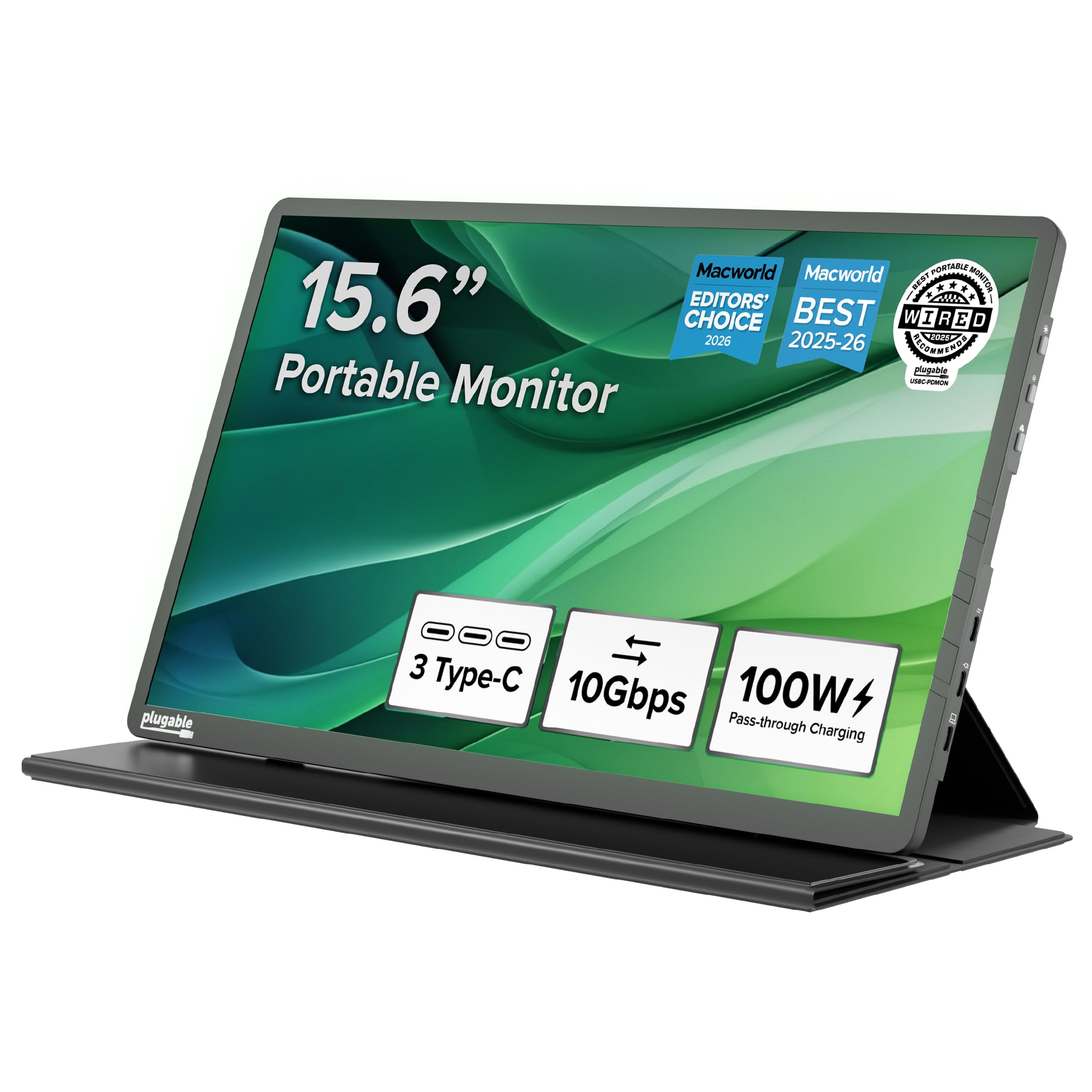
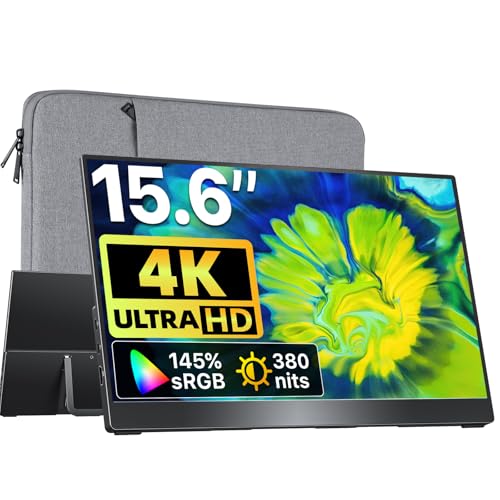
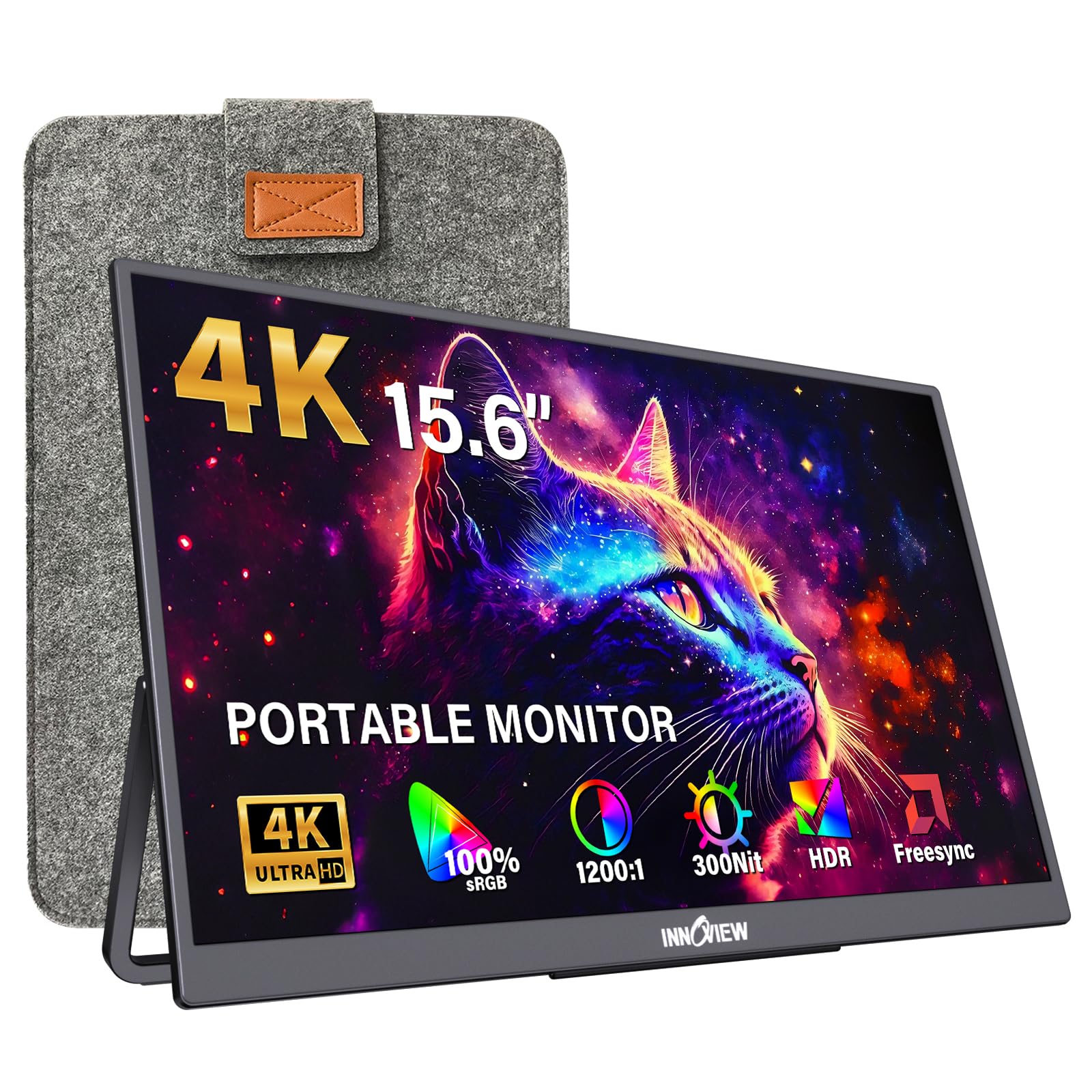
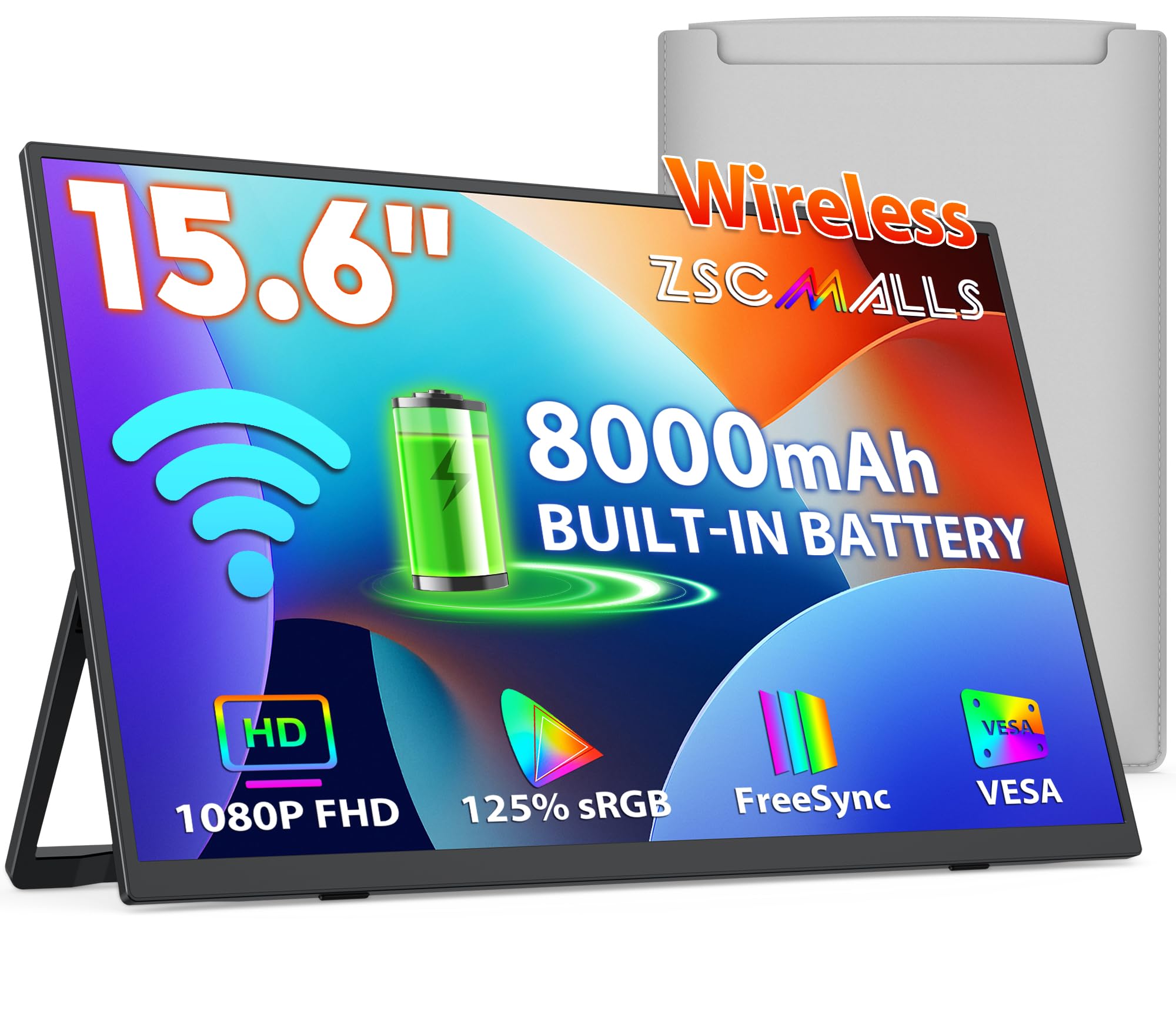
A 15.6 inch screen is the classic portable monitor size: close to a laptop display, light enough to carry and small enough to fit in a backpack sleeve. The best 15.6 inch portable monitor is easy to connect, bright enough for real use and stable on a desk, whether you plug it into a laptop, a phone, a console or a handheld.
The size is well covered, with Full HD, 4K and touchscreen options. This guide explains how to choose among them, how connections and power work and which quirks to watch for, so the product table above is easier to use.
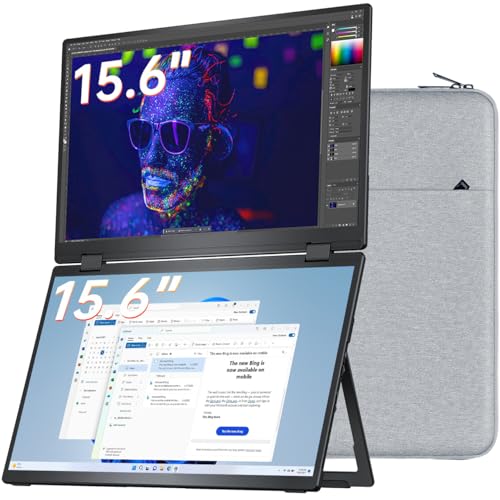
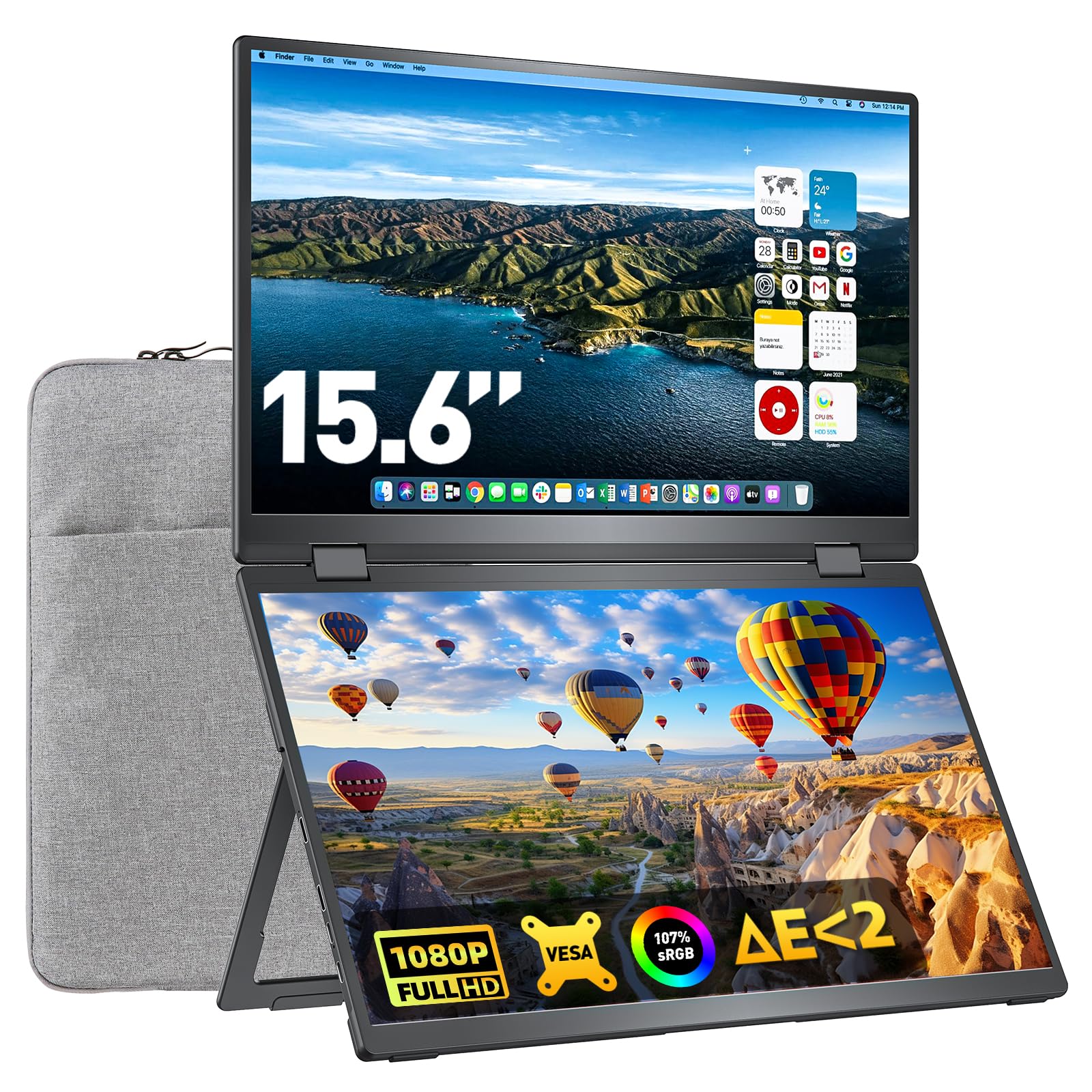

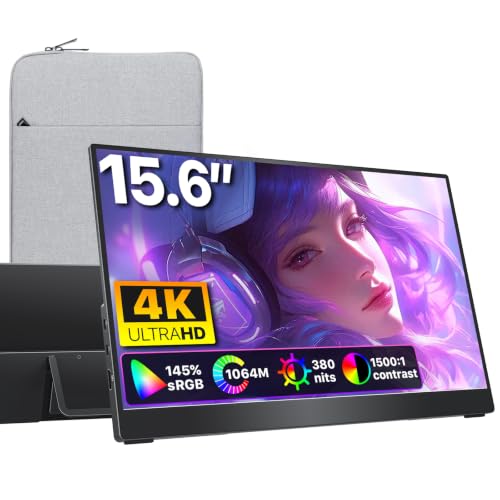
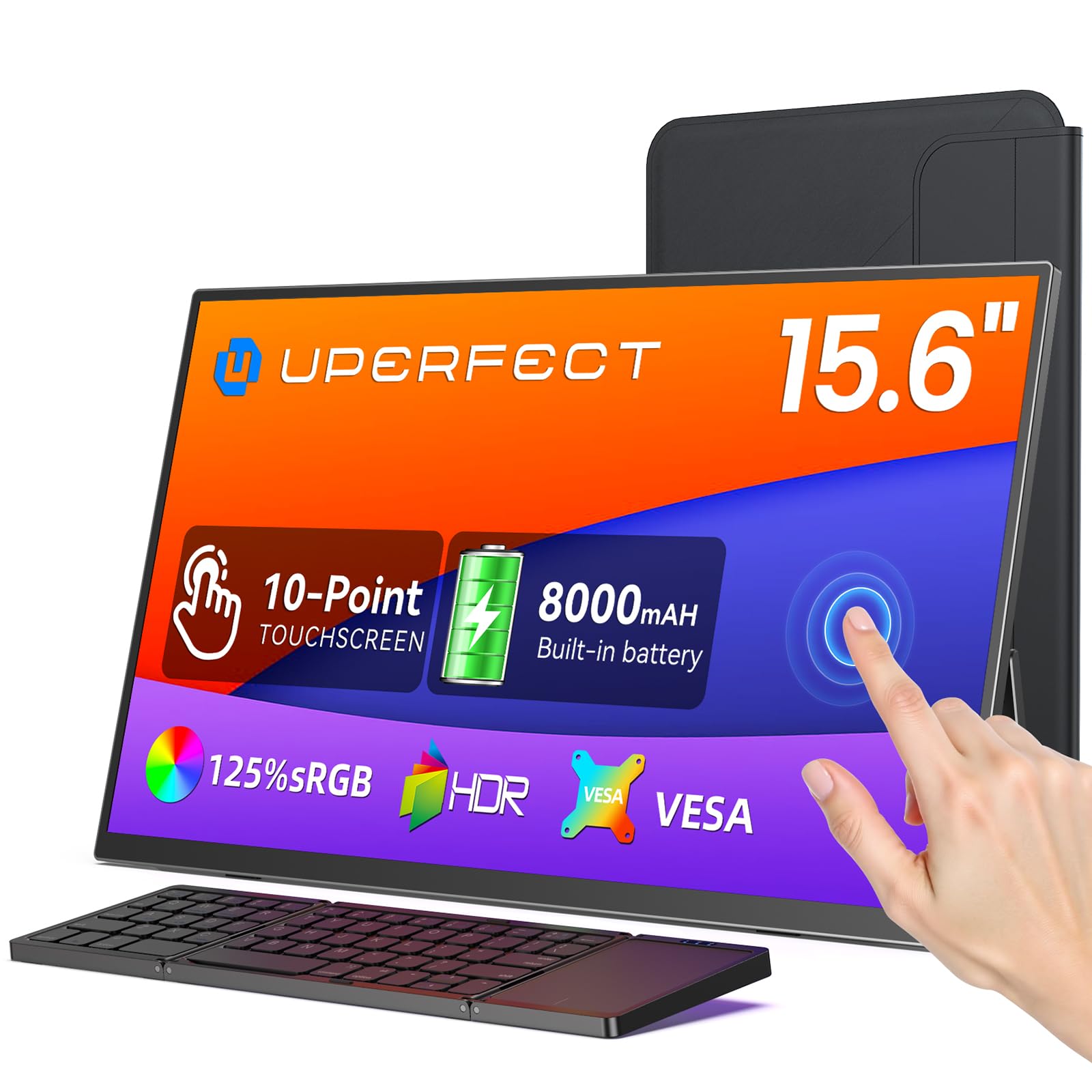

Why 15.6 Inches Is the Common Size
The size matches the standard laptop panel, which means a portable monitor can sit next to a laptop at the same scale and height. It is large enough for a document or a chat window and small enough to pack with a laptop without adding much weight.
Smaller portable monitors are lighter but cramped, and larger ones act more like a travel desktop display. The 15.6 inch class strikes the best balance for most people.
Resolution: Full HD or 4K
Full HD is sharp enough at this size for almost all tasks and is easier on battery and the connected device. 4K looks crisper, especially for text and photo editing, but it demands more power and bandwidth and usually costs more.
If you use the monitor mostly for a second window of email or reference material, Full HD is the sensible pick. Choose 4K only if you have a specific need for the extra detail.
Connections: USB-C, HDMI and Power
Most 15.6 inch portable monitors use USB-C for both video and power, so one cable can serve a laptop. Not every laptop port carries video, so check your device's specification. A mini HDMI input with a separate power cable works with consoles and devices without USB-C video.
A bright screen drawing power from a laptop shortens battery life. A separate power supply or a power bank helps when you are away from an outlet.
Panel Quality, Brightness and Finish
IPS panels give consistent colors and wide viewing angles. Brightness matters when you work near windows, and a brighter screen is easier to see but uses more power. A matte finish reduces reflections, while a glossy one looks vivid in controlled light.
Check buyer comments on real brightness and color accuracy rather than relying on the listing alone.
Touch Screens and Extras
Some models add a touch screen, which is handy for note-taking, creative apps and phone-like interaction. It raises the price and may require extra drivers or a compatible device. Built-in speakers are generally weak, and a headphone jack gives better audio.
Other extras, such as a built-in battery or a pen, are rare but useful for specific uses.
Stands, Covers and Portability
Most monitors ship with a folding cover that serves as a stand. These work but can be fiddly and wobble on uneven surfaces. A separate stand or a tripod mount adds stability if you use the screen daily.
Look at weight and thickness. A thin, light panel is easy to carry, while a heavier one feels like a second laptop in your bag.
Using It for Work, Gaming and Travel
For work, a portable monitor doubles your screen space on the go. For gaming, it adds a second display for a handheld PC or a console in a small space. For travel, it makes hotel rooms and cafes more productive.
Think about your main use, then check that the connections and brightness suit it.
Comparing Portable Monitors With a Laptop Screen
A portable monitor is a second display, not a laptop replacement, so compare it with what your laptop lacks. If the laptop screen is small or low resolution, a 15.6 inch panel with better brightness can be an upgrade. If your laptop already has a sharp panel, a portable monitor mostly adds space for a second app.
Think about how you will arrange the two screens. Placing the portable one beside the laptop at the same height reduces neck strain and makes dragging windows between them feel natural.
Common Setup Problems and Fixes
If the screen stays black, check that the USB-C port on your device supports video output, and try another port if it does not. If the picture flickers, swap the cable for the one supplied, since long or thin cables can fail at higher resolutions. If the image looks too large or small, adjust the display scaling in your system settings.
When the monitor keeps turning off, it may not get enough power from the device. Add a separate power source to solve this.
Using It Away From a Desk
A portable monitor is most useful when you can set it up in seconds. Pack the cable and a small power bank with the monitor so you are not hunting for outlets. Use the cover as a stand on a stable surface, and place a book under it if you need extra height.
In a cafe or on a train, lower the brightness to save power and reduce glare, and keep the laptop's own screen for the main task.
Mistakes People Make With Portable Monitors
The most common mistake is assuming every USB-C port supports video, then discovering the screen stays black. Another is buying a very bright screen and finding it drains a laptop battery fast. A third is overlooking the stand, which can be wobbly and frustrating when you use the screen on a soft surface.
Check the video support on your device, plan for power and read buyer comments about the stand before you order.
You may also find our guides to best portable monitor for gaming and how to set up a portable monitor useful.
Frequently Asked Questions
Will it work with my laptop?
If your laptop's USB-C port supports video output, yes. Otherwise, use the HDMI input with separate power.
Does it need its own power?
Many run from a single USB-C cable, but a separate power source helps if your laptop struggles.
Is 4K worth it at this size?
It is sharper, but Full HD is enough for most uses.
Can I use it with a phone?
Some phones support video output over USB-C. Check your phone's specification.
Final Thoughts on the Best 15.6 Inch Portable Monitor
The best 15.6 inch portable monitor connects simply, looks bright and sits steadily. Check your device's video support, choose the resolution you need and use the table above to compare current prices. Prices and availability can change, so check the product page before ordering.


