
Best 22 Inch Monitors in 2026: Compact Screens for Budget Setups
Disclosure: We may earn a commission when you buy through links on this page, at no extra cost to you. As an Amazon Associate I earn from qualifying purchases. Learn more

Best 22 inch monitors keep desks tidy and costs low. Compare 75Hz to 144Hz screens, IPS and VA panels and mounts for work, study or play.
Small monitors are having a quiet comeback. A 22-inch screen costs little, takes up little room and delivers a sharp 1080p image, which is all many people need. The best 22 inch monitors pair a decent panel with a smooth refresh rate, and the product table includes both office and gaming-flavored models.
This guide is built around the choices that actually change your experience: what you will do with the screen, which refresh rate is worth paying for, and how to avoid the small annoyances of cheap monitors, like a weak stand or a missing cable.
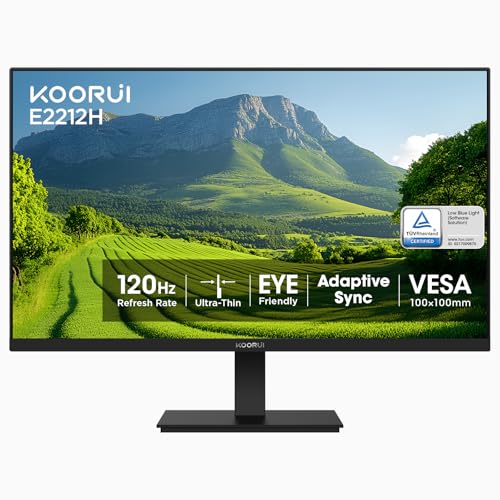
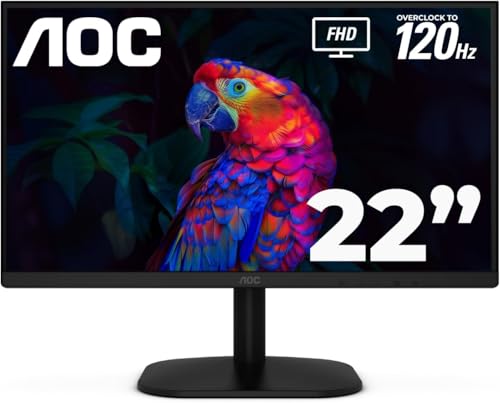
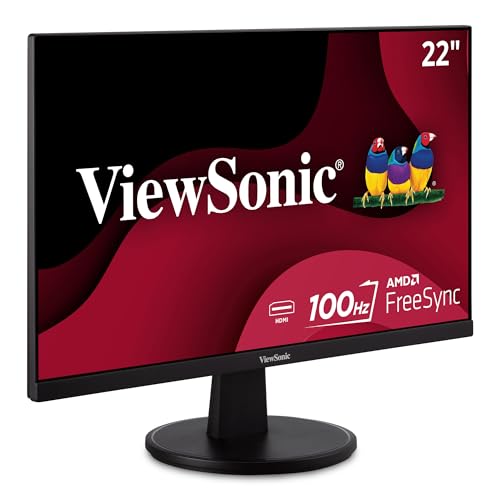
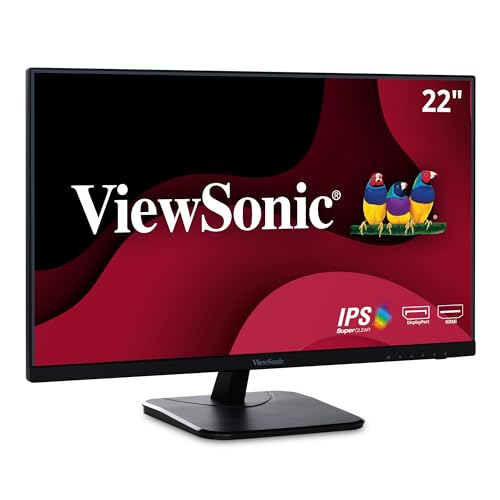

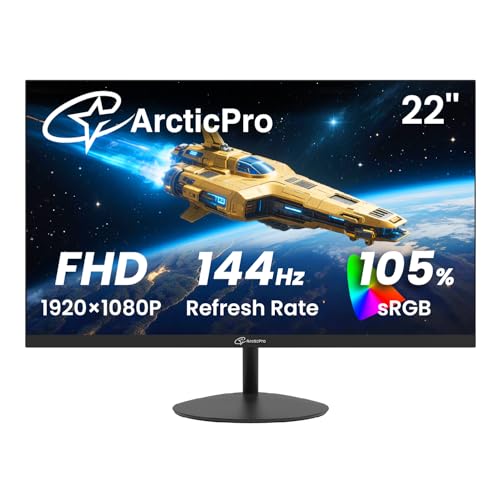
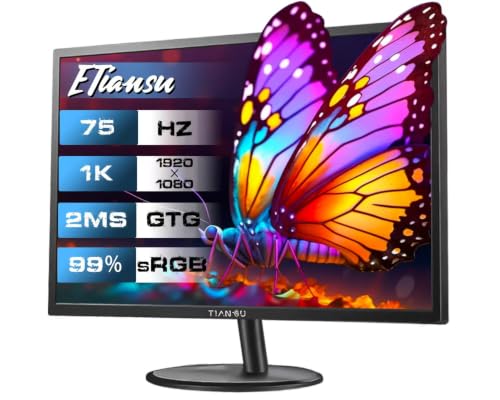
Office, Study or Casual Gaming
For office and study, you want a comfortable panel with eye-care features and ports that match your computer. A monitor with built-in speakers helps if you take video calls, and an IPS panel keeps text and charts looking even if you sit off-center.
For casual gaming, a higher refresh rate matters more. Models listed at 120Hz or 144Hz look smoother than a standard 60Hz screen, and adaptive sync features reduce tearing. A 22-inch gaming monitor is a good fit for a desk close to your eyes, where a bigger screen would force you to turn your head.
Refresh Rate and Response
The table includes 75Hz, 100Hz, 120Hz and 144Hz options, and the price gap between them is small at this size. A faster screen is a pleasure for scrolling and mouse movement, even outside games. If you want the smoothest picture, check that your computer's graphics output and cable support the rate.
Response time figures in listings are marketing numbers measured under different conditions, so use them to compare roughly within a brand and do not treat 1ms and 4ms as a big real-world gap. Look for adaptive sync if you play, and flicker-free backlights if you work.
Panel Type and Image Quality
IPS gives wide viewing angles and good color, VA gives richer contrast, and both are good choices at this size. Check for sRGB coverage if you edit photos casually, but remember that a budget panel is not a calibration tool. For general use, either type serves well.
Brightness and finish matter in bright rooms. A matte coating limits reflections from windows, and a brighter panel stays readable in daylight. Frameless or thin-bezel designs look neater and work better in pairs.
Stands, Mounts and Desk Space
Most 22-inch monitors ship with a simple tilt stand. If you need a better height, buy a VESA arm; the pattern on the back of most models allows it. An arm also frees up desk space, since the base footprint disappears. If you want a bigger step up in screen size, our guides to the best 24 inch monitors and best 27 inch monitors may help.
Check the cable list. Many monitors include HDMI, some include VGA only, and a few include DisplayPort. A short cable can limit where you place the screen, so plan for a longer one if needed.
Value and Warranty
With so many low-price models, the extras make the difference: a longer warranty, a better stand or an included HDMI cable. Read reviews with care and check the return policy. A monitor is easy to check on arrival: look at a white screen for dark patches, a black screen for backlight bleed and a moving image for stuttering.
For multiple monitors, buy the same model together to keep colors and heights consistent. Our guide to 32 inch monitors covers the opposite end if you decide a small screen is not enough.
Who Should Skip a 22-Inch Monitor
If you edit video, work in large spreadsheets or run several apps side by side, a larger and sharper screen will repay the extra cost. If you sit far from the desk, as with a media corner, 22 inches may be too small. And if you need a monitor that charges a laptop over a single cable, check for USB-C, which most small monitors do not offer.
Setting Up for a Good Picture
Out of the box, many monitors ship with a vivid or dynamic preset that crushes detail and tires the eyes. Switch to a standard or sRGB mode, lower the brightness until a white page no longer glows, and enable the low blue light option in the evening. These adjustments cost nothing and make the best 22 inch monitors feel better than their price suggests.
Sit about an arm's length from the screen, with the top edge at eye level. If you use two monitors, put the main one directly ahead and angle the second slightly inward. Keep the cable tidy so a tug does not shift the stand, and clean the screen with a dry microfiber cloth.
Common Problems and Quick Fixes
If the picture looks soft, check that the resolution in your computer settings matches the monitor's native 1920 by 1080. If the refresh rate does not show the higher option, change it in the display settings and swap to a certified cable. If the colors look washed out over HDMI on a PC, look for a setting that limits the color range and set it to full.
FAQs
Is 22 inches too small for a main monitor?
Not for general use. It is comfortable for one main window and a few small ones.
What refresh rate should I pick?
75Hz is fine for office use. Choose 120Hz or 144Hz if you play games.
Do I need IPS?
Not necessarily. IPS has better viewing angles, but VA is a good budget alternative with stronger contrast.
Can two 22-inch monitors replace a large one?
Often yes, and they cost less, but a seam between them may bother some people.
Final Thoughts
The best 22 inch monitors deliver a smooth, comfortable 1080p image for little money. Decide whether work or play matters more, choose the refresh rate that fits, and plan the mount before you buy. Then compare the models in the product table and pick the one that suits your desk.
Prices and availability can change, so check the product page before ordering.


