Best 144Hz Monitors Under 200 in 2026: How to Choose
Disclosure: We may earn a commission when you buy through links on this page, at no extra cost to you. As an Amazon Associate I earn from qualifying purchases. Learn more

What to check before choosing the best 144hz monitors under 200: QHD or Full HD, panel quality and which compromises are fine.
Around 200 dollars is where a 144Hz monitor stops being a basic purchase and becomes a good one. The best 144hz monitors under 200 dollars include sharp QHD panels, quality Full HD IPS screens and even a few ultrawide models, so the question shifts from "can I afford one" to "which one suits me".
This guide explains how the choices differ, which ones deserve the extra spending over a cheaper screen and what to watch for. Use it with the product table above.



What the Extra Money Buys Over a Budget Screen
Compared with monitors below 150 dollars, those near 200 more often offer QHD resolution, better quality control and brighter, more even panels. Some add height-adjustable stands, USB hubs or higher refresh rates such as 165Hz or 180Hz.
You are still unlikely to find premium HDR or wide color coverage, but the day-to-day experience feels noticeably more polished than a bargain screen.
QHD or Full HD at This Price
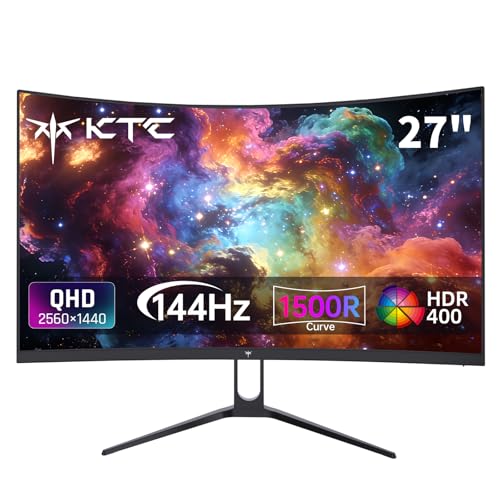
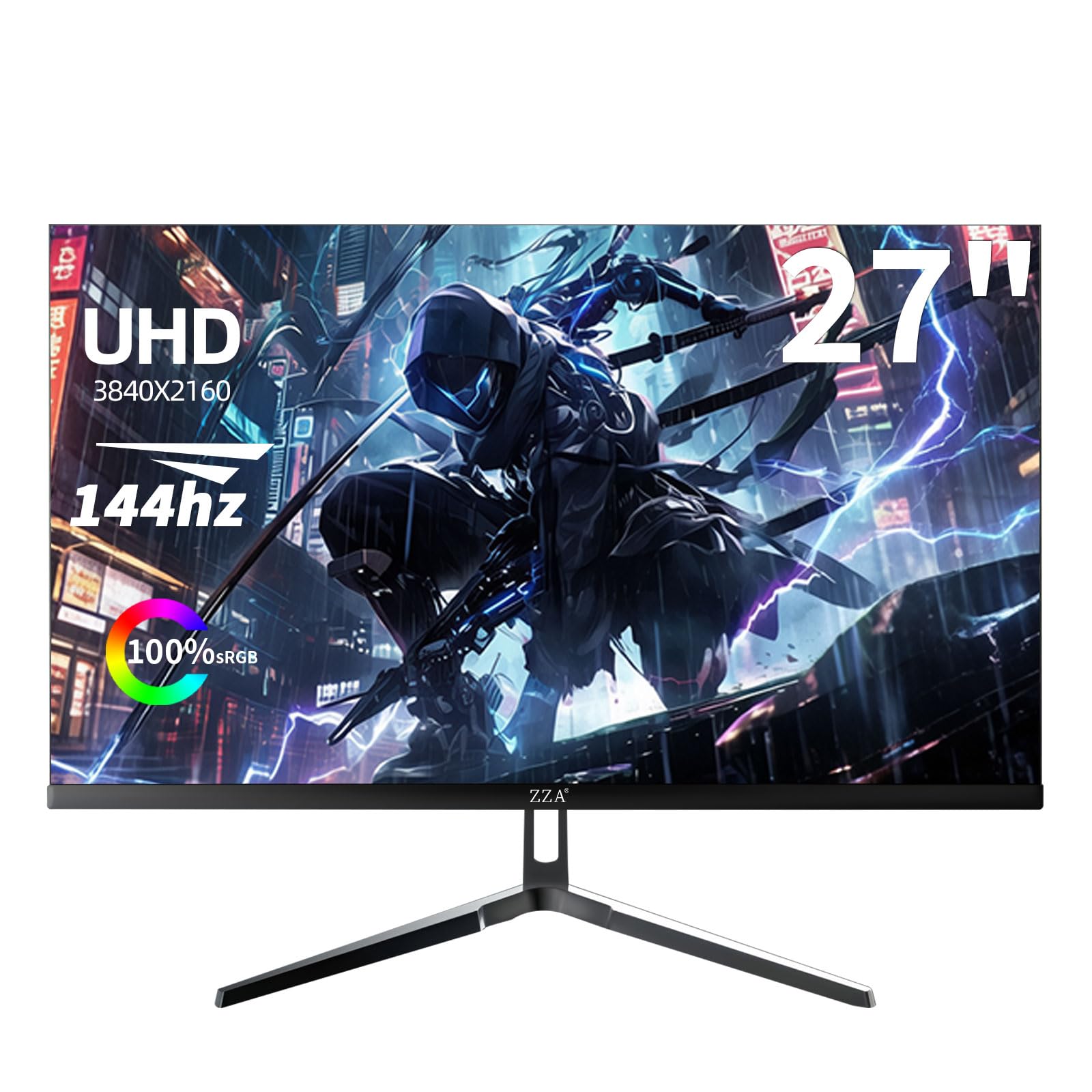
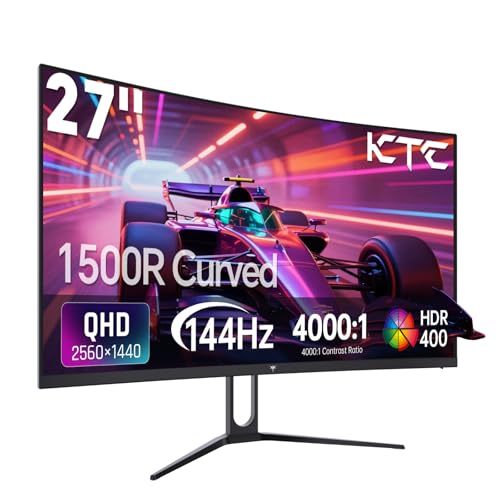
QHD at 144Hz is the headline option here. It looks sharper, gives more desktop space and suits a 27 inch panel well. The cost is that your graphics card must work harder, so check that your hardware can maintain high frame rates.
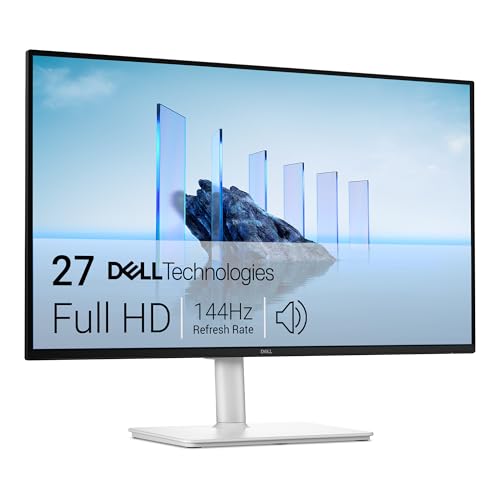
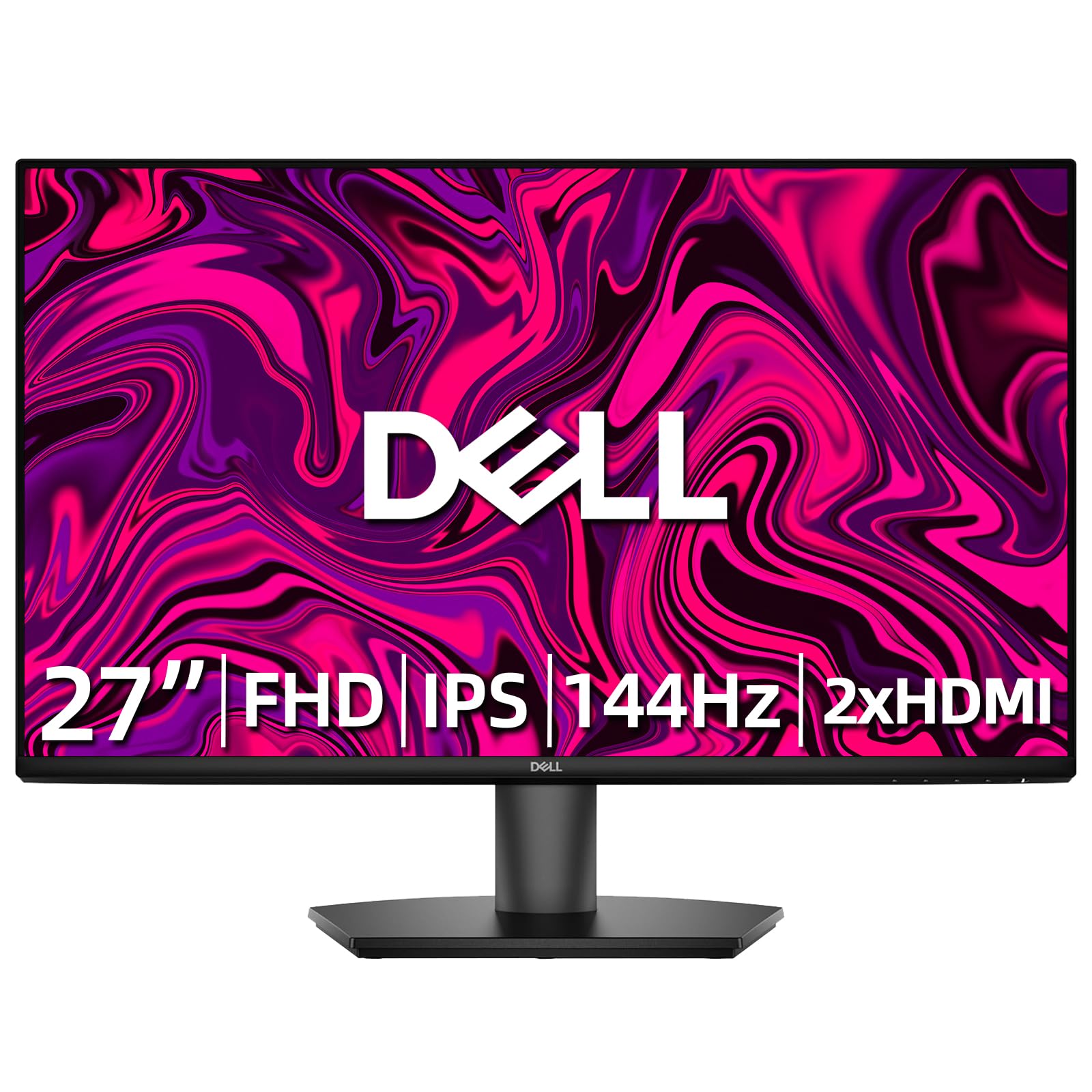
Full HD at 144Hz or higher remains a great choice for competitive players with modest hardware. If you play esports titles at very high frame rates, the lower resolution lets you use a higher refresh rate.
Curved, Ultrawide and Flat Options
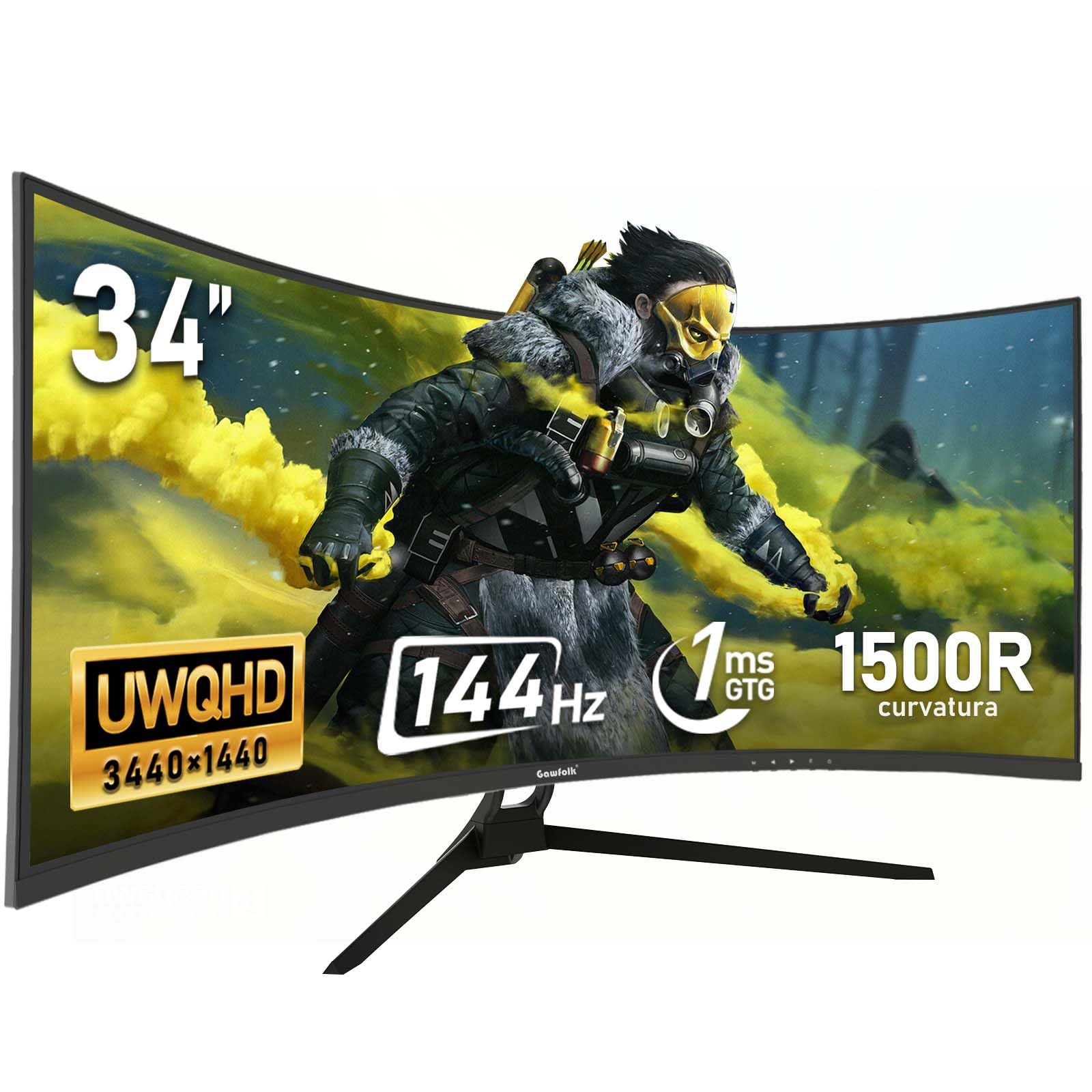
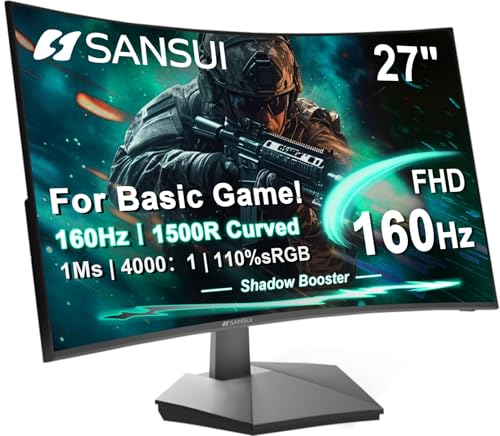
At this budget you will see curved VA monitors and a few budget ultrawides. Curves add immersion on larger screens, and ultrawides give a wide field of view for racing and open-world games. Flat IPS screens remain the best option for color and mixed use.
Think about your desk. A 34 inch ultrawide needs more width than a 27 inch panel, and the shape does not suit every game.
Panel Quality and Motion Clarity
Fast IPS panels dominate the quality end of this range, giving good colors and quick response. VA panels give more contrast, though dark scenes can smear on weaker models. Look for buyer comments about backlight bleed and ghosting to separate good examples from poor ones.
Overdrive settings let you tune motion clarity. Start in the middle and avoid the highest level, which can create bright trails.
Stand, Ports and Everyday Convenience
- A stand with height adjustment saves you buying an arm.
- DisplayPort and HDMI cover a PC and console.
- VESA holes keep the option to use an arm open.
- A headphone jack removes the need for extra adapters.
At this price, a decent stand is a reasonable expectation, but not every model has one.
Which Compromises Are Acceptable
Weak built-in speakers, a plain design and modest HDR are all easy to live with. A faulty panel, heavy backlight bleed or a wobbly stand are not. Prioritize panel quality and build over cosmetic extras.
If you must choose between a higher refresh rate and better panel quality, take the panel. The difference between 144Hz and 180Hz is small, while a poor panel affects everything you see.
Setting It Up and Checking It
Connect with DisplayPort where possible, set the refresh rate in your display settings and enable adaptive sync in the monitor menu and driver. Pick a neutral preset, reduce brightness for your room and check white, black and gray images for uniformity.
If you spot problems, use the return window quickly. The first week is when defects show up most clearly.
How Real Buyers Use a Monitor at This Price
A typical buyer in this range plays a mix of competitive and single-player games, uses the screen for work in the daytime and wants one monitor that covers everything. For that person, a 27 inch QHD IPS at 144Hz or 165Hz is hard to beat, because it gives sharp text, smooth motion and easy sharing between a PC and a laptop.
Another common buyer upgrades from an old 60Hz screen for a first taste of high refresh rates. For them, even a Full HD model is a big leap, and spending extra on QHD only makes sense if the graphics card is ready for it.
Warranty and Return Policy Matter More Than Specs
At this price, the largest risk is not a missing feature but a faulty unit. Read the warranty length, check what counts as a dead pixel defect and confirm how returns work. A seller with a simple, no-questions return process removes most of the risk in buying a screen you cannot inspect in person.
Keep the box and packing material for at least the first month, and note the date you start using the monitor so you can make a claim promptly if something goes wrong.
Making the Screen Look Its Best
Factory presets rarely look their best. Reduce brightness to a comfortable level, switch to a neutral color temperature and turn off dynamic contrast, which causes distracting changes in dark scenes. If the screen offers a gamma or sRGB mode, try it for desktop use, and keep a fast mode for games.
A few minutes of adjustment often makes a budget monitor look much closer to a more expensive one.
Mistakes to Avoid Near 200 Dollars
A common error is chasing the biggest screen size for the money and ending up with a soft-looking 32 inch Full HD panel. Another is overlooking the connection: a monitor whose top refresh rate needs DisplayPort will disappoint on a console or older laptop that offers only HDMI.
Check the ports against your actual devices before you buy, and match the screen size to your viewing distance.
For related options, see our guides to best monitors under 200 and best pc monitors under 200.
Frequently Asked Questions
Is QHD at 144Hz demanding?
It needs a mid-range or better graphics card for demanding games. Esports titles run easily on modest hardware.
Should I get a curved screen?
Only if you like the feel. Flat screens are better for work and color.
Is an ultrawide a good choice?
For racing and open-world games, yes. For competitive shooters, many prefer a standard widescreen.
Are 165Hz or 180Hz worth it?
They give a small bonus over 144Hz. Do not pay much extra for the difference.
Final Thoughts on the Best 144hz Monitors under 200
The best 144hz monitors under 200 dollars offer sharper panels, better stands and a more polished experience than cheaper screens. Decide between QHD and Full HD, check the ports and use the table above to compare current prices. Prices and availability can change, so check the product page before ordering.