
Best 17 Inch Monitors in 2026: Desktop and Portable Options
Disclosure: We may earn a commission when you buy through links on this page, at no extra cost to you. As an Amazon Associate I earn from qualifying purchases. Learn more

Choosing the best 17 inch monitors: desktop and security models, 17.3 inch portable screens, resolution, inputs and mounting options.
The 17 inch monitor is an unusual size today. Standard desktop monitors have moved up to 24 inches and beyond, so true 17 inch desktop screens are mostly specialty items for security rooms, cash desks, kiosks and compact setups. Portable monitors of about 17.3 inches fill the gap for everyday use. This guide helps you decide which kind to choose when you look for the best 17 inch monitors.
The product table lists both types so you can compare them. The sections below explain where each fits, and what to check on the inputs, the resolution and the stand.
Where a 17 Inch Monitor Makes Sense
A small screen suits tight spaces. Point of sale counters, workshops, server rooms, security stations and small desks all benefit from a compact display. A 17 inch screen also works as a second monitor beside a laptop when desk space is limited, or as a status display for a mini PC.
For a main work monitor, 17 inches is small by modern standards. Most people prefer 24 inches or larger for office work. If you need a larger display for daily use, see our guides to the 24 inch monitors and 27 inch monitors.
Classic 17 Inch Desktop and Security Screens
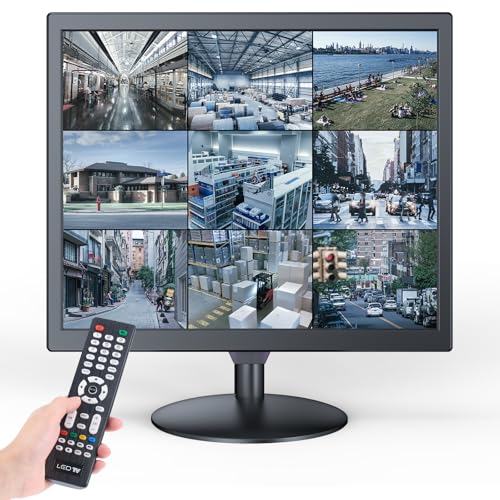
Traditional 17 inch monitors often use a squarer 5:4 aspect ratio with a resolution of 1280 by 1024. They connect with VGA, HDMI or both, and some are built for continuous operation in security systems. They are simple, durable and inexpensive. The picture quality is basic, so they are best for text, camera feeds and dashboards, not for photo or video work.
Check the inputs carefully. A security monitor may include BNC or VGA and HDMI, while a desktop monitor uses HDMI and VGA. If you plan to use it with a modern laptop, you may need an adapter. Look for VESA mounting holes if you want to attach it to a wall or arm.
17.3 Inch Portable Monitors
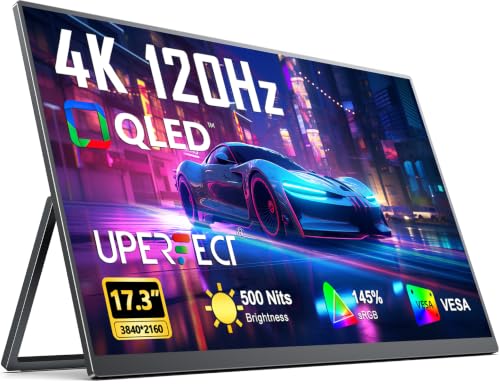
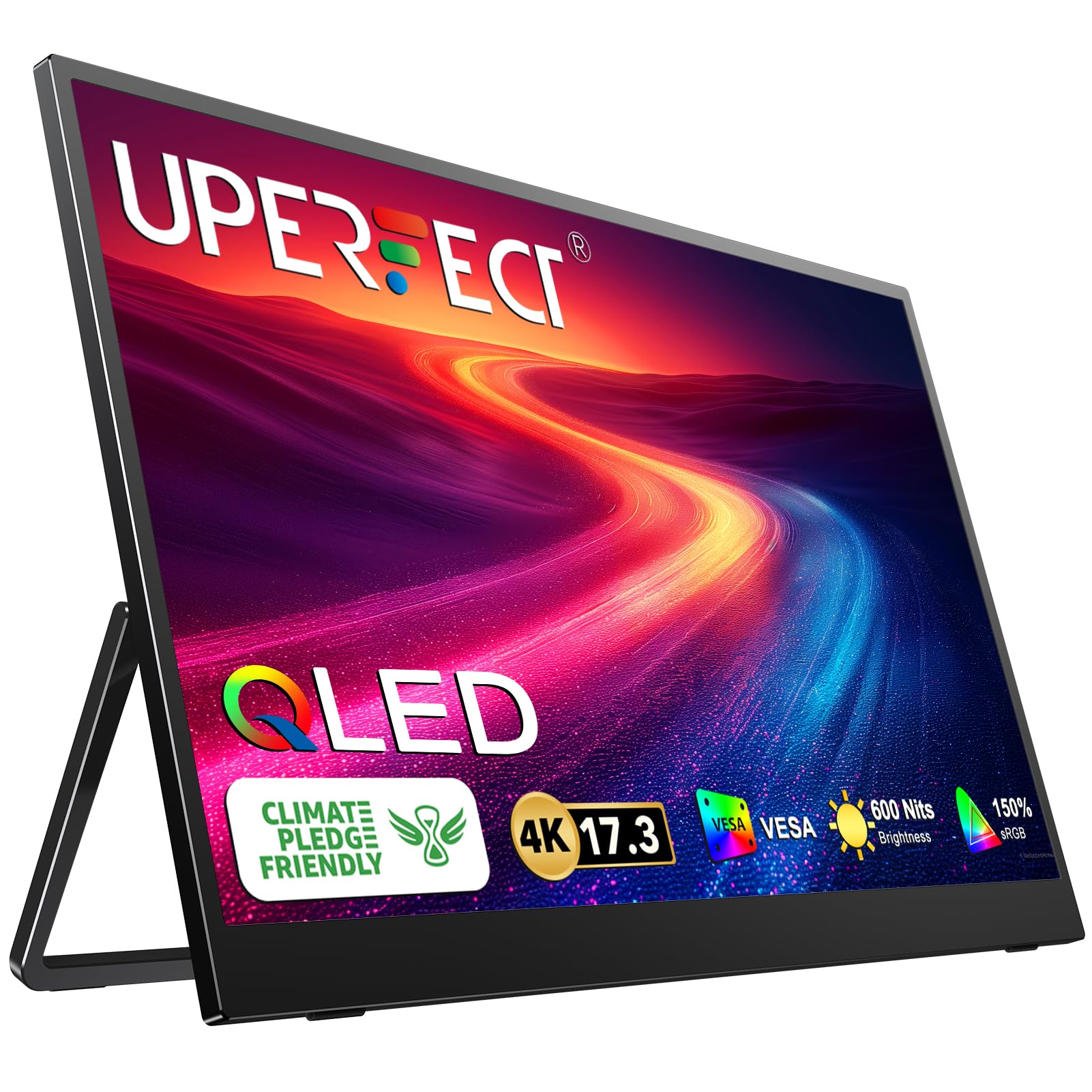
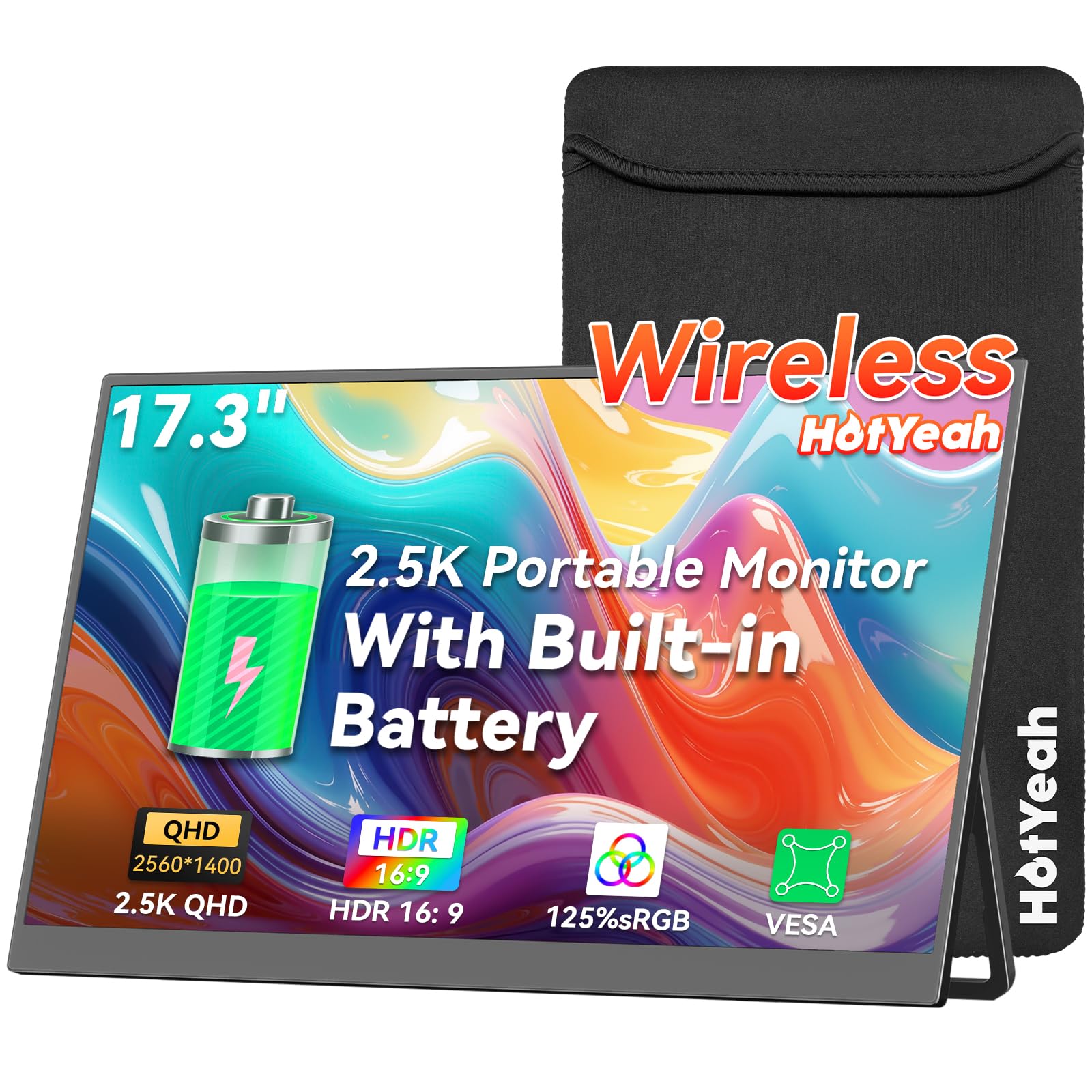
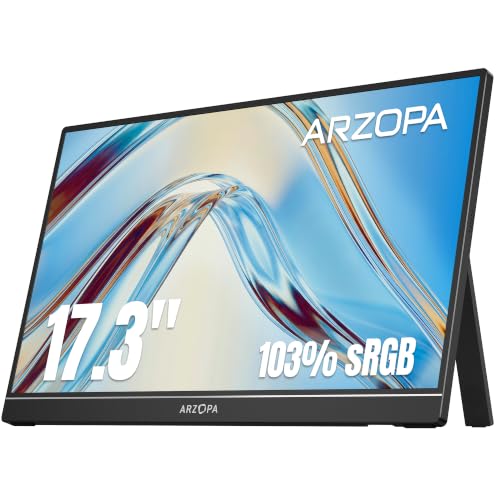
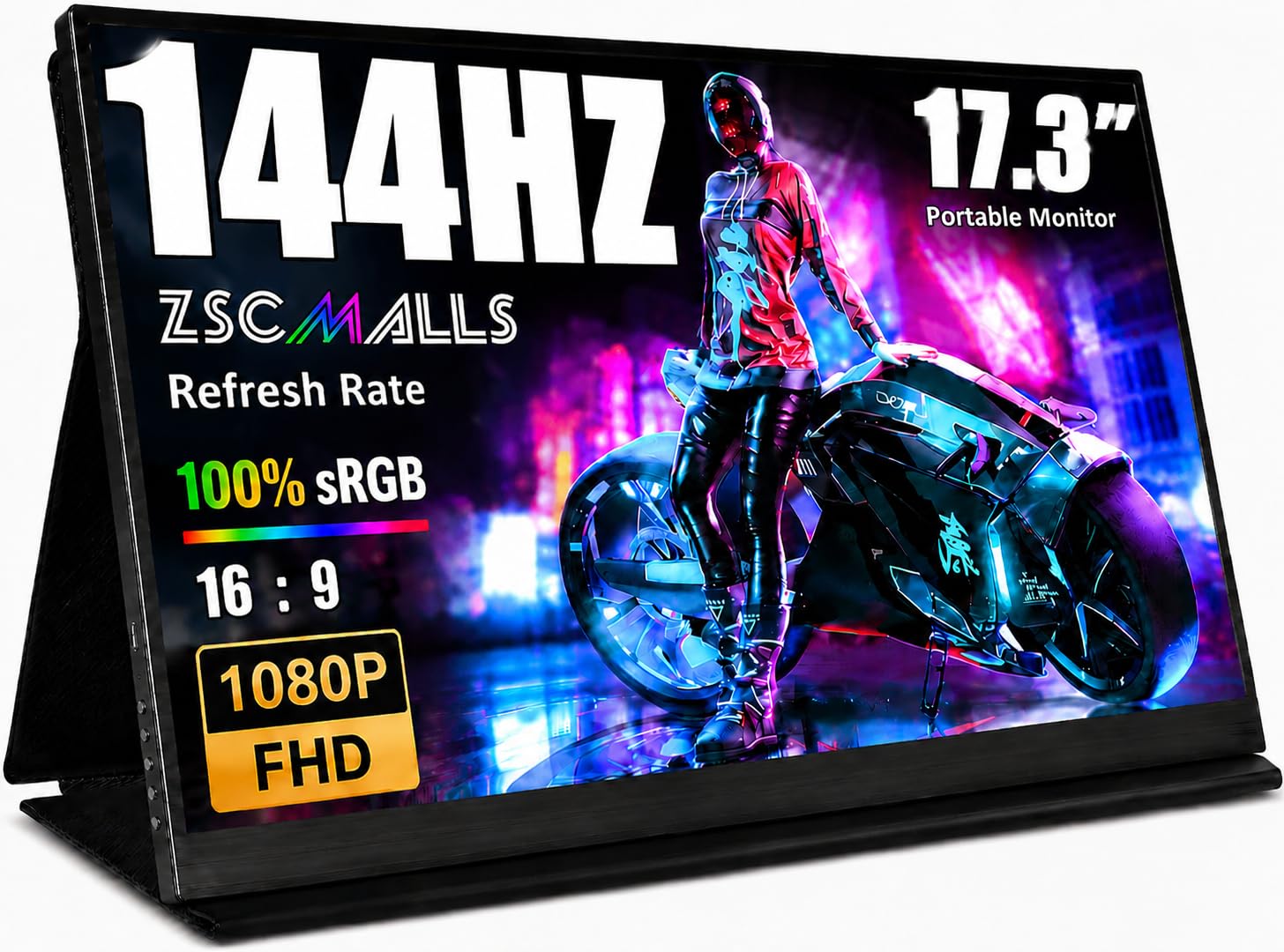
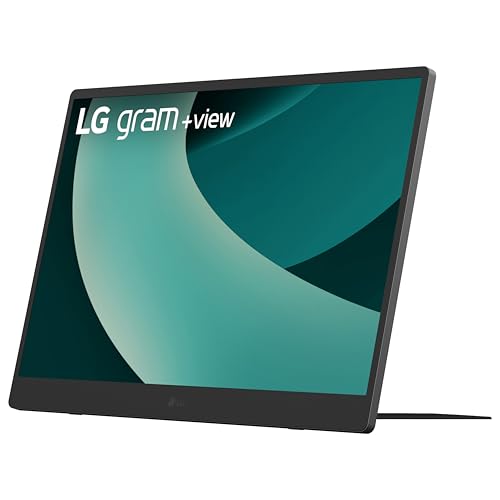
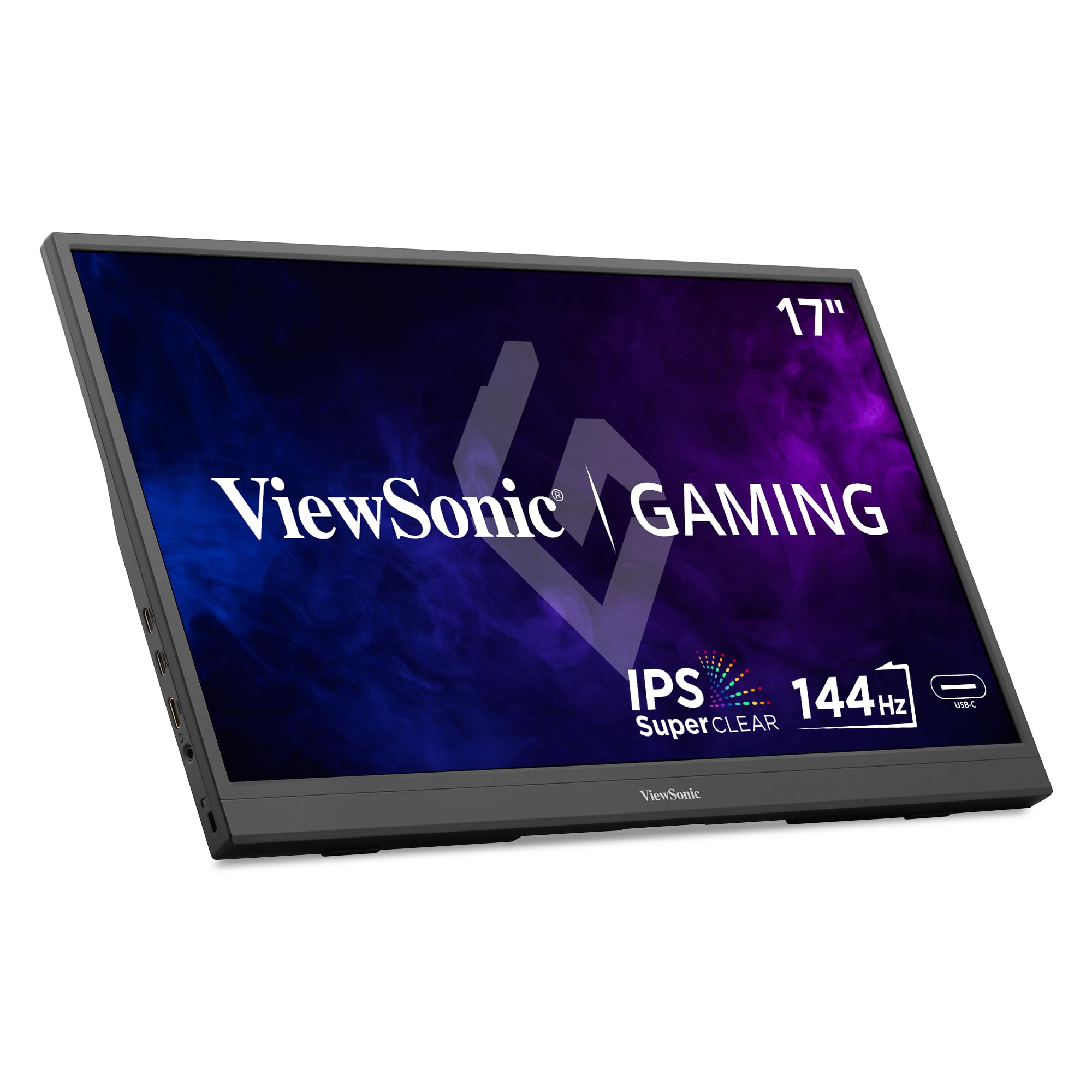
Portable monitors at about 17.3 inches provide a larger canvas for a laptop, a console or a phone, and they are thin and light. Most connect over USB C, which carries both video and power, and many include HDMI. Resolutions range from full HD to 4K. They are also a flexible choice if you want a second screen that you can store when you do not need it. See our 17 inch portable monitor guide for more detail.
A portable panel usually has a thin stand or cover that holds it upright. It is less sturdy than a desktop stand, but it is easy to move. If you need a permanent setup, consider a model with VESA holes or add a separate stand.
Resolution, Panel Type and Ports
For text work, full HD on a 17 inch panel looks sharp, while the older 1280 by 1024 resolution is adequate for basic tasks. IPS panels give wider viewing angles and better color. Look for brightness in nits and an anti glare coating.
Check the ports against your device. A laptop with USB C display output can connect with one cable, while a desktop PC usually needs HDMI or DisplayPort. Some monitors include speakers and a headphone jack, which is handy for a second screen that also plays video.
Mounting and Placement
A compact screen can sit on a stand, a wall mount or a monitor arm. VESA holes let you attach it, and an arm frees desk space and lets you position the screen at eye level. A small monitor on a low stand can lead to neck strain, so raise it to match your line of sight. Our guide to the 32 inch monitors and 49 inch monitors covers larger options if you later need more space.
Specialty Uses Worth Knowing
Compact monitors earn their place in jobs where a big screen would be in the way. Retail counters use them for customer facing displays, mechanics put them on a shelf to show diagrams, and warehouses use them for inventory dashboards. Home users mount them beside a router closet or a 3D printer to watch status screens. A touch version helps in kiosks and point of sale setups, so check whether the listing offers touch support and which operating systems it works with.
For video surveillance, a monitor designed for constant use is a better fit than a consumer panel. These screens are built to stay on for long periods, and some include inputs for camera feeds and wide viewing angles. If your use is mainly a camera view, check the inputs and the ability to show multiple feeds.
Power, Cables and Compatibility
Old style monitors use a power adapter or a built in supply, while portable models draw power from USB C or a wall charger. Check the cable length and whether the cable is included. If you connect a modern laptop to an older VGA monitor, you will need an adapter, and the picture may be less sharp than a digital connection.
Verify compatibility with your operating system and your graphics output. A monitor with a native resolution that your device does not support will look blurry or may not display at all. Look up the resolution options before you buy, and keep the return policy in mind in case it does not suit your setup.
Getting a Good Picture From a Small Screen
At small sizes, scaling matters. Set the resolution to the monitor's native setting, and adjust text scaling so it is comfortable. Reduce brightness to a level that suits the room, since small panels are often set very bright by default. Position the screen at eye level and about an arm's length away, and use the monitor's menu to choose a standard color mode. A matte screen reduces reflections in a shop or office. A few minutes of setup makes a small monitor much more pleasant to use.
Frequently Asked Questions
Are 17 inch monitors still made?
Yes, but mostly for security, industrial and special uses. Portable 17.3 inch monitors are more common for consumers.
What resolution is best on 17 inches?
Full HD gives sharp text. Older 5:4 monitors at 1280 by 1024 suit simple tasks.
Can I use a 17 inch monitor as a main display?
It is small for that. Most people prefer 24 inches or larger for daily work.
Do I need a stand?
Many include one. If not, use a VESA arm or a case with a stand.
Final Thoughts
The best 17 inch monitors depend on what you need: a simple desktop or security screen for a tight space, or a portable 17.3 inch panel for a flexible second display. Check the inputs, resolution and mounting, and use the product table to compare both types. For a main monitor, consider a larger size.


