
Best 27 Inch Monitor with Speakers: Built-In Audio That Is Actually Usable for 2026
Disclosure: We may earn a commission when you buy through links on this page, at no extra cost to you. As an Amazon Associate I earn from qualifying purchases. Learn more

Fewer cables and no extra speakers are the appeal of the best 27 inch monitor with speakers, as long as you know what small built-in drivers can and cannot do.
A monitor with speakers promises a clean desk: one screen, one power cable and no extra boxes beside the keyboard. For a spare room, a shared family computer or a student desk, that is a real advantage. The best 27 inch monitor with speakers gets the basics right, and it helps to know in advance what built-in audio can realistically deliver.
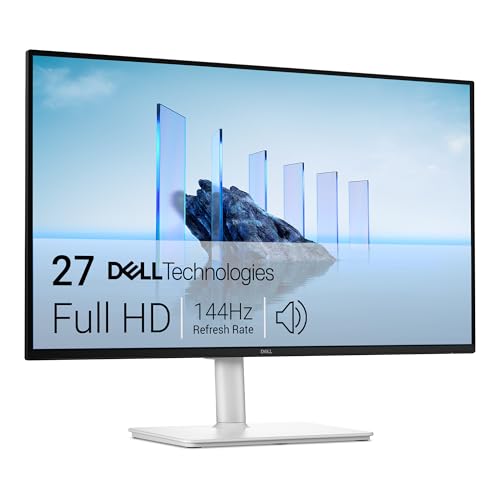
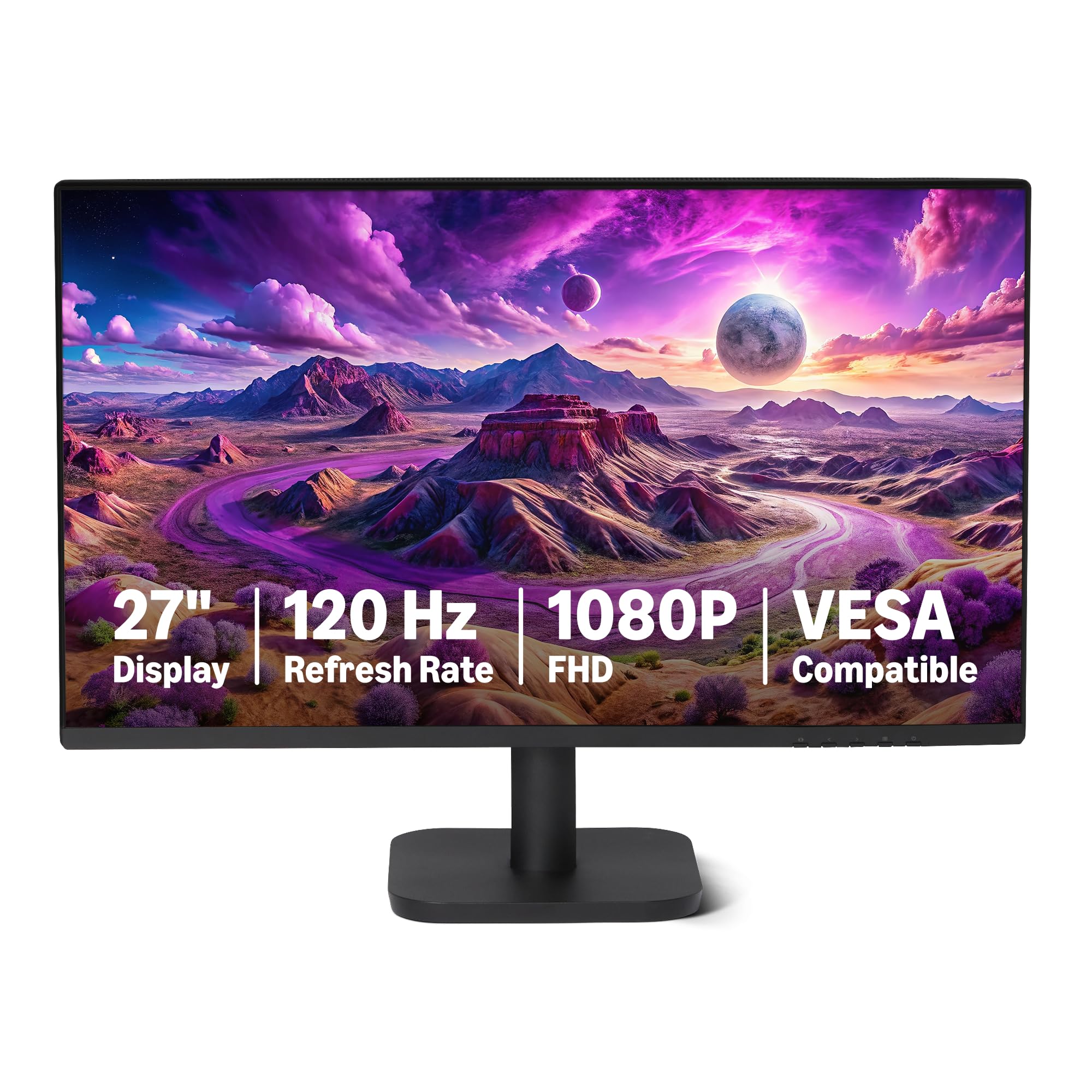
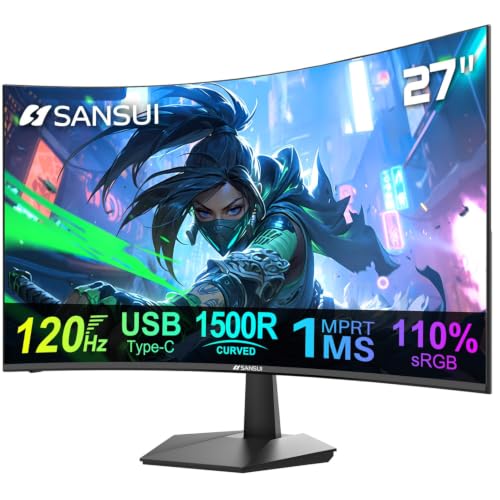
This guide explains how small monitor speakers sound, how to read the power ratings, which audio connections matter, and when it makes sense to add headphones or a desk speaker instead. The table near the top shows screens that include speakers and are in stock.





What Built-In Speakers Can and Cannot Do
Monitor speakers are tiny, usually two drivers rated at a few watts each, firing downward or backward. They are clear enough for voices, so video calls, tutorials and news are perfectly fine. Music sounds thin because the drivers cannot move enough air to produce bass, and loud volume often adds a buzzy edge.
Think of them as convenience speakers. They remove the need for a separate pair for everyday audio, but they will not replace a good set of desk speakers or headphones if you care about music, films or competitive games where footsteps matter.
Reading the Wattage Numbers
A listing may advertise two watts per speaker, three watts or more. Higher numbers suggest more volume headroom, but they do not guarantee better sound. The size of the drivers and the cabinet matter more, and a monitor that is only a few millimeters thick cannot do much.
A better test is the description. Look for words about clear voices or a decent volume at a quiet room, and read reviews that mention actual sound quality. Beware of claims such as surround sound from a screen, which are marketing language for a small stereo pair.
Audio Connections That Matter
Most screens include a 3.5 millimeter headphone jack, so you can plug in headphones or a pair of powered speakers and mute the built-in ones. A line input is useful if you want the screen to play sound from a second device. HDMI and DisplayPort carry audio from your computer, so the speakers work without extra cables.
Check that your operating system selects the monitor as the sound device. Windows and macOS both list it by name in the sound settings, and you can switch between the screen speakers and headphones in two clicks.
Placement and Room Acoustics
Sound from a downward firing speaker bounces off the desk, so a bare desktop gives a clearer result than a thick desk mat. Keep the screen at ear height if possible, since the sound is directed toward you. In a large room, built-in speakers can sound faint, and a small soundbar placed under the screen is a simple upgrade.
If you work in a shared space, headphones are more considerate and give far better sound. The speakers then handle notifications and the occasional video, which is what they are best at.
Picture Quality Still Comes First
Do not choose a screen mainly for its speakers. A good picture matters more over years of use, and a pair of external speakers can be added later for a small cost. Check the panel type, resolution and stand first.
At 27 inches, 1440p is the sharp choice, and 1080p is a budget one. See our general guide to 27 inch PC monitors and the best 27 inch monitors page for how those basics compare, and the 4K models for the sharpest screens.
For gaming use, the gaming monitors guide explains the fast options.
Mistakes to Avoid
- Expecting bass or room filling sound from two thin drivers.
- Choosing a model for its speakers and ignoring the panel and stand.
- Forgetting to select the monitor as the output device in the sound settings.
- Using a long unshielded audio cable that adds hum.
- Putting a desk mat or books in front of the speakers and muffling them.
Who Benefits Most from Built-In Speakers
A monitor with speakers makes the most sense in places where simplicity beats sound quality: a kids' homework desk, a guest room computer, a kitchen or workshop screen, a dorm room and a small apartment where every cable and box counts. Remote workers who mostly use headphones in meetings may never use the speakers, but they are a handy backup for an unexpected call.
If you stream music all day, play games with surround cues or edit audio, built-in drivers will frustrate you quickly. In that case spend the budget on the panel and buy a pair of desk speakers or a good headset separately.
Adding Better Sound Later
The upgrade path is cheap. A pair of powered desk speakers connects through the headphone jack or over Bluetooth, and a compact soundbar slides under the screen. USB headsets bypass the monitor entirely. The monitor then mutes its own speakers automatically or you can turn them off in the on-screen menu.
Because you can always add sound later but you cannot fix a weak panel, treat the speakers as a bonus when you compare listings. Choose the screen that has the better picture and ergonomics, and let the built-in audio break ties between otherwise similar models.
Frequently Asked Questions
Are monitor speakers any good?
They are fine for voices, calls and casual video. For music and games, headphones or desk speakers sound far better.
Can I use headphones with a monitor that has speakers?
Yes, through the headphone jack on the screen, or directly through your computer. Most screens mute the built-in speakers when headphones are plugged in.
Do monitor speakers work over HDMI?
Yes. HDMI and DisplayPort carry audio, and the speakers play it as long as the monitor is selected as the output device.
Is a soundbar a good upgrade?
Yes. A compact soundbar under the screen adds volume and bass without taking much desk space.
Final Thoughts
The best 27 inch monitor with speakers gives you a clean desk and clear voices without extra gear. Treat the speakers as a convenience, put picture quality and the stand first, and keep a pair of headphones for music and games.
Prices and availability can change, so check the product page before ordering.


