
Best 240hz Monitors in 2026: How to Pick the Right One for Your Use
Disclosure: We may earn a commission when you buy through links on this page, at no extra cost to you. As an Amazon Associate I earn from qualifying purchases. Learn more

Best 240hz monitors suit competitive play, mixed use and fast desktops. Find the right fit by use, panel, size and budget.
There is no single best 240hz monitor, because players use them differently. A competitive shooter wants speed above all, a casual player wants smoothness at a fair price and a mixed user wants one screen that handles work, games and video. The best 240hz monitors are those that fit your use, so this guide is organized by the person you are.
The product table lists current models across sizes and prices. Find your profile below, then use the table to choose within it.
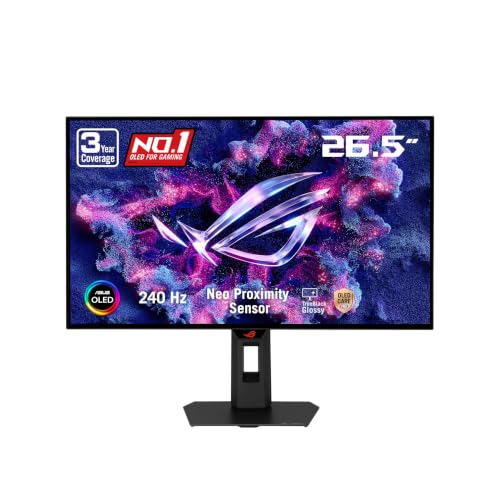

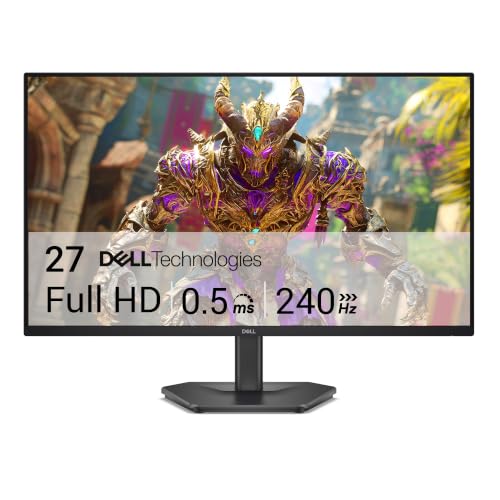
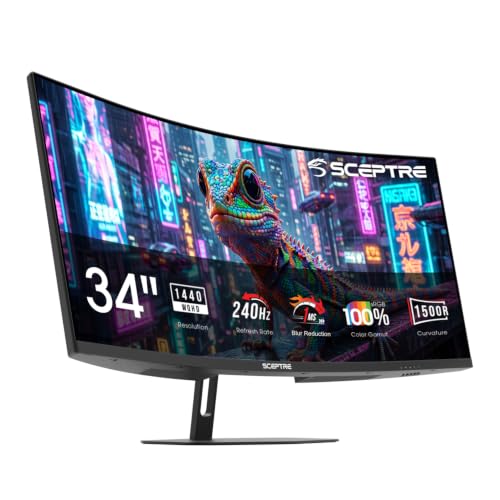

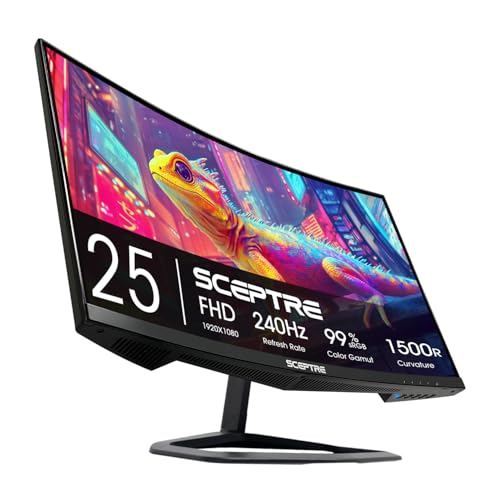
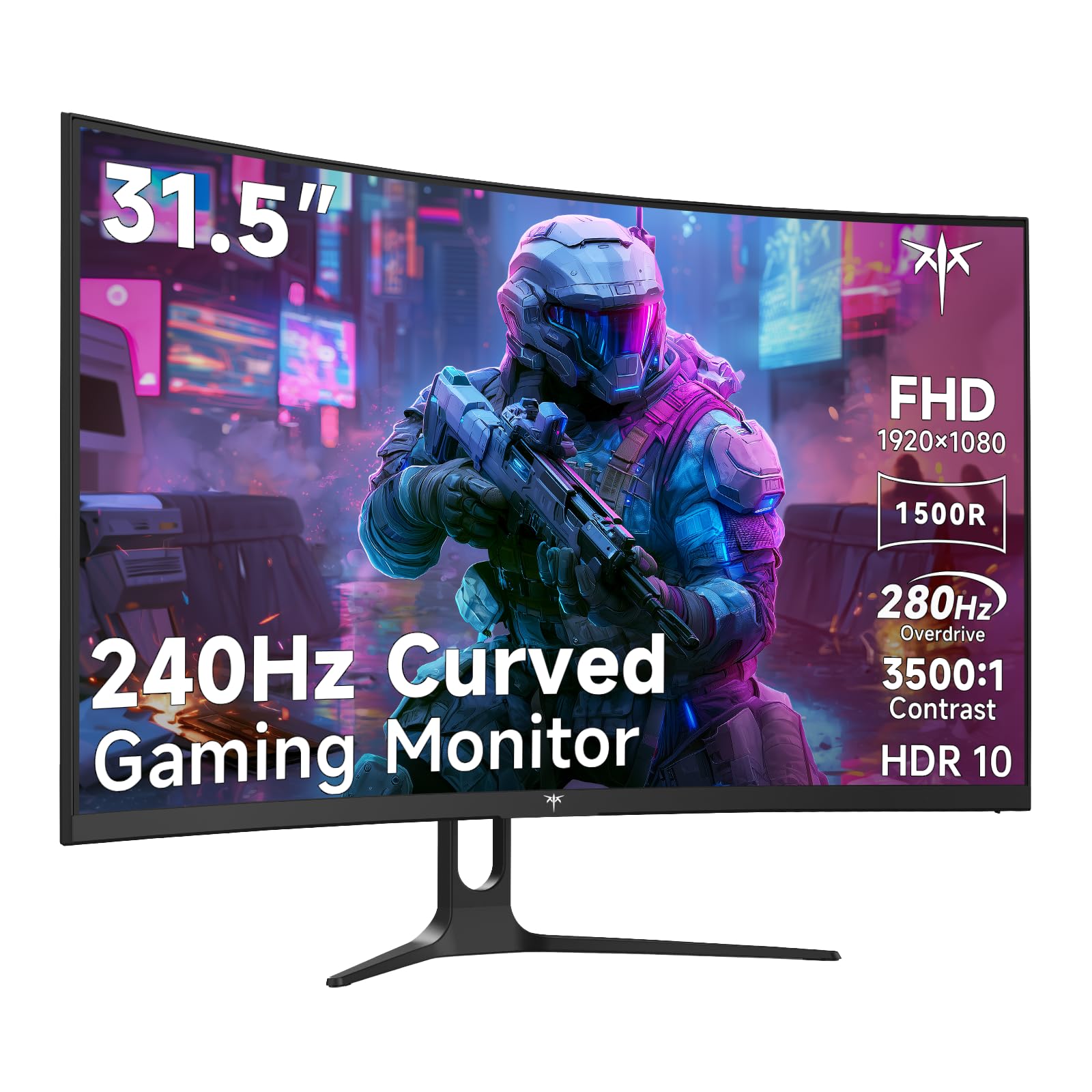

The Competitive Player
You want the cleanest motion and the lowest delay. Choose a fast IPS or an OLED panel, a 24 to 27-inch size and a resolution your graphics card can drive at 240 frames. Use DisplayPort and adaptive sync, and skip anything that adds processing delay. A sturdy stand that holds still is worth having. For more on this profile, read our best 240hz monitors for gaming guide.
The Mixed-Use Player
You play a variety of games and also work, browse and watch video on the same screen. Choose a 27-inch 1440p IPS model if your graphics card allows, or a good 1080p IPS if not. Color and viewing angles matter more to you than the last millisecond. A stand with height adjustment and a VESA mount help when the same desk serves work and play.
The Immersion Seeker
You play racing, flight or open-world games and like a big screen. Look at the curved and ultrawide models in the table, which stretch the view across your vision. Check that your graphics card can power the resolution, because high frame rates at ultrawide QHD need serious hardware.
The Console Player
Consoles rarely output 240 Hz, so a 240hz monitor is usually overkill. A 120 or 144 Hz monitor with HDMI 2.1 is a better match. If you also own a PC, a 240hz monitor can serve both, but the console side will run at a lower rate.
The Budget Buyer
You want the speed at a low price. Choose a basic 24 to 25-inch 1080p model, accept a simple stand and skip the extras. The cheapest models in the table deliver most of the experience. Our 1080p 240hz guide covers this group.
Panel Basics
IPS is the default for speed and color. VA has deeper blacks but can smear in fast scenes. OLED has the best motion and contrast but costs more and needs burn-in care. Check the panel type in each listing, since marketing pages emphasize other things.
What Every Buyer Should Check
Whatever your profile, check the ports, the stand, the warranty and the return policy. Confirm the monitor supports 240 Hz over the connection you will use. Set the refresh rate in your operating system on the first day. Check for dead pixels and backlight bleed during the return window. Keep the box.
Budget and Value
Prices range widely. A basic 240hz monitor costs less than a good 144 Hz model did a few years ago. Spending more buys OLED, higher resolution or a better build. Decide what you value, and avoid paying for features you will not use. The best 240hz monitors give you the speed you need without waste.
Matching Size to Your Desk
Measure the distance between your eyes and the screen. At an arm's length, 24 to 27 inches is comfortable. At a greater distance, such as a desk with a deep surface or a wall-mounted screen, a larger monitor makes sense. If you use a headset and keyboard on a shallow desk, a smaller screen keeps everything in reach. The best 240hz monitors fit the room first and the spec sheet second.
Think about the stand as well. A wide, V-shaped base can interfere with a keyboard tray or a low shelf. A VESA arm frees the desk and puts the screen exactly where you want it. If you use a drawing tablet, a flat desk matters, and a compact base helps.
Using a 240hz Monitor for More Than Games
A fast monitor also improves the desktop. Scrolling, dragging windows and moving the cursor all feel more fluid. Many people like that for general work, even if they never notice the difference in video. If you edit video at 24 or 30 frames a second, the refresh rate does not matter much, but the fast panel does no harm.
For color work, a fast IPS is acceptable but not a replacement for a calibrated creator display. If your main job is editing photos, a slower, more accurate monitor serves you better, and a 240hz monitor can be a second screen for games and video.
Warranty, Dead Pixels and Returns
Read the warranty terms before you buy, particularly how many dead or stuck pixels the maker allows before replacement. Policies differ, and a fast panel with a tight policy is a safer purchase. Buy from a seller with a clear return window, inspect the screen with solid colors on day one and keep the original box for at least the first month.
If you spot backlight bleed in a dark room, judge it with the lights off and the brightness at your normal level. A little glow in the corners is common and rarely visible in games. Heavy bleed that spoils dark scenes is a reason to return the monitor.
Take care when you clean the screen. Use a dry microfiber cloth, avoid sprays and never press hard on an OLED or a thin panel. A cared-for monitor stays clear and keeps its value if you decide to sell it later.
FAQs
Which 240hz monitor is best for competitive play?
A fast IPS or OLED at 24 to 27 inches with DisplayPort.
Can I use it for work?
Yes. IPS models are comfortable for general use.
Is it good for consoles?
It works, but consoles rarely reach 240 Hz.
Do I need a special cable?
DisplayPort rated for the bandwidth is safest.
Final Thoughts
The best 240hz monitors match who you are as a player: competitive, mixed-use, immersion-seeking, console-based or budget-minded. Choose your profile, check the connections and compare the models in the product table.
Prices and availability can change, so check the product page before ordering.


