
Best 1440p Monitors Under 200 in 2026: Buying Guide
Disclosure: We may earn a commission when you buy through links on this page, at no extra cost to you. As an Amazon Associate I earn from qualifying purchases. Learn more

What to check before choosing the best 1440p monitors under 200: what the budget buys, where corners are cut and how to avoid weak units.
Not long ago a sharp QHD screen meant spending well over $300. Today best 1440p monitors under 200 dollars are a real category, with fast IPS panels, 144Hz and above, and adaptive sync all available at the budget end. The catch is that corners are cut somewhere, and knowing where lets you pick the compromise you can live with.
This guide explains what you realistically get at this price, which cuts matter and which do not, and how to avoid the traps that cheap monitors tend to hide. The product table above lists in-stock models near the price cap; the sections below help you choose among them.
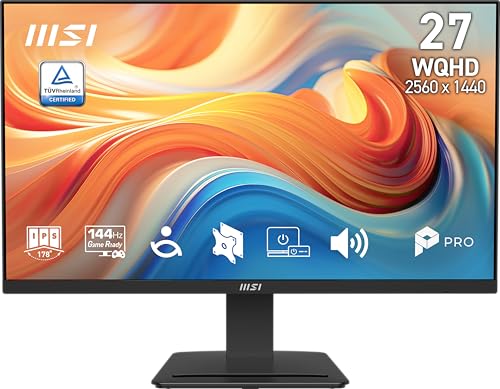
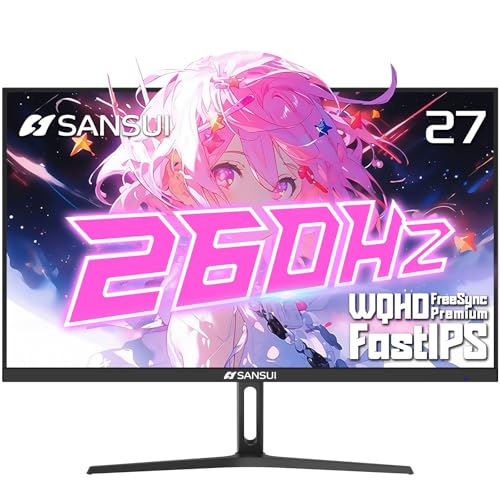

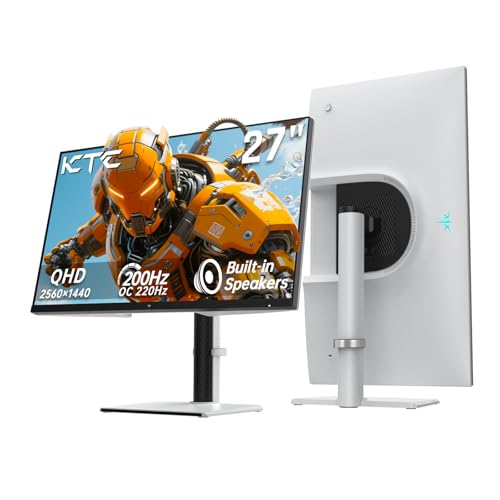


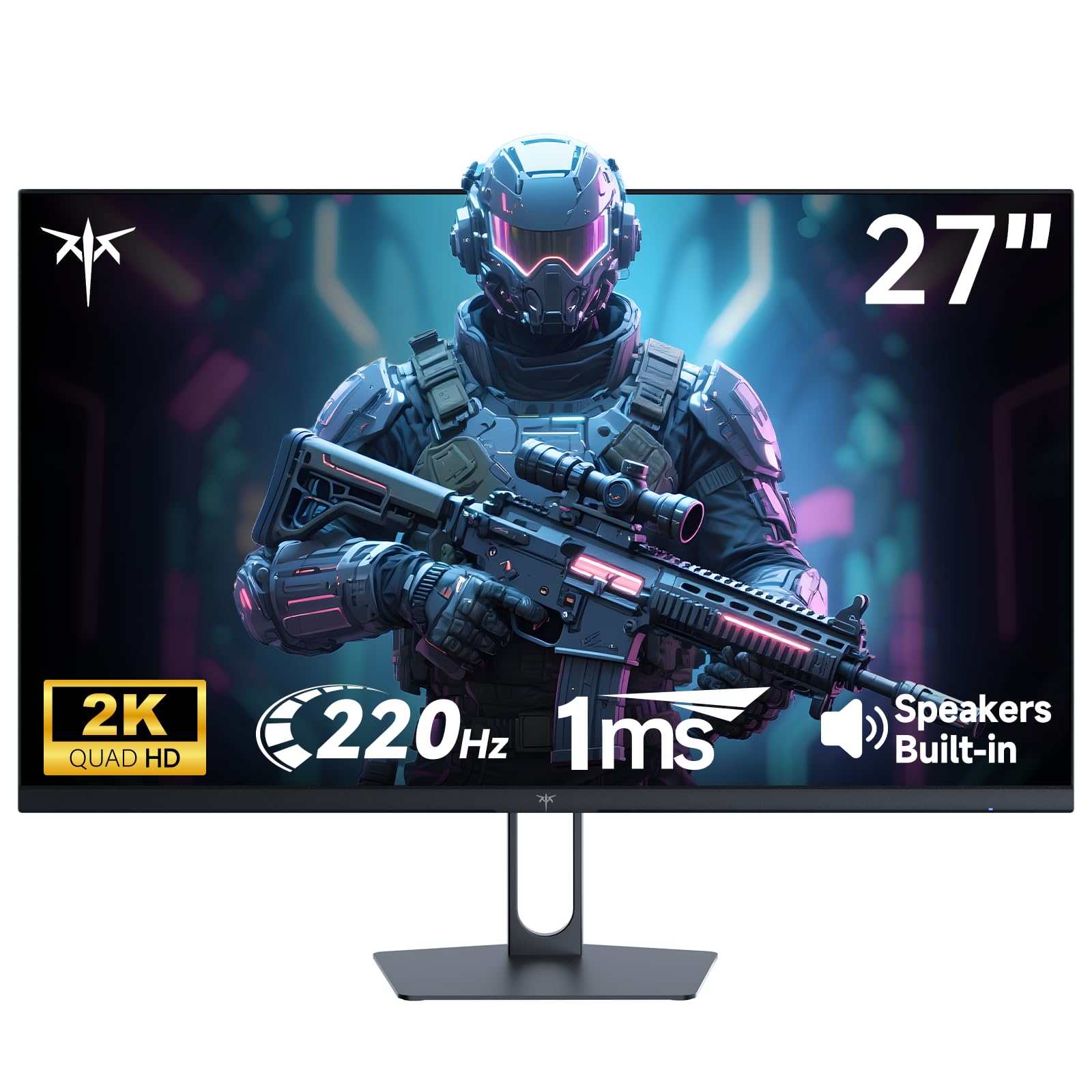

What 200 Dollars Realistically Buys in a 1440p Monitor
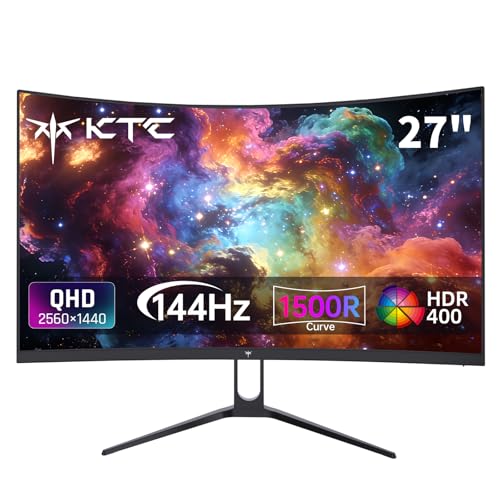
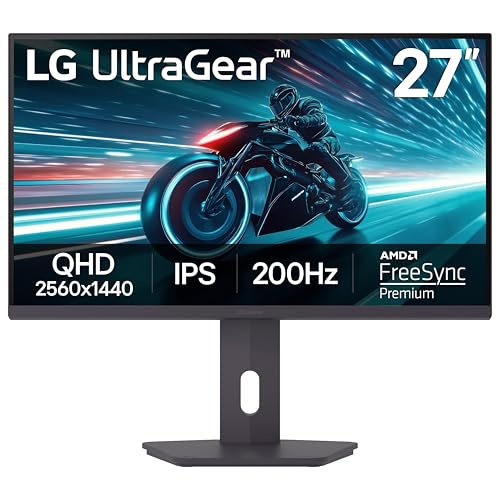
At this price you can expect a 27 inch panel, a refresh rate of 144Hz or higher, and a basic stand with only tilt adjustment. Many models use fast IPS technology, which gives good colors and viewing angles. Premium touches such as USB-C charging, KVM switches and high brightness HDR usually sit above the budget.
Think of the price as buying the core experience: sharper text, a fast screen and sensible adaptive sync. Anything beyond that should be treated as a bonus rather than an expectation.
Where Budget Monitors Cut Corners
The most common cuts are the stand, the build and the quality control. Stands are often fixed-height or tilt only, so plan on stacking a book or buying an arm. Plastic bezels and thin backs are normal and not a reliability problem on their own.
Quality control varies more at this price. Backlight bleed, a slightly tinted white point and a few stuck pixels show up more often than on premium models. Buying from a seller with an easy return policy is the best protection.
Refresh Rate and Panel Speed on a Budget
A 144Hz or 165Hz screen is the sweet spot, because the jump from 60Hz is large and obvious. Models that advertise very high rates, such as 240Hz or above, can look attractive on paper, but your graphics card needs to supply the frames to benefit.
Response time figures are measured in different ways, so treat them as a rough guide. Buyer feedback about smearing in fast games tells you more than a single number. If you mostly work or play slower games, response time matters less than color and brightness.
IPS, VA or Something Else at This Price
Fast IPS is the safe pick: strong colors, wide viewing angles and clear text. VA panels often cost less for a given size and offer deeper blacks, which suits dark rooms and movies, though motion can look smeary on slower models. Curved VA screens are common at this price and are a matter of taste.
OLED screens rarely reach this budget. If you see one at a surprisingly low price, read the listing carefully, since lower-cost panels may trade away brightness or longevity.
Size and Resolution Trade-Offs
A 24 to 25 inch 1440p screen is sharper but smaller, and suits a tight desk or competitive play. A 27 inch panel is the all-rounder and the most common choice. A 31 to 32 inch panel stretches the pixels farther, so text looks softer unless you sit back.
If you split your time between work and play, 27 inches is the safest default. Choose the smaller size if you sit close, and the larger one only if you have a deep desk.
Connectivity and Extras Worth Checking
- DisplayPort for the highest refresh rates on a PC.
- An HDMI port that supports your console if you plan to share the screen.
- VESA holes so you can upgrade the stand later with an arm.
- A headphone jack, since built-in speakers on budget models are thin.
Skip paying extra for RGB lighting or marketing-heavy HDR labels. They add little at this price.
How to Avoid a Bad Budget Purchase
Choose brands and sellers with a visible return policy, compare several listings side by side, and read buyer comments about the weakest points of each model. Check that the model number in the listing matches the one buyers discuss, because similar monitors with minor differences are sold under near-identical titles.
Open the box soon after delivery, run a full-white and a full-black image to look for bleed and dead pixels, and return the monitor quickly if anything looks off.
Who Should Stretch the Budget and Who Should Not
If your desk setup is already settled and you mostly play esports or browse and work, the best 1440p monitors under 200 dollars are good enough, and extra spending buys polish rather than a different experience. Spend more only if you need a height-adjustable stand, USB-C charging or strong HDR, since those are the features a cheaper model almost never includes.
If you edit photos, a wider-gamut or factory-calibrated screen is a smarter use of extra money than a higher refresh rate. If you play single-player games on a mid-range card, a slower, sharper panel with better contrast can also make the picture feel more expensive than the price suggests.
First Checks When the Monitor Arrives
Connect the screen with the cable provided and set the refresh rate in your display settings, since many monitors default to 60Hz. Display a full white and then a full black image in a dim room, and look for bright corners, uneven backlight and stuck pixels. A small amount of glow at the edges of a dark screen is normal on IPS, but heavy patches are a reason to return the unit.
Switch between the picture presets and pick the one that looks neutral, then reduce brightness to a comfortable level for your room. Many budget monitors ship with a very bright preset that causes eye fatigue during long sessions.
You may also find our guides to best monitors under 200 and best pc monitors under 200 useful.
Frequently Asked Questions
Is 1440p worth it on a budget?
Yes, if your graphics card can handle it. The jump in sharpness over 1080p is clear, and the price gap is smaller than it used to be.
Should I choose 144Hz or a higher refresh rate?
144Hz to 180Hz covers most buyers. Higher rates only help when your graphics card can supply the frames and your games benefit from them.
Are cheap 1440p monitors reliable?
Most work well, but quality control varies more than on premium models. Buy from a seller with an easy return policy and check the screen right away.
Do I need adaptive sync?
It is useful for gaming, since it removes tearing when frame rates change. Most monitors at this price include FreeSync, and many work with NVIDIA cards as well.
Final Thoughts on the Best 1440p Monitors under 200
The best 1440p monitors under 200 dollars deliver a sharp, fast screen with a plain stand and a few compromises elsewhere. Decide which compromises you can accept, compare buyer feedback, and use the table above to check current prices. Prices and availability can change, so check the product page before ordering.


