
Best 2nd Monitors for 2026: Portable, Desktop and Laptop Companion Screens
Disclosure: We may earn a commission when you buy through links on this page, at no extra cost to you. As an Amazon Associate I earn from qualifying purchases. Learn more

A second screen doubles your workspace, so the best 2nd monitors are judged by portability, cables, size and how well they sit beside your main display.
A second screen is the cheapest productivity upgrade most people can make. Put email or chat on one screen and your work on the other, keep a reference document open beside a draft, or stream a video while you work. The best 2nd monitors are chosen for how they work with your main screen: size, resolution, cables and how easily they set up.
This guide covers the two main routes, a portable monitor and a second desktop monitor. It explains which suits a laptop, how to power and connect the screen, what size and resolution to choose and how to arrange the screens for comfort.

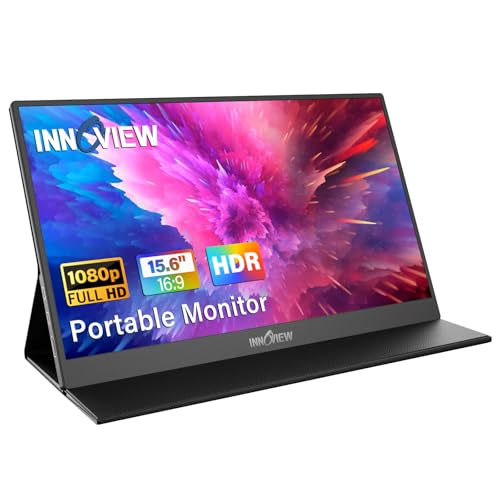

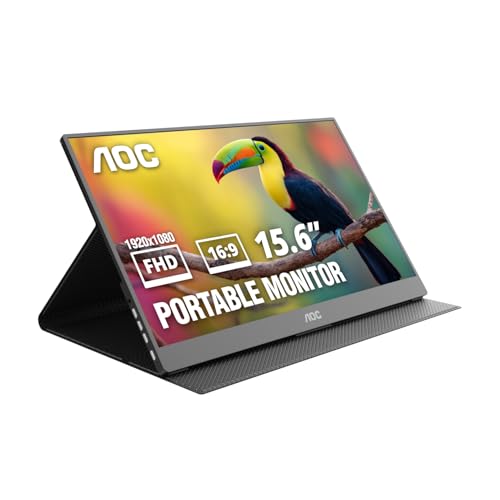
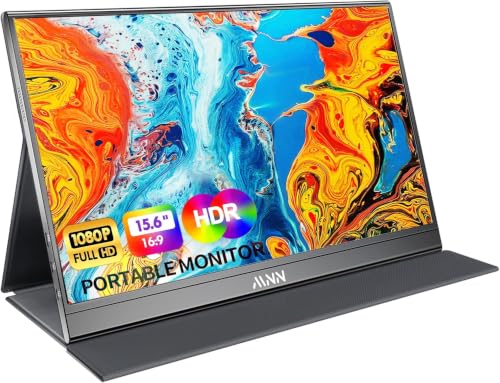
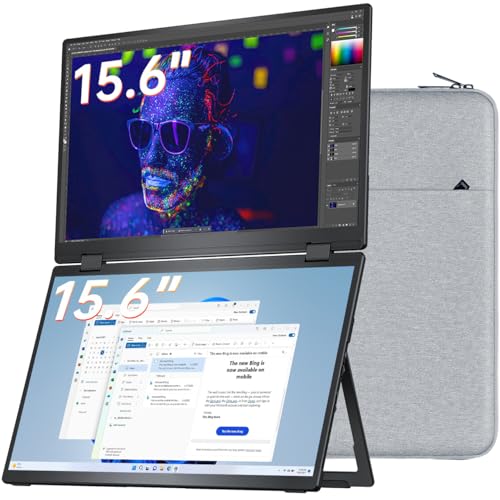
Portable or Desktop
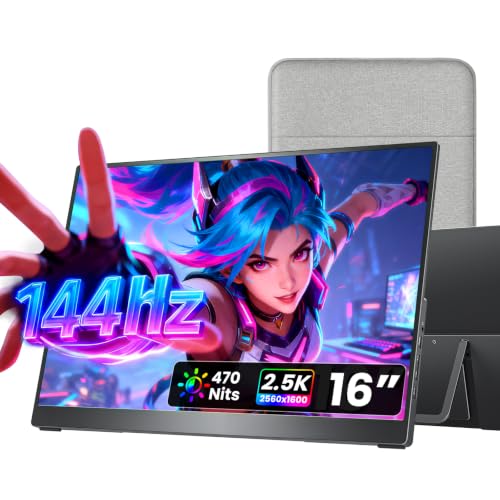
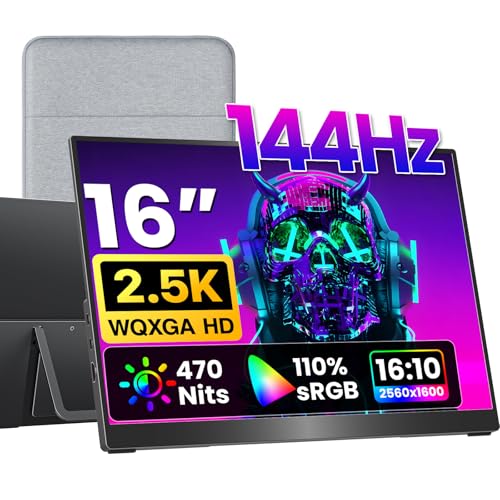
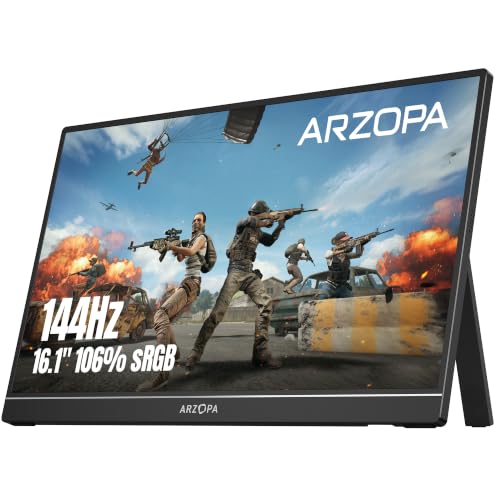
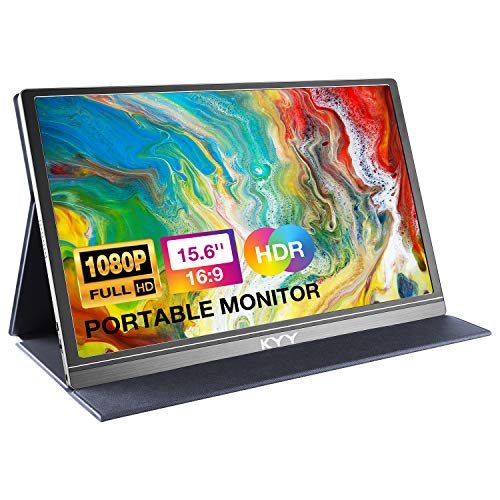
A portable monitor is thin and light, usually 14 to 16 inches, and connects with one USB-C cable. It travels with a laptop and fits on a small desk. A second desktop monitor is larger, usually 24 to 27 inches, and sits on a stand or arm. It suits a fixed desk and offers a bigger picture.
If you work from several places or need a screen for travel, a portable monitor is the right choice. If you have a permanent desk and want the most room, a desktop monitor is better. Our guide to the PC monitors for gaming page gives ideas for larger screens, and the quality monitors page covers general picks.
Size and Resolution
For a portable screen, 15.6 inches at full HD is the standard, with sharper 2.5K and 4K models at higher prices. Higher resolution gives crisper text, though a small screen is usually fine at full HD. A touchscreen option adds convenience for tablets and notes.
For a desktop second screen, 24 inches at 1080p or 1440p matches many main monitors. Try to match the height and, if possible, the resolution so that windows move across smoothly. Mismatched sizes work, but the cursor will jump at the edges.
Cables and Power
Most portable monitors use USB-C for video and power. Check that your laptop's USB-C port supports video output. A screen that draws power from the laptop can reduce battery life, so look for a second USB-C input to plug in a charger. Mini HDMI and a standard HDMI adapter work with older laptops and consoles.
A desktop screen uses HDMI or DisplayPort and a separate power cable. If your computer has only one video output, you may need a docking station or an adapter.
Stands and Arrangement
Portable screens often include a folding cover that doubles as a stand. Check that it holds the screen steadily at your preferred angle, and that you can use it in portrait mode for documents. For desktop monitors, a dual arm frees desk space and lets you align the edges exactly.
Place the main screen directly in front of you and the second to the side. Keep the tops at the same height. If you use both screens equally, center the gap between them in front of you and angle them slightly inward.
Brightness and Color
A bright screen is helpful near a window. Color coverage matters if you edit photos, though a second screen is often used for reference. Check that the screen has an anti-glare or matte finish if you work in a bright room. If you need to match colors with your main monitor, calibrate both.
Software Setup
Windows and macOS detect the second screen automatically. Open the display settings to choose extend mode, set the arrangement to match the physical layout and pick a scale for each screen. Set the primary display, and decide which screen shows the taskbar or menu bar.
Mistakes to Avoid
- Plugging a portable screen into a laptop port that cannot output video.
- Forgetting a second power source and draining the battery.
- Choosing a screen with a flimsy stand.
- Mixing very different heights and resolutions without adjusting scale.
- Placing the second screen at the wrong angle and straining your neck.
Matching the Second Screen to Your Work
Writers and analysts want a screen that can show a full document beside the main window, so a portrait capable stand and a sharp resolution matter. Designers want similar color to their main display, so choose a model with good coverage and calibrate both. Traders and coders like a larger second screen on an arm for lots of windows. Remote workers on video calls like a screen for the call and another for notes.
If you only need a spare screen for occasional use, a basic portable monitor keeps cost and desk space low. If the screen will be on for eight hours a day, invest in a better stand, a matte panel and a size that matches your main display.
Using Two Screens Without Strain
Position both screens so that the edges meet near the center of your view, and use the main screen for the task you look at most. Tilt each screen slightly inward so you do not twist your neck. Match brightness so that your eyes do not adjust every time you glance across.
Use virtual desktops and window snapping to organize your layout, and keep the second screen for secondary tasks such as chat and reference. A tidy cable setup and a stand or arm keep the desk clean, and a short break every half hour keeps your eyes comfortable.
Frequently Asked Questions
Can I use a portable monitor with any laptop?
Only if the laptop supports video through USB-C or has an HDMI port. Check your laptop's specifications.
Do I need the same size screen?
No, but matching height and resolution makes the setup more comfortable.
Does a portable monitor drain the battery?
Yes, if it runs from the laptop's power. Connect a charger to the monitor if it has a second USB-C port.
Is a touchscreen worth it?
For tablets and notes, yes. For most work a normal screen is enough.
Final Thoughts
The best 2nd monitors match your workspace: portable for travel and tight desks, desktop for a fixed setup. Check the cable and power arrangement, pick a resolution that works with your main screen and arrange both at a comfortable height.
Prices and availability can change, so check the product page before ordering.


