
Best 32 Inch Curved Monitors for 2026: Curve Radius, VA Panels and Desk Fit
Disclosure: We may earn a commission when you buy through links on this page, at no extra cost to you. As an Amazon Associate I earn from qualifying purchases. Learn more

The best 32 inch curved monitors explained: what a 1000R or 1500R curve changes, why most use VA panels and how to check the fit before you buy.
A curved monitor bends gently toward you so the edges of the screen sit closer to your eyes. At 32 inches the effect is pleasant: the picture feels wider and more immersive, and you move your eyes less to see the corners. The best 32 inch curved monitors are mostly gaming screens, but the curve also suits movies and general use, and the product table lists current models at a range of prices.
This guide explains what the curve numbers mean, which panel type goes with a curve, when a curve helps and when a flat screen is the smarter choice.
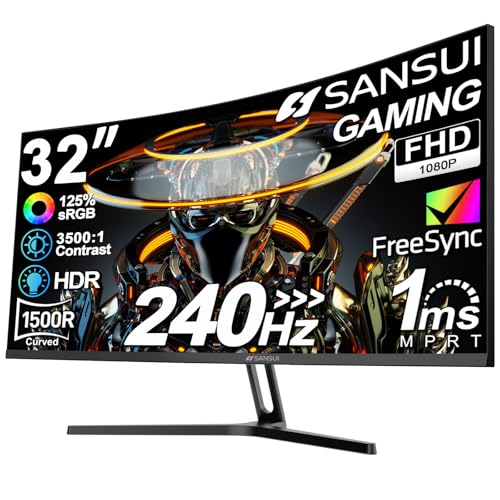


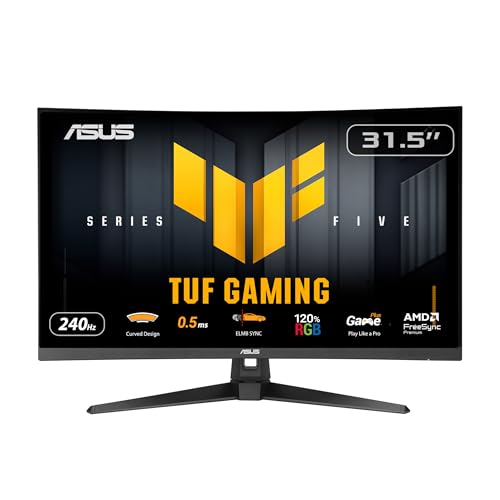

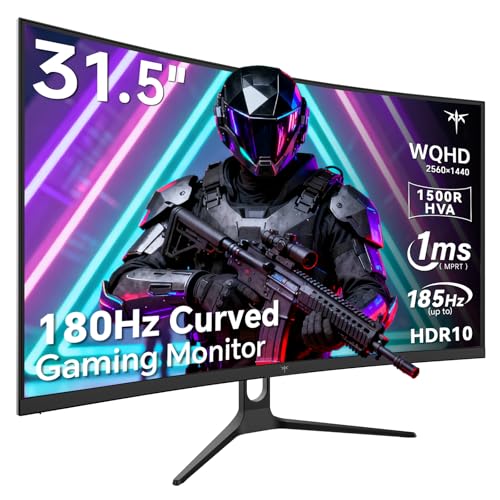

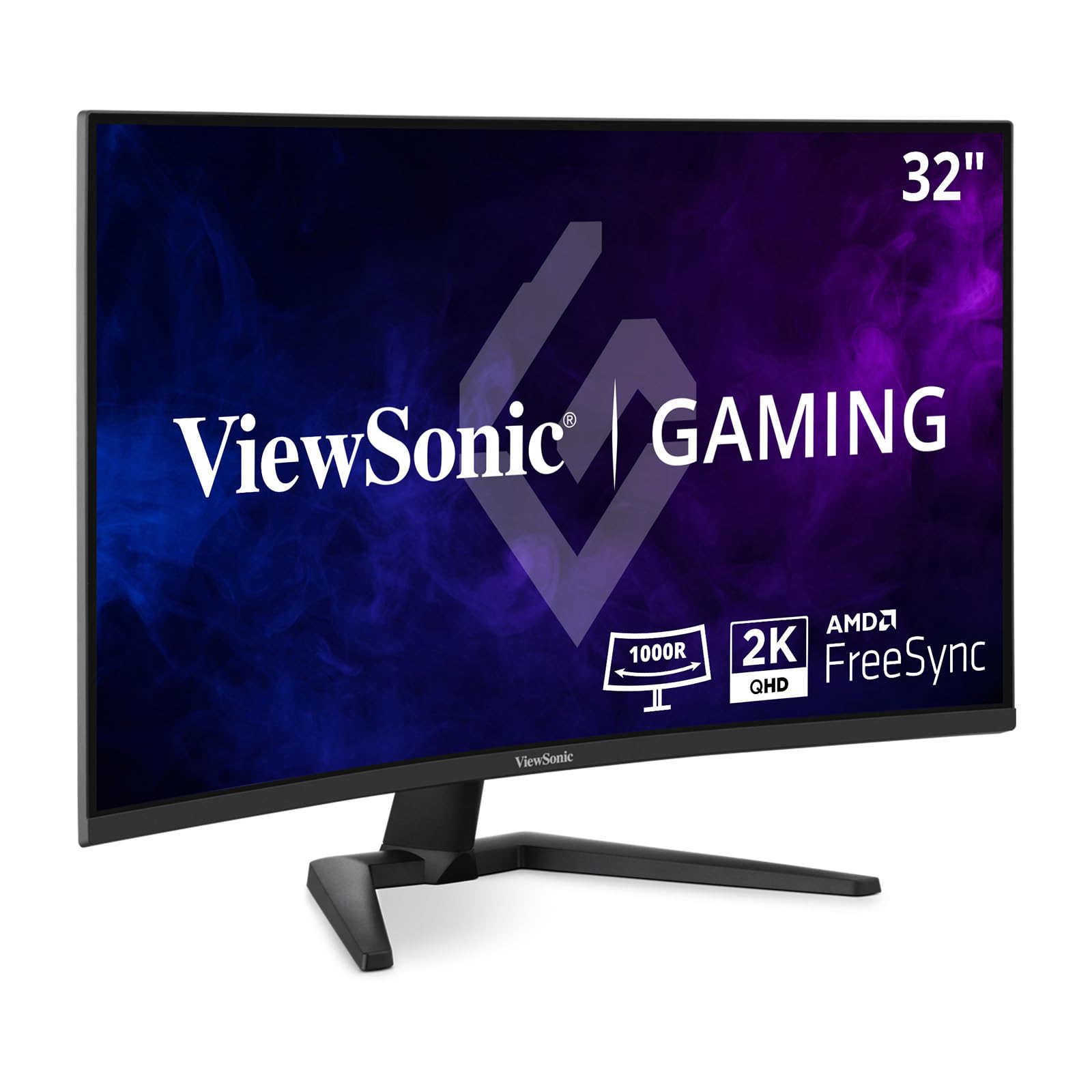

What the curve numbers mean
Curvature is given as a radius, such as 1000R or 1500R. The number is the radius of the circle in millimeters, so 1000R means the screen follows a circle with a radius of one meter. A smaller number is a tighter curve. A 1000R screen wraps strongly and is designed for a viewing distance of about a meter, while a 1500R screen is subtler and suits desks with a farther seating position.
- 1000R: strong curve, very immersive for games and racing
- 1500R: moderate curve that works for mixed use
- 1800R and above: a mild curve that mostly looks stylish
- Flat: no distortion for design and drawing
At a typical desk distance, a 1500R curve is comfortable for most people. A strong curve can feel too much if your screen sits very close or you share the view with others.
Why many curved screens use VA panels
VA panels bend easily and give strong contrast, which makes dark scenes in games and movies look deep. They are cheaper than IPS at the same size, which is why most curved 32 inch screens use them. The trade-off is narrower viewing angles and slower response in dark transitions, which can show as smearing. Many modern VA gaming screens manage this well. Check buyer comments on motion clarity if you play fast shooters.
When a curve helps
A curve helps when you sit centered in front of the screen and the screen is large for your desk. It reduces the distance from the edge to your eyes, which lessens the need to turn your head and makes the picture feel like it surrounds you. For racing, flight and open-world games the effect is strong. For movies it adds a cinematic feel.
It helps less when you share the screen with other people, because the curve favors one seat. It also bothers some people who edit designs with straight lines, since lines near the edge look bent. For those users, a flat screen is better. See our monitors for work page for flat options.
Choosing among the best 32 inch curved monitors
Resolution
Full HD at 32 inch looks soft, so QHD is the common sweet spot, and 4K is the sharpest. Many curved models offer QHD at high refresh rates, which suits gaming. Our 4K 32 inch guide covers sharper screens, and a few curved 4K models exist.
Refresh rate and sync
A 144 Hz to 240 Hz range is common. Adaptive sync (FreeSync or G-Sync compatible) reduces tearing. Choose a rate that your graphics card can keep up with.
Stand and mounting
A curved screen needs more depth on the desk, and many stands are wide. Check the stand footprint, and if you want an arm, check that the VESA holes are accessible. A curved panel on a wall mount sits further from the wall at the edges, which needs a thicker mount gap.
Glare
A curved glass can reflect lights from the side. Choose a matte coating and avoid placing the screen opposite a window.
Desk fit and viewing distance
A 32 inch curved screen is about 28 inches wide, and the stand adds depth. Make sure the desk is at least 24 inches deep, and sit about an arm's length to a meter away. If you push the screen to the back of a shallow desk, the curve loses its benefit and the screen can feel large and distant.
Setup tips
- Center the screen in front of you and adjust the height
- Sit at the distance recommended for the curve
- Keep side lights away from the glass
- Update your graphics driver and enable adaptive sync
- Use the maker's color presets before changing settings
If you use two curved screens side by side, angle them to form an arc, and keep them at the same height.
Games and movies on a curve
Racing, flight and open-world games make the best case for a curve, because the edges of the view feel close to you. Shooters work well too, though a very tight curve can make straight lines at the edge look bent. Movies gain a slight cinematic feel, especially on VA panels with deep blacks. For watching with someone else, a curve favors the seat in the middle, so a flat screen is more social.
If your desk is shared with a laptop or a second screen, think about how the curve interacts with the other devices. A curved screen next to a flat one can look odd, and the viewing angles differ. Some people tilt the second screen to form a gentle arc.
Care and cleaning
A curved screen is cleaned like any other. Turn it off, use a dry microfiber cloth and wipe in one direction. Avoid spraying liquid on the glass, and never press hard on the curved surface. Dust the stand and the vents, and keep the screen out of strong direct sunlight, since heat can affect the coating over time.
Alternatives
If you want an even wider view, ultrawide curved monitors such as the 27 inch curved models or larger 34 inch screens offer a different shape. If you want sharp text, a flat 4K screen may serve better. A curved 32 inch is a gaming-friendly middle path.
FAQ
Is a curved monitor better than a flat one?
For immersion, often yes. For design work and shared screens, a flat one is better.
Does the curve hurt your eyes?
No, many people find it more comfortable, but it is a matter of taste.
Can I wall mount a curved monitor?
Yes, with VESA holes, but allow extra space for the curve.
What curve should I choose?
1500R is a safe choice for most desks.
Final thoughts
The best 32 inch curved monitors give an immersive view at a sensible size. Pick a curve that suits your desk, choose a panel type you like, check the stand and compare the models in the product table. For a wider look, read best 32 inch monitors.
Prices and availability can change, so check the product page before ordering.


