
Best 32 Inch 4K Monitors for 2026: Sharp Text, Color and Connectivity
Disclosure: We may earn a commission when you buy through links on this page, at no extra cost to you. As an Amazon Associate I earn from qualifying purchases. Learn more

The best 32 inch 4k monitors suit spreadsheets, photo work and streaming alike. See how scaling, USB-C and panel type decide which one is right for you.
A 32 inch 4K screen packs a huge, crisp desktop into one panel. The best 32 inch 4k monitors are popular with people who read and write all day, edit photos or video, work with large spreadsheets or simply like a sharp picture. Most run at 60 Hz and cost much less than 4K gaming screens, and the product table lists current models for office, creative and home use.
This guide explains how to get comfortable text on a high density screen, which panel type fits your work, how USB-C docking can simplify a desk and what to check before you buy.

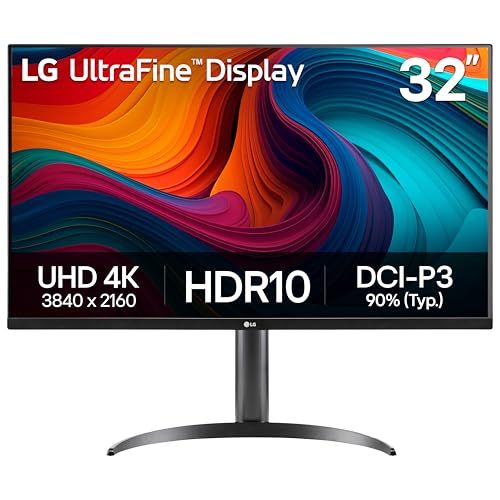
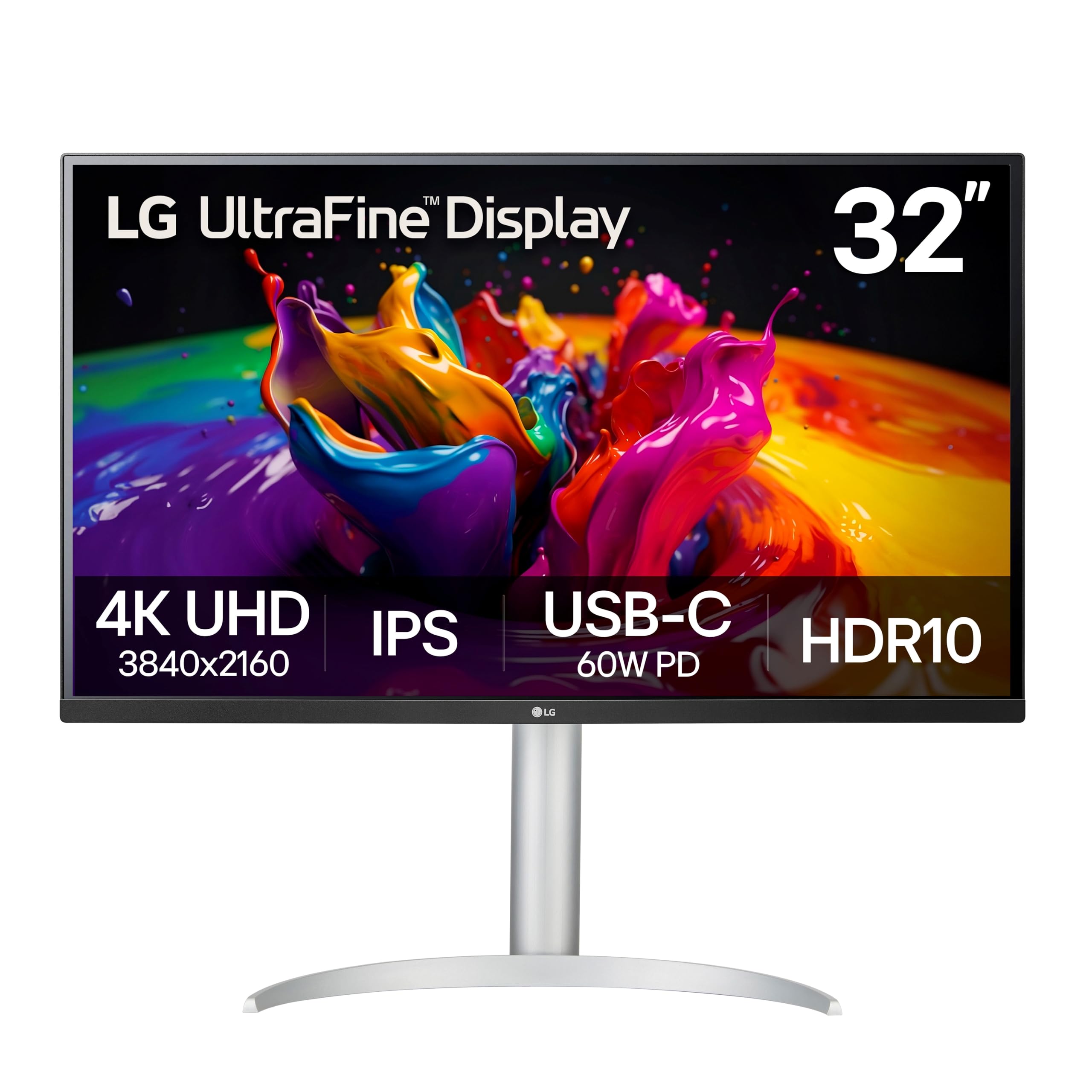


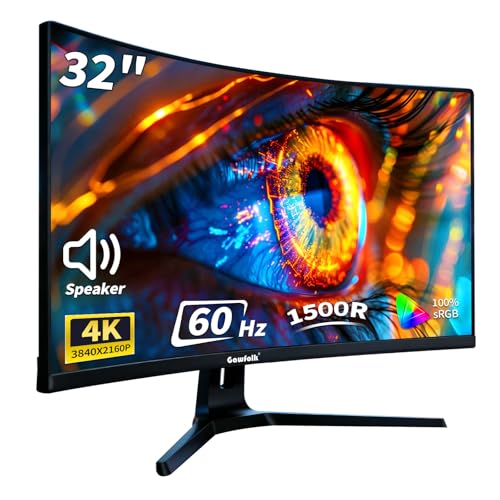

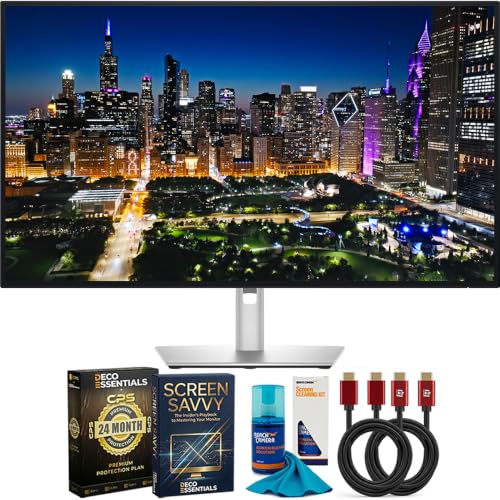
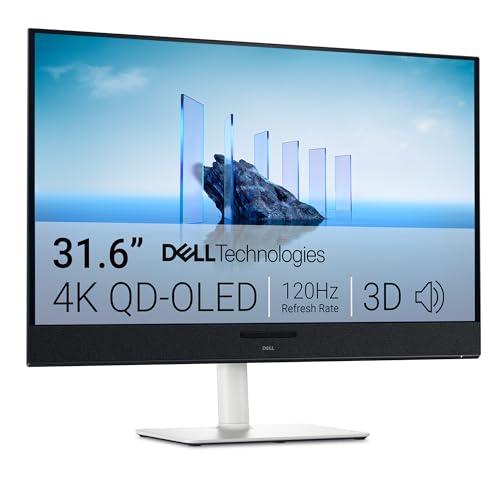

What 4K gives you at 32 inches
At 3840 by 2160 pixels on a 32 inch diagonal, the screen has about 138 pixels per inch. Text looks smooth, photos show fine detail and video looks lifelike. At 100 percent scaling, everything is small, so most people use 125 or 150 percent, which gives crisp text at a comfortable size. The screen is equal to four Full HD displays, which means a lot of room for windows and timelines.
If you need to see more on a single screen, 4K at 32 inch works as well as a pair of smaller monitors, without the bezel gap in the middle. Our guide to 27 inch 4K monitors covers a smaller alternative with an even sharper picture.
Panel types and who they suit
- IPS: accurate color and wide viewing angles, the usual choice for photo and design work
- VA: high contrast and a lower price, good for movies and general use
- OLED: extremely rich color and contrast, a premium choice with extra care for static images
- Mini LED: bright and strong in HDR, found on a few high-end models
For office work, a flat IPS screen with a matte coating is the quiet, comfortable choice. For movies and streaming, a VA or OLED panel adds depth. If you share the screen with others at a desk or a table, wide viewing angles matter more than contrast.
Scaling, text and operating systems
Windows and macOS both handle 4K well, but scaling decisions matter. On Windows, 150 percent scaling gives a 2560 by 1440 workspace with the sharpness of 4K, while 125 percent gives more room. Some older programs look blurry at fractional scaling, so check your key tools. macOS handles scaling more smoothly, and many Mac users prefer 4K at 32 inch for its sharp text. Read how buyers describe text clarity, since subpixel layout and coatings can change how text feels.
How to choose the best 32 inch 4k monitors
Connectivity
USB-C with power delivery lets a laptop send video, data and charge over one cable, which cleans up a desk. Look for a monitor with a USB hub and a KVM switch if you move between two computers. HDMI and DisplayPort work for desktops. Note that some budget monitors have only HDMI 2.0 at 60 Hz.
Color accuracy
If you edit photos or video, look for good sRGB coverage and, ideally, a wider gamut and factory calibration. For general use, basic coverage is fine. Look at independent measurements when color accuracy matters.
Brightness and HDR
Typical monitors reach enough brightness for indoor use. HDR labels on entry screens add little. If you want a real HDR experience, look for local dimming or OLED and read buyer comments.
Ergonomics
At 32 inch, height adjustment and tilt are important. A stand that rotates and pivots is a bonus, and VESA holes allow a monitor arm. Check the stand footprint, since some are wide.
Speakers, webcams and extras
Built-in speakers are thin on most monitors, so plan to use headphones or a small speaker. A few models include a webcam or a smart TV platform. These features add convenience but can add cost. Think about whether you want a smart monitor that streams video without a computer.
Setup checklist
- Use DisplayPort or USB-C for the full resolution at 60 Hz
- Set scaling to 125 or 150 percent in your display settings
- Choose a brightness that matches your room
- Turn on a low blue light mode in the evening
- Calibrate with a colorimeter if you do color-critical work
If you use a Mac, check that the monitor works at the native resolution without extra adapters.
Eye comfort for long days
A sharp screen is easier on the eyes only if the settings are right. Match the brightness to the room, avoid a screen that is far brighter than the wall behind it and use a warm color mode at night. Flicker-free backlights help sensitive users, and a matte coating reduces reflections from windows. Put the screen at arm's length or slightly farther, since a 32 inch screen is large and needs distance to feel comfortable. Take a short break every hour, and look at something far away for a moment.
Windows, Mac and Linux notes
Windows lets you set scaling per screen and handles mixed setups with a laptop screen, though some older programs blur. macOS is smooth with 4K at scaled settings. Linux desktops support fractional scaling but some versions need a setting change. If you use several operating systems, buy a monitor with a KVM switch and USB hub so that the keyboard and mouse follow the screen.
Cost and value
Plain 4K IPS monitors are priced reasonably, and USB-C docking models cost more. If you do not use a laptop, you can save money by skipping the dock and choosing a model with simple HDMI and DisplayPort. Pay for color accuracy only if you work with color. Pay for ergonomics if you sit at the screen all day, since a good stand is worth more than a few extra features.
Gaming on a work monitor
A 60 Hz 4K monitor can play games well in slower titles and with a fixed frame rate. Fast shooters benefit from a higher refresh rate. If you plan to do both, consider a 4K gaming monitor, or keep a second screen. Our 32 inch 4K gaming monitors guide covers fast panels.
FAQ
Is 4K at 32 inch too sharp?
Not with scaling. It gives crisp text and comfortable sizes at 125 to 150 percent.
Do I need a powerful computer?
A modern laptop or desktop with a recent integrated or dedicated graphics chip handles 4K desktop work easily.
Is 60 Hz enough?
For work and video, yes. For fast games, a higher rate helps.
Can a laptop drive it?
Most modern laptops can, via USB-C or HDMI.
Final thoughts
The best 32 inch 4k monitors are about sharp text and a large workspace. Choose a panel for your task, check scaling, ports and ergonomics, and compare the models in the product table. For more options, see our 32 inch monitor guide.
Prices and availability can change, so check the product page before ordering.


