
Best 27 Inch 1440p Monitors of 2026: One Screen for Work, Media and Play
Disclosure: We may earn a commission when you buy through links on this page, at no extra cost to you. As an Amazon Associate I earn from qualifying purchases. Learn more

Mixed use is where the best 27 inch 1440p monitors shine: sharper text than 1080p, room for two windows side by side and no heavy graphics demand.
Most people who buy a 27 inch monitor do not use it for a single job. In the morning it shows email and documents, at lunch it plays a video, and in the evening it runs a game or an editing program. A resolution of 2560 by 1440 suits that mix well, which is why the best 27 inch 1440p monitors are some of the most popular screens sold.
This guide is for buyers who want one screen to do a bit of everything. It explains what 1440p gives you over 1080p and 4K, which ports and ergonomic features are worth paying for, how color and brightness affect everyday use, and where you can save money without regretting it.

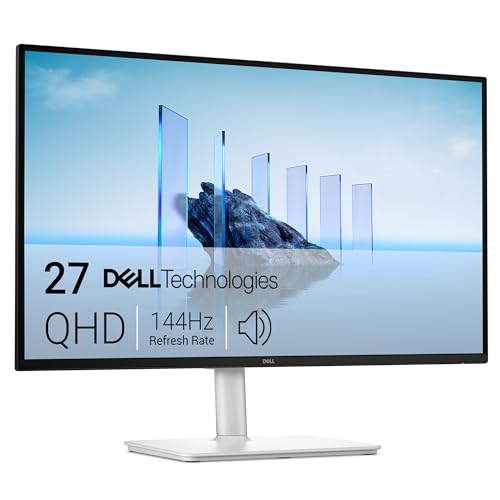
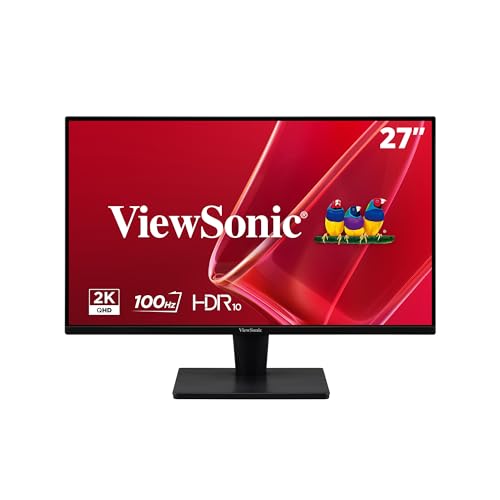

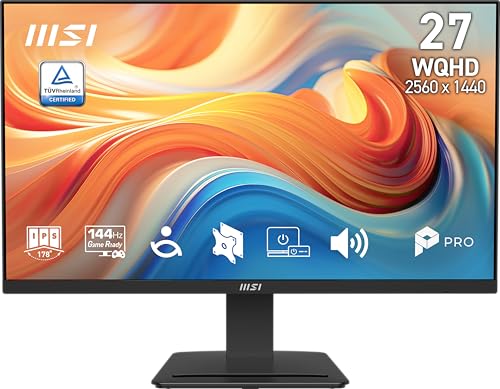
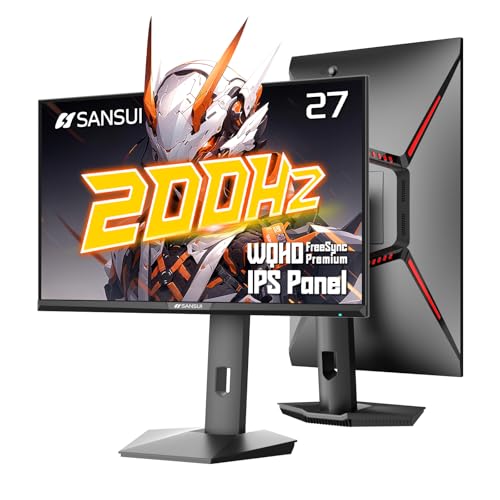

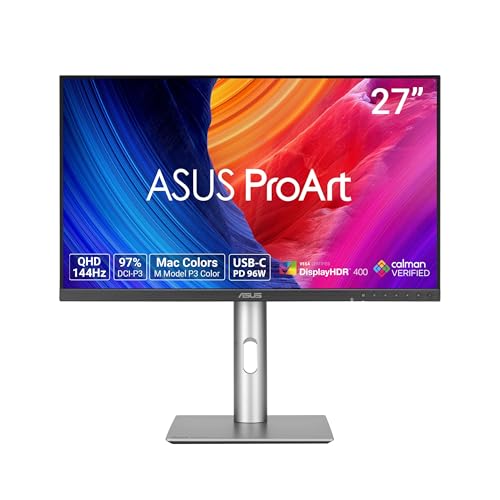
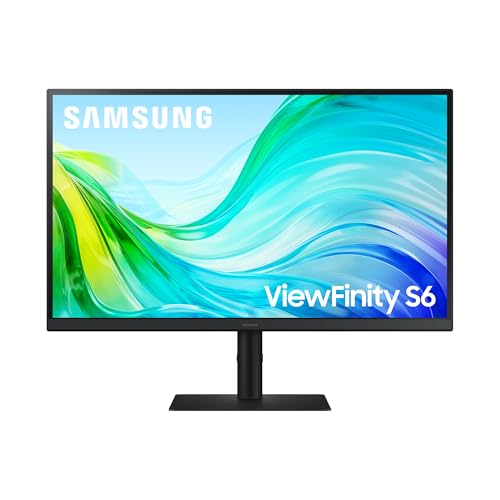
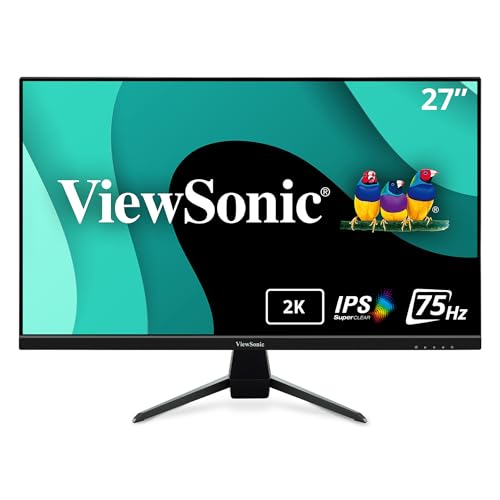
What 1440p Changes in Daily Use
Compared with a 1080p screen of the same size, 1440p shows about 78 percent more pixels. In practice that means text looks smoother, photos have more detail, and you can fit two documents side by side without squinting. On a 27 inch panel the pixel density is about 109 pixels per inch, high enough that text edges are crisp without needing to scale the interface.
That last point is the quiet advantage over 4K. At 27 inches, a 4K screen needs scaling to keep text readable, and some older programs handle scaling badly. A 1440p screen runs at 100 percent scale on Windows, so everything looks right immediately. Our page on 27 inch 4K monitors compares the two paths.
Ports That Make Life Easier
The most useful extra is a USB-C port that carries video and charges your laptop. One cable gives you picture and power, which tidies the desk and makes swapping between a laptop and a desktop painless. Check the power delivery rating, since a port that supplies a small number of watts cannot keep a powerful laptop charged.
A built in USB hub is the next useful addition. It lets you connect a keyboard, a mouse and a webcam to the monitor and share them between computers. For desktop only setups, HDMI and DisplayPort are all you need, and DisplayPort usually supports the top refresh rate.
Ergonomics Matter More Than Specs
Over a workday, a good stand is worth more than a faster panel. Look for height adjustment, tilt and, ideally, swivel and pivot. The top edge of the screen should sit at or just below eye level, and the screen should be about an arm's length away. If the stand lacks adjustment, a VESA mount on the back lets you fit a monitor arm, which also frees desk space.
A matte coating reduces reflections in a bright room, and a flicker free backlight with a low blue light option is gentler if you work long hours. These features are listed in the specifications and are worth reading.
Refresh Rate, Panel and Color
For office use, 60 or 75 hertz is plenty. If you also play games, a 100 to 144 hertz panel makes the cursor and scrolling feel smoother, even outside games. IPS panels offer wide viewing angles and balanced color, which suits shared screens. VA panels offer deeper contrast and are good for movies, though viewing angles are narrower.
Check sRGB coverage if you edit photos. A figure of 99 percent or more is typical on good screens, and it means web and photo colors look as intended. Professional color work needs more than a general purpose monitor, and our guide to 27 inch PC monitors is a better fit for a broader choice.
Where to Save Money
Skip HDR badges on lower priced screens, since they rarely deliver a visible benefit. Skip very high refresh rates if you do not game. Built in speakers are usually thin, so do not pay extra for them if you own headphones or a desk speaker.
Spend your budget on a good panel, a stand that adjusts, and the connection you need, then stop. Read the warranty terms and the dead pixel policy, because a screen is an item you use for years. For related options, see the 1440p gaming monitor page and the best 27 inch monitors overview.
Common Mistakes
- Paying for HDR or very high refresh rates that you will never use at a desk for office work.
- Choosing a stand with no height adjustment and then stacking books under the screen.
- Assuming any USB-C port charges a laptop: check the power delivery wattage first.
- Forgetting to check the dead pixel and return terms, which differ between sellers.
- Skipping the sRGB setting, which leaves colors too vivid on wide gamut panels.
Think of the first hour as a setup session. Choose the native resolution, set the scale to 100 percent, pick a standard color mode, lower the brightness until a white page does not glare, and test the stand height with your normal chair.
Frequently Asked Questions
Is 1440p enough for a 27 inch monitor?
Yes, it is the most balanced choice. Text is sharp, content is easy to read without scaling, and the graphics demand is moderate.
Should I get 4K instead?
Choose 4K if you edit photos or view detailed images and your computer can drive it. For everyday work and games, 1440p is simpler and costs less.
Do I need USB-C?
It is a convenience, not a requirement. If you use a laptop, a USB-C port that charges and carries video is a real time saver.
What refresh rate should I pick?
For office work 60 or 75 hertz is fine. If you play games, choose 144 hertz or more.
Is a curved screen better for work?
Curves help immersion in games and films but do not help most office tasks. A flat 27 inch panel is easier to line up with other windows and mounts.
Can I use two of them side by side?
Yes. At this size two screens fit on most desks, and thin bezels keep the gap small. Use a dual monitor arm to align the edges.
Final Thoughts
The best 27 inch 1440p monitors are those that fit your whole day: sharp text, a decent stand, the ports you use and a refresh rate that suits your games. Put your money into the panel and ergonomics, ignore marketing badges, and check the warranty before you buy.
Prices and availability can change, so check the product page before ordering.


