
Best 32 Inch Flat Screen TVs for 2026: Stands, Wall Mounts and Small Room Fit
Disclosure: We may earn a commission when you buy through links on this page, at no extra cost to you. As an Amazon Associate I earn from qualifying purchases. Learn more

Best 32 inch flat screen tvs for small rooms: learn how stand feet, depth and VESA mounts decide fit, and how smart and non smart sets differ.
Flat screens are the only kind of TV sold today, so the label really describes the shape of the room you are fitting one into. A 32 inch set suits bedrooms, kitchens, dorm rooms and offices, and its small footprint is the main reason people choose it. The best 32 inch flat screen tvs in the product table include smart models with built-in streaming and a few simple non smart sets.
This guide focuses on the physical side of the purchase: how wide and deep the set is, how the stand works, how to wall mount it and which ports and features matter in a small space.
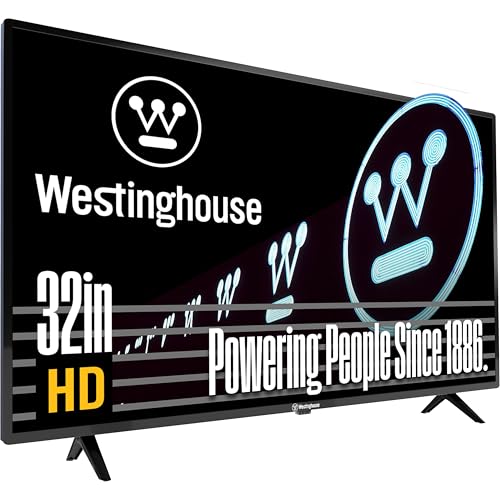

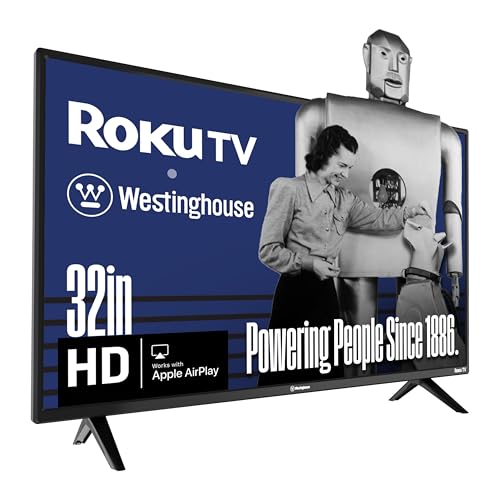
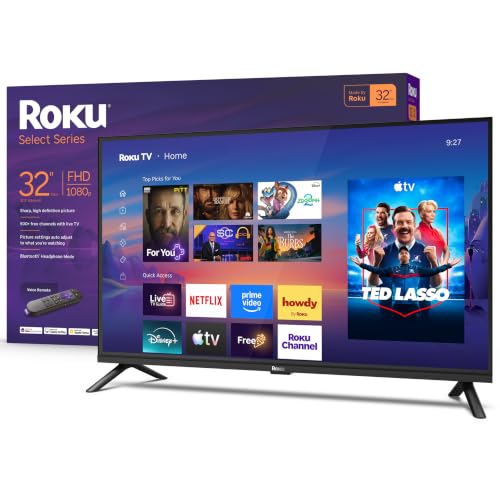


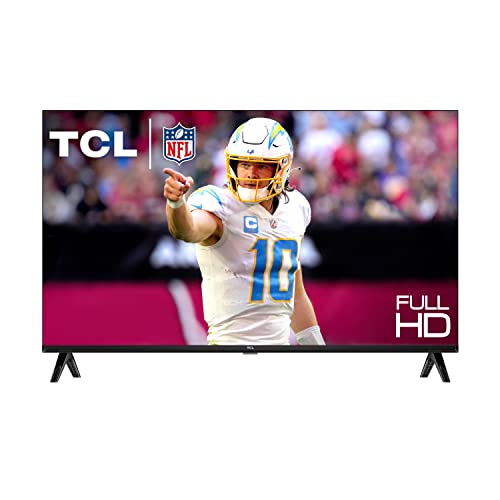
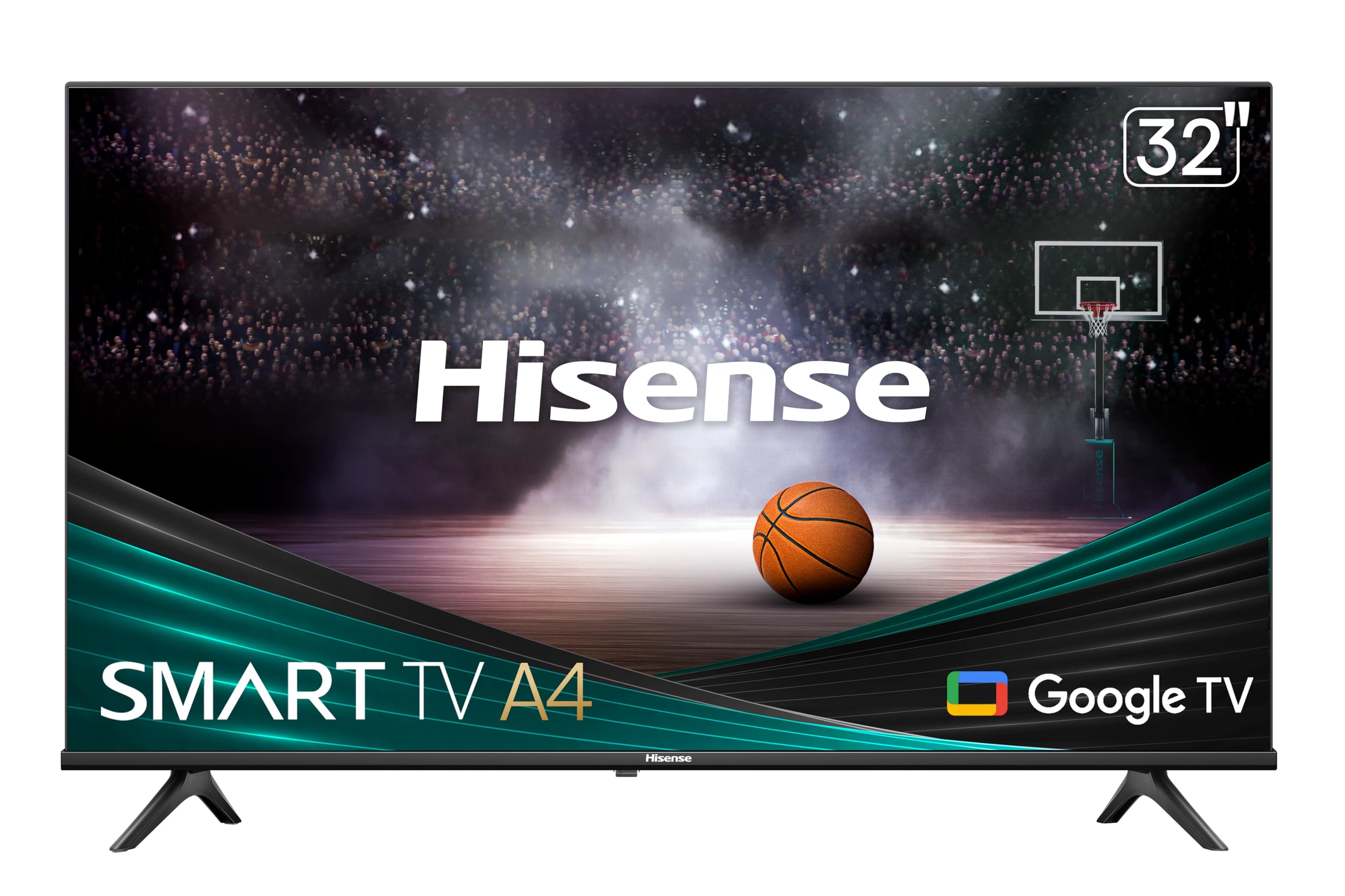
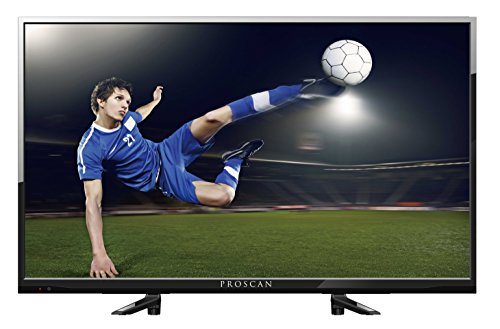
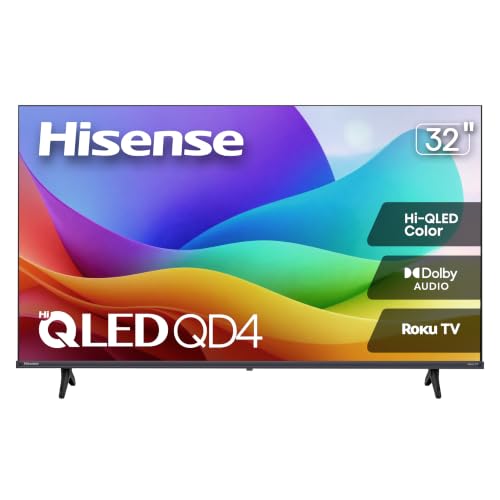
What the dimensions look like
A 32 inch TV measures about 28 inches wide and 16 inches tall for the screen, and the frame adds an inch or two. With the stand, the height rises by a few inches. Depth varies, from a slim few inches at the panel to a deeper base with the stand. Most 32 inch sets are light, so a small shelf, a dresser or a wall bracket can hold one.
- Width: usually 28 to 30 inches including the frame
- Height: about 17 inches without the stand and 19 to 20 with it
- Depth: a few inches for the panel, plus the stand's footprint
- Weight: light enough to move and mount easily
Always read the listing's dimensions with and without the stand, because some designs use feet at the far edges that need a wide shelf.
Stand design and shelf fit
Two kinds of stands are common. A center pedestal takes up less width and fits a narrow shelf. Edge feet spread out to the corners, which is stable but needs a shelf about as wide as the screen. Measure your furniture and compare it with the stand width in the listing. If the shelf is too narrow, a wall mount solves the problem.
Wall mounting basics
Most small TVs have four screw holes on the back in a standard pattern called VESA. The spacing differs between models, so check the listing. Buy a mount that matches both the pattern and the weight. A fixed mount keeps the TV flat to the wall, a tilting mount helps with glare and a swing arm suits corners and kitchens.
- Find the VESA pattern and the weight in the listing
- Choose a mount rated above the TV weight
- Locate a stud, or use anchors rated for the load
- Mount at a height where your eyes meet the center of the screen
- Run the cables through a cable cover and leave slack
If you are renting, check your lease and consider a stand or a TV cart instead of drilling into walls.
Smart or non smart?
A smart TV has streaming apps built in, and a Wi-Fi connection gives you video services without extra devices. A non smart set only shows what you plug in, which can be fine if you use a streaming stick, a cable box or a game console. Non smart sets are less common and often have no recent software to maintain. For more on that, see our 32 inch smart TV guide.
Picking among the best 32 inch flat screen tvs
Resolution
32 inch sets come in HD (720p) and Full HD (1080p). At normal viewing distances, Full HD looks sharper for text and menus, while HD is fine for casual viewing at a distance. 4K is rare at this size and adds little.
Ports
Look for at least two HDMI ports, a USB port and an optical or headphone output if you want better sound. An HDMI port marked ARC supports a soundbar.
Sound
Small TVs have thin speakers, so dialogue can be weak. A small soundbar or desk speakers improve it for little money.
Remote and menus
Simple menus matter in a bedroom or guest room. Check whether the remote has voice search and direct buttons for apps you use.
Placement tips
Place the TV at eye level when you sit, which for a bed is higher than for a sofa. Avoid placing it opposite a window. Keep a few inches of space behind for ventilation. If the TV sits in a kitchen, keep it away from steam and splashes, and use a swing arm so that you can turn it toward the cooking area.
Cables and cable management
A small TV still needs power, an HDMI cable for each device and sometimes an antenna or an optical cable. Plan the cables before you mount the set, because moving them later is a chore. Use short HDMI cables to avoid clutter, label each end and leave a little slack so that the TV can tilt or swing. A cable cover on the wall hides the lines, and a power strip with a switch makes it easy to cut all standby power at once.
If you place the TV on a dresser, a few adhesive clips on the back of the furniture keep the cables tidy. In a kitchen, keep power cords away from sinks and hot surfaces, and use a surge protector.
Using a flat screen in the kitchen or bedroom
In a kitchen, choose a matte or bright screen that copes with window light, and use a swing arm so that the screen can face the cooking area. Wipe the screen gently, because grease builds up on a kitchen TV. In a bedroom, look for a sleep timer and a dimmable backlight, and mount the TV at eye level from the bed, which is lower than for a sofa. Check that the sound is clear at low volume, since speech in small rooms matters more than bass.
FAQ
Do flat screen TVs need a special stand?
They come with their own stand or feet, and you can replace it with a mount.
What is the best height to mount a TV?
Aim for the center of the screen at eye level when seated.
Will a 32 inch TV fit on a dresser?
Check the width of the stand. Most do.
Can I use it as a computer monitor?
Yes, over HDMI, though a monitor may give sharper text. See also flat screen TVs for other sizes.
Final thoughts
The best 32 inch flat screen tvs should fit your furniture or your wall, and then your budget. Measure the space, check the stand and VESA details, choose a resolution and a platform you like and compare the sets in the product table.
Prices and availability can change, so check the product page before ordering.


