
Best 24 Inch Monitors for Dual Setup in 2026: Matching Pairs That Line Up
Disclosure: We may earn a commission when you buy through links on this page, at no extra cost to you. As an Amazon Associate I earn from qualifying purchases. Learn more

Best 24 inch monitors for dual setup should match in color and height and keep bezels thin. Compare pairs, stands and ports for two screens.
Two monitors turn a cramped desk into a workspace: a document on one screen, research or chat on the other, a video call in the corner without covering your work. The best 24 inch monitors for dual setup are the ones that look and behave alike, with thin bezels so the gap between them stays small and matching color so the seam disappears.
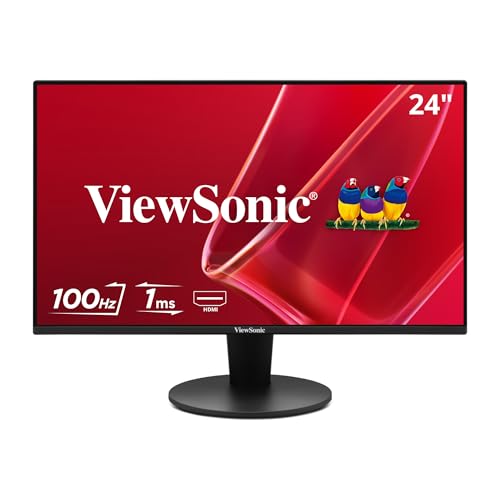
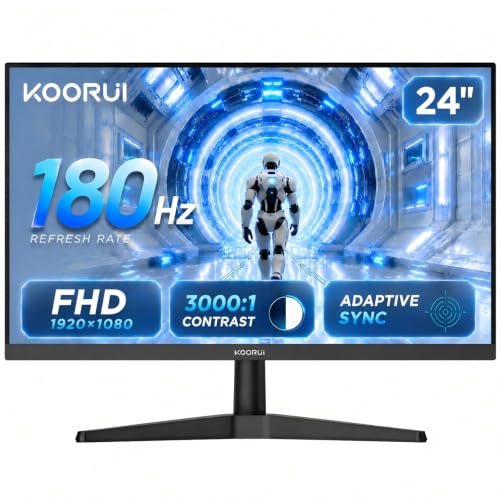
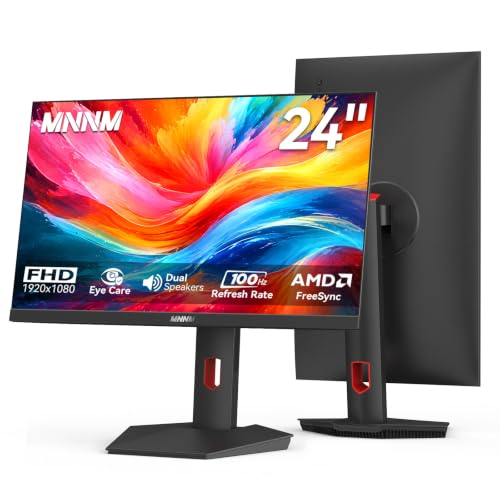
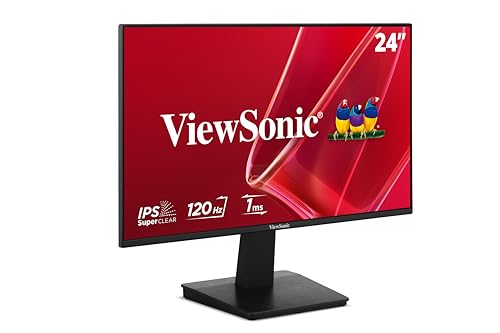
The product table lists 24-inch models that suit a pair, including a factory two-pack and several IPS and VA monitors with slim borders. The sections below explain what to match, how to mount them and which connections you need.



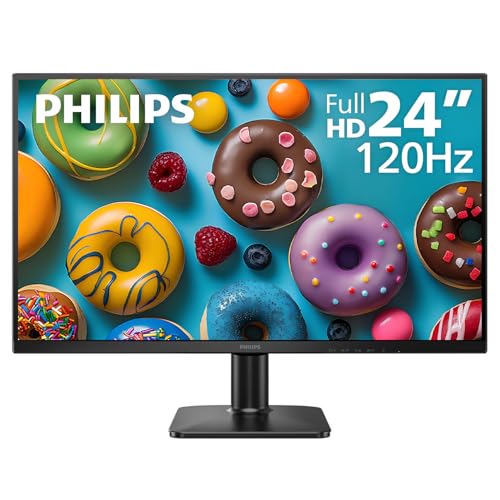

Buy a Matching Pair
Two monitors of the same model show the same color temperature, brightness and viewing angle. Mixing models, even from the same brand, can leave one screen warmer or dimmer, which is distracting when windows cross the gap. If you already own one, buy another of the same model if it is still available, or choose a pair sold together, as in the table.
Different batches vary slightly, so after setup, compare the two with a plain white image and adjust brightness and color in the menus until they match as closely as the controls allow.
Bezels and the Gap
A thin bezel on three sides, often called frameless, reduces the dark seam between the screens. On a good pair, the gap can be small enough that you stop noticing it. Models with thicker plastic borders look fine alone, but become obvious in pairs.
Check the shape of the stand as well. A wide, flat base can force the monitors apart, so a VESA arm that holds both close is often the better option.
Mounting: Stand, Arm or Both
The simplest start is the stands that come with the monitors. They tilt, sometimes adjust height and take up desk space. A dual monitor arm clamps to the desk and holds both, so you can set the height, angle and distance exactly, and the desk is free for other things.
Confirm the VESA pattern on the back of each monitor and the arm's weight limit. Some monitors in the table are sold as head-only packs, with no stands, which suits an arm setup and saves money. Read the listing so you know what is in the box.
Ports and Graphics Output
Check that your computer can drive two monitors. A desktop graphics card usually has several outputs. A laptop may need a dock or specific ports, and some models limit the number of displays. Our guide on the best setup for dual monitors goes into this, and the pages on monitors for a dual screen setup and computer monitors for a dual setup are good companions.
Use the same type of cable for both screens when you can, so they run at the same refresh rate. HDMI and DisplayPort both work, and a USB-C model can simplify a laptop connection.
Layout and Ergonomics
Put the monitor you use most directly in front of you, and the second one beside it at a slight inward angle. If you use both equally, center the gap in front of you and angle both toward your seat. Keep the tops of both screens at eye level, and make sure the distance is the same, so your eyes do not refocus constantly.
A portrait orientation on one screen suits long documents or code, if the stand pivots. Rotate the display in your operating system after turning the monitor. Look at the 24 inch size in general in our best 24 inch monitors guide if you want more options.
Software Tips
Use your operating system's snap features to arrange windows quickly, and set the primary display to the screen you look at most. Match the scaling on both screens, and use a wallpaper that spans both if you like a seamless look. Keep the taskbar on the main screen, or spread it across both if you prefer.
Budget Notes
A pair costs twice as much as one, so choose a modest model rather than a flagship. A good 1080p IPS monitor at a fair price, doubled, gives more productivity than one premium screen. Add the cost of an arm and cables, and you will have a realistic total.
Cable Management and Desk Layout
Two monitors mean two power cables and two video cables, so plan the route before you plug in. Run cables behind the arm or stand, use reusable ties and leave enough slack for the screens to tilt. A power strip mounted under the desk keeps plugs off the floor. A tidy rear panel makes it easier to swap a cable later.
Choose the best 24 inch monitors for dual setup with ports on the back or bottom that do not stick out sideways, since side-facing ports can collide when two screens sit edge to edge. A slim connector and a right-angle adapter solve most clearance issues.
When a Single Larger Monitor Is Better
A pair is not for everyone. If you dislike the seam in the middle, spend most of your time in one big window or edit wide timelines, a single large or ultrawide screen may serve you better. Pairs shine when you juggle separate tasks, such as a reference page on one side and a document on the other, and when you want a flexible layout that you can rearrange.
Also consider the desk. Two 24-inch screens need roughly the width of a standard desk, plus room for the arm or stands. Measure before you order, and leave a few inches on each side so nothing hangs off the edge.
FAQs
Do both monitors have to match?
It helps. Matching models keep color and size consistent.
Can my laptop run two monitors?
Often yes, via a dock or multiple ports. Check your laptop's display support.
Do I need an arm?
Not necessarily, but it makes alignment easier and frees desk space.
Is 24 inches too small for dual?
No. It is the most popular size for pairs.
Final Thoughts
The best 24 inch monitors for dual setup are matching, thin-bezel screens you can line up neatly. Buy a pair, plan the mount and check your ports. Then compare the models in the product table and build a tidy two-screen desk.
Prices and availability can change, so check the product page before ordering.


