
Best 22 Inch Computer Monitors in 2026: Everyday Screens for Work and Study
Disclosure: We may earn a commission when you buy through links on this page, at no extra cost to you. As an Amazon Associate I earn from qualifying purchases. Learn more

The best 22 inch computer monitor is a small, affordable 1080p screen. Compare IPS and VA panels, 75Hz to 144Hz and mounting before you buy.
A 22-inch display is the quiet workhorse of the monitor world: cheap enough to buy two, small enough for any desk and sharp enough at 1080p for text, spreadsheets and video. The best 22 inch computer monitor is rarely the flashiest; it is the one with a comfortable panel, the right ports and a refresh rate that suits your use.
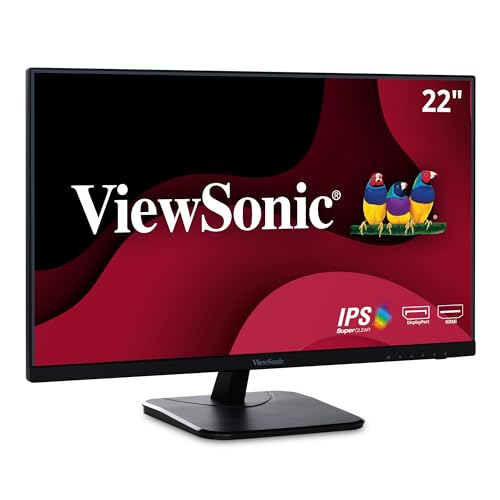
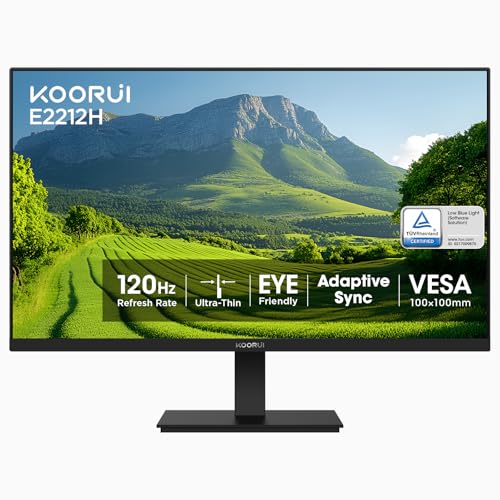
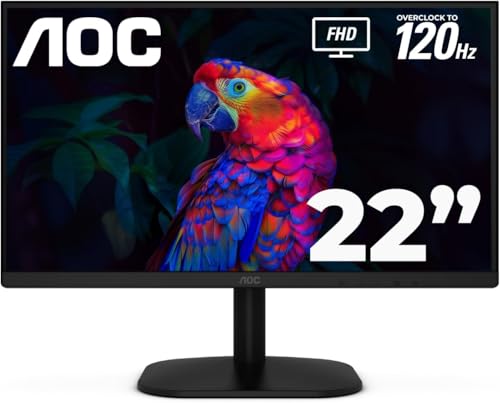
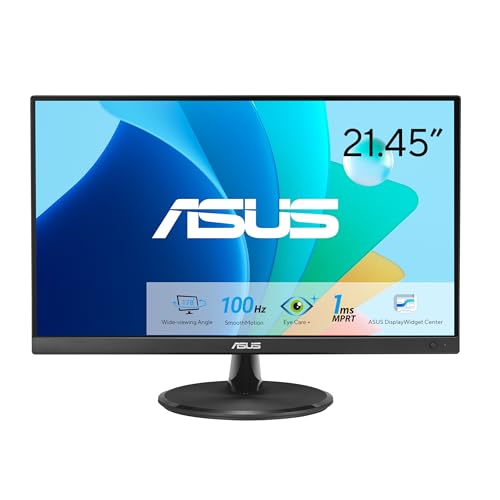
The product table collects office-friendly 22-inch models with IPS and VA panels and refresh rates from standard to fast. The sections below explain which differences matter, so you can pay for what you will use and skip what you will not.


Why 22 Inches Still Makes Sense
At 22 inches, a 1080p picture keeps a pixel density that looks sharp from a normal seating distance. You get a full-size desktop view without the wide footprint of a larger screen, which helps on shallow desks and in shared spaces. It is also a common size for matched pairs, since two 22-inch screens side by side fit where one big monitor would feel cramped.
The trade-off is working room. If you juggle many windows at once, a bigger screen will serve you better. Our guide to the best computer monitor compares sizes across the range, and the best budget computer monitor page covers low-price picks.
IPS or VA for Everyday Use
IPS panels keep colors steady across wide viewing angles, which is useful if you sit slightly off-center or share the screen. Several models in the table use IPS with thin bezels, and they are a good fit for general work and light photo viewing.
VA panels have stronger contrast, so dark scenes and text on a white page look richer. Viewing angles are narrower, but for a single user seated in front of the screen it rarely matters. Many budget VA monitors also reach higher refresh rates at lower prices, which is why they appear in the table.
Refresh Rate: 75, 100, 120 or 144Hz
Standard monitors run at 60Hz. Models in this table go higher, with 75Hz, 100Hz and 120Hz common and some reaching 144Hz. A higher rate makes scrolling, cursor movement and games look smoother, and it costs very little at this size.
For documents and browsing, 75Hz is fine. For casual gaming or the sense of a quicker desktop, 100Hz to 120Hz is a worthwhile step. Reserve 144Hz for people who play fast games. Check that your graphics hardware and cable can carry the rate, since an old HDMI cable or a laptop port may cap the refresh at a lower number.
Ports, Speakers and Extras
HDMI is the main port to look for, and DisplayPort is a bonus for desktop graphics cards. VGA remains on some models for older machines. If you want audio from the monitor, check for built-in speakers, which are acceptable for calls and videos but not for music.
Eye-care features such as flicker-free backlights and a low blue light mode are common and helpful. A VESA mount pattern on the back lets you attach an arm for better height and desk space. A stand that only tilts is normal at this price, so plan an arm if you need height adjustment.
Using Two 22-Inch Monitors
A pair of matching 22-inch screens is a classic dual setup. Buy the same model so brightness, color and height match, and look for thin bezels so the gap between the images stays small. If you are connecting two monitors to a laptop, read our walkthrough on how to connect two monitors to a laptop to check that your ports can drive both.
Keep the screens at the same height with arms or risers, and set the primary display directly in front of you. Put the secondary one at a slight angle so your neck does not twist.
Text Clarity, Scaling and Eye Strain
On a 22-inch 1080p screen, text is crisp at the default scale, and you rarely need to adjust it. If small print bothers you, raise the scaling slightly instead of moving the monitor closer. Turn on a flicker-free, low blue light or reading mode for evening work, and keep the brightness close to the room light, since a bright screen in a dim room tires the eyes quickly.
Anti-glare coatings matter more than most buyers expect. A matte surface reduces reflections from windows and lamps, while a glossy one can look richer but reflects more. If your desk sits near a window, a matte finish is a safer choice and the best 22 inch computer monitor for that room will have one.
Warranty, Returns and Build Quality
Cheap monitors sometimes arrive with a stuck pixel or a light leak at the edges, so buy from a seller with a clear return policy and check the screen on a white and a black background as soon as it arrives. Look at the stand, which on budget models is often wobbly, and check the hinge. A listing that mentions a multi-year warranty or an advance replacement program is a sign the maker stands behind the product.
Sealed packaging and a full set of cables, including HDMI, make setup easier. If a model lists only VGA or a power cord, budget for the cable you need before you start.
FAQs
Is a 22-inch monitor good for working from home?
Yes, especially for documents, email and calls. Two screens are better than one if you multitask.
Do I need a high refresh rate for office work?
No. A standard rate is fine, though 100Hz to 120Hz makes the desktop feel smoother at a small price difference.
Which panel type should I choose?
IPS gives wider viewing angles and steadier color. VA gives deeper contrast and is often cheaper.
Can I wall-mount a 22-inch monitor?
Most have a VESA pattern on the back. Confirm the pattern in the listing before buying a bracket.
Final Thoughts
The best 22 inch computer monitor balances a comfortable panel, a refresh rate you will notice and ports that match your computer. Choose IPS for color, VA for contrast, and a mount or arm for the right height. Then compare the models in the product table and pick the screen that suits your desk.
Prices and availability can change, so check the product page before ordering.


