
Best 32 Inch Monitors for Work in 2026: Text Clarity, Ergonomics and Docking
Disclosure: We may earn a commission when you buy through links on this page, at no extra cost to you. As an Amazon Associate I earn from qualifying purchases. Learn more

The best 32 inch monitors for work put text clarity, eye comfort and ergonomics first. See which features help in a long office day and which are optional.
A work monitor has a different job from a gaming screen. It has to show small text clearly for hours, stay comfortable for your eyes and neck and connect cleanly to a laptop. The best 32 inch monitors for work put those qualities first, and the product table lists models that suit spreadsheets, documents, calls and light creative tasks.
This guide covers text sharpness, eye comfort, ergonomics, docking and the extras that matter in an office, so you can skip the gaming features that you will not use.


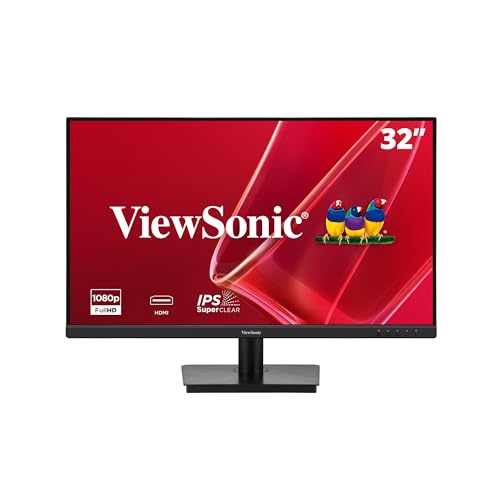


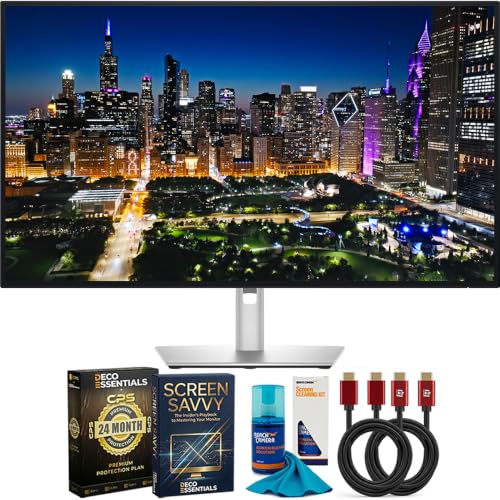


Text clarity first
For long hours of reading and writing, the sharpness of text matters more than frame rate. At 32 inches, a 1080p screen shows visible pixels in text, which tires some eyes. A 1440p screen is a clear improvement, and a 4K screen gives printed-quality text. Many office workers find 1440p enough, while those who read a lot or work with fine details prefer 4K with scaling at 125 or 150 percent.
Matte coatings reduce reflections from windows and lights, which helps with readability. Glossy screens look richer for media but can be tiring in a bright office.
Eye comfort features
- Flicker-free backlight: avoids the pulsing that bothers sensitive users at low brightness
- Low blue light mode: warms the color in the evening, useful for late work
- Brightness range: a screen that dims well is as important as one that gets bright
- Anti-glare coating: cuts reflections without making the picture grainy
None of these features replaces good habits. Keep the screen at arm's length, take short breaks and keep the room light similar to the screen brightness.
Ergonomics and the stand
A 32 inch screen is tall, so the stand must adjust. Height adjustment keeps the top edge at eye level, tilt lets you angle the screen back and a swivel helps you share the view. Some stands rotate into portrait mode, which suits long documents and code. If the stand is basic, a monitor arm fixes the problem and frees desk space, as long as the monitor has VESA holes.
Docking and connections
A USB-C port with power delivery lets a laptop send video, data and power through one cable. That reduces desk clutter and keeps the laptop charged. A built-in USB hub gives you ports for a keyboard, mouse and webcam, and a KVM switch lets two computers share them. If you only use a desktop, HDMI and DisplayPort are enough.
- Check the USB-C power rating against your laptop charger
- Look for a hub with enough ports for your peripherals
- Confirm that the monitor supports daisy chaining if you plan a second screen
- Use the video cable that gives the native resolution at the right refresh rate
Picking among the best 32 inch monitors for work
Resolution
1440p is the cost-effective middle, and 4K is best for text-heavy work. Both need scaling choices in the operating system. Our 1440p guide explains the middle path.
Panel type
IPS gives wide angles and consistent color, which suits shared screens and presentations. VA gives strong contrast and good value. Both work well in an office.
Built-in extras
Speakers help in a spare room, and some monitors include a webcam for calls. If you need audio, see our monitor with speakers guide.
Productivity tips
A big screen invites messy windows. Use the built-in snap layout in Windows or a tiling tool on a Mac to divide the screen into zones. Keep your main task in the center and reference material at the side. Use dark mode in the evening, and set up a second desktop for calls and chat so they do not interrupt your focus.
Budget and value
Office monitors cost less than gaming screens at the same size. A good 1440p IPS model gives most users what they need. Spend extra for USB-C docking if you use a laptop daily, and for a better stand if you sit for long hours. Skip high refresh rates and RGB lighting unless you also game. See our 32 inch monitor guide for the wider market.
Working with a laptop and a big screen
Many office workers use a laptop beside a 32 inch monitor. Raise the laptop on a stand so its screen sits close to the monitor height, and use an external keyboard and mouse. Set the monitor as the main display and the laptop screen as a secondary one for chat or email. If the monitor supports USB-C, plug the laptop in and let it charge, and use the monitor's hub for peripherals. Closing the lid is also fine as long as the laptop is set to stay awake when docked.
Video calls and privacy
Position a webcam at the top of the monitor so that you look at the camera while you read the other person. A 32 inch screen can show a call side by side with documents. If you share a space, a privacy filter or a screen position away from the door helps keep work private. Use headphones or a small speaker for clear audio, and turn on a noise suppression feature in your call software.
Warranty and support
A work monitor is a daily tool, so check the warranty terms and how the seller handles replacements. Pixel policies vary, with some brands replacing a screen for a single dead pixel and others needing several. Register the product after purchase, keep the receipt and note the serial number. If the monitor is for a business, ask whether the model is available in volume so that all screens match.
FAQ
Is 32 inch too large for office work?
It is large but comfortable at arm's length, and it can replace two smaller screens.
Do I need 4K for work?
Not always. 1440p is enough for many tasks.
Is a curved screen good for work?
Some like it, but flat screens suit documents and design better.
Can one cable power my laptop?
With USB-C power delivery, yes, if the wattage matches.
Final thoughts
The best 32 inch monitors for work should make long days easier. Put text clarity, eye comfort and a good stand first, choose a connection set that suits your laptop and compare the models in the product table.
Prices and availability can change, so check the product page before ordering.


