
Best 24 Inch Monitor with Speakers in 2026: Built-In Sound for Clean Desks
Disclosure: We may earn a commission when you buy through links on this page, at no extra cost to you. As an Amazon Associate I earn from qualifying purchases. Learn more

Best 24 inch monitor with speakers keeps your desk tidy. Compare built-in audio, panels, refresh rates and ports for calls and streaming.
Built-in speakers will not replace a good audio system, but they solve a real problem: fewer cables and no extra boxes on your desk. The best 24 inch monitor with speakers gives you passable sound for calls, videos and background music right out of the box, along with a clear 1080p picture.
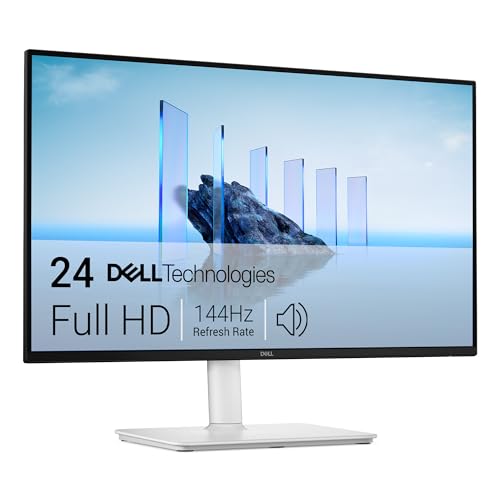
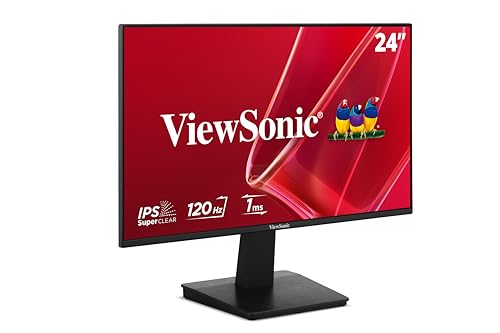
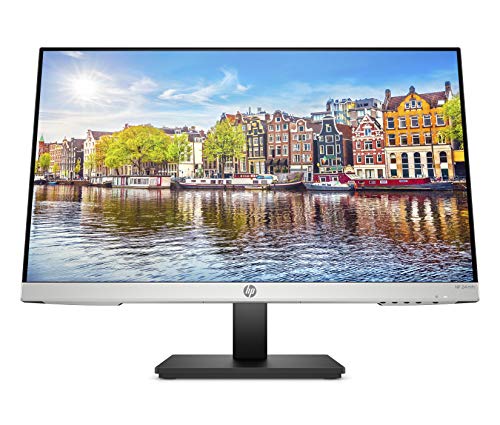
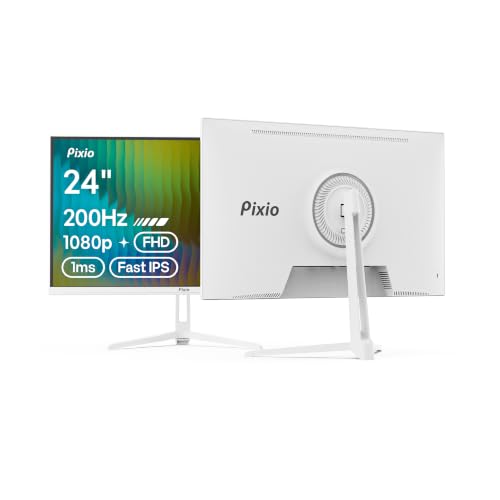
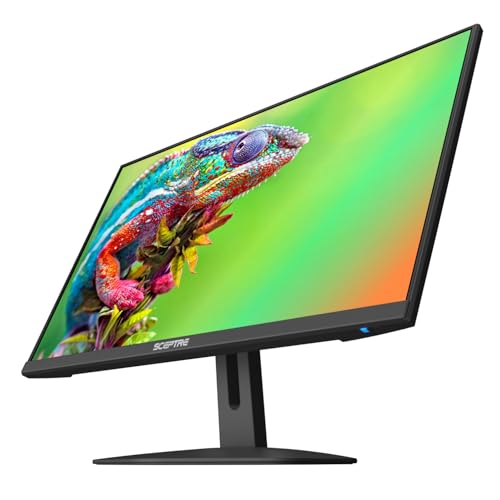
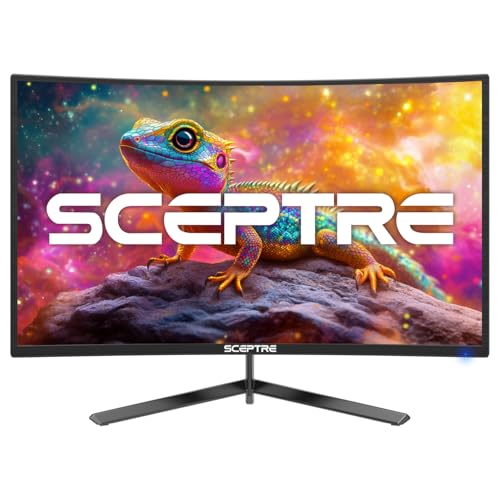
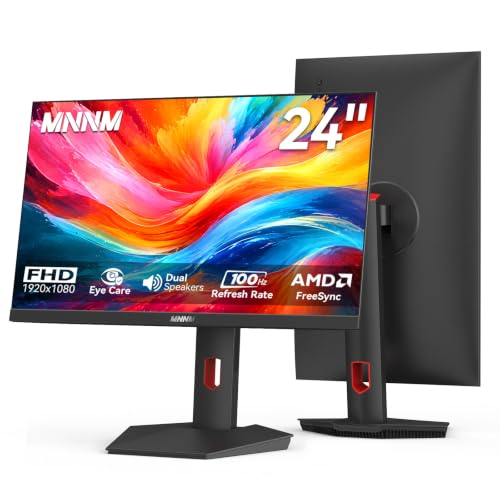
The product table lists current 24-inch monitors with integrated speakers, from simple office IPS models to 100Hz and 165Hz gaming-flavored screens. This guide explains what to expect from monitor audio, and how to choose a model that sounds acceptable and looks good.



What Monitor Speakers Can and Cannot Do
Most monitor speakers are two small drivers rated at a couple of watts each, as the product pages show. They are clear enough for voices, meetings and online video, and fine for casual music at low volume. They have little bass and limited volume, and they point toward the back or the bottom, so sound can seem muffled.
If you care about music, games or movies, treat them as a backup and add headphones or a small desktop speaker pair. Having built-in audio still means you can join a call without hunting for a headset, and keeps a shared desk tidy.
Panel and Picture First
Do not choose by speakers alone. The panel decides how you will feel after hours at the desk. IPS gives wide angles and strong color, VA gives deep contrast and is common on cheaper gaming-style models. Look for flicker-free backlights and a low blue light mode.
Check the refresh rate too. Office models run at 75Hz to 120Hz, and gaming-style models in the table reach 165Hz. A higher rate feels smoother for scrolling and games, and costs little at this size.
Ports and the Headphone Jack
For speakers to work over HDMI or DisplayPort, the monitor must support audio over those ports. Most do. If you connect via VGA, you will need a separate audio cable, and an audio input or a headphone jack on the monitor helps. Look for a 3.5mm jack so you can switch to headphones without reaching for the computer.
Check that your computer's audio output is set to the monitor in the sound settings, since the default may be the laptop's own speakers. If the sound is missing, this setting is usually the cause.
Sound Quality Tips
Place the monitor so the speakers have clear air around them. Keep the desk surface free of clutter in front of the screen, and angle the monitor slightly toward you. Use the sound equalizer in your operating system to lift mids for voices. A small bit of tuning makes monitor speakers sound better than you expect.
Avoid maxing the volume, as small speakers distort when pushed. If you need more volume, consider a separate speaker or headphones. For a related buying guide, see the best monitor speakers, and for larger screens the best 32 inch monitor with speakers.
Stands and Design
A stand with height adjustment improves comfort, though most budget models tilt only. A VESA mount allows an arm, which also lets the speakers point where you want. Slim bezels look good and suit dual setups. Check the weight and the pattern before buying an arm.
Which Type of Buyer Are You?
If you work from home and take many calls, choose an IPS office model with a clear, well-rated speaker and a headphone jack. If you game casually, choose a 100Hz to 165Hz model with built-in speakers for quick sessions. If you want a monitor for a kid's room or a shared desk, choose a simple, solid model with a good warranty. For broader options, see the best 24 inch monitors and the best 24 inch PC monitors.
Mistakes to Avoid
Do not assume all 24-inch monitors have speakers; many do not. Do not expect strong bass. Do not forget to select the monitor as the audio output. And do not skip the warranty. The best 24 inch monitor with speakers is a good monitor first.
Speakers vs a Separate Audio Setup
A pair of small desktop speakers costs little and sounds far fuller than any monitor, and a headset gives clearer voices and keeps the room quiet. The main value of the speakers inside the best 24 inch monitor with speakers is convenience: they work the moment you plug in, they never get left at the office and they leave your desk free of extra boxes and power bricks.
For a home office, a spare bedroom or a dorm, that convenience is enough. In a shared space, built-in speakers also mean you can keep the volume low and personal. If you later decide you want better sound, you can add speakers or a soundbar without replacing the monitor.
Quick Fixes for Audio Problems
If there is no sound, open your sound settings and choose the monitor as the output device. If the volume is low, raise it both on the monitor and in the operating system. If you hear a hiss, lower the monitor's own volume and use the computer's volume to control level. If audio drops out after sleep, reconnect the cable or restart the audio service.
Finally, consider where the speakers fire. Monitors that aim sound downward or backward rely on your desk and wall to bounce it toward you, so a cluttered desk or a deep wall gap can muddy voices. A little breathing room behind and below the screen helps, and so does placing the monitor a bit closer to the wall for a fuller reflection.
FAQs
Are monitor speakers any good?
They are fine for voices and casual video. For music, add headphones or speakers.
Do I need a special cable?
No. HDMI and DisplayPort carry audio. VGA needs a separate audio cable.
Why is there no sound?
Check the audio output in your operating system settings.
Can I plug in headphones?
Many models include a headphone jack. Check the listing.
Final Thoughts
The best 24 inch monitor with speakers pairs a comfortable panel with decent audio and the ports you need. Choose the picture first, check the audio connections, and compare the models in the product table.
Prices and availability can change, so check the product page before ordering.


