
Best 32 Inch TVs for Gaming in 2026: Console Features, Game Mode and Lag
Disclosure: We may earn a commission when you buy through links on this page, at no extra cost to you. As an Amazon Associate I earn from qualifying purchases. Learn more

The best 32 inch tvs for gaming explained: what game mode and input lag do, how HDMI and refresh rate matter on a small screen and when a monitor is better.
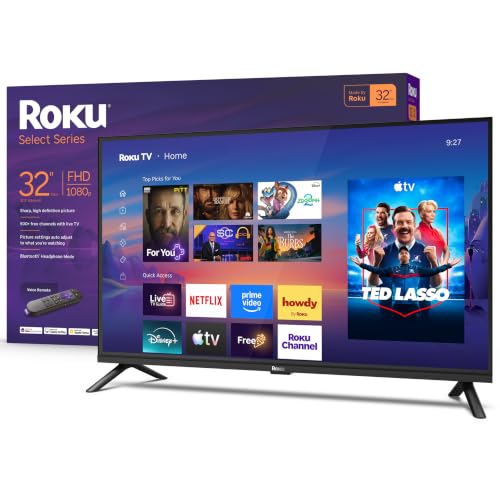
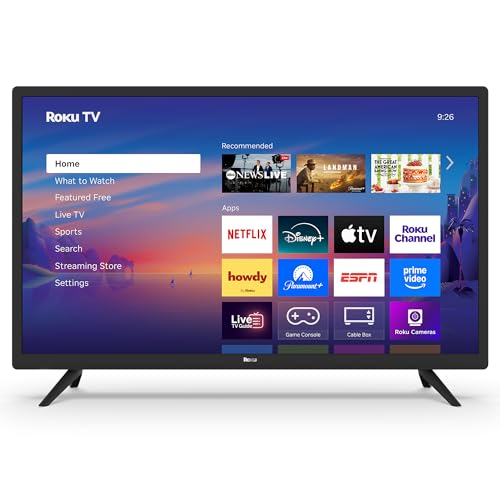
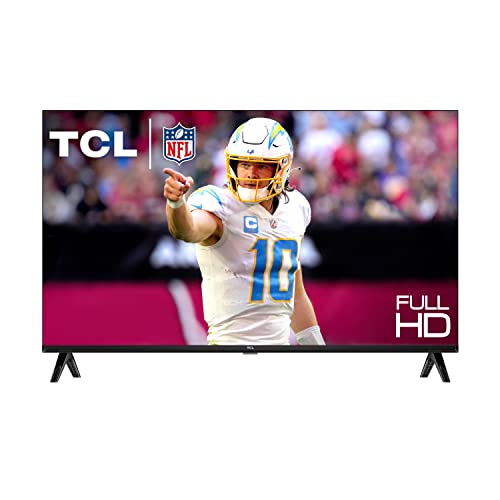
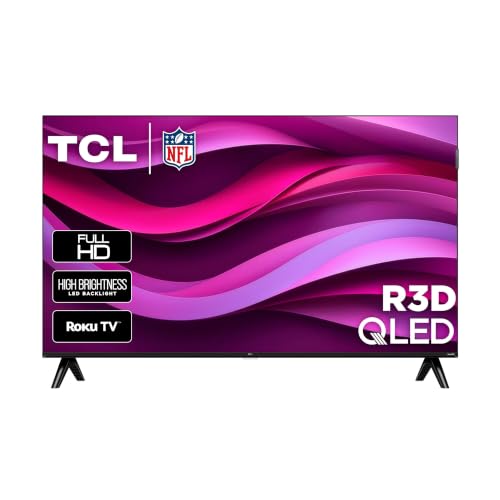
A small TV is a handy way to play on a console in a bedroom, a dorm or a corner of the living room. The best 32 inch tvs for gaming need to respond fast to your button presses and show a clear picture, and most of that comes from a few settings and ports rather than the headline specs. The product table lists small TVs from several brands that suit this use.
This guide explains game mode, input lag, refresh rate and HDMI features at 32 inches, plus the point at which a monitor is the better choice.


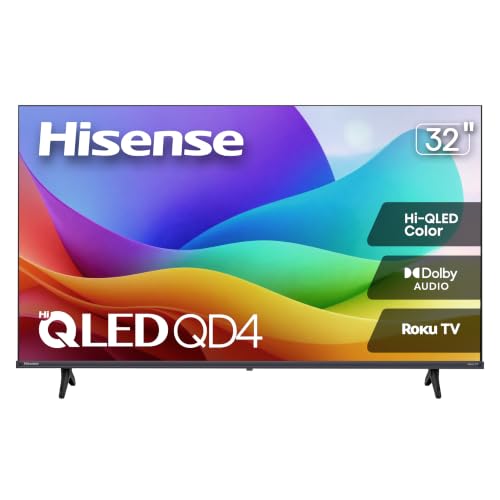
Input lag and game mode
Input lag is the delay between pressing a button and seeing the result on screen. TVs add delay while they process the picture with sharpening, noise reduction and motion smoothing. Game mode turns most of that off and lowers the delay. A TV with an easy way to switch to game mode, or one that does it automatically when a console is detected, is far nicer to play on.
Manufacturers rarely list lag numbers on the product page, so look at buyer comments from gamers and check the settings guides on the maker's site. Always switch game mode on when you play.
Resolution and size
On a 32 inch TV, Full HD (1080p) is enough for most consoles and keeps frame rates high. 4K models at 32 inch exist and give a sharper picture for newer consoles, though the extra pixels are small to see from a few feet. If you sit close, as many players do in a bedroom, 4K may be a nice upgrade.
- HD (720p): fine for older consoles and casual play, but pixels show at close range
- Full HD (1080p): the safe choice for most players
- 4K: best for modern consoles and a close seat, at a higher price
Refresh rate and HDMI
Most small TVs run at 60 Hz, which matches the standard for most console games. Some consoles can output higher frame rates, but they need a TV with a matching panel and HDMI port. Small TVs rarely have these, so check the listing before you buy if 120 Hz matters to you. Look for at least two HDMI ports, so you can connect a console and a streaming stick.
Variable refresh rate is another feature. It helps with frame rate dips, but is uncommon at 32 inch. If you want those features, a gaming monitor is the better path. Our guide to 32 inch TVs covers general options.
Choosing among the best 32 inch tvs for gaming
Panel brightness and contrast
A small TV in a bright room needs brightness. In a dark room, contrast gives depth. VA panels have better contrast, and IPS panels have better viewing angles. Look at comments on motion blur and ghosting.
Audio
Built-in speakers are small. A headset plugged into the controller solves audio for most players, and an HDMI ARC soundbar helps if you play with others.
Smart platform
A smart system is handy for streaming, though it can slow the menus. If the interface feels sluggish, use a console or a stick as your main input.
Build and mount
A sturdy stand or a wall mount keeps the screen stable during intense play. Check the VESA pattern if you mount it.
Console setup
- Connect the console to an HDMI port and set the resolution to match the TV
- Turn on game mode in the TV picture settings
- Turn off motion smoothing and heavy noise reduction
- Enable HDR on the console only if the TV supports it well
- Use the console's calibration screens for brightness and black level
If the picture looks washed out, check that the HDMI port is set to enhanced or full range, which some TVs call deep color.
When a monitor is better
If you play competitive games, a gaming monitor offers lower delay, higher refresh rates and a sharper picture than a typical small TV. A 32 inch monitor also works on a desk and can be used with a console. If you want a TV for movies and a screen for play, one monitor may do both at a similar cost. Our larger guides, 43 inch TVs for gaming and 55 inch TVs for gaming, cover living room sizes.
Using headphones and chat
Most players use a headset plugged into the controller for chat and private audio. That bypasses the TV speakers and keeps the noise down. If your console supports it, set the audio output to the TV only when you want the speakers. For wireless headsets, check that the receiver works with your console and that the USB port or the controller connection is free. A small soundbar via optical or ARC is another route if you play with the family in the room.
Light, glare and posture
Gaming sessions run long, and a small TV invites a close seat. Place the screen at eye level, keep it out of direct window light and avoid sitting too close. A distance of about four to six feet keeps the screen comfortable for a 32 inch set. Dim the room light slightly, and use a night mode on the TV or console after dark. Take a short break every hour to rest your eyes and stretch.
Budget and value
A basic Full HD smart TV from a known brand is a solid base for most players, and spending more only makes sense if you want 4K or better brightness. If you plan to move to a larger screen later, keep the small set for a bedroom or a second console. A monitor costs more at this size, but delivers speed and sharpness that a TV cannot, so decide whether competitive performance is a priority.
FAQ
Is a 32 inch TV good for PS5 or Xbox?
Yes, for casual play. For high frame rates, look at a monitor.
Does HDR matter on a small TV?
Only on models with real brightness and contrast. Most budget sets do not show much difference.
Do I need HDMI 2.1?
Only for 4K at high frame rates on a console that supports them.
Is game mode worth using?
Yes. It reduces delay noticeably.
Final thoughts
The best 32 inch tvs for gaming are about low delay and a clear picture in a small space. Use game mode, choose Full HD or better, check the HDMI ports and compare the models in the product table. If you need extra speed, a monitor is the next step.
Prices and availability can change, so check the product page before ordering.


