
Best 55 Inch TVs in 2026: Which Type Is Right for You?
Disclosure: We may earn a commission when you buy through links on this page, at no extra cost to you. As an Amazon Associate I earn from qualifying purchases. Learn more

55 inch TV types compared and how to choose the best 55 inch TVs for your room.
A 55 inch TV fits more homes than any other size. It suits apartments, bedrooms, dens and smaller living rooms, mounts easily on most walls and costs far less than larger screens. Today's 55 inch models range from basic 4K LED sets around $200 to premium OLEDs over $1,000, with Mini LED and QLED models in between that deliver bright HDR and smooth 120Hz or 144Hz motion. The best 55 inch TVs match picture technology, smart features and gaming support to your room and budget.
This guide compares the main types of 55 inch TVs, helps you decide between premium and budget options, explains the specs that matter and highlights picks by brand and use.



Types of 55 Inch TVs Compared
Budget 4K LED TVs cover basic streaming, QLED TVs add richer color, Mini LED TVs deliver the brightest HDR and best value for movies and sports, and OLED TVs offer perfect blacks for dark room viewing and gaming.
| Type | Best For | Pros | Cons | Typical Price (55 inch) |
|---|---|---|---|---|
| Basic 4K LED | Bedrooms, kids' rooms, budgets | Lowest price, simple smart features | Weak HDR, usually 60Hz | Around $200 to $350 |
| QLED | Colorful content, bright rooms | Vivid color, good brightness, often 120Hz | Average contrast | Around $210 to $450 |
| Mini LED | Movies, sports, gaming on a budget | High brightness, local dimming, 120Hz to 144Hz | Possible blooming | Around $380 to $700 |
| OLED | Dark rooms, cinephiles, gamers | Perfect blacks, wide angles, fast response | Highest price | Around $1,100 to $1,400 |
Basic 4K LED TVs
Entry 55 inch TVs like the Samsung U8000H Crystal UHD and Insignia F50 deliver sharp 4K resolution with built in streaming apps for a few hundred dollars. They are ideal for casual viewing, guest rooms and kids' rooms.
Expect modest brightness, limited contrast and 60Hz panels. HDR content will not look dramatically different from standard content on most of these sets.
QLED TVs
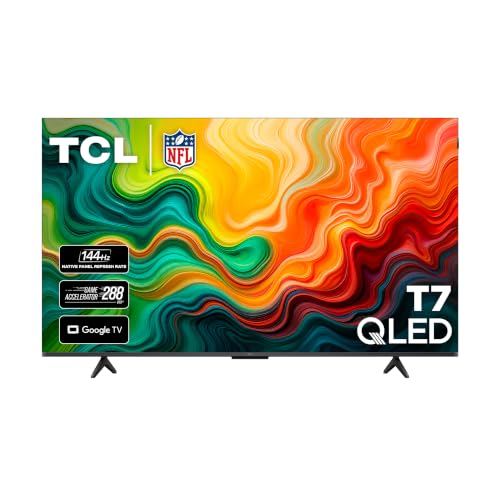
QLED models like the TCL T7 and Insignia QF series add quantum dots for richer color. The TCL T7, for example, offers a 120Hz panel, Dolby Vision, HDR10+ and Dolby Atmos at an affordable price.
QLED TVs look vibrant in bright rooms and handle sports smoothly on 120Hz panels, but black levels depend on backlight design.
Mini LED TVs
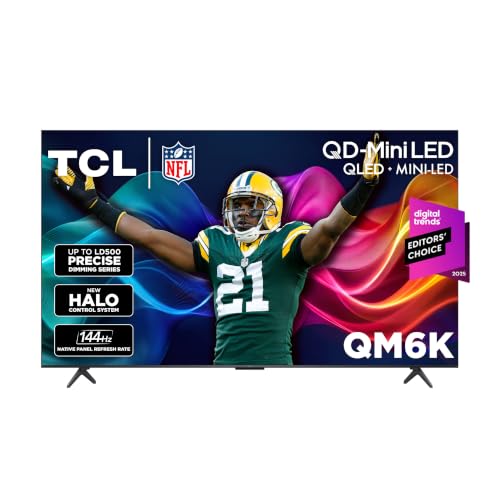
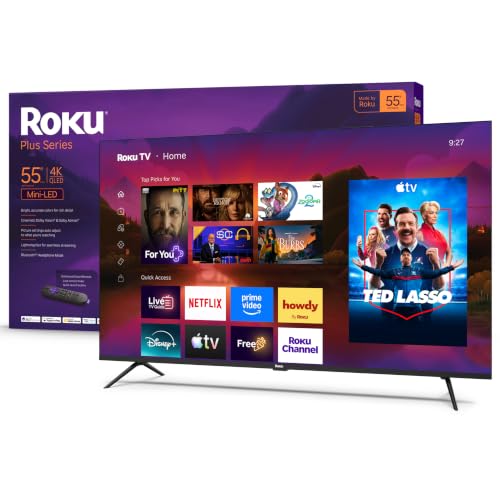
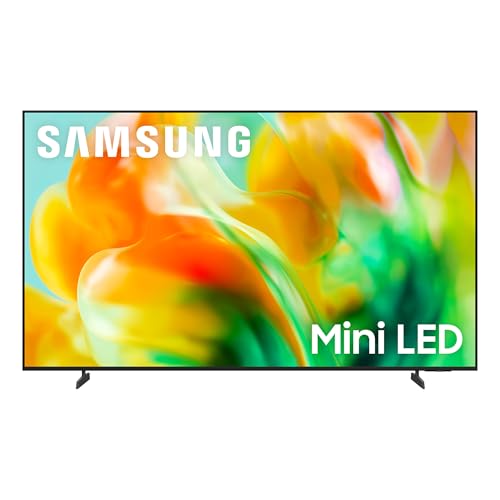
Mini LED TVs use many small LEDs and local dimming zones for higher brightness and better contrast. The TCL QM6K combines QD Mini LED with a 144Hz native refresh rate, Dolby Vision, HDR10+ and TCL's Halo Control system to reduce blooming, while Roku's 55 inch Plus Series brings Mini LED and Dolby Vision at a budget price.
For most buyers, Mini LED offers the best picture per dollar at 55 inches.
OLED TVs
OLED TVs like the LG C5, Samsung S90H and Sony BRAVIA XR8B deliver perfect blacks, excellent viewing angles and near instant response times. They cost the most but provide the best overall picture for movies and gaming. See our best OLED TVs guide for details.
Premium vs Budget 55 Inch TVs: Which Should You Choose?
Choose a budget or QLED 55 inch TV for casual streaming, bedrooms and tight budgets, and choose a Mini LED or OLED 55 inch TV for movie nights, sports, gaming and main living room viewing.
- Picture quality: Mini LED and OLED deliver far better HDR and contrast.
- Motion: premium models offer 120Hz to 144Hz panels; many budget sets are 60Hz.
- Gaming: premium models include HDMI 2.1, VRR and low input lag.
- Price: budget sets cost a fraction of premium models.
- Room: bright rooms favor Mini LED; dark rooms favor OLED.
How to Choose the Right 55 Inch TV
Connectivity and Ports
Look for at least three HDMI ports, including HDMI 2.1 for current consoles and an eARC port for a soundbar. Ethernet improves streaming stability, and USB ports can power streaming sticks.
Resolution and Screen Size
All mainstream 55 inch TVs are 4K, which looks sharp from typical seating distances of about 4.5 to 7 feet. A 55 inch screen measures about 48 inches wide, so check your stand or wall space.
Panel Technology
VA panels offer better contrast for movies, while IPS panels offer wider viewing angles. Mini LED backlights improve contrast on LCD panels. OLED panels light each pixel for the best blacks.
Stand, Mounting and Ergonomics
Check stand width and foot placement, since some TVs use wide feet at the edges. Most 55 inch TVs use VESA mounting patterns such as 200 by 200 or 300 by 300 millimeters and weigh roughly 25 to 45 pounds.
Refresh Rate and Response Time
A native 120Hz or 144Hz panel makes sports and games smoother. "Motion rate" numbers often exaggerate real refresh rates, so check the native panel spec.
HDR Formats and Brightness
Dolby Vision and HDR10+ provide scene by scene HDR optimization. Brightness matters for HDR impact and bright rooms, where Mini LED excels.
Picking the Right 55 Inch TVs for Different Uses
Best Samsung 55 Inch TVs
The best Samsung 55 inch TVs range from the affordable U8000H Crystal UHD for everyday viewing to Mini LED models like the M80H and the S90H OLED with Glare Free technology for premium picture quality. Samsung uses HDR10+ rather than Dolby Vision.
Best Inexpensive 55 Inch TVs: Which Type Works Best
The best inexpensive 55 inch TVs are QLED and entry Mini LED models such as the TCL T7, Insignia QF and Roku Plus Series, offering HDR and good color for well under $450.
Best Sony 55 Inch TVs
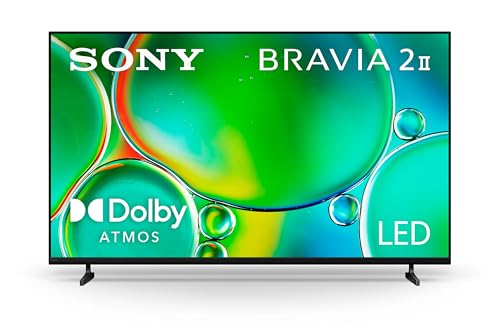
The best Sony 55 inch TVs include the BRAVIA 2 II for reliable LED picture and Google TV, and the BRAVIA XR8B OLED for cinematic contrast and PS5 features.
Best UHD 55 Inch TVs
All the TVs here are 4K UHD. For the best UHD picture, prioritize HDR brightness, local dimming or OLED, and a good processor for upscaling.
Where a 55 Inch TV Works Best
- Apartment living rooms: a 55 inch Mini LED TV delivers a big picture without overwhelming a smaller space.
- Bedrooms: a QLED or LED model on a dresser or wall mount suits viewing from bed about 6 feet away.
- Dorm rooms: budget 4K models with built in streaming apps double as a monitor for consoles.
- Home offices and dens: a 55 inch screen works for video calls, presentations and movie nights.
- Gaming rooms: 144Hz Mini LED or OLED models suit consoles and PCs at couch distance.
Gaming on a 55 Inch TV
A 55 inch TV is a great size for console gaming, large enough for immersion but small enough to keep the whole screen in view during fast action. For PS5 and Xbox Series X, look for HDMI 2.1 ports with 4K at 120Hz, variable refresh rate and auto low latency mode. The TCL QM6K's native 144Hz panel and the LG C5's up to 144Hz OLED panel suit both consoles and gaming PCs. Turn on game mode to cut input lag, and enable VRR on both the TV and console. Our best TVs for video games guide covers settings in more depth.
Smart TV Platforms on 55 Inch Models
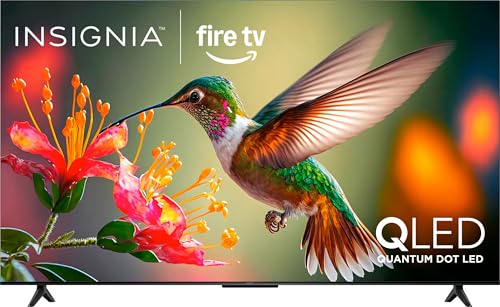
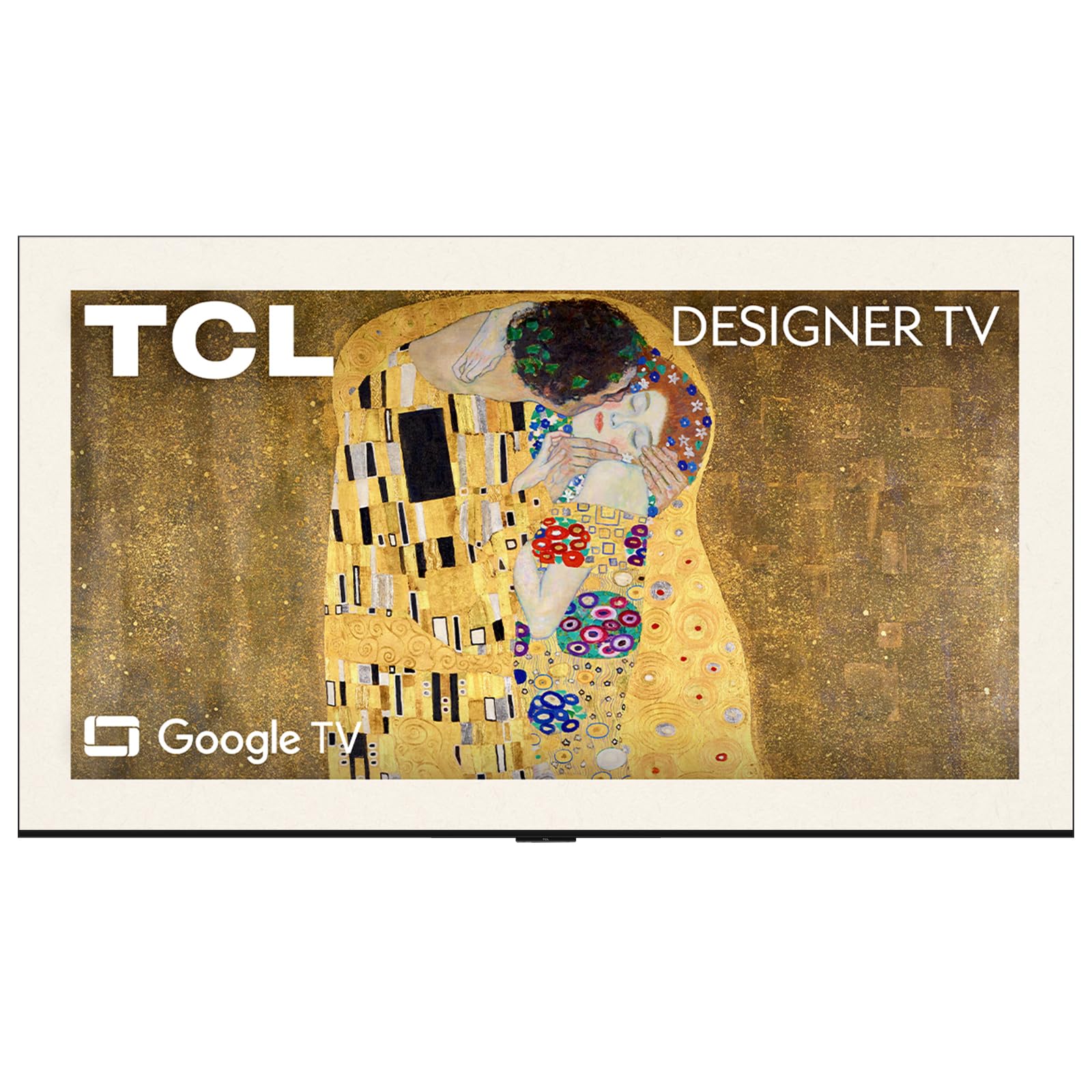
Each brand ships a different smart system. Google TV on TCL and Sony models gathers recommendations across apps and supports casting from phones. Roku TV keeps a simple home screen with quick access to free channels. Fire TV on Insignia models builds in Alexa. Samsung's Tizen and LG's webOS offer polished interfaces with their own free channel services. If you dislike a TV's software, adding an inexpensive streaming stick is an easy fix.
Sound: Built In Speakers vs Soundbar
Thin 55 inch TVs have small speakers, so dialogue can sound thin and bass weak. Features like Dolby Atmos processing help, but a compact soundbar connected over HDMI eARC makes the biggest difference. Choose a soundbar around 30 to 40 inches wide to match a 55 inch screen, and consider one with a separate subwoofer for movies.
Wall Mount or Stand?
A stand is easiest and keeps the TV at a comfortable height on low furniture. Wall mounting saves space and reduces glare when tilted, and it keeps the TV away from kids and pets. For a 55 inch TV, the center of the screen should sit near eye level when seated, about 40 to 42 inches from the floor. Use a mount rated for the TV's weight and VESA pattern, and anchor into studs.
Quick Picture Setup for a New TV
- Switch to movie or filmmaker mode instead of the bright store mode.
- Turn off motion smoothing for films; keep low settings for sports if you like.
- Adjust backlight or brightness for daytime and evening viewing.
- Enable game mode on the console input.
- Disable eco dimming if the picture looks dull or fluctuates.
When to Buy a 55 Inch TV
TV prices usually fall in late summer as new models arrive, with the biggest discounts around Black Friday and Cyber Monday and again before big sports events in late winter. Because 55 inch is such a popular size, deals are frequent, and last year's model often gives nearly identical picture quality for less.
Common 55 Inch TV Problems and Fixes
- Washed out picture: leave vivid mode and choose movie mode; check HDR settings on connected devices.
- Buffering in 4K: connect via Ethernet or move the router closer.
- Remote not controlling soundbar: enable HDMI CEC on the TV.
- Blooming around subtitles: adjust local dimming to a lower level on Mini LED TVs.
55 Inch vs 50 Inch vs 65 Inch
A 55 inch TV is about 10 percent larger in screen area than a 50 inch and noticeably more immersive from the same seat, often for little extra money. Moving up to 65 inches adds about 40 percent more screen area, which suits larger rooms and seating 6 to 8 feet away but costs more and needs a wider stand or wall. If you are unsure, measure your seating distance: around 4.5 to 7 feet points to 55 inches, while 6 to 8 feet points to 65 inches. Our best 65 inch TVs guide covers the larger size.
Viewing Angles and Seating Layout
If people watch from the sides of the room, viewing angle matters. VA panel LED and Mini LED TVs can lose contrast and color when viewed off center, while IPS panels and OLED TVs hold their picture better from wide angles. In living rooms with sectional sofas or seating spread around the room, an OLED or a wide angle panel helps everyone see a good picture.
Energy Use and Running Costs
A 55 inch LED or Mini LED TV typically uses about 60 to 150 watts depending on brightness and content, and OLED power varies with how bright the picture is. Eco modes reduce energy use but may dim the picture. Turning off quick start features that keep the TV partially on in standby can trim power use further, at the cost of a slightly slower startup.
How Much to Spend on the Best 55 Inch TVs
- Under $350: basic 4K LED and entry QLED TVs.
- Around $380 to $700: Mini LED TVs with strong HDR and 120Hz to 144Hz panels; the sweet spot for most buyers.
- Over $1,100: OLED TVs for the best contrast and gaming performance.
Care and Maintenance Tips
- Dust the screen with a dry microfiber cloth; avoid paper towels and harsh cleaners.
- Use a surge protector to guard against power spikes.
- Keep ventilation openings clear.
- Update firmware for new features and fixes.
- Choose movie or filmmaker mode for accurate color and lower eye strain.
55 Inch TVs: Your Questions Answered
What size TV should I get for my room?
A 55 inch TV suits viewing distances of about 4.5 to 7 feet. If you sit farther away, consider 65 inches; closer than about 4 feet, a 43 or 50 inch TV may be more comfortable.
How long do 55 inch TVs last?
Most modern TVs last about 7 to 10 years with normal use, though many people upgrade sooner for new features.
Is 4K worth it on a 55 inch TV?
Yes. At 55 inches, 4K looks noticeably sharper than 1080p from normal seating distances, and nearly all new 55 inch TVs are 4K.
Does refresh rate matter for non gamers?
It makes sports and fast action smoother, but 60Hz is fine for movies and shows. Gamers benefit most from 120Hz or higher.
IPS vs OLED: which is better?
OLED offers far better contrast and black levels, while IPS LCD TVs provide good viewing angles at lower prices with weaker contrast.
Is a Mini LED TV better than QLED?
Mini LED TVs are a type of QLED or LED TV with many more, smaller backlights and local dimming, which gives better contrast and brighter HDR than standard QLED models. They cost more but deliver a clear step up in picture quality.
Can a 55 inch TV be used as a computer monitor?
Yes, for couch use or large desks, especially with 4K and game mode. At a typical desk distance, a 55 inch screen is very large, so a dedicated monitor is usually more comfortable for work.
Do I need Dolby Vision on a 55 inch TV?
Dolby Vision improves HDR by adjusting picture settings scene by scene, and many streaming services use it. It is a nice bonus on TCL, LG, Sony and Roku models. Samsung TVs use HDR10+ instead, which offers a similar dynamic approach on supported content.
How heavy is a 55 inch TV?
Most 55 inch TVs weigh about 25 to 45 pounds without the stand. OLED models are often thinner and lighter, while Mini LED TVs with full array backlights can be heavier. Check the weight before choosing a wall mount.
The Bottom Line
Choose a 55 inch TV by room brightness, picture technology and budget. Basic LED and QLED TVs suit casual viewing, Mini LED TVs like the TCL QM6K and Roku Plus Series offer the best value for movies and sports and OLED TVs like the LG C5 deliver the ultimate picture. The best 55 inch TVs fit almost any room, so check the product table above for current models and prices.


