
Best 240 Hz Gaming Monitors in 2026: Built for Esports and Fast Shooters
Disclosure: We may earn a commission when you buy through links on this page, at no extra cost to you. As an Amazon Associate I earn from qualifying purchases. Learn more

Best 240 Hz gaming monitors reward fast PCs and fast reflexes. Compare OLED and IPS, sizes and sync, and what frame rate you need.
A 240 Hz monitor refreshes the image 240 times every second, so each frame is on screen for about four milliseconds. In fast shooters and esports titles, that means a clearer view of moving targets and a shorter wait between your input and the result. The best 240 Hz gaming monitors are only worth buying if your PC can feed them, so this guide starts there.
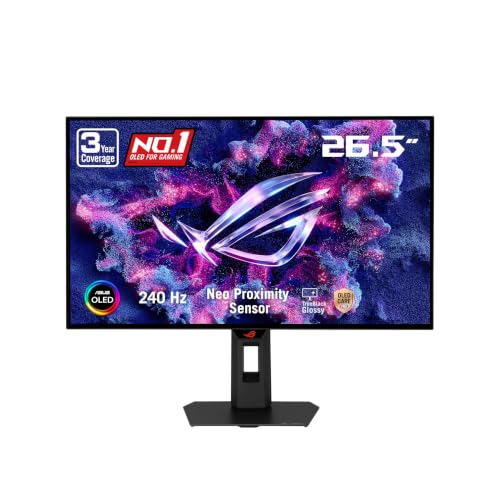
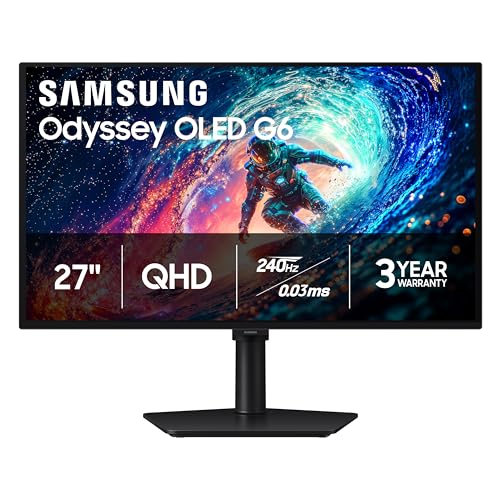
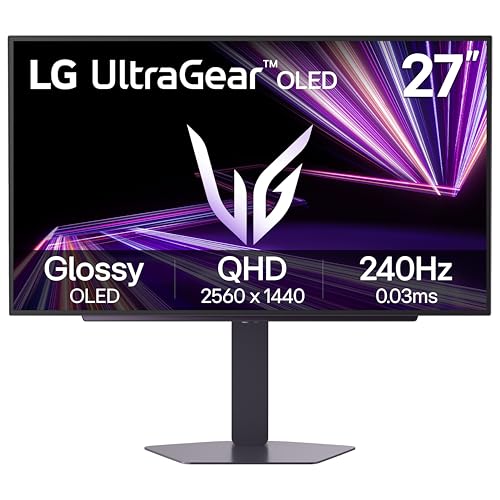
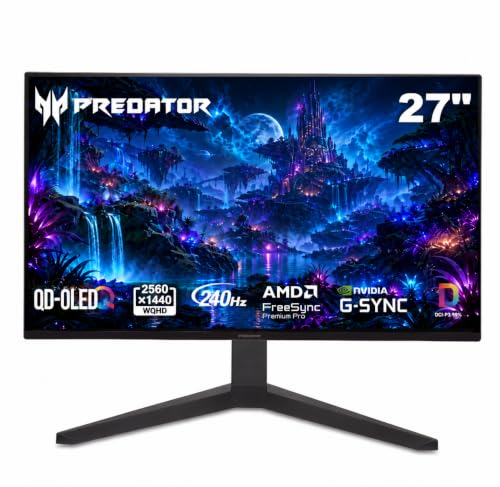
The product table lists current 240 Hz gaming monitors, from 24-inch budget panels to 27-inch OLED models. The sections below explain what to check, and what to skip, so the money goes toward gains you can actually see.


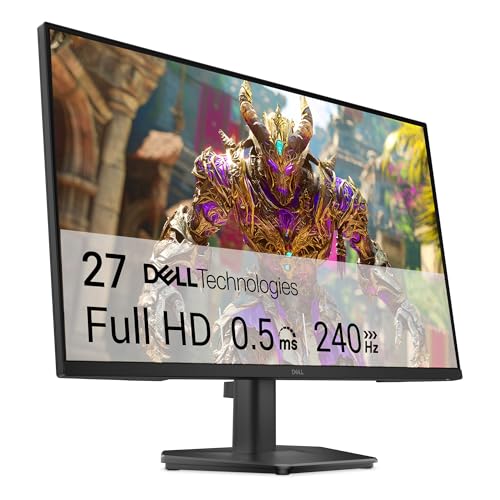

Can Your PC Reach 240 Frames a Second?
A monitor can only show the frames your graphics card produces. At 240 Hz, you want the game to run well above 200 frames a second, which is realistic in esports titles at 1080p or 1440p on a decent graphics card, and unrealistic in the newest demanding games at high settings.
If your PC averages 100 frames a second in your main game, a 144 Hz or 165 Hz monitor feels nearly as good for far less money. Look up your game's typical frame rate on your graphics card before you buy. Our page on the best PC monitors for gaming compares the wider range.
OLED, IPS or VA at 240 Hz
The OLED models in the table, listed with response times of around 0.03 ms, give the cleanest motion, perfect blacks and rich colors. They cost more, and OLED has burn-in care to consider: use the screen-saver features, avoid leaving static windows for hours and keep the brightness reasonable. Read OLED vs mini-LED if you are weighing alternatives.
Fast IPS panels cost far less, keep colors steady and respond quickly enough for competitive play. VA panels offer deep contrast but can smear dark transitions at high speed, so for fast shooters IPS is the safer choice.
Size and Resolution
The 24 to 25-inch models at 1080p are the traditional esports choice: the screen is small enough to see in one glance, and the frame rate stays high. The 27-inch 1440p models, including the OLED panels, give sharper images and more room, and need a stronger graphics card.
A few ultrawide and large curved models in the table offer 240 Hz at larger sizes, which suits immersive play more than competitive aim. Choose the size that matches your distance and desk, not just the number.
Adaptive Sync and Input Lag
Look for G-Sync Compatible or FreeSync and enable it in your graphics driver and the monitor menu. Adaptive sync prevents tearing when the frame rate dips without adding much delay. For the lowest latency, many players cap the frame rate a few frames under the refresh rate.
Avoid image processing modes that add delay, such as motion smoothing or heavy sharpening. A gaming monitor from a known maker has low input lag in its standard mode.
Ports and Cables
For 240 Hz on a PC, DisplayPort is the safest choice, with a cable that is rated for the bandwidth. HDMI can work at 240 Hz on models with the newer standard, but check the listing. A cheap old cable can limit the rate, which makes the monitor seem broken. After connecting, select 240 Hz in your display settings.
Stand and Ergonomics
Look for a stand that adjusts for height and tilt, and check for a VESA mount if you prefer an arm. Players who sit close often like a lower, steadier mount. A heavy OLED monitor may need a sturdier arm than a light IPS one.
Console Use
Modern consoles can output at high rates in some games, usually 120 Hz, so a 240 Hz monitor works but cannot use its top speed on a console. If you play mostly on console, a 120 or 144 Hz monitor with HDMI 2.1 suits you as well.
What to Skip
Skip the extras. Lighting effects, built-in crosshairs and extreme response claims add cost without improving play. Skip a 240 Hz monitor if your PC cannot reach high frame rates. And skip the cheapest unbranded models, since quality control and support vary widely. The best 240 Hz gaming monitors are the ones you can drive and trust.
Tuning Your Setup for Competitive Play
Hardware is half the story. Lower the in-game graphics settings that cost frames but add little, such as shadows, volumetric effects and motion blur. Turn off V-Sync in the game and rely on adaptive sync, and cap the frame rate just under the refresh rate to avoid tearing. Many pros also reduce render scale, since a clean, fast image beats a pretty one when you are tracking a target.
Mouse and sensitivity matter too. A high-refresh monitor makes small mouse movements look smoother, so you may find your aim feels different for a few days. Give yourself time to adapt before changing your settings. With the best 240 Hz gaming monitors, the biggest gains come from using the whole setup well, not from one number on the box.
Sizes, Seating Distance and Eye Comfort
At 24 to 25 inches, you can sit about an arm's length away and take in the whole screen at once. At 27 inches, move back slightly. Position the top of the screen at or just below eye level, and avoid sitting so close that you strain to see the corners. Take breaks between matches, and use the monitor's low blue light mode in the evening if you play late.
FAQs
Is 240 Hz worth it over 144 Hz?
For competitive shooters with a strong PC, it is a noticeable step. For most players, 144 Hz is enough.
Is OLED better for competitive play?
It has the fastest response and clearest motion, but it costs more and needs burn-in care.
Which cable should I use?
DisplayPort, with a cable rated for the bandwidth.
Will it work on my console?
Yes, though the console may not reach 240 Hz.
Final Thoughts
The best 240 Hz gaming monitors pair a fast panel with a PC that can feed it. Check your frame rates first, choose OLED for the best motion or IPS for value, and use DisplayPort. Then compare the models in the product table.
Prices and availability can change, so check the product page before ordering.


