
Best 2K Monitors for 2026: Budget, Midrange and Premium Tiers Explained
Disclosure: We may earn a commission when you buy through links on this page, at no extra cost to you. As an Amazon Associate I earn from qualifying purchases. Learn more

Every tier of the best 2k monitors adds something different, from basic 1440p sharpness to fast panels, color accuracy and docking, so know what each step buys.
The word 2K causes confusion. In the cinema world, 2K means a width of about 2,000 pixels, close to full HD. In monitors, the label is usually applied to 2560 by 1440 pixels, also called QHD or 1440p.
When a listing says 2K monitor, check the pixel numbers rather than trusting the label, and assume 2560 by 1440 unless it says otherwise. The best 2k monitors use that resolution on a good panel in a tier that matches your budget.

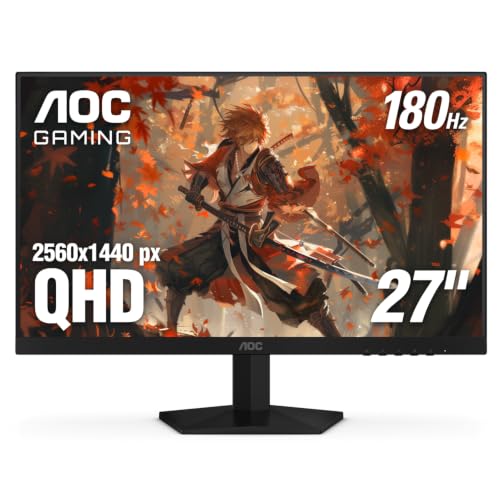
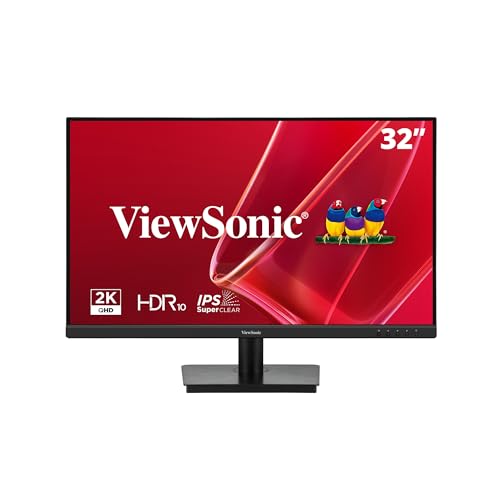
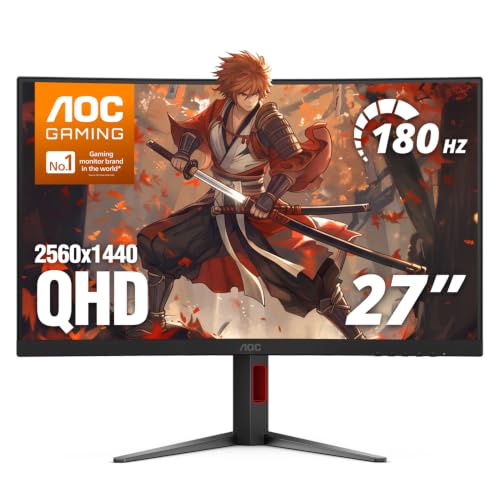

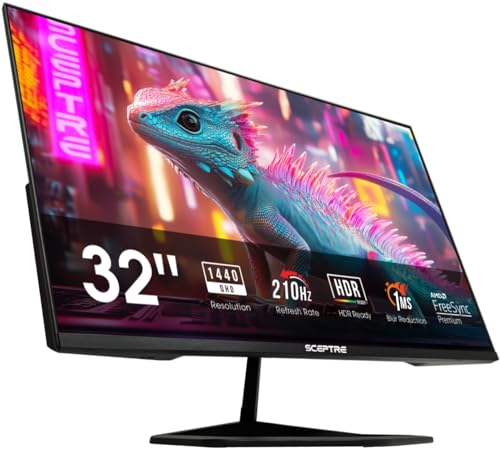
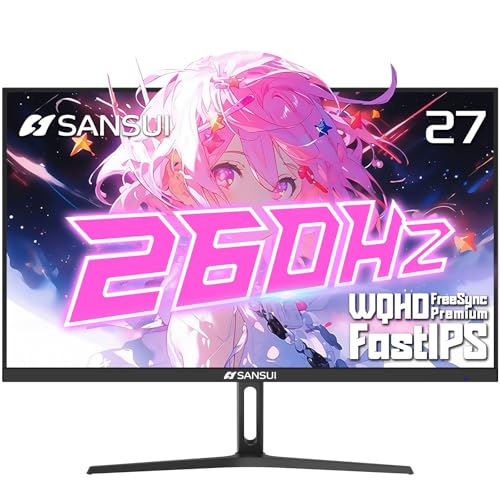


This guide explains what each price tier buys, how to read the labels, what to skip and how to set up the screen so that the resolution shows its benefit.
Reading the Labels: 2K, QHD and 1440p
QHD stands for quad HD because it has four times the pixels of 720p. 1440p refers to the number of vertical pixels. 2K is the marketing shorthand. They all mean the same thing on a monitor.
Do not confuse them with 2560 by 1600 (WQXGA) or ultrawide 3440 by 1440, which are close relatives with different shapes.
Knowing this helps when you search. Searching for 1440p and QHD brings up the same screens, and checking the specification table prevents mix-ups. Our related guide to 2K IPS monitors explains one common panel type in depth.
Budget Tier: Sharpness for Less
In the budget tier you get 1440p on a 24, 27 or 32 inch panel, usually with 75 to 165 hertz and a basic stand. The picture is clearly sharper than 1080p and the price is modest. Expect limited ports, a stand with tilt only and average color accuracy, though the screen suits office work and casual gaming.
If this is your tier, spend on the panel type and the warranty, and skip HDR and curved extras. Use a monitor arm if the stand is weak.
Midrange Tier: Speed and Stands
The midrange adds faster refresh rates, better color coverage and sturdier stands with height adjustment. Many models include USB hubs and variable refresh rate support. This is the tier where most buyers should look, since it balances cost and capability and avoids the compromises of the lowest price.
Choose the strength that matches you: refresh rate for gaming, color coverage for photos or USB-C docking for laptop work. For gaming ideas, see the PC monitors for gaming page.
Premium Tier: Color, Brightness and Docking
At the top you find OLED and mini LED panels, strong brightness, factory calibration and Thunderbolt or USB-C docking with high power delivery. These suit creators, professionals and enthusiasts who want the best motion or the best color. For most home users the extra cost is not necessary, but if you use the screen eight hours a day, premium features can be worth it.
Size Choices
24 inches gives the sharpest picture, 27 inches the best balance and 32 inches the most room. Ultrawide 34 inch models in 3440 by 1440 are a separate class, and they suit multitasking. Pick by desk depth and viewing distance. If you sit very close, choose the smaller size.
Which Features to Skip
Skip HDR badges on screens without local dimming, very high refresh rates beyond your graphics card, and built in speakers if you own headphones. Skip curved panels for design work. Skip features you will not use, and spend on the stand and warranty instead.
Setting Up a 2K Monitor
Set the native resolution and a scale that suits your eyes, choose the highest refresh rate in the display settings, and pick a standard color mode. Adjust brightness for the room. Place the top of the screen at eye level.
Mistakes to Avoid
- Assuming 2K means the same thing as 4K or full HD.
- Leaving a 144 hertz screen at 60 hertz.
- Paying extra for HDR and getting a dull picture.
- Ignoring the stand and warranty.
- Using a very old HDMI cable.
Panel Types Across the Tiers
Budget 2K screens use IPS or VA panels with ordinary color. Midrange models add fast IPS, quantum dot layers and better uniformity. Premium models use OLED, mini LED or professional IPS panels with hardware calibration. A higher tier does not always mean a better fit: a professional color screen has limited refresh rates, and a high end OLED may not suit static office work.
Pick the panel for your main use, and the tier follows. If you split time between work and games, a fast IPS in the midrange tier is the safest all round choice, and it keeps the money for a sturdy stand and a decent warranty.
When to Upgrade and When to Wait
If your current screen is 1080p and you read or work a lot, a 2K upgrade is among the most noticeable you can make. If your current screen is already 2K and works well, upgrade only for a clear gain such as OLED motion or USB-C docking. Do not replace a good screen for a small change in specification.
Watch for seasonal sales and bundle deals, but compare specifications carefully. A reduced price on the wrong panel is not a bargain, and the best time to buy is when you have identified the features that matter to you.
Frequently Asked Questions
Is 2K the same as QHD?
On monitors, yes. Both mean 2560 by 1440 pixels.
Is 2K better than full HD?
Yes. It has about 78 percent more pixels and looks clearly sharper.
Is 2K enough, or should I choose 4K?
For most people 2K is enough and easier to drive. 4K helps if you read or edit detailed images.
Which size is best?
27 inches is the balanced choice.
Do I need a special cable for a 2K monitor?
A standard DisplayPort cable or a high speed HDMI cable works. The version matters if you want a high refresh rate, so use the cable that came in the box.
Can I use a 2K monitor with a console?
Yes, over HDMI, but some consoles do not output 1440p natively and will scale the picture, so check your console's documentation.
Final Thoughts
The best 2k monitors depend on the tier you choose and the features you use. Check the pixel count, spend on the panel and stand, and ignore marketing extras. Then set up the screen carefully to enjoy the sharper picture.
Prices and availability can change, so check the product page before ordering.


