
Best 23 Inch Monitors in 2026: Pick the Right Type for Your Desk
Disclosure: We may earn a commission when you buy through links on this page, at no extra cost to you. As an Amazon Associate I earn from qualifying purchases. Learn more

Best 23 inch monitors range from calm office screens to fast gaming panels. Pick the type that suits your work, play and desk space.
A 23-inch monitor sits in the sweet spot between a cramped small screen and a desk-dominating large one, and the best 23 inch monitors come in three flavors: calm office models, smooth gaming panels and a few sharper QHD screens. Which is right depends on what you do with it every day.
Most monitors sold as 23-inch are really 23.8-inch panels, the same physical size as most 24-inch monitors. The product table lists the models currently available. This guide sorts them by use, so you can skip the ones that do not fit your routine.
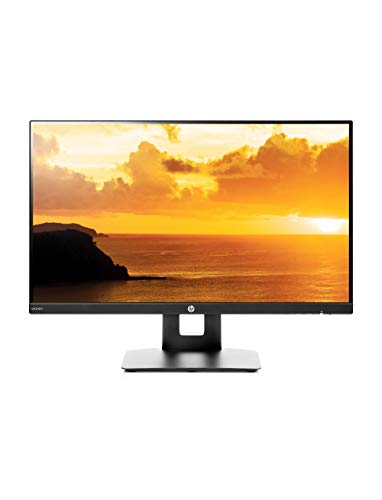
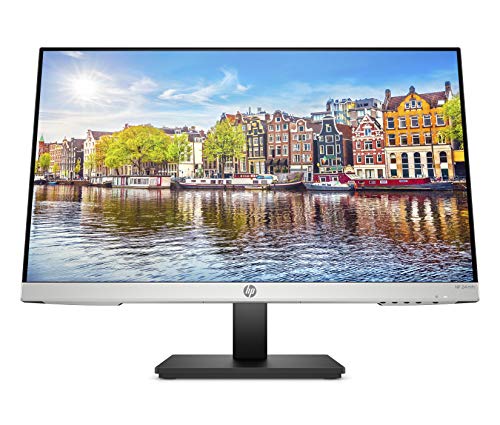
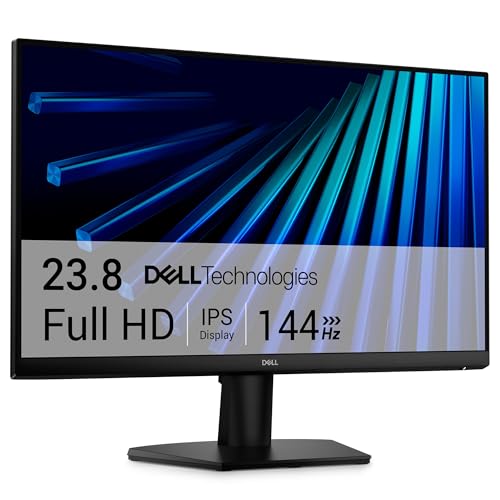

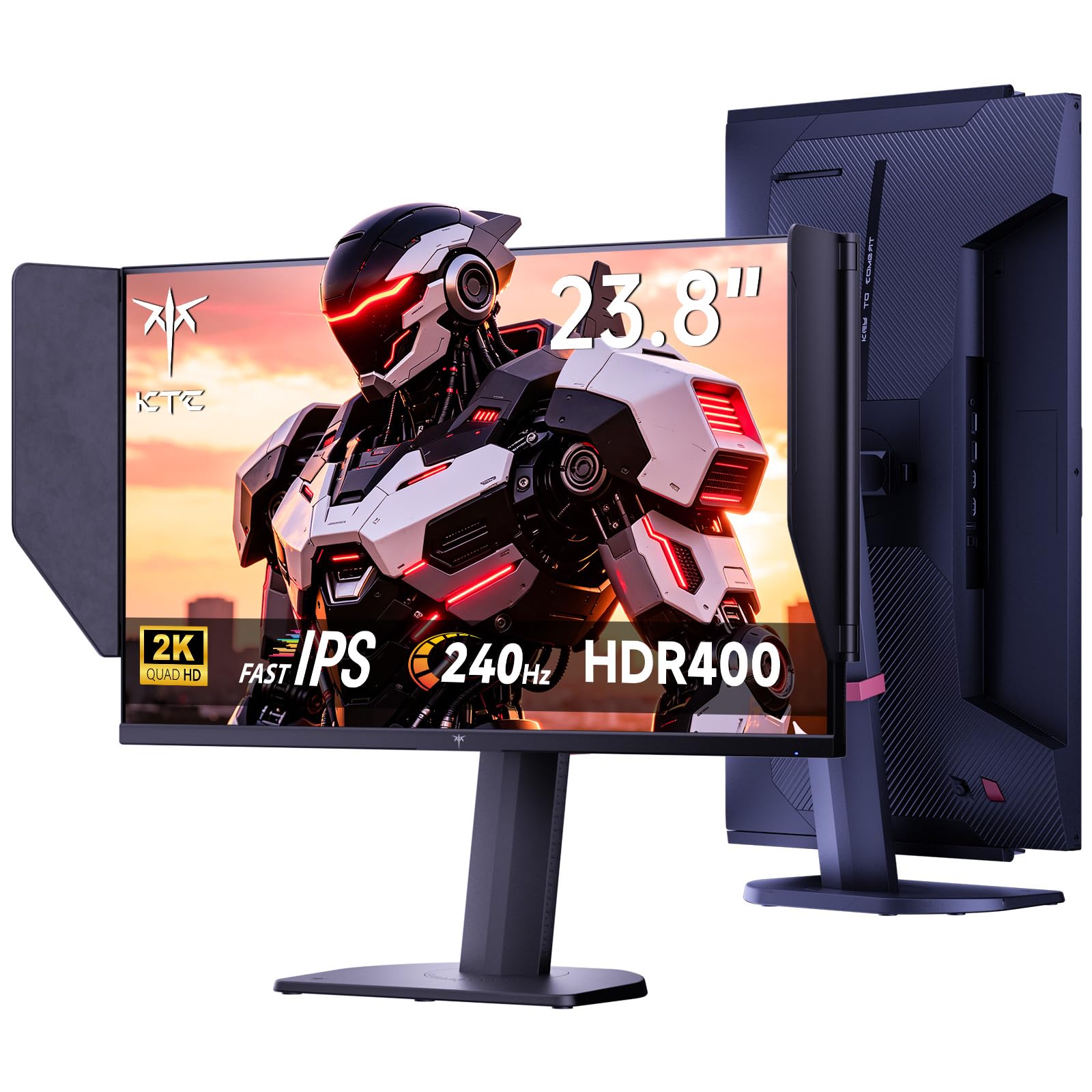

Which Type Are You?
The office and study user
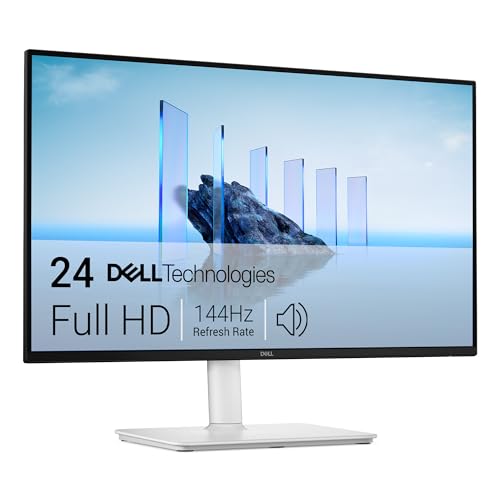
You want a comfortable, readable screen that does not tire your eyes, with speakers for calls and a stand that adjusts. A 1080p IPS panel with a flicker-free backlight is ideal. Two matching monitors give you room for a document and a browser side by side. See our guide to the best 23 inch computer monitors for the same range from a desk-setup angle.
The casual gamer
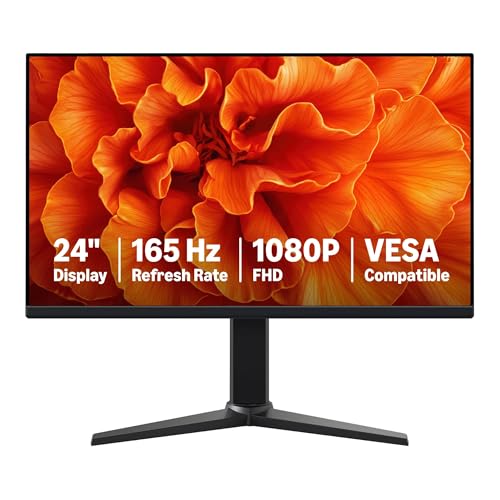
You want a fast refresh rate, adaptive sync and a sharp image without paying for flagship features. A 144Hz or 165Hz 1080p monitor is the sweet spot, and the table includes models at modest prices. Check for a DisplayPort input to run the rate your graphics card can deliver.
The competitive player
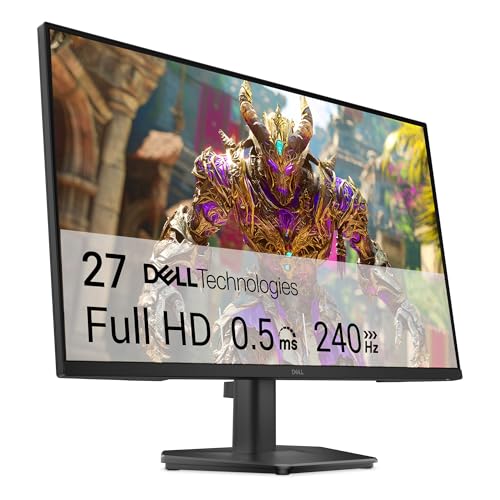
You want the quickest panel your hardware can use. A 240Hz model at this size gives a very smooth image, but only if your computer can feed it consistent frame rates. Without a strong graphics card, you will not see the difference.
The creator
You want accurate color, a sharp picture and enough room for toolbars. A QHD IPS panel with good sRGB coverage is the better pick, and the table has one at a fair price.
Panel Technology
IPS dominates the table for good reason: color stays stable across viewing angles and text looks clean. VA offers more contrast and is common in budget gaming monitors. Check the panel type in the listing, and prefer IPS if two people share the screen or you edit photos.
Anti-glare coatings reduce reflections, and a matte finish suits a bright room. A brighter panel helps if the monitor faces a window. A monitor with an eye-care mode helps in the evening.
Size Comparisons
If you are unsure whether 23 inches is the right size, compare it with a larger option. The best 27 inch monitors give more room and are nicer for movies, while the best 24 inch monitors are basically the same size as 23.8-inch screens. For a big jump, see the best 32 inch monitors.
At 23.8 inches, you can sit closer and keep your whole view in sight. At 27 inches or more, you need more distance, and the desk must be deeper.
Setup and Comfort
Place the top of the screen near eye level and about an arm's length away. Use an arm if the stand does not adjust. Put the monitor away from direct window glare, and adjust the brightness to match the room. If you use two screens, make them the same height.
Keep cables in a tidy bundle behind the screen. A short, thick cable can stress a port when the monitor tilts, so allow some slack. Clean the screen with a dry microfiber cloth.
What to Check Before You Buy
Look at the ports, the refresh rate, the panel type, the stand and the warranty. Check the weight if you plan to wall-mount, and the VESA pattern for brackets. Compare the price with the total cost, including any arm or cable you might need. A monitor is a daily-use item, so pay attention to comfort over the headline number.
Budget Planning
Monitors at this size span a wide price range, and the right budget depends on use. For general office work, a modest IPS model is enough. For gaming, set aside a bit more for a high refresh rate. For creative work, QHD costs more still. Remember to add the price of an arm, a longer cable or a pair if you want a dual setup, so you know the real total before you buy the best 23 inch monitors on your list.
If your budget is tight, buy the best panel you can afford rather than extras. A comfortable screen is worth more than built-in speakers you will replace with headphones.
Quick Checks After Unboxing
Connect the monitor and show a plain white screen, then a black one. Look for stuck pixels, uneven brightness or light leaking from the edges. Run a moving image to check for ghosting, and confirm that the refresh rate option appears in your operating system settings. If anything looks wrong, contact the seller during the return window rather than living with it.
Finally, set up the picture mode. A neutral preset with moderate brightness serves most people. Save a gaming mode for games and a reading mode for the evening.
If you share the desk with someone else, think about a monitor with height adjustment so both of you can sit comfortably. Little things like an easy-to-reach power button and a clear on-screen menu matter every day, and they are worth a look in the photos and the user feedback on each listing.
FAQs
Are 23-inch monitors the same as 24-inch?
In practice, yes. Most are 23.8-inch panels.
Is 144Hz worth it?
For games, yes. For documents, it makes scrolling a little smoother.
Do I need QHD?
Only if you want sharper text or do creative work. 1080p suits most users.
Can I wall-mount it?
Most have a VESA pattern. Check the listing before buying a bracket.
Final Thoughts
The best 23 inch monitors are the ones that match your use: calm and comfortable for the office, quick for gaming or sharp for creative work. Pick the type first, then compare the models in the product table by panel, ports and stand.
Prices and availability can change, so check the product page before ordering.


